SOM-1651-002.pdf - 第21页
20 Tg0754-PM-SO 0206-001 8.2 T roubleshooting after "ERROR" Window (Error ID) 8.2.3 Error IDs and Remedial Procedures T able 5 Error ID Item Description Component Reject Conveyor [B] Component reject conveyor […
19 Tg0754-PM-SO0206-001
8.2 Troubleshooting after "ERROR" Window (Error ID)
8.2.2 Error IDs and Controlled Areas
Basic System of Error IDs
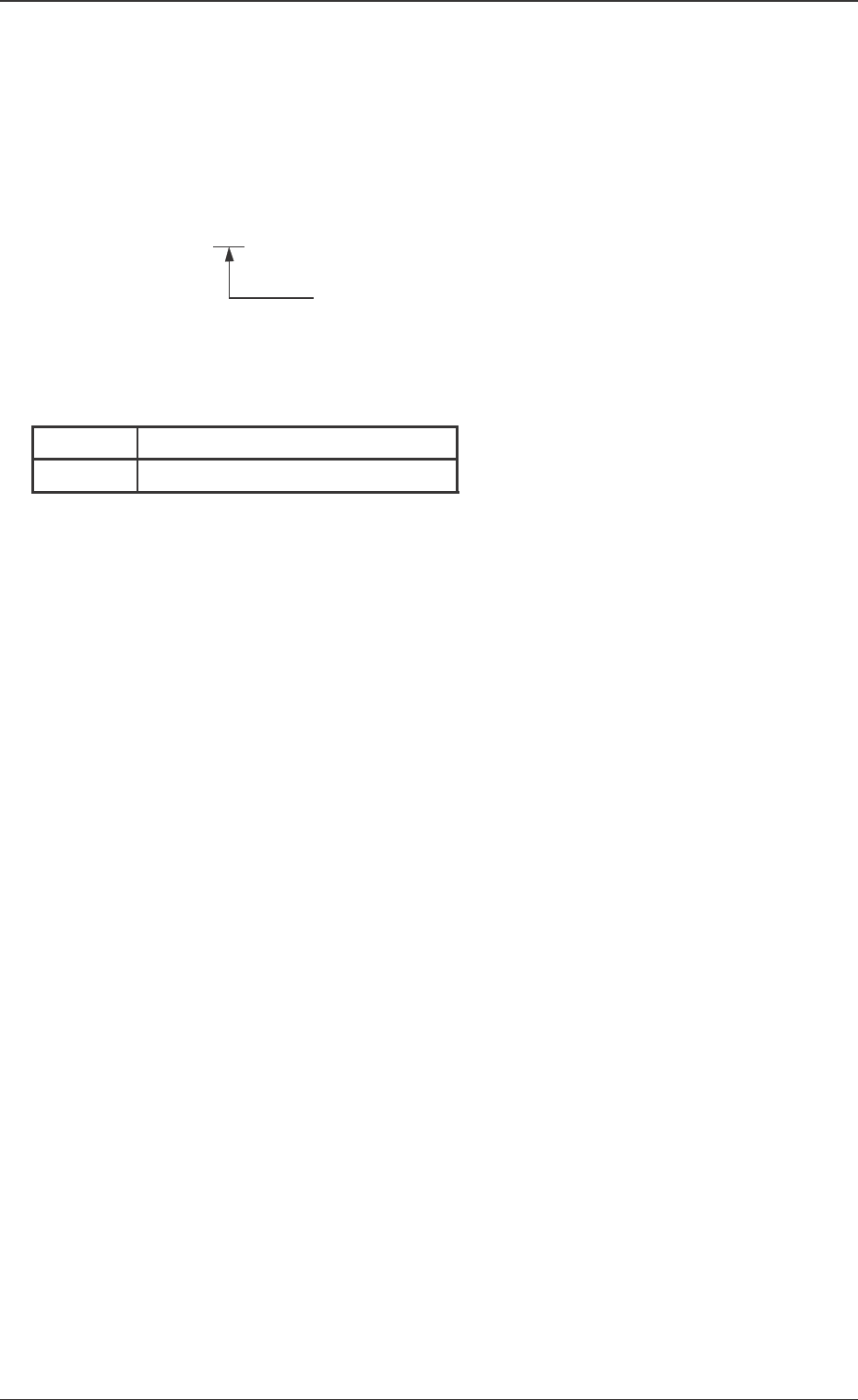
An error ID is expressed by 6 digits (decimal number) as follows.
"Process Error"
Error IDs and Controlled Areas
Error ID
78
Process Error
Component Reject Conveyor
Table 4
20 Tg0754-PM-SO0206-001
8.2 Troubleshooting after "ERROR" Window (Error ID)
8.2.3 Error IDs and Remedial Procedures
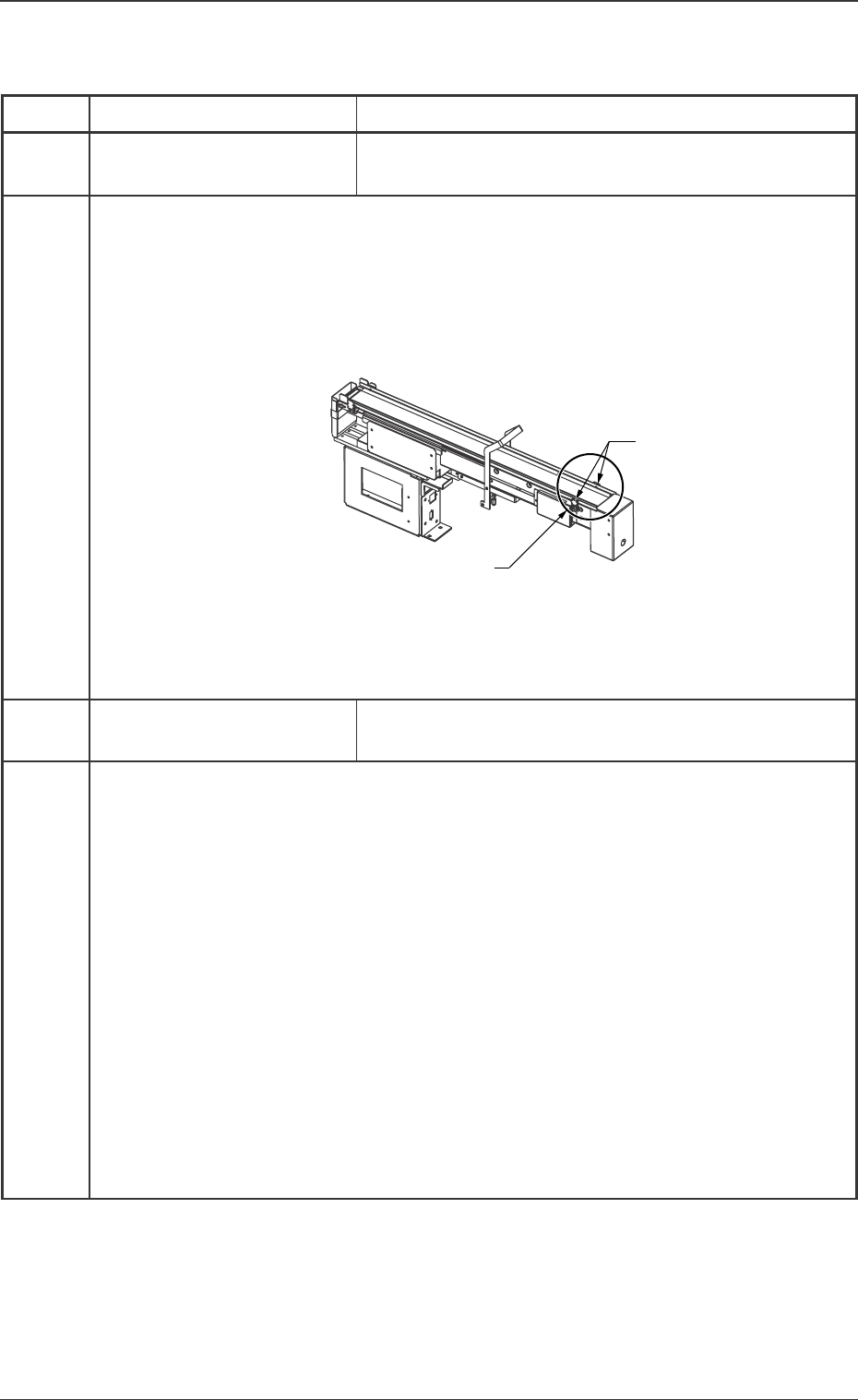
Table 5
Error ID Item Description
Component Reject
Conveyor [B]
Component reject conveyor [B] became full.
(Cause 1) The recycle conveyor (B) is filled with components.
(Remedy 1) Recover it with the following procedure.
(1) Press the [RESET] button.
(2) Remove the component on the Section A manually.
(3) Press the [MANUAL] switch and remove components on
the recycle conveyor and in the component storage box.
(4) Then restart the automatic operation.
780401
Component Reject
Conveyor [B]
Recycle Conveyor Motor ON Time-Out (BPH651)
780402
(Cause 1) Possible motor wiring error.
(Remedy 1) If the recycle conveyor will not move, even though the
[MANUAL] switch is pressed, there might be a motor wiring
error. Check the wiring. Then start the automatic operation.
(Cause 2) Possible sensor light axis deviation or wiring error.
(Remedy 2) Check whether the sensor output condition changes in the
input check window when the sensor is shielded by hand. If
the sensor output condition is not changed, the sensor light
axis might have deviated or there be a sensor wiring error.
Check the sensor light axis or wiring. Then restart the auto-
matic operation.
-BPH652
A
Tg0754-PM-SO
9. Materials
9.1 Parts Location
9. Materials
0206-001-(M756YCC--2101) 21
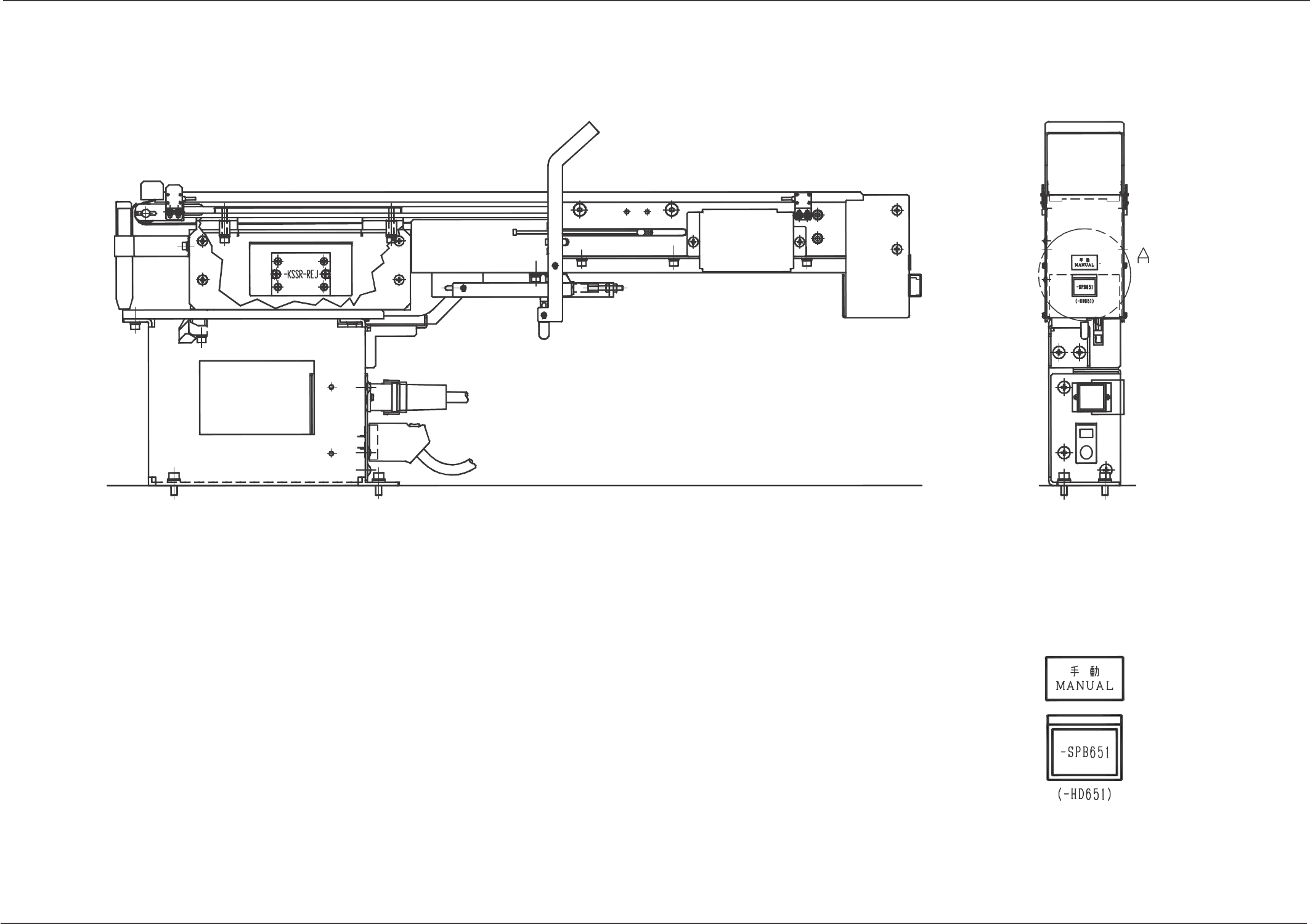
Section A Detailed Drawing