故障排除Troubleshooting.pdf - 第19页
Page 17 IM T r oubleshooting 52489101 Rev . B This document supports Radial 88, VCD Seq 88, and Jumper Wire 88 machines. Troubleshooting Table - Component Transfer Errors (VCD and Radial Only) The following table lists p…
Page 16
52489101 Rev. B IM Troubleshooting
This document supports Radial 88, VCD Seq 88, and Jumper Wire 88 machines.
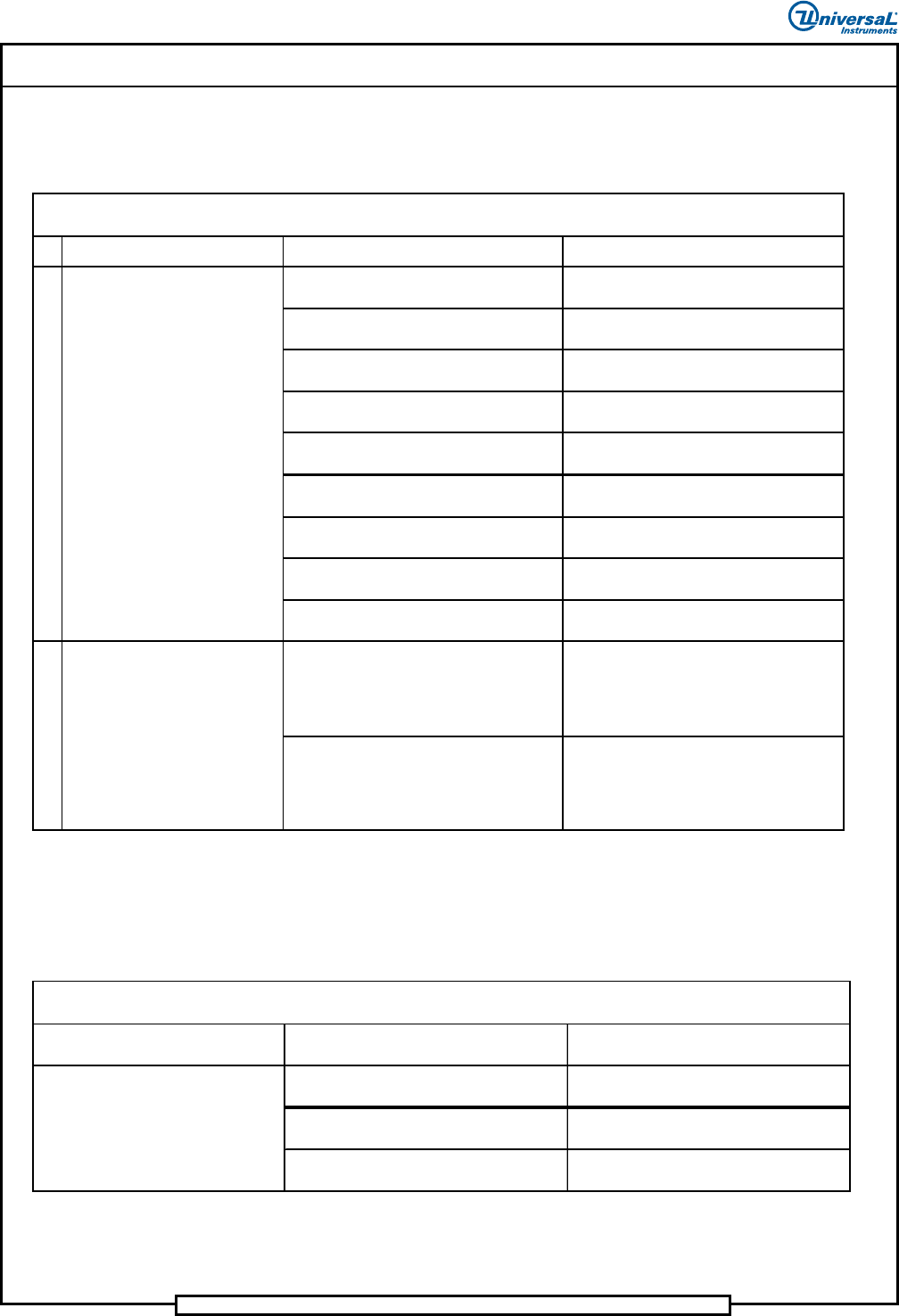
Troubleshooting Table - Feeder(Radial Only)
The following table lists possible error scenarios for feeder errors.
Indicated Trouble Probable Cause Corrective Action
Dispensing head out of components. Load components.
Component carrier tape damaged.
Cut out damaged area and splice
component tape back together.
Dispenser head to carrier clip out of
alignment.
Adjust per maintenance manual.
Incorrect ratchet wheel adjustment. Adjust per maintenance manual.
Incorrect cutter gap adjustment. Adjust per maintenance manual.
Incorrect cylinder stroke adjustment. Adjust per maintenance manual.
Failed drive cylinder, control valve or
solenoid.
Replace failed part.
Failed 16AC Out PC board. Replace failed PC board.
Head not plugged in or plugged into wrong
con nector.
Plug head into correct connector.
Emitter/receiver sensor alignment to feeder
out of specification.
Adjust per Maintenance Manual.
Slow acting feeder.
Clean and lubricate per Preventive
Maintenance instructions.
Components not transferring
to carri er clip
Troubleshooting Table - Feeder
1
Component has been
succe ssfully transferred to the
carrier clip, but the machine stops
with one of the following error
messages displayed:
• Machine waiting for dispensing
head extend
• Machine waiting for dispensing
head retracted
2
Troubleshooting Table - Cutter Station (Radial Only)
The following table lists possible error scenarios for cutter station errors.
Indicated Trouble Probable Cause Corrective Action
Cutter station is out of adjustment.
Adjust per maintenance manual
(Sequencer section).
Failed 32 DC Out PC board. Replace failed PC board.
Damaged pull down fingers. Inspect and replace if necessary.
Carrier tape is not cut or is
improperly cut.
Troubleshooting Table - Cutter Station Errors
Page 17
IM Troubleshooting 52489101 Rev. B
This document supports Radial 88, VCD Seq 88, and Jumper Wire 88 machines.
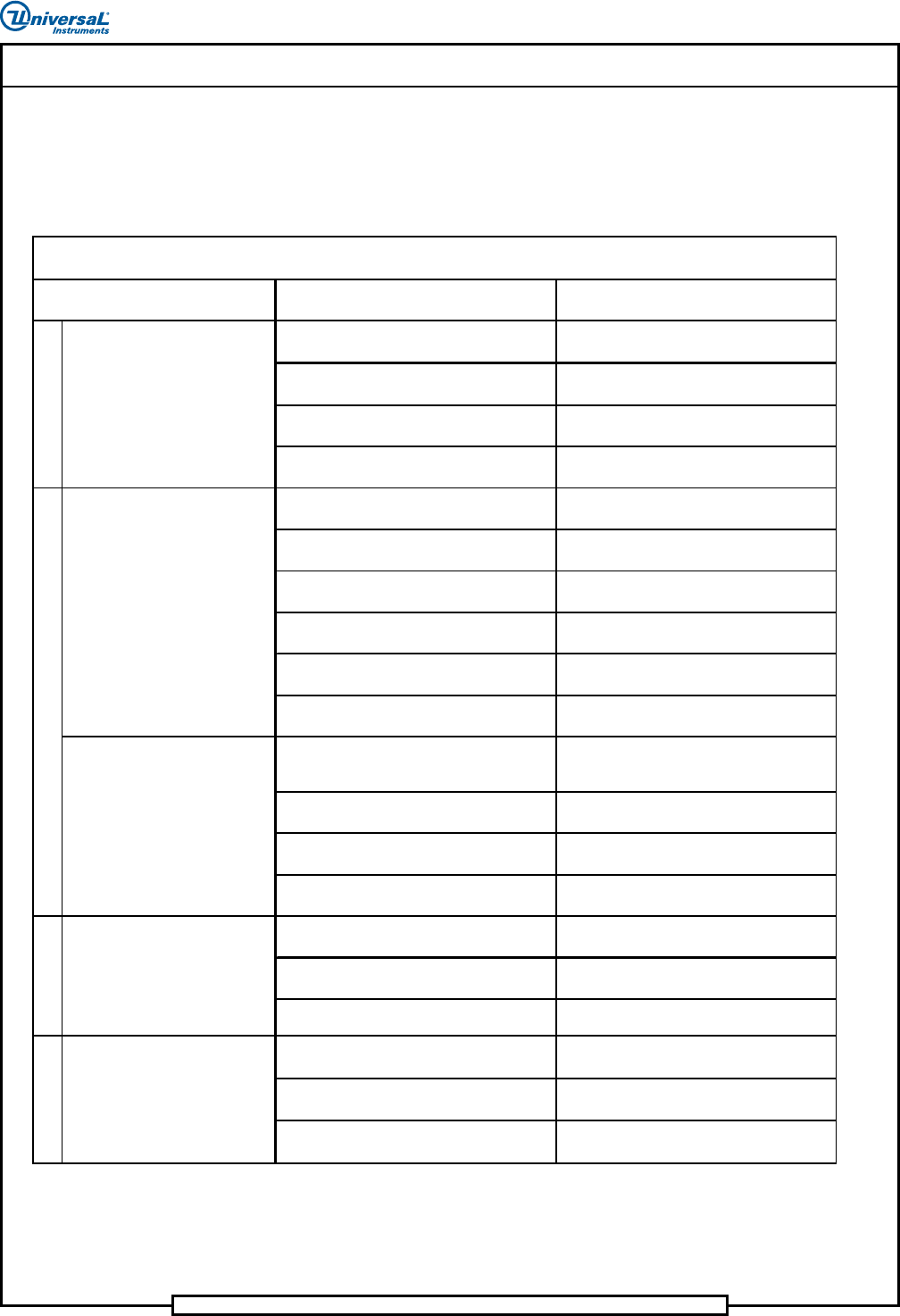
Troubleshooting Table - Component Transfer Errors
(VCD and Radial Only)
The following table lists possible error scenarios for component transfer
errors.
Probable Cause Corrective Action
Refire error. Check refire board and optical sensor.
Dispensing head not adj usted for
component type.
Adjust dispensing head as required.
Faulty MMIT I/O board. Replace faulty board.
Worn or leaky air cylinder on a particular
feeder.
Replace seals on cylinder.
Chain misaligned or dispensing head pitch
wheels incorrectly set.
Check chain alignment or adjust
dispensing head pitch wheels.
Input components binding. Check component input and clear binding.
Drop timing improperly set. Correct drop timing and reset as required.
Chain to chain transfer not properly set.
Check chain to chain and adjust as
re quired.
Refire malfunctioning or disabled.
Repair, replace or enable refire as
re quired.
Worn or leaky air cylinder on a particular
feeder.
Replace seals on cylinder.
Spans are increasing more than .300 inch
(7,6mm) between pattern steps.
Reprogram pattern steps to eliminate span
increases more than .300 in. (7,6mm).
Shear blocks edges are dull. Replace shear blocks.
Broken or worn compression springs in
chain clips.
Replace faulty compression springs.
Worn chain clips. Repla ce faulty chain clips.
Home pulse not generated, encoder failed.
Refer to maintenance procedures and
re place encoder.
Home pulse not detected. Motion control
board failed.
Refer to maintenance procedures and
re place motion control board.
Faulty limit switch or wiring.
Troubleshoot wiring or replace faulty
switch.
Transfer stroke is too long or short.
Adjust CTA to head stroke per
maintenance manual.
CTA latch timing adjustment/worn or
broken spring .
Adjust timing per maintena nce man ual/
re place spring.
CTA is not aligned with the insertion head.
Align CTA to head per maintenance
manual.
4
Troubleshooting Table - Component Transfer Errors
VCD only:
Two or more components in one
sequencer chain position.
1
VCD only:
Components intermittently
missing from sequence.
Indicated Trouble
5
VCD only:
Scrap leads falling out of chain
clips.
VCD only:
Head chain goes into limit error
when START is pushed.
Radial only:
Component leads are bent.
2
3
Page 18
52489101 Rev. B IM Troubleshooting
This document supports Radial 88, VCD Seq 88, and Jumper Wire 88 machines.
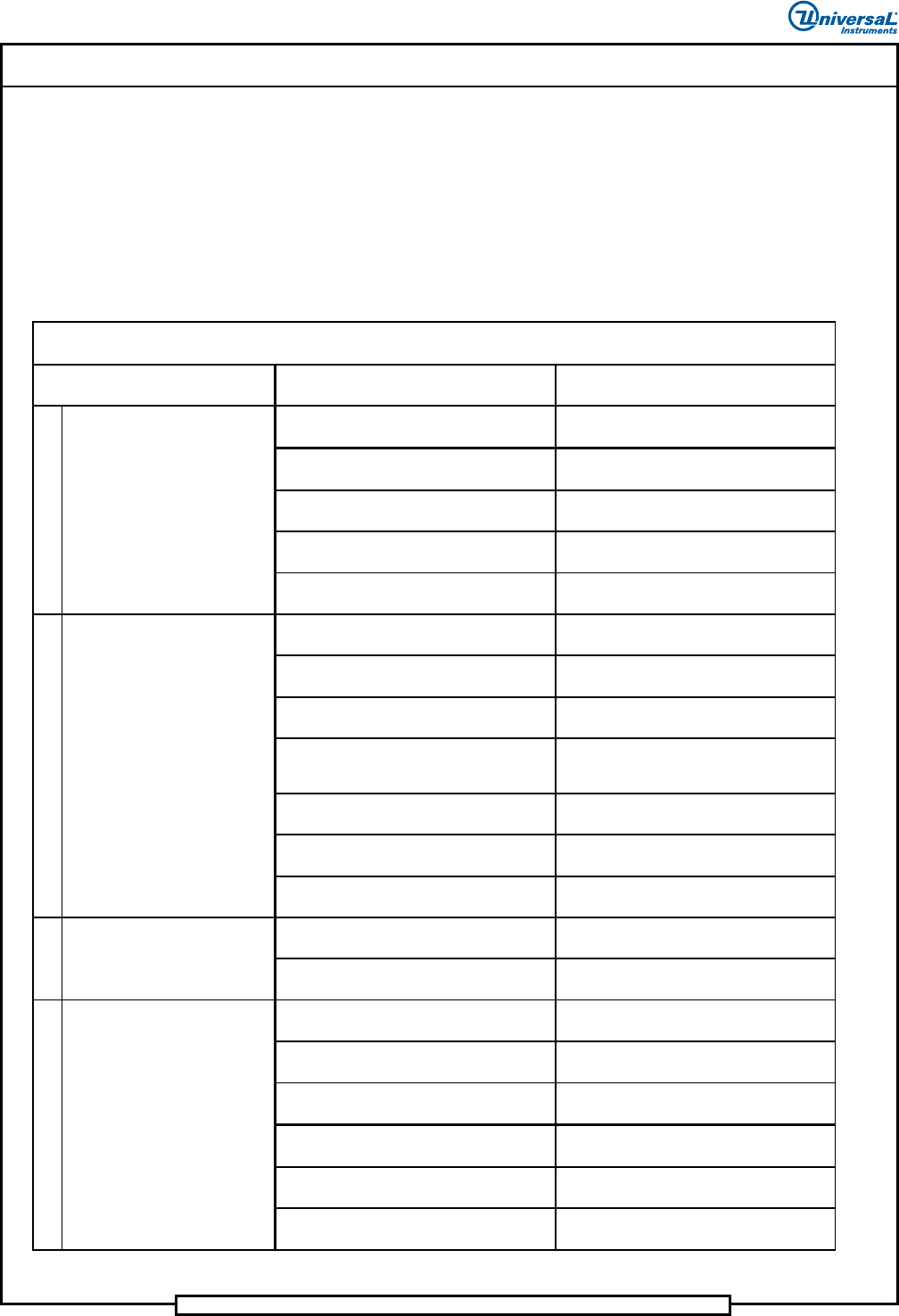
Troubleshooting Table - Clinch Assembly
The following tables lists possible error scenarios for the clinch assembly.
VCD and Jumper Wire Only
This table is for VCD and Jumper Wire.
Probable Ca use Correc tive Action
Pattern step list has an "ignore continuity"
command.
Determine why the command is there, and
take corrective action.
VCD O nly:
Clinch cutter stroke too long.
Refer to maintenance procedures and
adjust cutter stroke.
Multi input card bit switch settings are
incorrect.
Refer to maintenance procedures and set
bit switches.
Multi input card failure. Replace failed card.
Broken continu ity cable/wires. Replace faile d cable.
Clinch set up incorrect.
Refer to maintenance procedures and
adjust clinch setup.
Multi input card bit switch settings are
incorrect.
Refer to maintenance procedures and set
bit switches.
Multi input card failure. Replace failed card.
VCD O nly:
Leads clogging clinch or scrap tubes
causes shortened clinch.
Clean clinch and scrap tubes.
Broken continu ity cable/wires. Replace faile d cable.
Clinch dirty. Clean clinch.
Worn cutter bushings. Replace cutter bushings.
Clinch jammed. Remove clinch jam.
Clinch failed.
Refer to Clinch Functional Problems in this
document.
Incorrect tooling to printed circuit board
clearance.
Refer to maintenance section and adjust
tooling to board clearance.
Clinch height set too low.
Refer to maintenance section and adjust
clinch height.
Incorrect head to clinch alignment.
Refer to maintenance section and align
head to clinch.
Printed circuit board not properly
positioned .
Correct board positioning problem.
CAP span value set too small. Reset CAP to correct value.
Clinch cu tter stro ke ou t of a djustme nt.
Refer to Maintenance manual (Cutter
Stroke Adjustment section).
1
2
Troubleshooting Table - Clinch Assembly
Jumper Wire and VCD Only
4
Component leads are clinched
but leads are too long.
Indicated Trouble
3
Machine does not detect insert
errors.
Machine reports insert errors
when insertion is good.
Leads not clinched.