JAKA Zu 7电控柜V2.1-硬件手册(英文版).pdf - 第41页
39 1. 1.T here ar e a large number of connection interfaces between the printed circuit boards. Keep c autious when replacing parts to av oid missing insertio n or omission. 2. 2.If it causes ele ctric shock or fire, it …
38
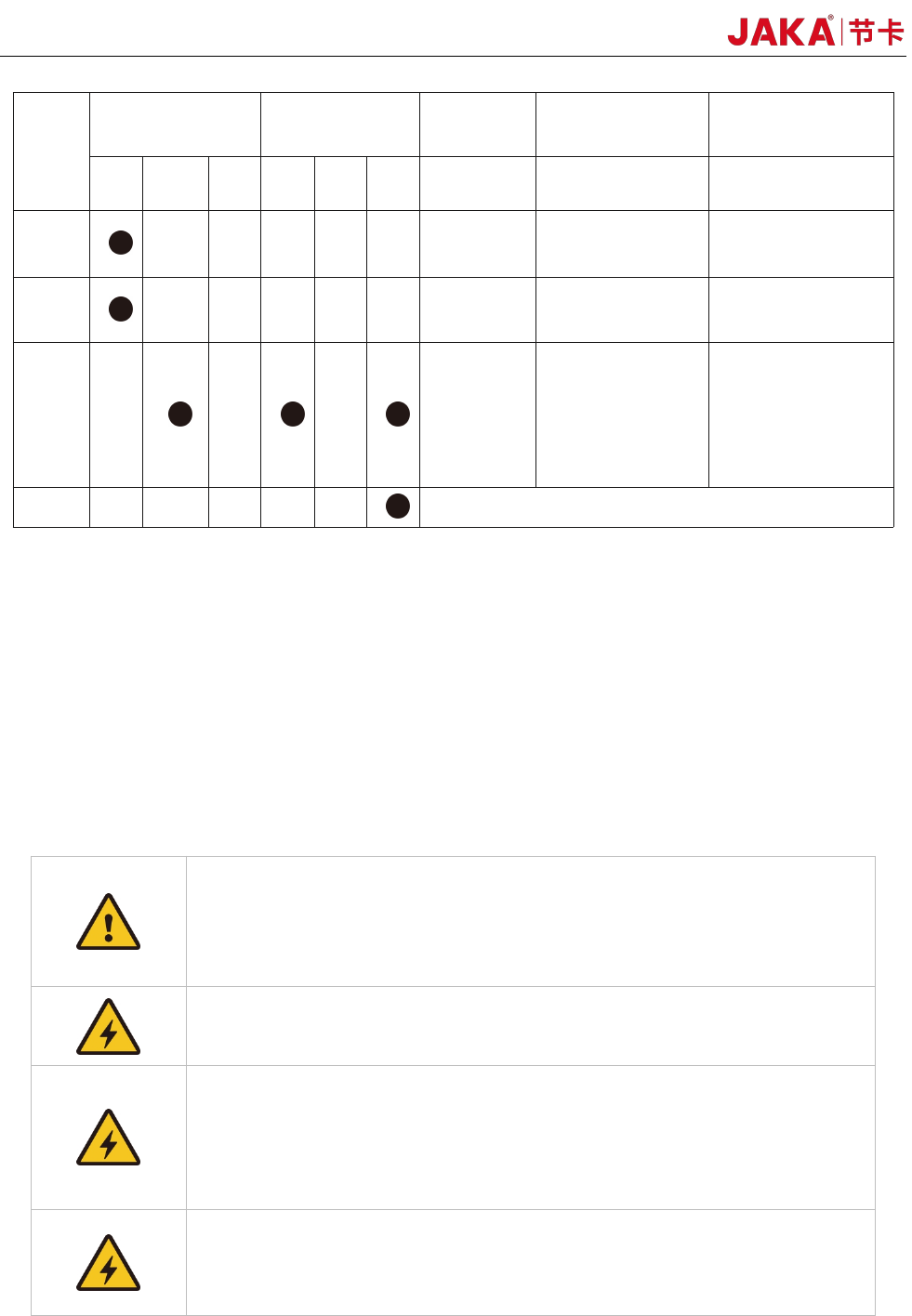
Verification
number
Inspection cycle Maintenance
Inspecting
Parts
Inspecting Content
Inspection/process
ing method
Daily
Every 3
months
Every 1
year
4 year
5 year 8 year
1 Surfaces
Whether there is
splashes, dust, etc.
Visual confirmation,
cleaning
2 Filters
Whether there is dirt or
blockage
Visual confirmation,
cleaning, replacement
3
Cables
Confirm whether there
is any damage or
fragmentation
•Confirm whether the
connectors are loosed.
Visual confirmation,
tightening. Replace the
cable when it is
obviously damaged.
4 Overhaul
(P.S.) Use a soft cloth to remove dusts when cleaning. Do not blow off dust with equipment such as air
blowers. Wind pressure will cause the dusts to enter the inside of the fan and the blades rotate at a speed
exceeding the rated speed, which may cause the fan to malfunction or affect its life. Only use the vacuum
cleaner on the blade section. Do not vacuum the rotating part or the main body, which can cause the fan to
malfunction or reduction of the fan’s service life.
5.3 Parts Replacement and Preservation
When replacing the parts of the robot control unit, please observe the following precautions and work
safely.
1、 Do not carry out any modification of our products.
2、 Fire, malfunction, and wrong movements caused by modification may result
in personal injury or damage to the robot.
3、 Any loss caused by the user's own modification of JAKA's products is not
covered by JAKA’s warranty.
1、 To prevent electric shock, when replacing parts, please turn off the circuit
breaker, and then turn off the main power supply.
1. Turn off the main power, wait for 5 minutes, and then the parts could be
replaced if needed.
2. There is a risk of electric shock, due to residual charge in the electronic
components.
3. Do not use wet hands for work.
4. In case of electric shock, it will result in serious injury or death.
1. 1.The replacement must be carried out by the specified operator.
2. 2.Electric shock or being caught by a robot accidentally can result in serious
injury or death.
JAKA Zu 7 V2.5
39
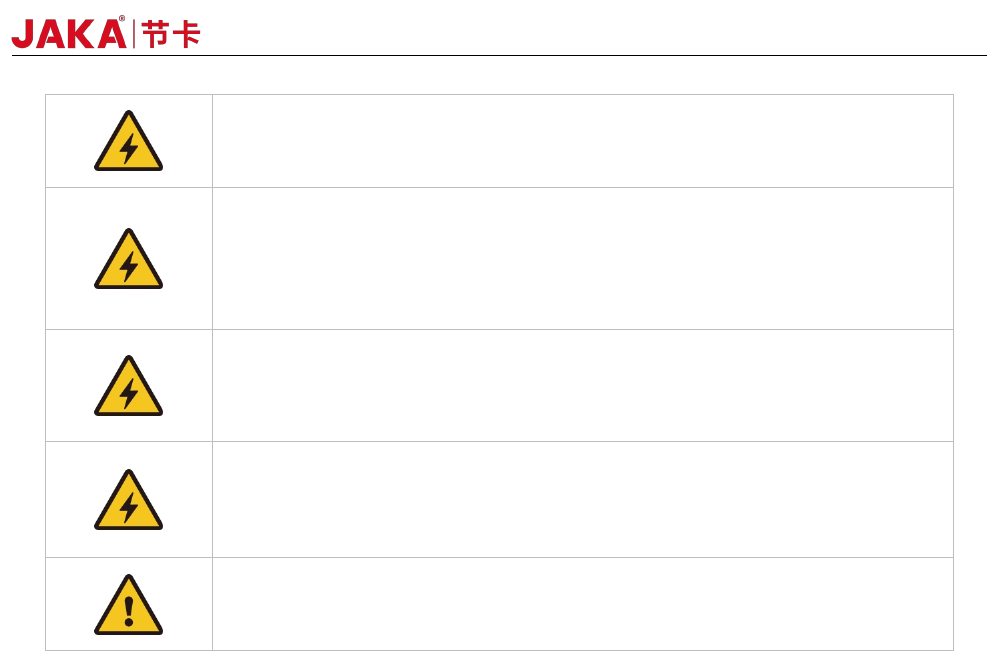
1. 1.There are a large number of connection interfaces between the printed
circuit boards. Keep cautious when replacing parts to avoid missing insertion
or omission.
2. 2.If it causes electric shock or fire, it will result in serious injury or death.
1. 1. Do not damage the wiring or pull the connector when it is replaced.
2. 2.Do not touch the electronic components of the printed circuit boards and the
contact parts of the wiring or interface when replacing. Hold the edge of the
printed circuit board when replacing.
3. 3.If you accidentally touch them, it may cause electric shock, resulting in
serious injury or death.
1. In order to carry out maintenance and inspection work, the power should be
turned on once while the electrical cabinet’s door is ope. Do not let the inside
of the electrical cabinet be exposed to direct sunlight or searchlights,
otherwise it will cause malfunction or wrong movements.
1. 1.Before performing maintenance, the operator should discharge static
electricity in advance.
2. 2. Antistatic wrist straps are very effective.
3. 3. Failure to take any precautions when touching electrical components
directl
y
, electrical components ma
y
malfunction.
1. After the maintenance is completed, check if there is any gap or if any cable
is caught. After that, reinstall the case. If there is a gap, it may cause dirt,
dust, etc. to enter the inside of the electrical cabinet, which will cause
malfunctions.
5.3.1 Filter cleaning and replacement
1.Power off the electrical cabinet.
2.Remove the nut from the filter housing.
3.Clean the dust adhering to the filter by blowing it out. Dust should be blown from the inside of the
electrical cabinet during cleaning. When there is dirt, etc., apply warm water or a neutral detergent. And if
it still cannot be cleaned, it should be replaced.
4.Installation should be carried out in the reverse order of removal.
When cleaning with warm water or a neutral detergent, it should be fully dried before installation.
5.3.2 Part preservation
According to the life and frequency of use of the components, the recommended spare parts are divided
into two categories: A and B.
Maintenance parts • A: Main maintenance parts for daily maintenance and inspection
A-1: Important backup parts
・ A-2: Regular replacement parts / recommended spare parts
◆Maintenance parts • B: Maintenance parts prepared when purchasing multiple robots
・ B-1: Parts purchased from JAKA
In order to maintain normal operation, the A-1 and A-2 are the minimum necessary important parts. It is
recommended to prepare one whole set. In addition, the printed circuit board uses highly reliable components,
so please pay attention to the following points during storage.
JAKA Zu 7 v2.5

40
•Preservation temperature -10℃~+50℃
•In order to maintain its reliability during long-term storage, it is recommended to maintain the temperature
within 25℃±10℃. Please avoid sharp temperature changes (10℃/ hour or more).
•Preservation humidity 20~85%RH
In order to maintain its reliability during long-term storage, it is recommended to maintain the humidity
within 45%-65%. Avoid condensation or mold during storage.
•anti-static measure
Static electricity is easy to generate in extremely dry conditions, and the shock during electrostatic
discharge may damage the semiconductor. Please put it in an anti-static bag.
•Other environmental conditions
Please store it in an environment where no toxic gases, dirt, or dust are generated. Do not place heavy
objects on it during storage.。
5.4 Service Commitment
I.JAKA will provide users with the following equipment warranty and maintenance services:
Equipment provided by JAKA: from the day of acceptance of the equipment, the equipment enters the
warranty period. The warranty period is 1 year. During the warranty period, if the equipment is faulty, JAKA will
be responsible for repairing and maintenance. After receiving the user's equipment failure report, if the fault is
caused by JAKA's equipment, JAKA is responsible for providing the warranty and promptly repairing. If the fault
is caused by one of the following situations, it is not included in the free warranty, and the user should pay for
the cost of equipment. JAKA should assist in troubleshooting as soon as possible to restore the equipment
back to normal:
1. User does not operate according to the operating procedures;
2.User damages the equipment on purpose;
3.Other failures caused by force majeure factors (such as lightning strikes, earthquakes, and floods, etc.)
Our company JAKA provides free maintenance services to users during the one-year warranty period.
After the expiration of After the warranty periodexpires, our company JAKA will continue the after-sales service
procedures:
1.By negotiating with the user unit, the content and format of the service application form and the support
service implementation report are will be determined, and the user unit and the company JAKA will respectively
designate the related personnel respectively.
2. If the user needs support services, it is required to fill out the service application form and fax it to JAKA.
If the situation is urgent, user can call directly to request the service.
II.Range and content of support service
1.Our company JAKA promises to provide maximum technical services in all dimensions throughout the
project, including: hardware maintenance support service and software training support service.
2.Hardware maintenance support service: We JAKA promises to be responsible for maintenance of any
equipment during the equipment warranty period, and the user does not have to pay any fees (except for
JAKA Zu 7 V2.5 and