ELA Generic Tooling.pdf - 第21页
MACHI NE PROG RAMMI NG STAGE 5 C - DE DICAT ED TOO LING User Manual 1.35 The following window and menu bar is di splayed: 40. Sel ect Continue (F1). 41. Sel ect Auto Board (F1). The message ‘Board on r ails, r emove and …
MACHINE PROGRAMMING
STAGE 5C - DEDICATED TOOLING
1.34 User Manual
31. Select Contact Height (F3).
The following window and menu bar is displayed:
32. Select Continue (F1). The message ‘Table at Contact Height. Check
Tooling Clearance’ is displayed.
33. Select Open Cover (F7).
34. Raise the printhead shutter.
35. Check that the setup of the tooling is adequate for the board, adjust as
necessary.
NOTE
If adjustment is required, this can be carried out at Transport Height.
36. Lower the printhead shutter.
37. Press the System button.
38. Select Exit (F8).
39. Select Exit (F8).
Contact
Height
Transpr t
Height
Change
Screen
Open
Cover
Exit
Contact Height Warning
WARNING Check for obstructions between
the Rails and the Screen
Continue
Open
Cover
Exit
Continue
Open
Cover
Exit
Vision
Height
Open
Cover
Exit
Exit
Vision
Height
Open
Cover
Exit
MACHINE PROGRAMMING
STAGE 5C - DEDICATED TOOLING
User Manual 1.35
The following window and menu bar is displayed:
40. Select Continue (F1).
41. Select Auto Board (F1). The message ‘Board on rails, remove and
continue’ is displayed.
42. Remove the board from the rails.
43. Select Continue (F1).
44. Raise the printhead shutter and lower the drop down panel.
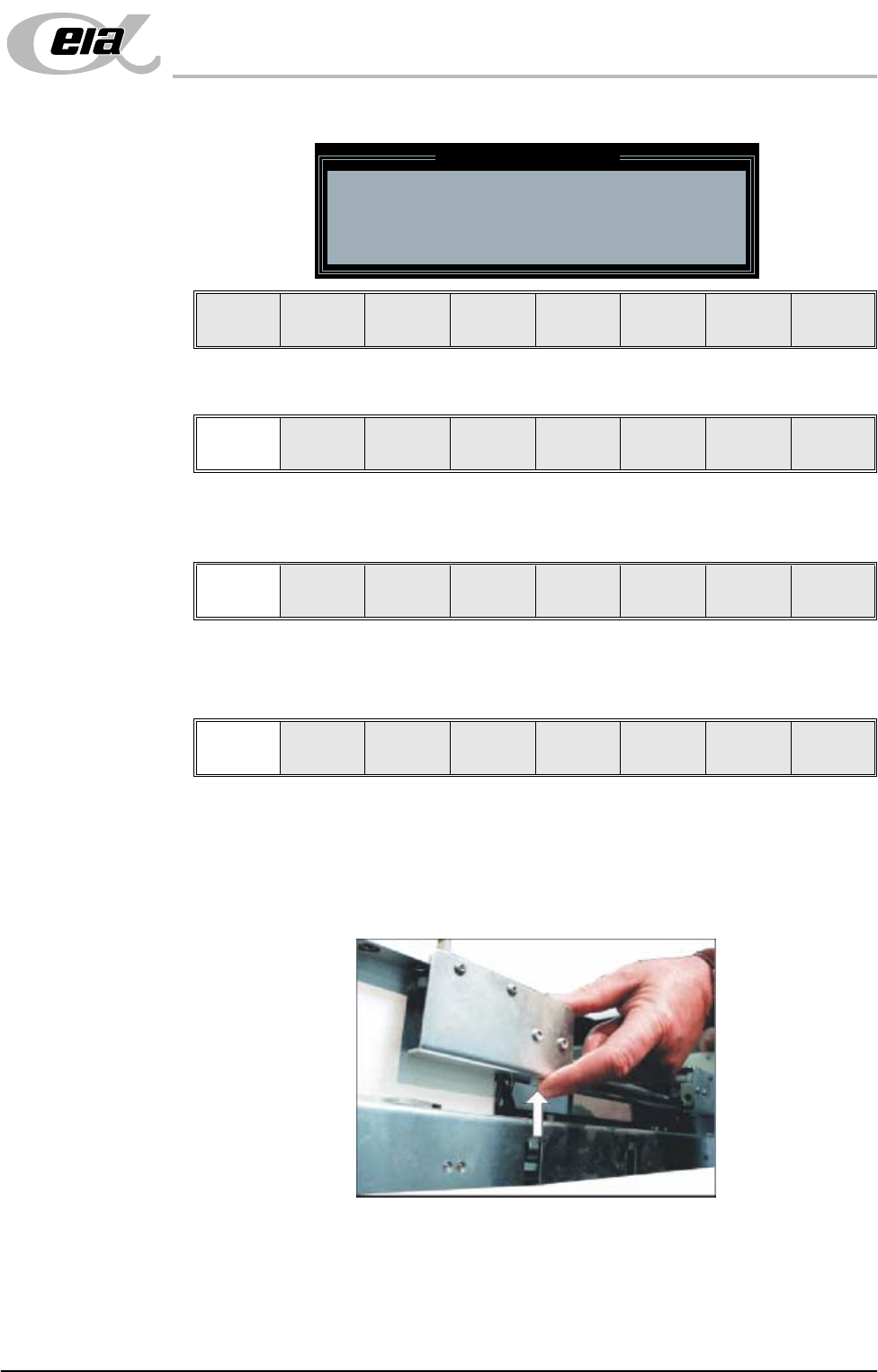
45. To adjust the width of the chase rails to accommodate the stencil for the
product file loaded, carry out the following (ASM only):
a. Press and hold the left hand chase rail push button valve.
b. Slide the left hand chase rail to the desired position indicated on the
Leaving Generic Tooling
WARNING You are about to return
to the Setup Page
Clear all tooling setup
equipment before proceeding
Continue Exit
Continue Exit
Auto
Board
Manual
Board
Continue
Open
Cover
MACHINE PROGRAMMING
STAGE 5C - DEDICATED TOOLING
1.36 User Manual
graduated scale.
c. Release the push button valve.
d. Repeat the procedure for the right hand chase rail.
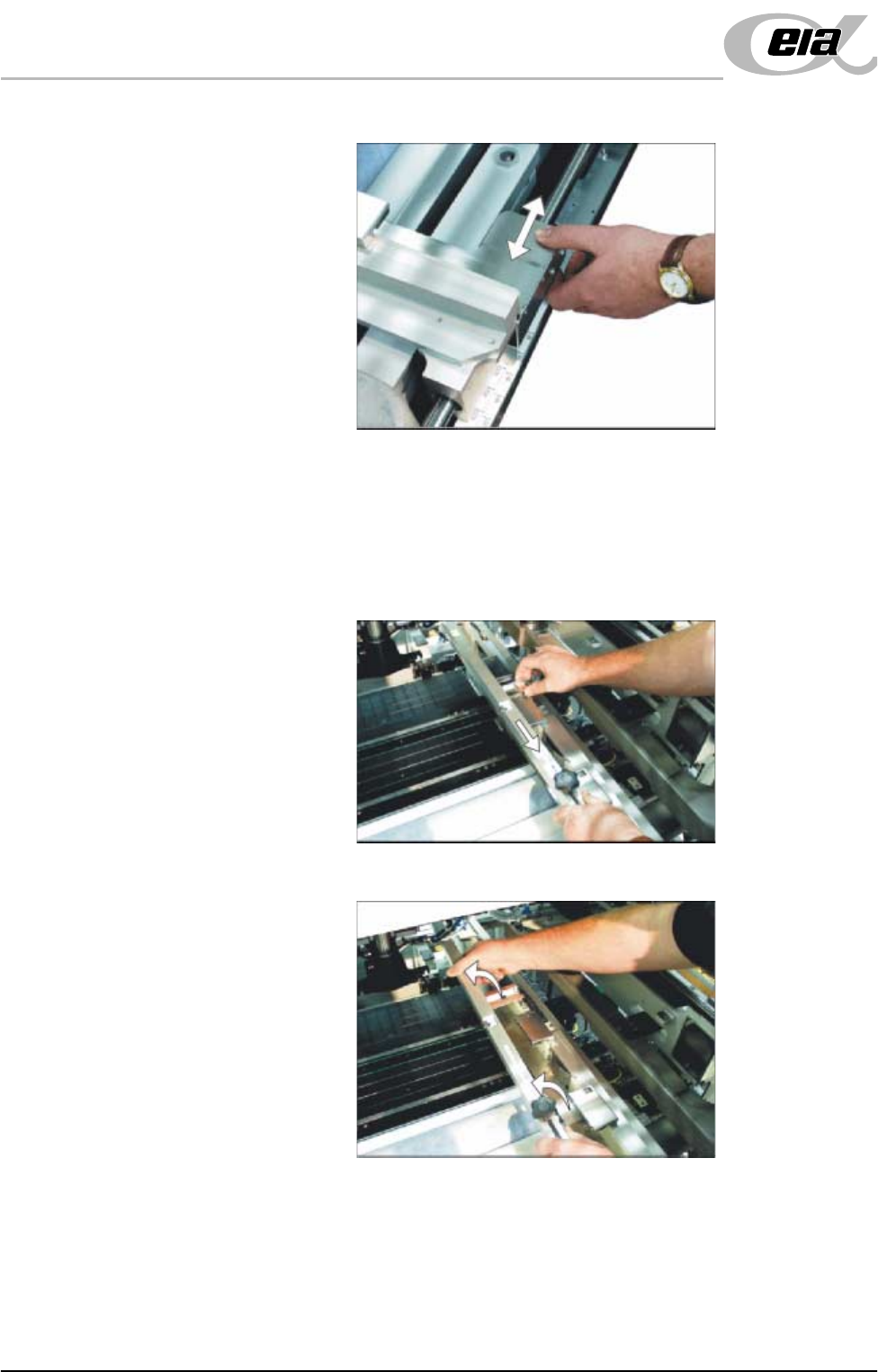
46. If the stencil size is less than 29″ x 29″ the screen depth adjuster position is
to be adjusted as follows (ASM only):
a. Slide the screen depth adjuster towards the front of the machine.
b. Lift the adjuster clear of the two locating screws.