ELA Generic Tooling.pdf - 第45页
MACHI NE PROG RAMMI NG STAGE 5 E - FORMFLEX TOOLING User Manual 1.59 31. T oggle screen clamp switch to down posit ion ( On ) (fixed wid th chase only). 32. Rai se the dr op down p anel and l ower th e printhead shutter …
MACHINE PROGRAMMING
STAGE 5E - FORMFLEX TOOLING
1.58 User Manual
25. Select Load (F1).
26. Select Auto Board (F1).
27. Select Open Cover (F7).
28. Raise the printhead shutter.
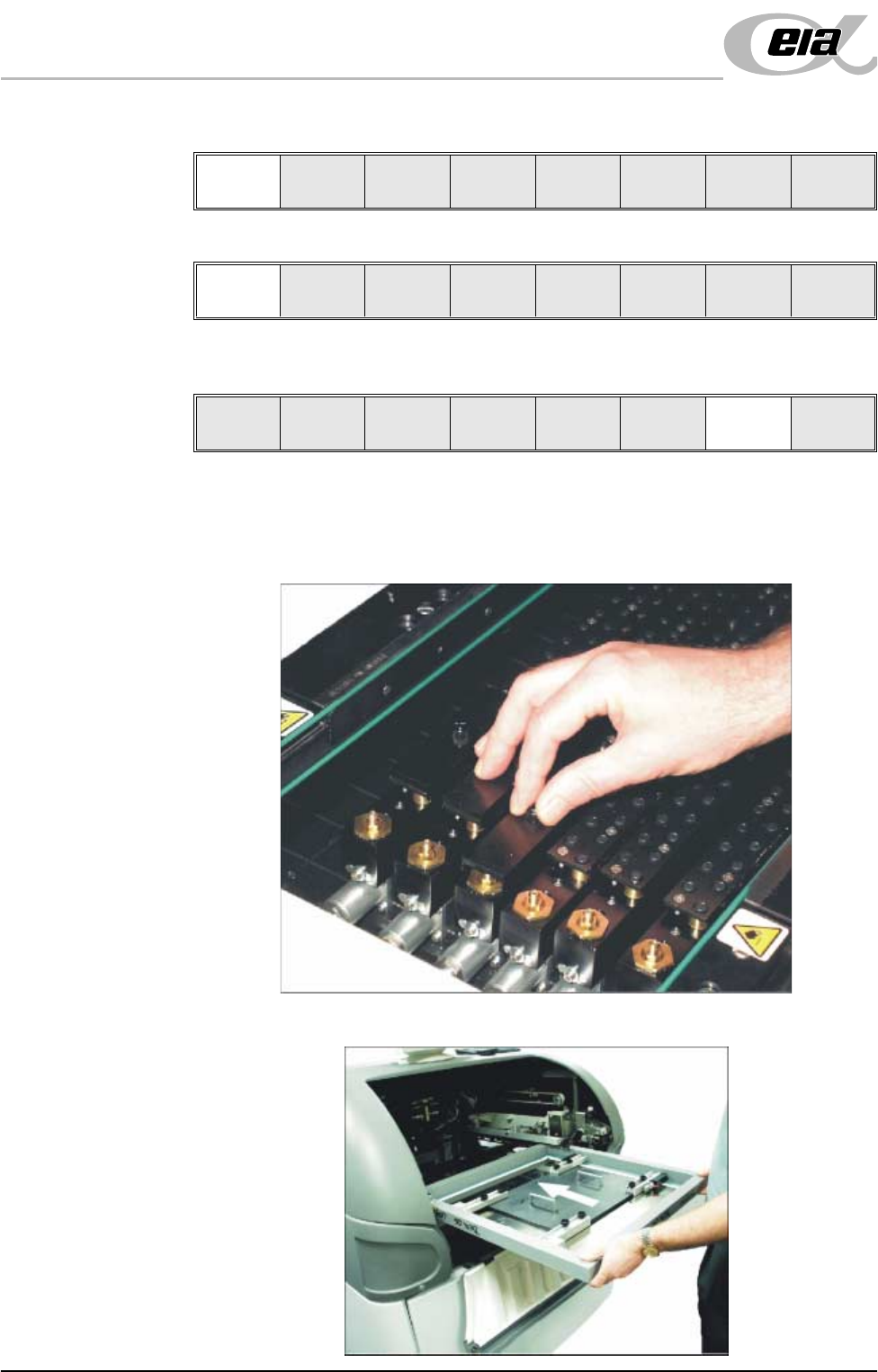
29. Slide the appropriate size and number of FormFlex blanking plates on to the
tooling modules outside the area of the squeegees/ProFlow transfer head.
Secure the plates using the thumbscrews.
30. Ensuring correct orientation, load the product stencil into the machine.
Load
Vision
Height
Home
Height
Board
Clamp
Change
Screen
Open
Cover
Exit
Auto
Board
Manual
Board
Unload
Vision
Height
Home
Height
Board
Clamp
Change
Screen
Open
Cover
Exit
MACHINE PROGRAMMING
STAGE 5E - FORMFLEX TOOLING
User Manual 1.59
31. Toggle screen clamp switch to down position (On) (fixed width chase only).
32. Raise the drop down panel and lower the printhead shutter.
33. Press the System button.
34. Select Exit (F8).
35. Select Change Screen (F5).
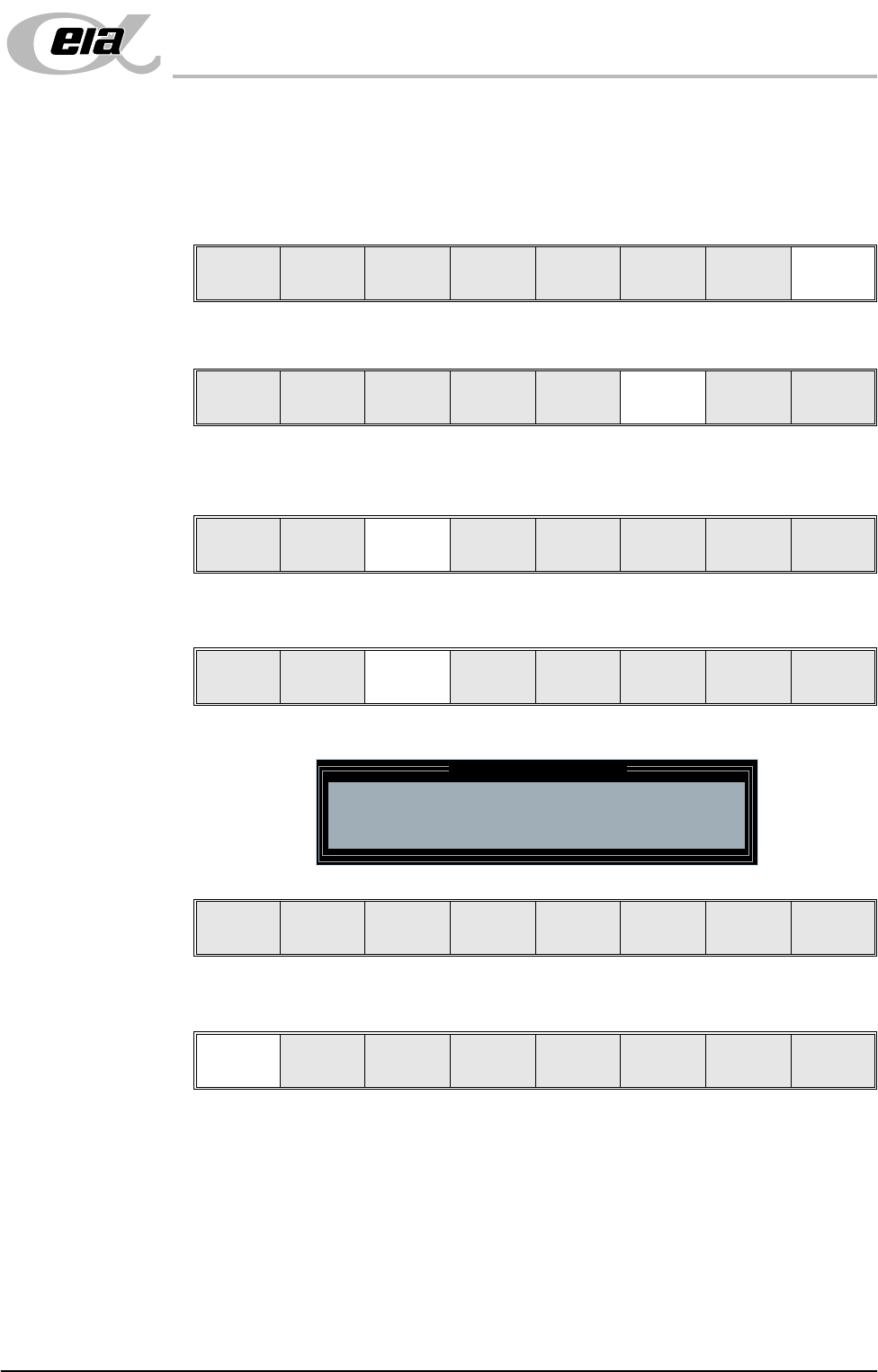
36. Select Vision Height (F3). The message ‘Table at Vision Height. Check
Tooling Clearance’ is displayed.
37. Select Contact Height (F3).
The following window and menu bar are displayed:
38. Select Continue (F1). The message ‘Table at Contact Height. Check
Tooling Clearance.’ is displayed.
Board
Clamps
Exit
Unload
Vision
Height
Home
Height
Board
Clamps
Change
Screen
Open
Cover
Exit
Unload
Vision
Height
Home
Height
Board
Clamps
Change
Screen
Open
Cover
Exit
Contact
Height
Transpr t
Height
Change
Screen
Open
Cover
Exit
Contact Height Warning
WARNING Check for obstructions between
the Rails and the Screen
Continue
Open
Cover
Exit
Continue
Open
Cover
Exit
MACHINE PROGRAMMING
STAGE 5E - FORMFLEX TOOLING
1.60 User Manual
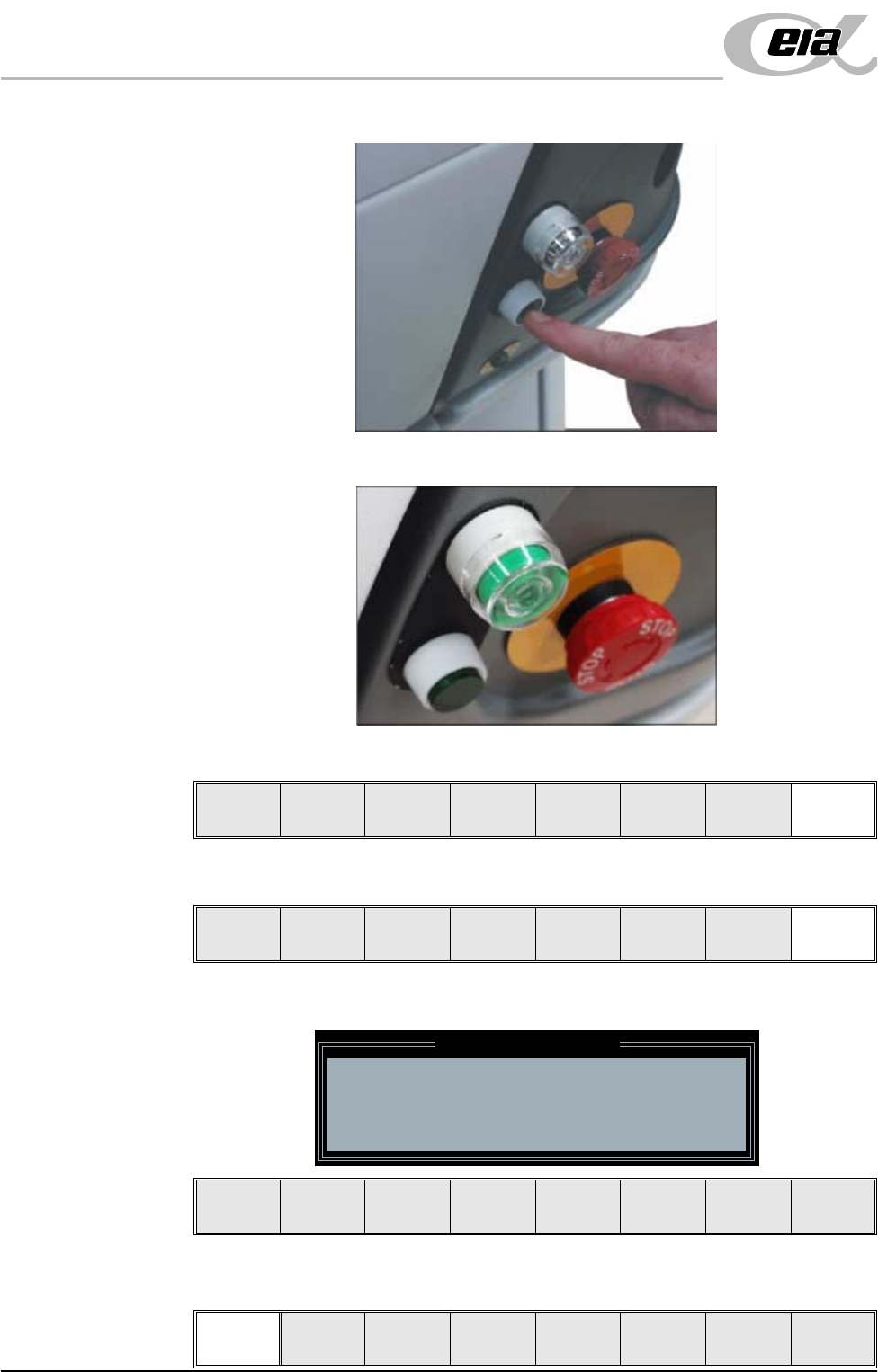
39. Press the operator switch on the front of the machine covers.
40. Wait until the pneumatic indicator on the front cover displays green.
41. Select Exit (F8).
42. Select Exit (F8).
The following window and menu bar is displayed:
43. Select Continue (F1).
Exit
Vision
Height
Open
Cover
Exit
Leaving Generic Tooling
WARNING You are about to return
to the Setup Page
Clear all tooling setup
equipment before proceeding
Continue Cancel
Continue Cancel