SOM-1929-001_w.pdf - 第6页
Contents 3 Page Tg 1423 -ID-SO 0606 - 001 Before Use ............................................................................................. 1 Contents ..............................................................…
2
Tg1423-ID-SO
•
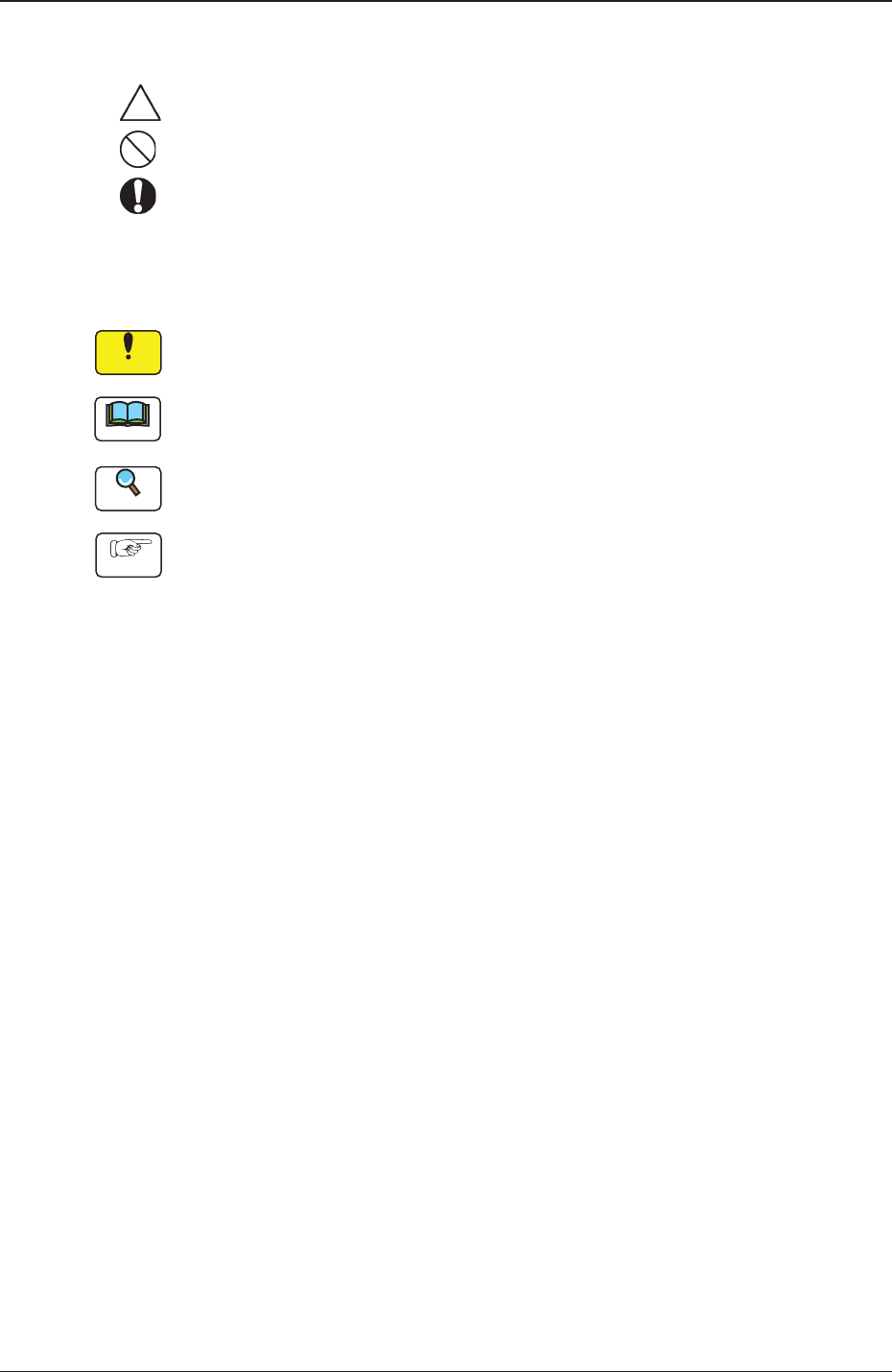
Identifying Alert Icons
: This symbol mark represents danger or prompts warning.
: This symbol mark represents prohibited operations.
: This symbol mark represents forced operations or instructions.
•
Identifying Icons in Manual
Notice
This icon shows an important precautionary or a regulatory item.
Note
This icon shows the descriptions for correct operations of the machine.
Reference
This icon shows the items to be referred to.
Procedure
This icon prompts the operator to follow the operational procedures.
0606-001

Contents
3
Page
Tg1423-ID-SO
0606-001
Before Use ............................................................................................. 1
Contents .............................................................................................. 3
1. Scope ............................................................................................. 4
2. Specifications ................................................................................. 4
3. Rough View .................................................................................... 5
4. Operation Procedure ...................................................................... 5
4.1 Preparation and Setup ............................................................ 5
4.2 Control Action and Description ............................................... 6
4.3 Other Actions .......................................................................... 7
5. Operation ....................................................................................... 8
5.1 "Zeroing" Tab .......................................................................... 8
5.2 "Others" Tab ............................................................................ 9
5.3 "Input Check" Tab ................................................................... 11
5.3.1 "Motor Cont (EB005)" Tab ............................................. 11
5.4 "Machine Prgm.Info." Window ................................................ 12
5.5 "Adj Menu" Tab ....................................................................... 13
5.5.1 Cmpnt scraper (Z) unit maintenance menu ................... 14
5.6 "Servo Alarm" Tab ................................................................... 16
5.7 "Device Offset" Tab ................................................................. 17
5.7.1 "Device Offset" Tab ........................................................ 17
5.8 "Auto Operation" Tab .............................................................. 18
5.8.1 "Auto Operation Setup" Tab ........................................... 18

4
Tg1423-ID-SO
1. Scope
0606-001
1. Scope
This specially designed unit keeps a certain distance from the lower surface
of the nozzle by moving the component scraping plate up and down,
depending on the height of each nozzle when the component is discharged,
and so enables mechanism change and control, in order to discharge the fine
components securely.
2. Specifications
Table 1
Item Description
1. Functions
•
Based on the component thickness obtained from the component library and
the results of nozzle level automatic teaching, this plate is moved up and
down, so keepang the distance required for the removal of fine components,
from the nozzle lower surface.
2. Applicable
Machine
•
All models in TCM-X series
3. Applicable
Component
Component Thickness 0.1 mm or more
Note :
It does not apply to the components to be picked up with the nozzle
level set to "High" (Component Height 2.5 mm or more).
(The component discharge operation is performed while the component
scraping plate is set at the fixed position.)
4. Configurations
Installation of the component scraper for exclusive use is required.
•
Up and Down Movement Mechanism:
The motor, origin sensor, pulley, belt, component removing
plate, mounting brackets, etc., are to be added.
Note :
The adjustments for motor origin, stopper, belt tension and component
removing plate, etc., are required.
•
Support for PEC Recognition Camera
Note :
Readjustment for the PEC recognition camera is required.
•
Driving motor, motor breaker and electromagnetic contactor
5. Applicable
Software
Installations of the applicable software and soft switches on the main machine,
are required.
6. Others If it is attached on the TCM-X200BL, TCM-X100AL, TCM-X100JAL or
TCM-X300AL, the nozzle drop detection function is unavailable.