TM1629_TM1630_TM1631.The explanation document of the parameters on simplified GUI.pdf - 第28页
SMT Software Engineering Group IM Operations Y AMAHA MOT OR CO.,L TD MDOC-SO FT50035 28/34 13.4. G eneral Suitable for com ponents with 3 or m ore distincti ve termina ls. Accomm odates com plex shapes be…
SMT Software Engineering Group
IM Operations
YAMAHA MOTOR CO.,LTD
MDOC-SOFT50035
27/34
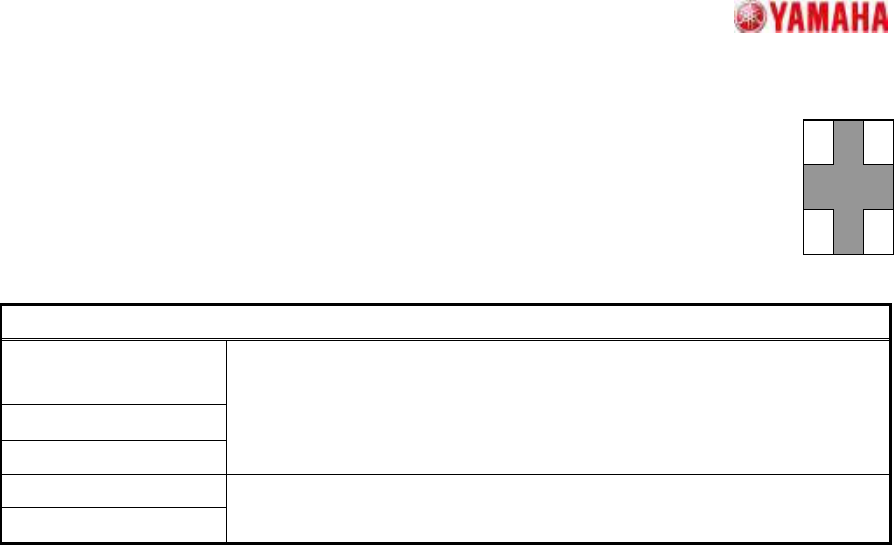
13.3. 4 Objects
Suitable for rectangular components with terminals at the 4 corners.
Positioning occurs using the terminal inner edges as a reference.
Particular parameters
Dir of Terminal Width
Check
Ruler Offset N/W
Ruler Offset S/E
(Reserved parameter)
Terminal Width (mm)
Terminal Length (mm)
The size of a terminal is specified.
SMT Software Engineering Group
IM Operations
YAMAHA MOTOR CO.,LTD
MDOC-SOFT50035
28/34
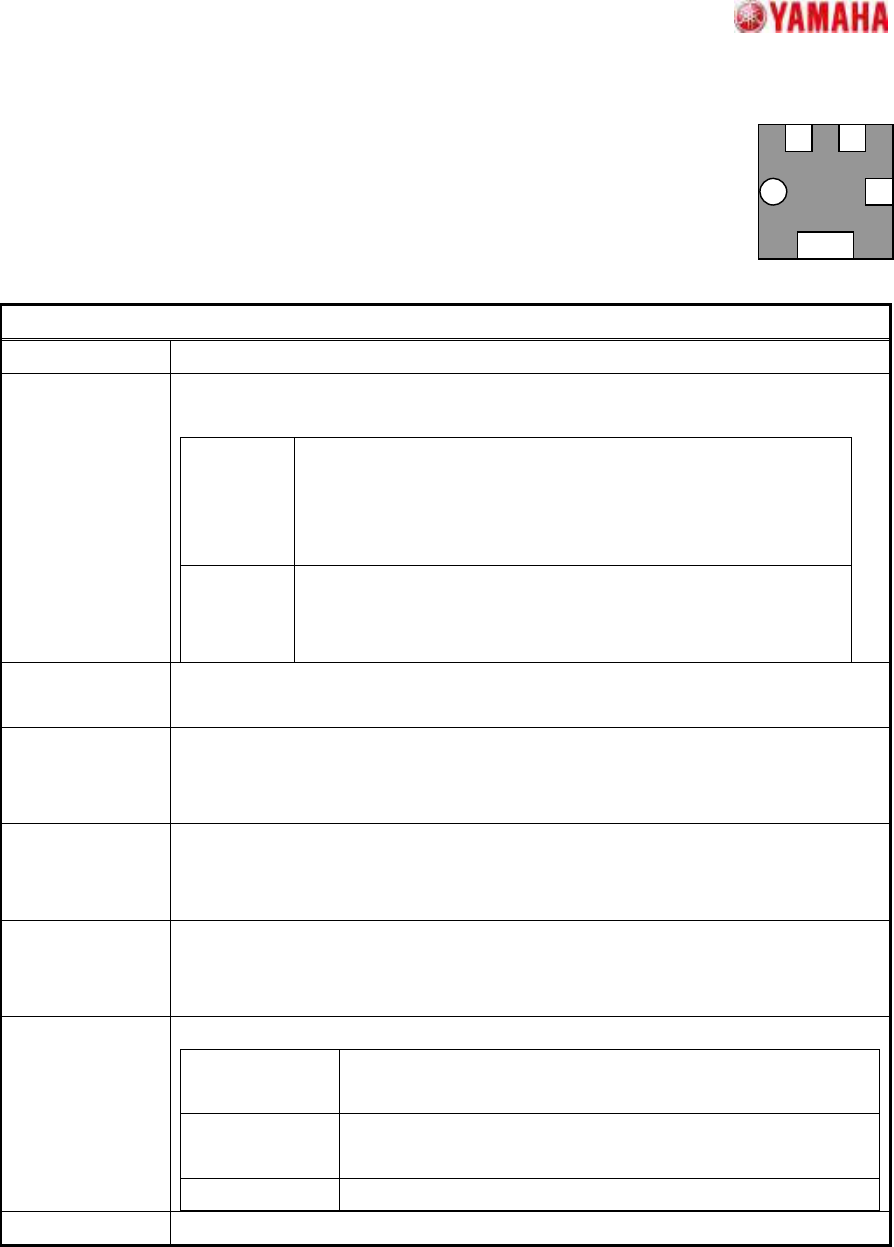
13.4. General
Suitable for components with 3 or more distinctive terminals.
Accommodates complex shapes because terminal selection is based on the
surface area.
Particular parameters
Check Pitch It is specified whether a strict pitch check is performed.
Method of Auto
Binarize
The method of binarizing is specified. This parameter is effective only when the
threshold is 0.
Brightness
Distinction
It searches for the threshold which improves separation of
white and black most automatically. It is suitable when the
brightness difference of a terminal section and a base section
is big.
Area Size
Distinction
A threshold is determined that the area judged as white equal
to the area defined as balls. It is suitable when there is
nothing to reflect in addition to terminals.
Check Terminal
Position
It is specified whether gap with the terminal position defined as the detected
terminal position is checked.
Terminal Pickup
Algorithm
The extraction method of corner terminals is specified. Usually, “Strictness” is
specified. If “Tolerance Synchronization” is specified, when extraction of corner
terminals is not stabilized, a recognition rate may improve.
Retry Trace In "On", it re-looks for the detection failure terminals based on the information of
the terminals which succeeded in detection. If "On", the recognition rate of low
contrast components may improve.
Best
Arrangement
Angle Detection
When specified except “Off”, recognition is performed using definition form of
either 0 and 90 degrees, or 0, 90, 180 and 270 degrees, and the angle of the
electrode arrangement nearest to the definition is looked for.
Center Detection
Algorithm
The calculation method of a component center is specified.
Circumscribed
Rectangle
The center of the rectangle circumscribed to the detected
terminals
Apex of
Rectangle
The center of the rectangle which consists of lines of the
component angle passing through the centers of each side
All Lead Center
The average of the center-of-gravity of all the terminals
Pre Threshold (Unused parameter)
SMT Software Engineering Group
IM Operations
YAMAHA MOTOR CO.,LTD
MDOC-SOFT50035
29/34
+0 ゚ +180 ゚
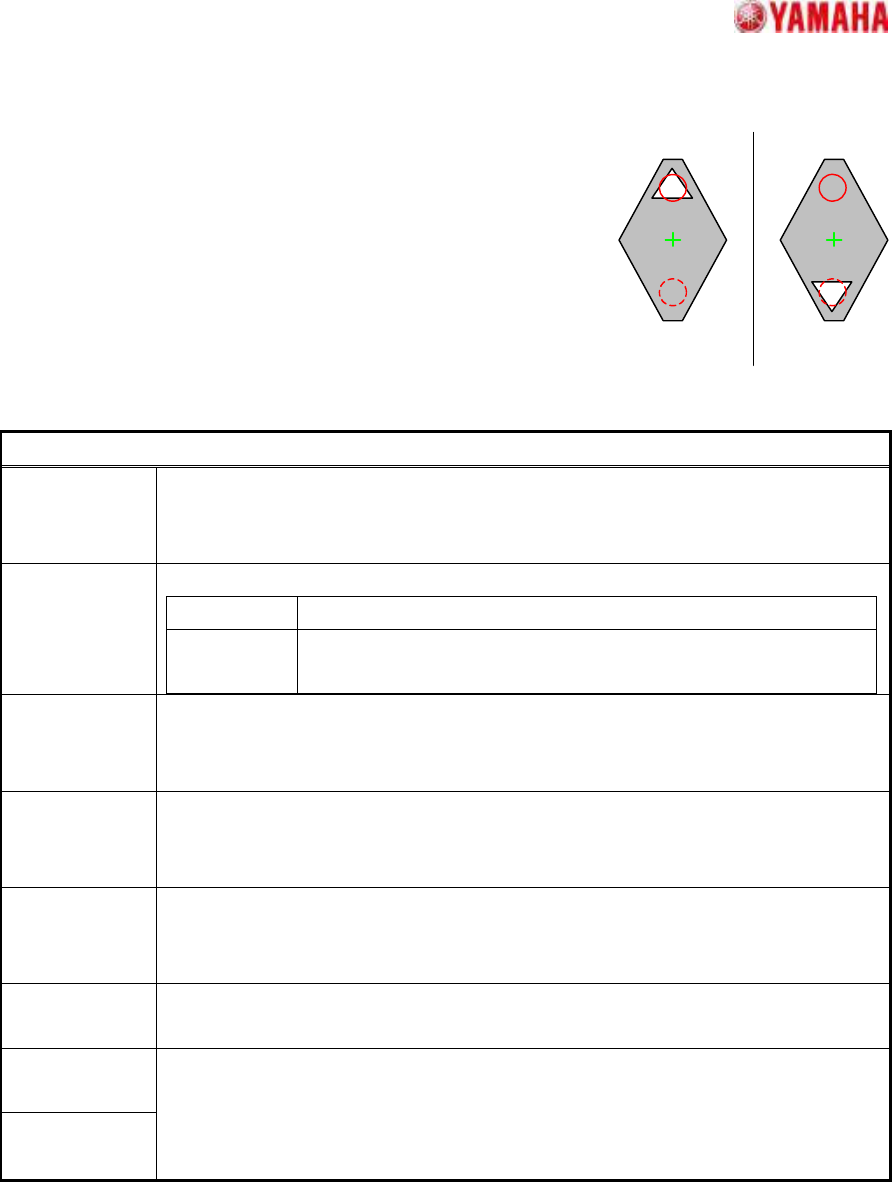
13.5. Check Direction
Suitable for direction judgments in components with which the
outside contour consists of one element, where the principal axis
can be clearly identified.
A direction judgment is made by comparing the average
brightness of the specified circle area with a 180 degrees opposing
circle area. Suitable where a polarity mark, etc., exists on the
recognition face.
Particular parameters
Angle Line It is an effective parameter only when the "Angle Detection Algorithm" is the
"Straight Line". A direction to use for component angle calculation is chosen.
When “No Select” is specified altogether, all the direction are used.
Angle
Detection
Algorithm
The angle calculation method is specified.
Feat The angle of the principal axis of the detected contour
Straight Line
The average angle of applied line which is specified in “Angle
Line”
Check Type When it is expected that the brightness of the specified circle will be brighter than
the brightness of a rotation symmetry position, “White” is specified. Else “Black” is
specified.
Check
Direction
The direction at which a direction judging is performed is specified.
In distinguishing 0 and 180 degrees, “2 Angle” is specified. In distinguishing 0, 90,
180, and 270 degrees, “4 Angle” is specified.
Min.
Brightness
Difference
The difference in the average brightness of detection circles being checked in
order to differentiate the directions must be larger than this value, or an error will
occur. If 0, 50 will be set.
Direction Mark
Diameter (mm)
The diameter of the circle where brightness is measured is specified.
Direction Mark
Center X
Direction Mark
Center Y
The center position of the circle where brightness is measured is specified.
(Origin: The component center)