00196825_Install_SQLExpress2008R2_manual.pdf - 第6页
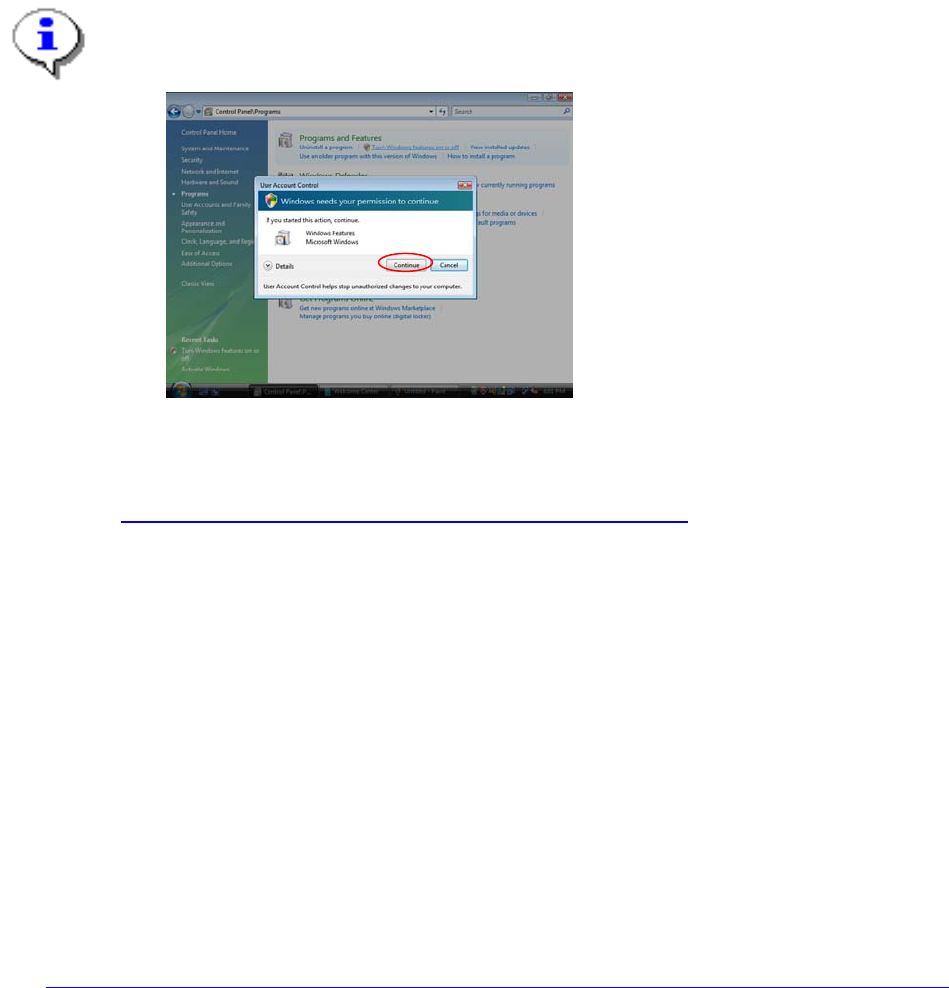
Installation of SQL 2008 R2 Express 02/2011 Edition 6 3 Inst allation Note: With Windows Vista there is a new featu re ca lled “User Account Control” introduced, which controls access to functions that req uire permissio…
Installation of SQL 2008 R2 Express 02/2011 Edition
5
1 Introduction
SIPLACE software systems make use of a database to store data on the hard drive. This document
describes the appropriate steps for installation of a certain database version
2 Scope of delivery
This document describes the manual procedure to install SQL 2008 R2 Express Edition with default
settings for usage of SIPLACE software products for SIPLACE computer systems.
For this documentation, a 32 Bit Operating System along with a 32 Bit SQL Edition will be used, but you
may use this documentation to install a 64 Bit SQL Edition on a 64 Bit Operating System, too.
Further customization settings (e.g. modification of database settings) will be done by the specific product
installation setups. Subject of this document is a first- time installation on fresh systems (no upgrade).
In this documentation the Setup packages on the SIPLACE Net Support Media are used, but you may also
use the Setup packages provided by Microsoft directly – the basic setup steps are the same.
Installation of SQL 2008 R2 Express 02/2011 Edition
6
3 Installation
Note:
With Windows Vista there is a new feature called “User Account Control” introduced, which
controls access to functions that require permissions above the default user. If you see warning
messages between the described steps you have to acknowledge them before proceeding.
Fig. 3-11: Vista User Account Control
More information on this feature:
http://technet.microsoft.com/en-us/windowsvista/aa905108.aspx
3.1 Installation of SQL Server 2008 R2 Prerequisites
3.1.1 Windows Installer 4.5
SQL Server Express 2008 R2 requires Microsoft Windows Installer 4.5 or later.
You have to install this package manually if it is missing before you start with the SQL Server installation.
It is provided on the SIPLACE Net Support Media in the directory
<DVD-Drive>\Updates\Windows Installer\4.5.
You may also download the appropriate installation package from the following URL:
http://www.microsoft.com/downloads/details.aspx?FamilyID=5a58b56f-60b6-4412-95b9-54d056d6f9f4
3.1.2 .Net Framework 3.5 SP 1
SQL Server Express 2008 R2 requires Microsoft .Net Framework 3.5 SP 1 or later.
→ Insert the SIPLACE Net Support Media CD/DVD into your drive.
→ Navigate to the directory <DVD-Drive>\TOOLS\DOTNETFRAMEWORK\GENERAL\3.5 SP1.
