00194579-0202.pdf - 第52页
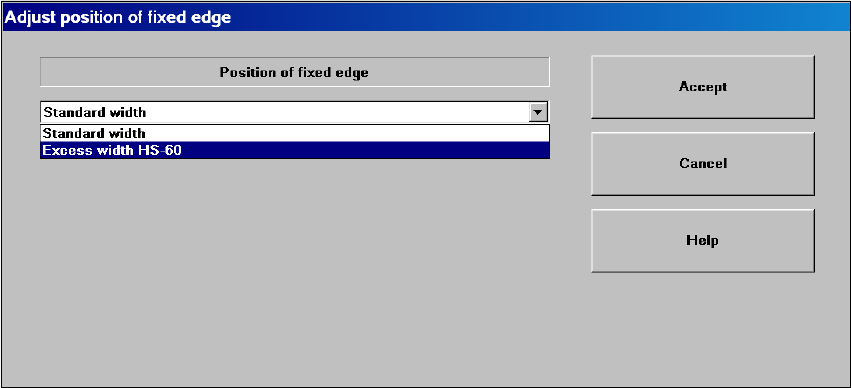
Retrofit instructions Wide board 242 / 508 mm SIPLACE HS-60 / D4 08/2006 Edition 54 For the HS-60 / D4 only : A dialog appears to prompt that hardware changes are required: 2 2 2 : Once all the hardware change s have bee…
Retrofit instructions Wide board 242 / 508 mm SIPLACE HS-60 / D4
08/2006 Edition
53
: In the "Conveyor“ view, switch to the "Options and configuration“ subview.
: Run the extended conveyor configuration "Position of fixed edge“ with
"Standard width / Excess width HS-60 (wide HS-60) / Excess width HF series (wide HF
series)“.
2
2
2
2
2
2
2
2
2
2
2
2
2
2
2
2
2
2
Retrofit instructions Wide board 242 / 508 mm SIPLACE HS-60 / D4
08/2006 Edition
54
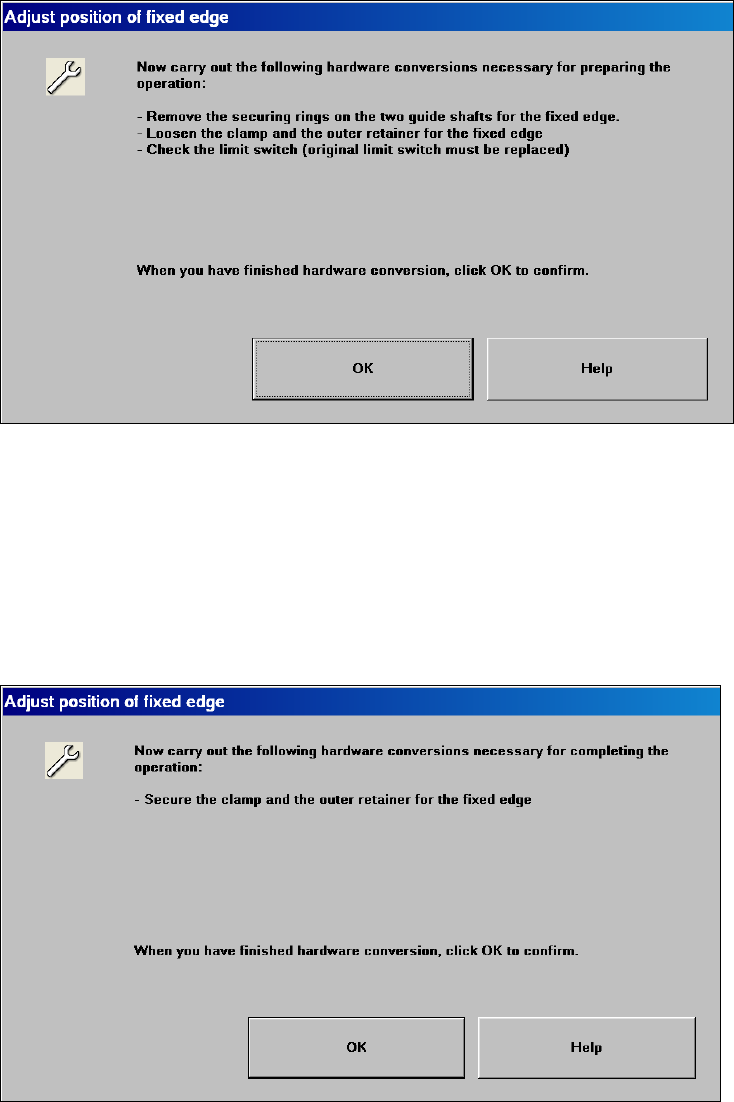
For the HS-60 / D4 only:
A dialog appears to prompt that hardware changes are required: 2
2
2
: Once all the hardware changes have been carried out, confirm the dialog and thus start chan-
ging the position of the stationary side wall to "Wide“.
For the HS-60 machine type only:
If the side wall was moved, a dialog appears to inform the service engineer that the conveyor side
wall must be fixed again. Carry out the following steps to fix the conveyor side wall: 2
2
2
Retrofit instructions Wide board 242 / 508 mm SIPLACE HS-60 / D4
08/2006 Edition
55
The operator is informed that the machine must be restarted to complete the process. If he con-
firms, then the machine is shut down automatically. 2
If "STOP, emergency stop" is actuated while the conveyor side walls are being moved, then the
conveyor status is "undefined". The procedure will then have to be repeated. 2
If the conveyor embedded software signals an error during the movement, then the conveyor sta-
tus is "undefined". The procedure will then have to be repeated. 2
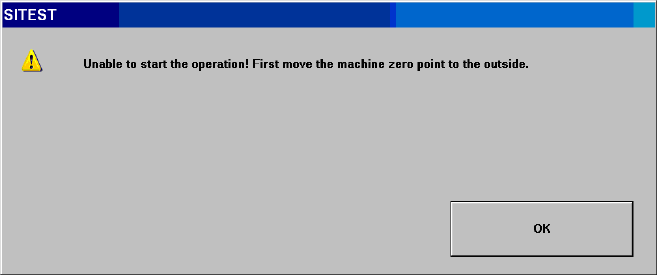
If the machine zero point was not moved, then the following prompt appears with the "Position of
stationary side wall“ button is pressed: 2
2
2
: Switch the placement machine on again and switch to SITEST immediately after starting up.
2
2
2
2
2
2
2
2
2
2
2
2