Portal_Manual_1.2.1_Rev_H-1.pdf - 第81页
Portal PVA Revisio n H ( 2018 ) 81 of 93 16.3 Resetting the Exhaust Fan Over load Relay Machines with exhaust fans may hav e errors if the overload relays trip . Do these steps to return to normal operati on: 1. Set main…
Portal
PVA
Revision H (2018)
80 of 93
16.2 Low Material Level
There are three common ways to monitor the material level:
• Scales are the most common and the most flexible option to monitor the
material level. They have two settings one for an empty level and one for a low
material level. When the low material level is reached, the operator will be
shown a message, but the workcell will continue to operate. When the empty
level is reached the workcell will stop.
• Floats are also a way to monitor the material level. This option only tells you
when the material is low.
• Proximity sensors are used for cartridges or syringes. The sensor is activated
when the ram moves to the low material position.
The workcell only measures the material level(s) when in auto cycle or manual mode
“One Shot Wet”. If there is a material level error, the machine can operate in all modes,
except for auto cycle or manual mode “One Shot Wet”, until the material level is raised
above the Low level.
NOTE: A low material level will not stop a cycle. The cycle will complete the
path program and then stop machine operation.
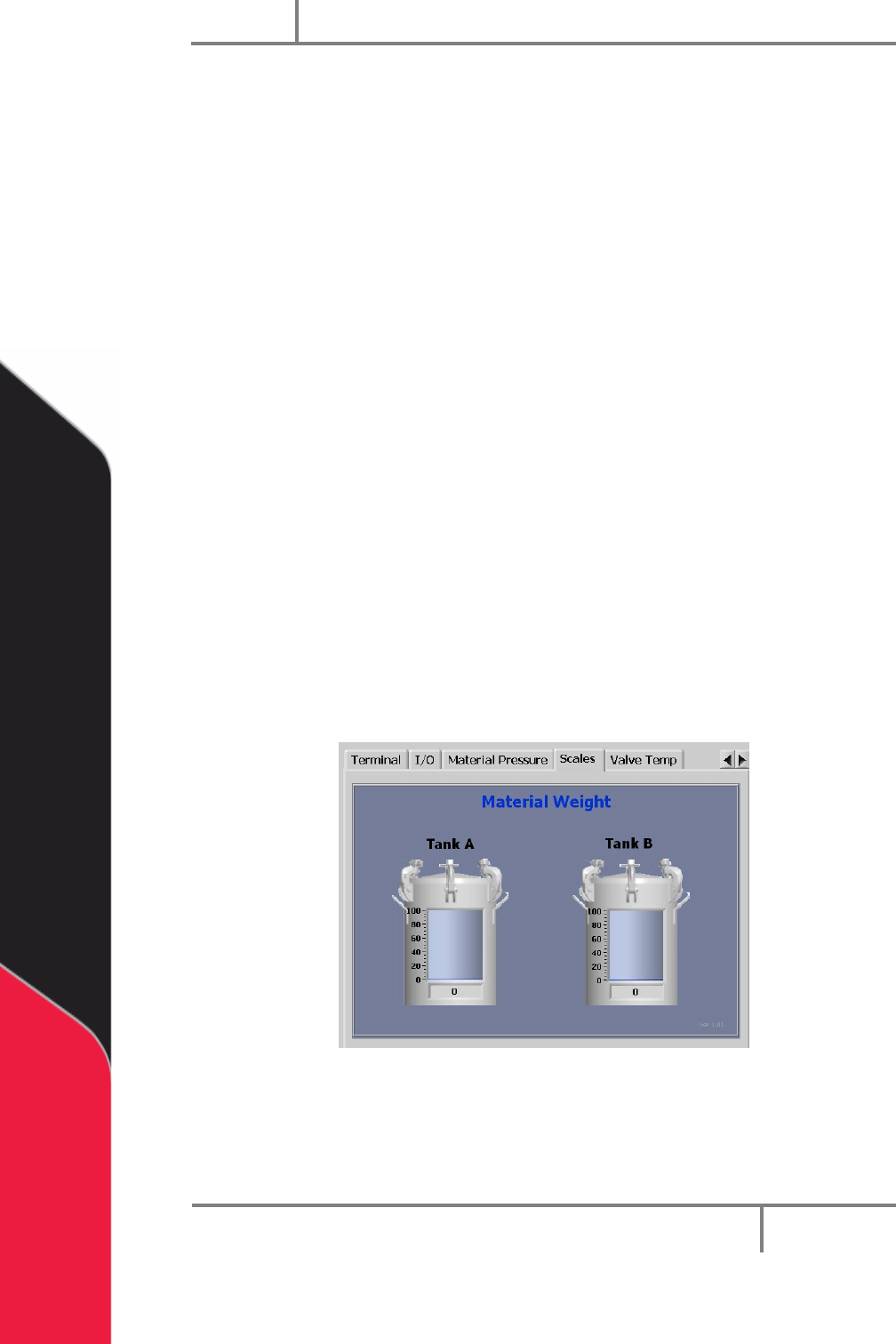
1. To view material levels, select the Scales tab on the right side of the portal
screen. This can be viewed in any mode. The amount of material in the tank is
shown.
Figure 96: Material Level
Portal
PVA
Revision H (2018)
81 of 93
16.3 Resetting the Exhaust Fan Overload Relay
Machines with exhaust fans may have errors if the overload relays trip. Do these steps
to return to normal operation:
1. Set main power switch to “OFF”.
2. Open the electrical enclosure.
3. Examine the overload relay for a tripped flag.
4. Make sure that the current set point is set correctly on the overload relay.
Examine the rating on the exhaust fan housing for current draw.
5. If necessary, push the reset button to reset the relay.
6. Restart the machine. If the problem persists, refer to for more information.
16.4 Pneumatic Error Recovery Procedure
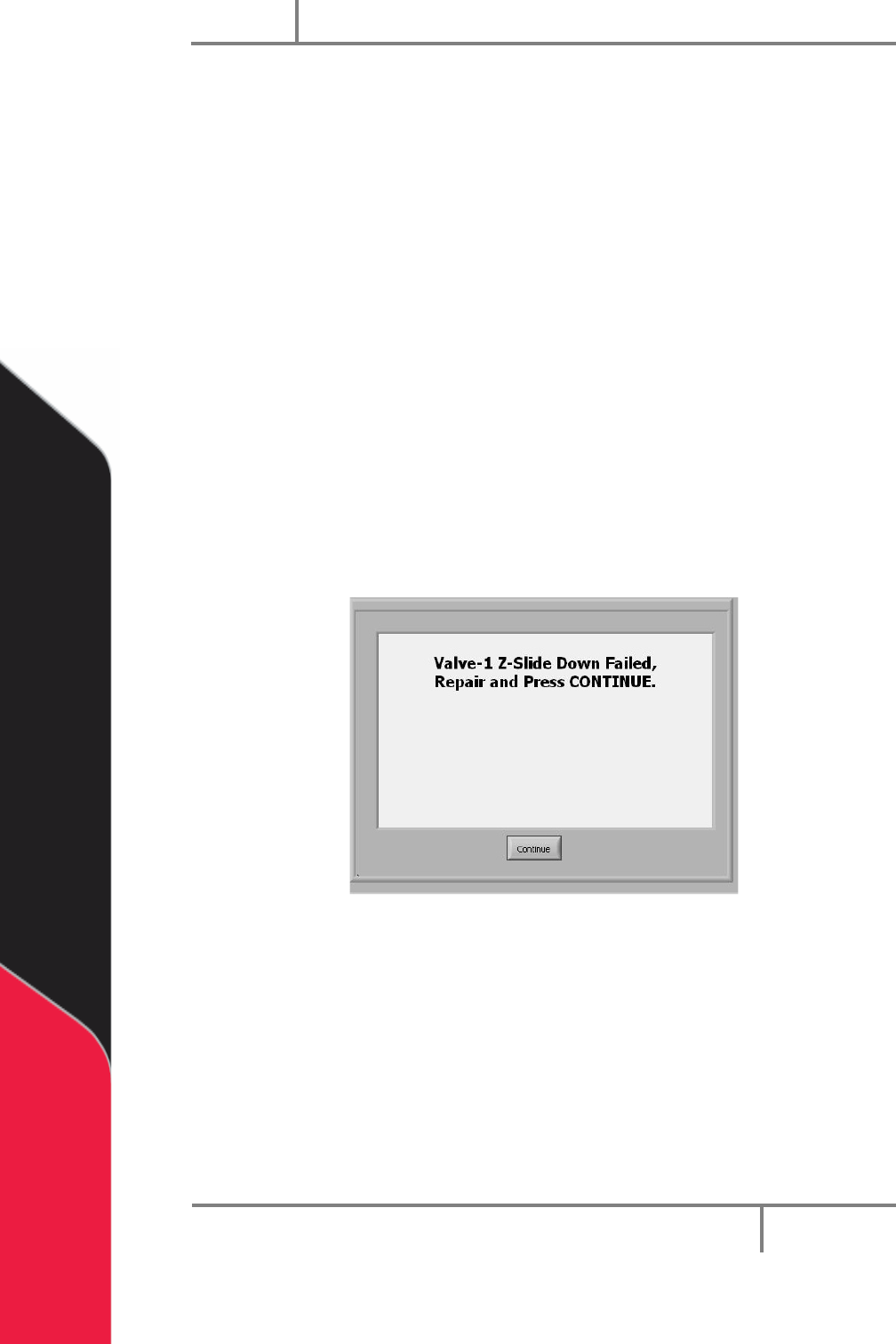
The system’s pneumatics are checked for errors every time they operate. The
pneumatics must be in their home position before the axes can home or move to the
standby position. If a pneumatic fails, an error will be shown.
Figure 97: Pneumatic Error Example
1. Find the cause of the problem.
2. Correct the problem.
3. Select “Continue”.
4. Refer to the pneumatic actuator failure section in your workcell manual for
more information.
Portal
PVA
Revision H (2018)
82 of 93
16.5 Run-Time Error Recovery Procedure
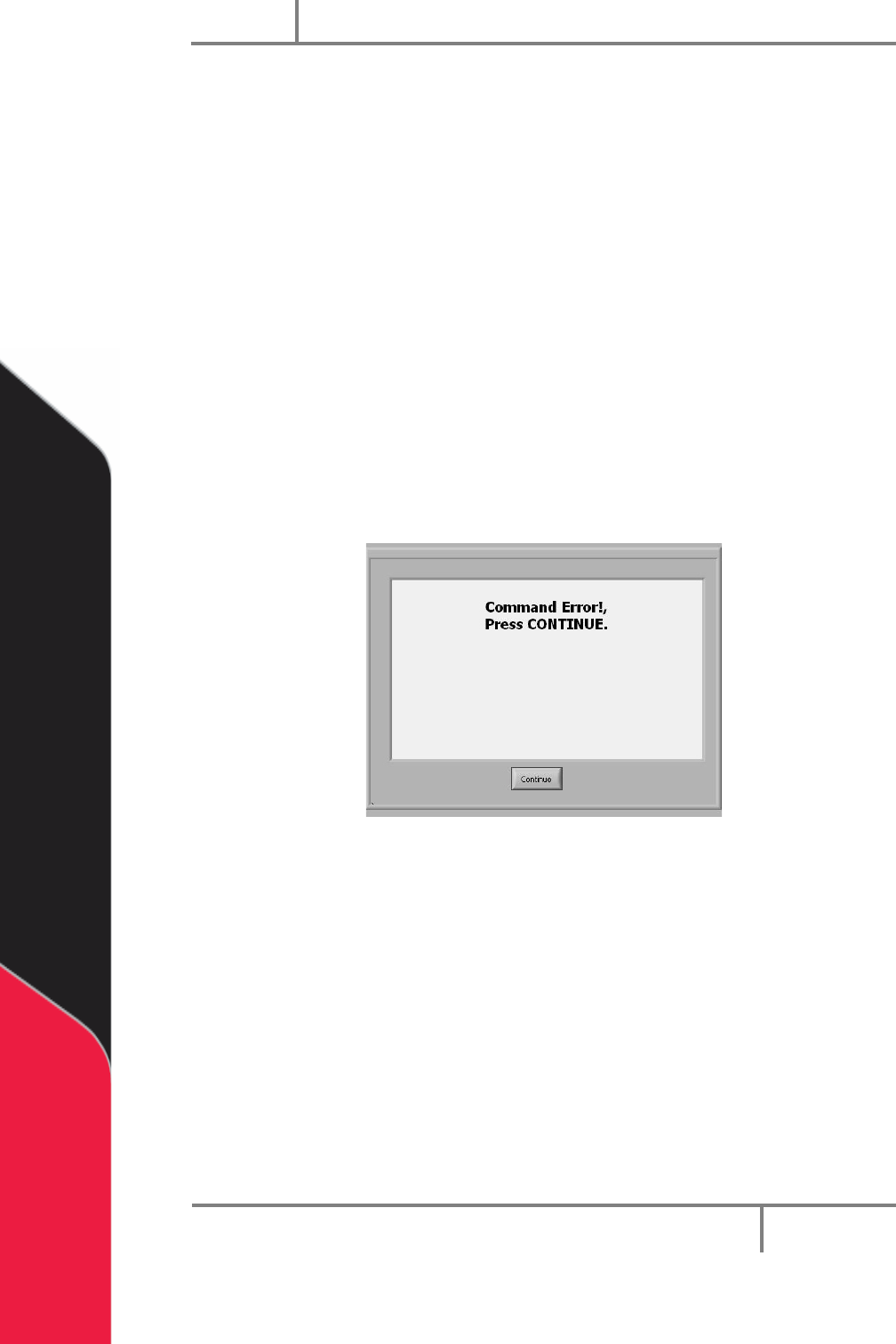
Run-time errors are generated during the operation of a program. This type of failure
should not occur during normal operation. The error type and program line number will
be displayed in the system messages window.
1. Find your error type.
2. Find the program line number.
3. Record info (error and line shown in the system messages window) and contact
PVA Technical support.
4. Select continue.
5. Do the startup/recovery procedure. Refer to Section 16.1.
6. Download the updated program and run it to see if the error was corrected.
NOTE: For more on error codes please refer to the Troubleshooting guide. For
more information on programming paths, refer to your PathMaster manual.
Figure 98: Command Error Example