00195425-01.pdf - 第99页
In st alla tio n an d Co nf ig ura tio n G ui de S IP LAC E Ex plor er 5 U n inst all at ion Edi tion 05 /200 7 EN 99 5 Uninst allation SIPL ACE Expl orer V2.2 has a m odify dialog f or uninstallation purposes . This c a…
4 Configuration Installation and Configuration Guide SIPLACE Explorer
4.3 Database Settings Edition 05/2007 EN
98

Installation and Configuration Guide SIPLACE Explorer 5 Uninstallation
Edition 05/2007 EN
99
5 Uninstallation
SIPLACE Explorer V2.2 has a modify dialog for uninstallation purposes. This can be started from
the Windows menu. There will then be three uninstallation procedures at your disposal: 5
– Modify
Use this function if you want to add individual features to the current SIPLACE Explorer
V2.2 or if you want remove installed features from the current SIPLACE Explorer V2.2.
(see page 101)
–Repair
Use this function if the current installation of SIPLACE Explorer V2.2 no longer functions
properly or if individual features have been unintentionally removed. This option recovers
the previous setup.
(see page 103)
–Remove
Use this function if you want to completely remove SIPLACE Explorer V2.2 from your
computer.
(see page 105)
5 Uninstallation Installation and Configuration Guide SIPLACE Explorer
5.1 Start Modify Dialog Edition 05/2007 EN
100
5.1 Start Modify Dialog
→ Open the SIPLACE Explorer 2.2 - InstallShield Wizard via the Windows menu
Start → Programs → SIPLACE Explorer 2.2 → Modify-Uninstall.
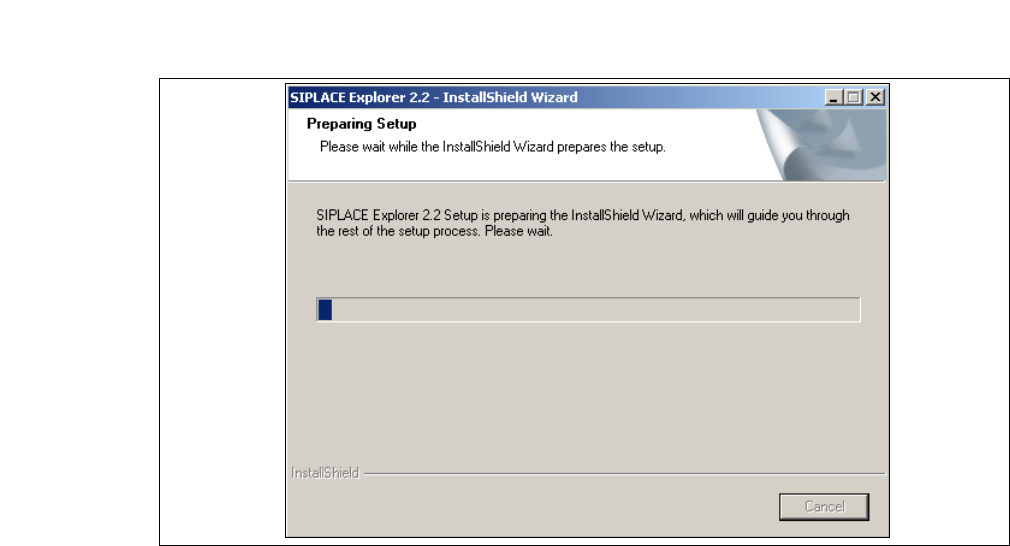
→ The SIPLACE Explorer 2.2 InstallShield Wizard will be prepared.
5
Fig. 5 - 1 SIPLACE Explorer 2.2 - install shield wizard
→ The welcome screen will appear. Select the process you wish to perform.