Specification SIPLACE X-Series规格说明书2.pdf - 第44页
44 SIPLACE Software Suite SIPLACE Station Software Software Version 705 With SMART GUI The interface between the operator and the place ment machine has be en enhance d with a range of advanced functions. Ho wever, the e…
43
SIPLACE Software Suite
SIPLACE Station Software
General
Individual measured data
The individual measured
data determined by the
SIPLACE 705 station soft-
ware (measurement con-
texts) can be saved at the
station. This can be made
contingent upon the following
conditions (Vision measure-
ment options):
1. Component cannot be
measured and measured
data (measurement con-
texts) should be saved.
This measured data can
then be used for fine-tun-
ing during a subsequent
analysis. As with other
optical inspection sys-
tems, pseudo-errors can
then be distinguished
from real errors, thus
allowing the affected
package form to then be
optimized to suit the spe-
cific application.
2. Vision measurement
reports should always be
produced at the same
time for this component.
If there is any doubt
about the quality of the
component, the vision
reports for all compo-
nents can be produced at
the same time.
3. The machine should stop
as soon as a vision error
occurs for components.
If it is essential to avoid
rejected components
because the compo-
nents are very expensive,
for example, this option
may be used to correct all
measuring errors that
occurred without a single
component being
rejected. The machine
stops with the component
in front of the camera so
that the component can
be checked.
In addition, pick-up and
placement positions can be
approached with the PCB
camera for checking. This
means that a one hundred
percent placement check
can be carried out inside the
machine.
Teaching components
Package forms that are not
included in the standard
package form library may be
created using the SIPLACE
Pro offline programming sys-
tem with the aid of data
sheets or using the offline
vision teach station with a
sample component.
Alternatively a package form
may be identified incomplete
and presented to the station
as such. The description can
be finished on the line after
the first pick-up operation.
After the description, a
robustness analysis can be
carried out at the station.
This will ensure that the com-
ponent will always be
detected reliably, even with
different frames.
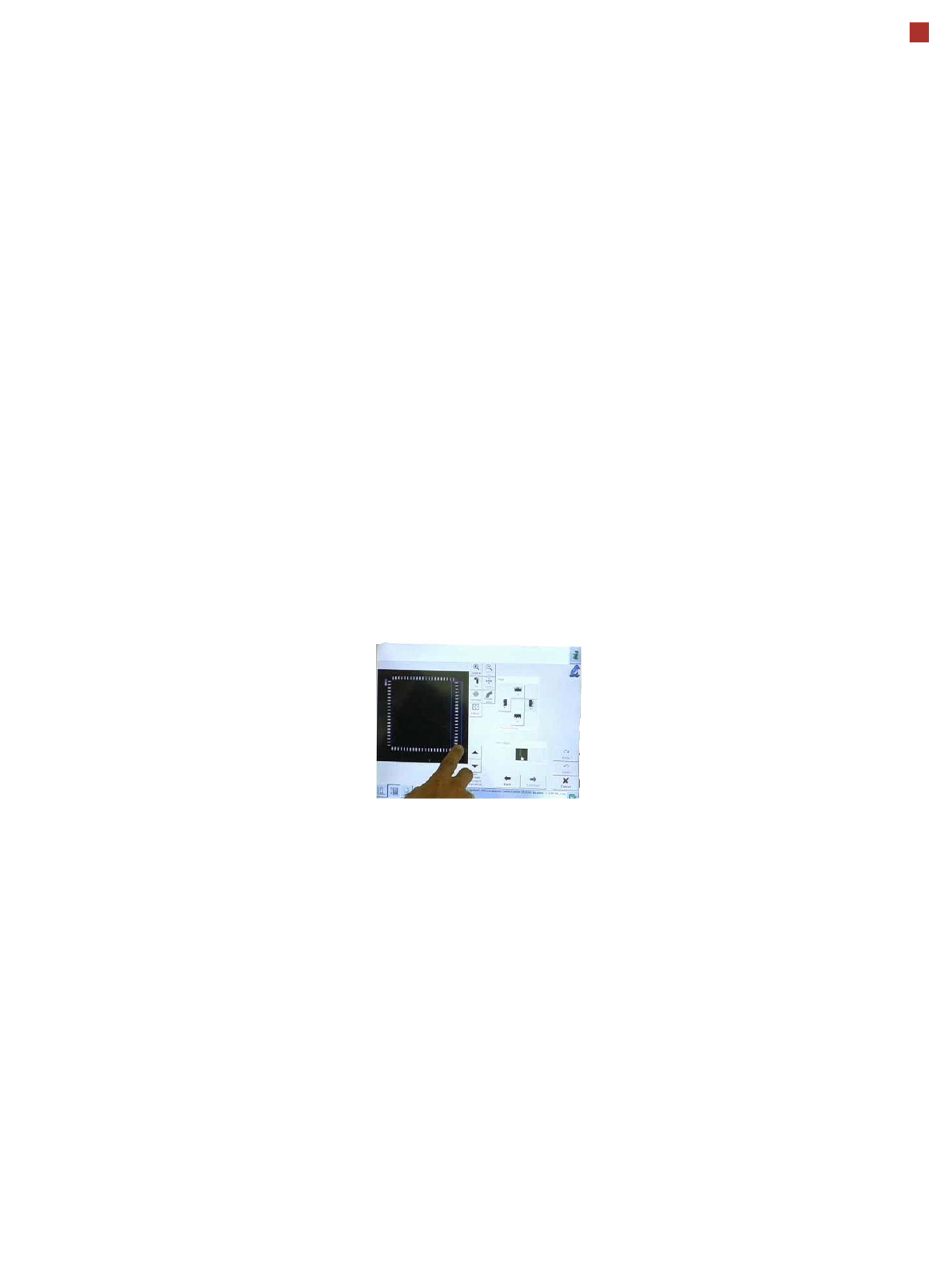
You can also program the
placement positions on the
board in the station software.
This software provides
advanced support functions
which allow you, for
example, to combine images
from the PCB camera with
data from the placement pro-
gram. This boosts the pro-
ductivity significantly for
production environments
with frequent new production
introductions or product
changeovers.
The SIPLACE station soft-
ware makes users’ daily
work much easier.
Many other features of the
station software make users’
daily work easier and thus
optimize the processes in
SMT production.
• Calibration operations are
fully integrated into the
software
• Self-healing nozzles and
feeder modules
• Cycle self-determination
by feeder modules
• Alarms - Everything at a
glance
• FaceDown recognition
• Direct access to board
conveyor functions, such
as Nonstop board trans-
port
44
SIPLACE Software Suite
SIPLACE Station Software
Software Version 705 With SMART GUI
The interface between the
operator and the placement
machine has been enhanced
with a range of advanced
functions. However, the
existing navigation system
with "graphical soft buttons"
on the touchscreen and the
arrangement of these but-
tons has been kept, so that
users accustomed to older
versions will find their way
around the new version with
no trouble.
The changes are in detail:
• Addition of "Smart GUI" for
inexperienced users
• Second icon-based navi-
gation bar on the right side
of the screen for fast,
direct access to other
menu levels
• To prevent confusion dur-
ing frequent changes
between different main
menus, the machine
always returns to the last
view visited
• Comprehensive and pow-
erful assistants for user-
guided programming of
pickup positions, compo-
nents shapes and place-
ment positions.
• Operator Guidance: In the
event of an error, the user
is guided to the required
menu item.
• Quick, direct access to
vision data
SIPLACE Smart GUI
One of the most important
new features is the SIPLACE
Smart GUI. This is designed
to help inexperienced users
familiarize with the software
quickly and easily. In normal
mode, the machine will only
show the basic information
needed:
• Product/recipe name
• Setup code
• Number of boards already
produced
Animation videos as
advanced assistants
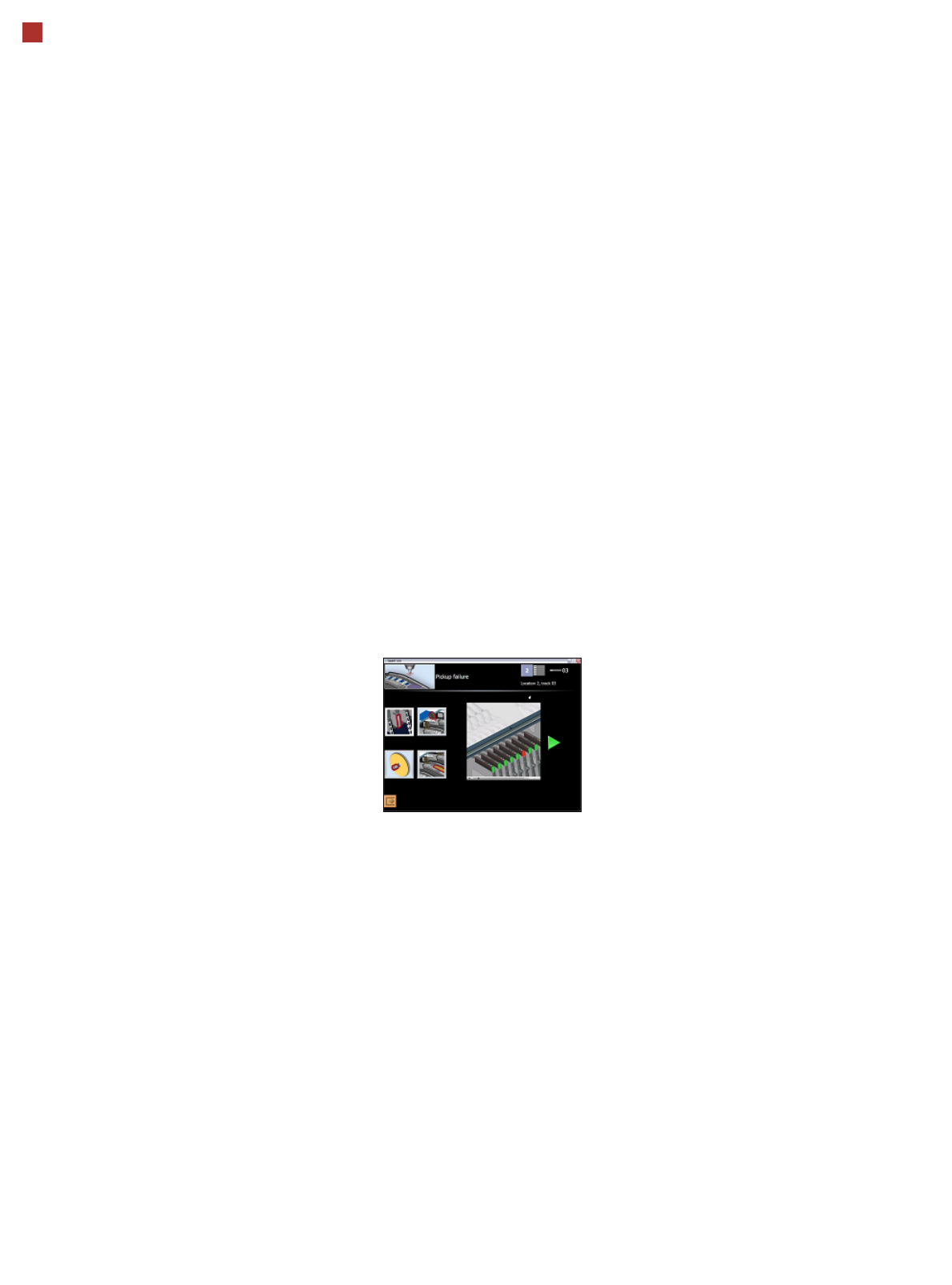
In the event of a fault, the
machine shows the user a
selection of one to four ani-
mated videos illustrating the
possible cause of the prob-
lem. These guide the user
step-by-step through the
troubleshooting process. The
animation can be stopped
whenever needed and
repeated either in part or as a
whole.
These "video assistants"
have been designed so that
the Smart GUI usually covers
over 95% of all malfunctions
which could occur during
normal operation.
Simple user guidance and
fast direct access
The SIPLACE station soft-
ware GUI therefore provides
"the best of both worlds":
simple user guidance, ideal
for new users, and direct
access to all the "bits and
bytes" for experts.
Users can switch over
between the Smart GUI and
the existing Expert GUI
whenever needed and with
no delay, using a soft button
always shown in the station
software main menu. If need
be, access to key parame-
ters can be managed via
passwords.
The new SIPLACE station
software not only actively
manages quick and reliable
troubleshooting but also
offers a great way to intro-
duce new users more quickly
to advanced tasks without
overchallenging them in the
beginning.

45
SIPLACE Software Suite
SIPLACE Random Setup
The SIPLACE Random
Setup software simplifies
the processes of creating a
setup at the preliminary
setup location and changing
the setup on a SIPLACE line.
In contrast to the existing
setup method in which the
feeder modules and compo-
nents have to be set up pre-
cisely on the specified tracks
of a component changeover
table, Random Setup allows
you to set up feeder modules
and components on any
component table tracks
within a line.
This concept is based on the
interaction between the
unique assignment of com-
ponents on the modules and
the “intelligence” of the Ran-
dom Setup software.
SIPLACE Random Setup
increases productivity, par-
ticularly under the following
production conditions:
• Low-volume production
with a large mix and lots of
product changes
• Production with lots of new
product introductions
(NPI) or rush jobs
• Production with high flexi-
bility and rapid product
changes are required
Benefits for the customer
Using SIPLACE Random
Setup will benefit you as a
customer. For example, you
will no longer have to sort
components by component
table specification and track,
which will make it much
faster to set up the compo-
nents at the preliminary
setup location. Feeder mod-
ules can now be set up on
any track of a component
changeover table and at any
locations within a line.
It is also possible to add
reserve tracks without editing
the setup. A future version of
SIPLACE Random Setup will
also allow alternative tracks
to be set up while production
is running.
In Split Table mode, you
can prepare a new setup on
the machine while production
continues on the line. This
floating changeover strat-
egy will shorten line down-
times. You will also reduce
investment costs as no addi-
tional component trolleys are
needed for the setup change.
Only the feeder modules on
the component changeover
tables are replaced.