Specification SIPLACE X-Series规格说明书2.pdf - 第45页
45 SIPLACE Software Suite SIPLACE Random Setup The SIPLACE Random Setup softwa re simplifies the processes of creating a setup at the preliminary setup location and changing the setup on a SIPLACE line. In contrast to th…
44
SIPLACE Software Suite
SIPLACE Station Software
Software Version 705 With SMART GUI
The interface between the
operator and the placement
machine has been enhanced
with a range of advanced
functions. However, the
existing navigation system
with "graphical soft buttons"
on the touchscreen and the
arrangement of these but-
tons has been kept, so that
users accustomed to older
versions will find their way
around the new version with
no trouble.
The changes are in detail:
• Addition of "Smart GUI" for
inexperienced users
• Second icon-based navi-
gation bar on the right side
of the screen for fast,
direct access to other
menu levels
• To prevent confusion dur-
ing frequent changes
between different main
menus, the machine
always returns to the last
view visited
• Comprehensive and pow-
erful assistants for user-
guided programming of
pickup positions, compo-
nents shapes and place-
ment positions.
• Operator Guidance: In the
event of an error, the user
is guided to the required
menu item.
• Quick, direct access to
vision data
SIPLACE Smart GUI
One of the most important
new features is the SIPLACE
Smart GUI. This is designed
to help inexperienced users
familiarize with the software
quickly and easily. In normal
mode, the machine will only
show the basic information
needed:
• Product/recipe name
• Setup code
• Number of boards already
produced
Animation videos as
advanced assistants
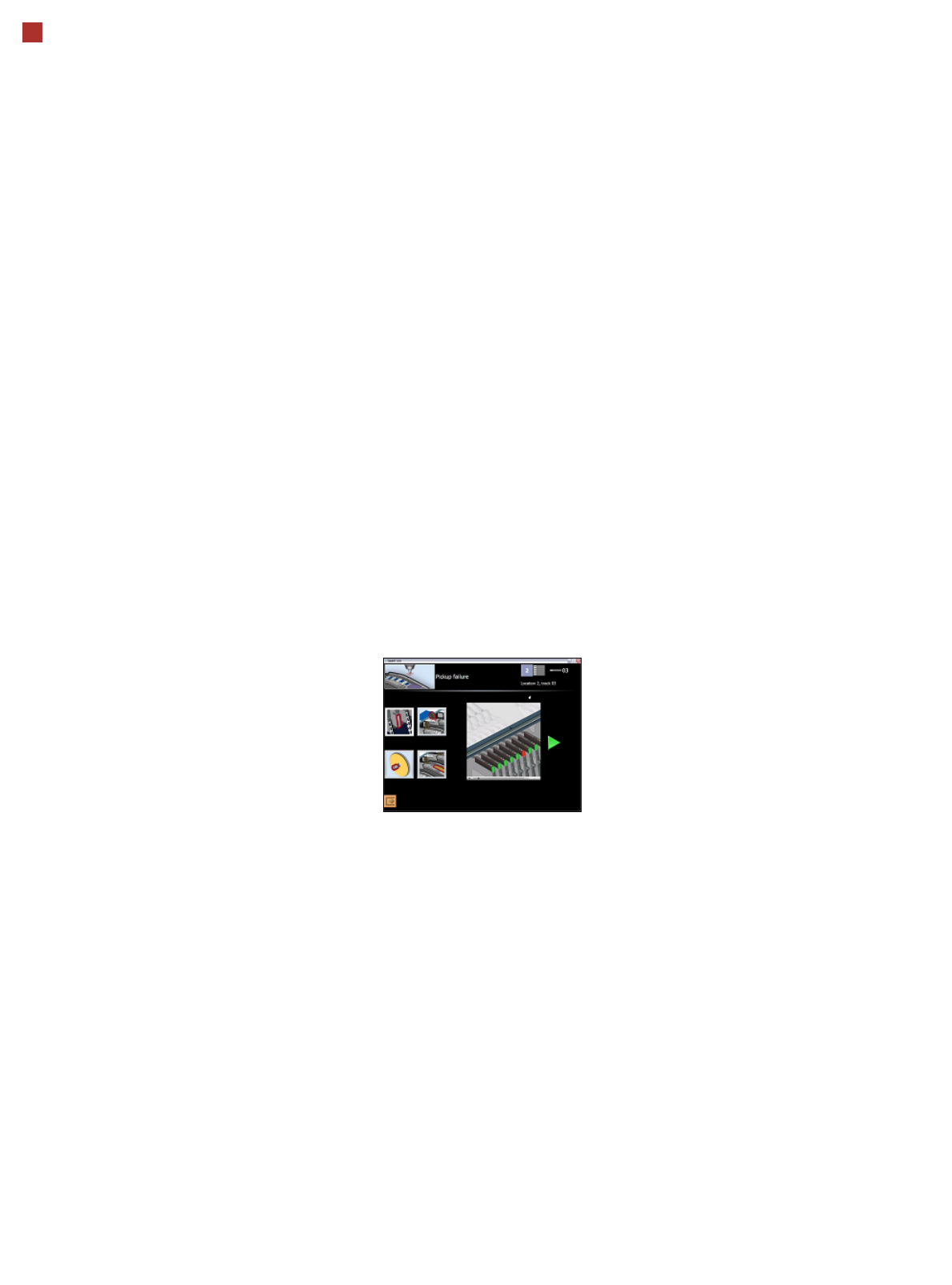
In the event of a fault, the
machine shows the user a
selection of one to four ani-
mated videos illustrating the
possible cause of the prob-
lem. These guide the user
step-by-step through the
troubleshooting process. The
animation can be stopped
whenever needed and
repeated either in part or as a
whole.
These "video assistants"
have been designed so that
the Smart GUI usually covers
over 95% of all malfunctions
which could occur during
normal operation.
Simple user guidance and
fast direct access
The SIPLACE station soft-
ware GUI therefore provides
"the best of both worlds":
simple user guidance, ideal
for new users, and direct
access to all the "bits and
bytes" for experts.
Users can switch over
between the Smart GUI and
the existing Expert GUI
whenever needed and with
no delay, using a soft button
always shown in the station
software main menu. If need
be, access to key parame-
ters can be managed via
passwords.
The new SIPLACE station
software not only actively
manages quick and reliable
troubleshooting but also
offers a great way to intro-
duce new users more quickly
to advanced tasks without
overchallenging them in the
beginning.

45
SIPLACE Software Suite
SIPLACE Random Setup
The SIPLACE Random
Setup software simplifies
the processes of creating a
setup at the preliminary
setup location and changing
the setup on a SIPLACE line.
In contrast to the existing
setup method in which the
feeder modules and compo-
nents have to be set up pre-
cisely on the specified tracks
of a component changeover
table, Random Setup allows
you to set up feeder modules
and components on any
component table tracks
within a line.
This concept is based on the
interaction between the
unique assignment of com-
ponents on the modules and
the “intelligence” of the Ran-
dom Setup software.
SIPLACE Random Setup
increases productivity, par-
ticularly under the following
production conditions:
• Low-volume production
with a large mix and lots of
product changes
• Production with lots of new
product introductions
(NPI) or rush jobs
• Production with high flexi-
bility and rapid product
changes are required
Benefits for the customer
Using SIPLACE Random
Setup will benefit you as a
customer. For example, you
will no longer have to sort
components by component
table specification and track,
which will make it much
faster to set up the compo-
nents at the preliminary
setup location. Feeder mod-
ules can now be set up on
any track of a component
changeover table and at any
locations within a line.
It is also possible to add
reserve tracks without editing
the setup. A future version of
SIPLACE Random Setup will
also allow alternative tracks
to be set up while production
is running.
In Split Table mode, you
can prepare a new setup on
the machine while production
continues on the line. This
floating changeover strat-
egy will shorten line down-
times. You will also reduce
investment costs as no addi-
tional component trolleys are
needed for the setup change.
Only the feeder modules on
the component changeover
tables are replaced.

46
Maximum Quality in Production
Maximum quality in pro-
duction
The SIPLACE X-series not
only provides market-leading
machine quality; it also guar-
antees maximum product
quality through a combina-
tion of the following features:
100% placement process
control
The SIPLACE X-series has
various control mechanisms
as standard that guarantee
maximum placement reliabil-
ity. For example, sensors
check whether the compo-
nent was picked up or set
down correctly. The compo-
nent set-down forces are
checked, and differences in
height during pick-up and
any bumps on the PCB dur-
ing placement are compen-
sated.
Digital vision inspection
The digital vision system
guarantees extremely fast
and reliable component rec-
ognition, while being very
simple to use. The system
identifies each individual
component from its shape
and color. Using different illu-
mination and brightness lev-
els, almost every package
form can be easily detected.
The system also stores
images of the components,
known as “vision dumps”.
These show which compo-
nents were rejected. As a
result, errors can be detected
earlier when introducing new
products, thus increasing
process reliability. The vision
dumps also provide good
negotiation tools if defective
components are supplied.
Intelligent software for set-
up verification
SIPLACE X-series set-ups
are verified on the compo-
nent roll and by the intelligent
SIPLACE X feeder modules
with reference to the bar-
code. This helps to avoid set-
up errors. This network of
tests considerably lowers
dpm rates and increases the
first pass yield.