TR7600 SIII_Series_Maintenance_en_v_2_0_3.pdf - 第34页
Test Research, Inc. 24 TR7600 SI II Series User G uide – Maintenance 4.7 Clean Front Door Screen Check if the lead glass window is clean; if not, use a soft cloth to clean it. Figure 39: Front Window Checking and Cleanin…
Test Research, Inc.
TR7600 SIII Series User Guide – Maintenance 23
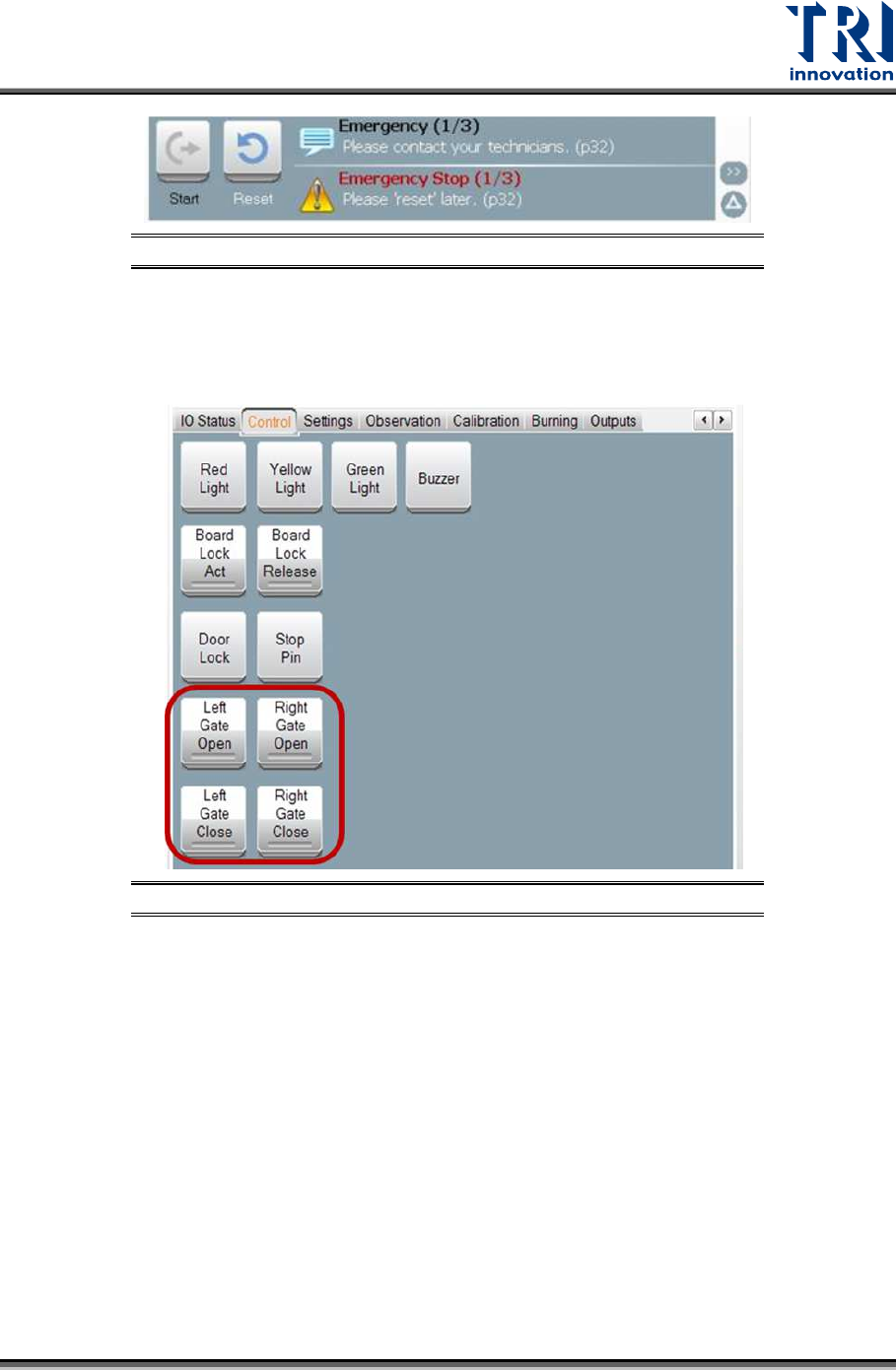
Figure 37: Emergency Stop
4.5 Check the Gate Movement
Use the HMI to test if the movements of left and right gates can work well.
Figure 38: Left and Right Gate Motion Checking
4.6 Check Back Fans Operating
Check the back fans if the fans are working properly.
Test Research, Inc.
24 TR7600 SIII Series User Guide – Maintenance
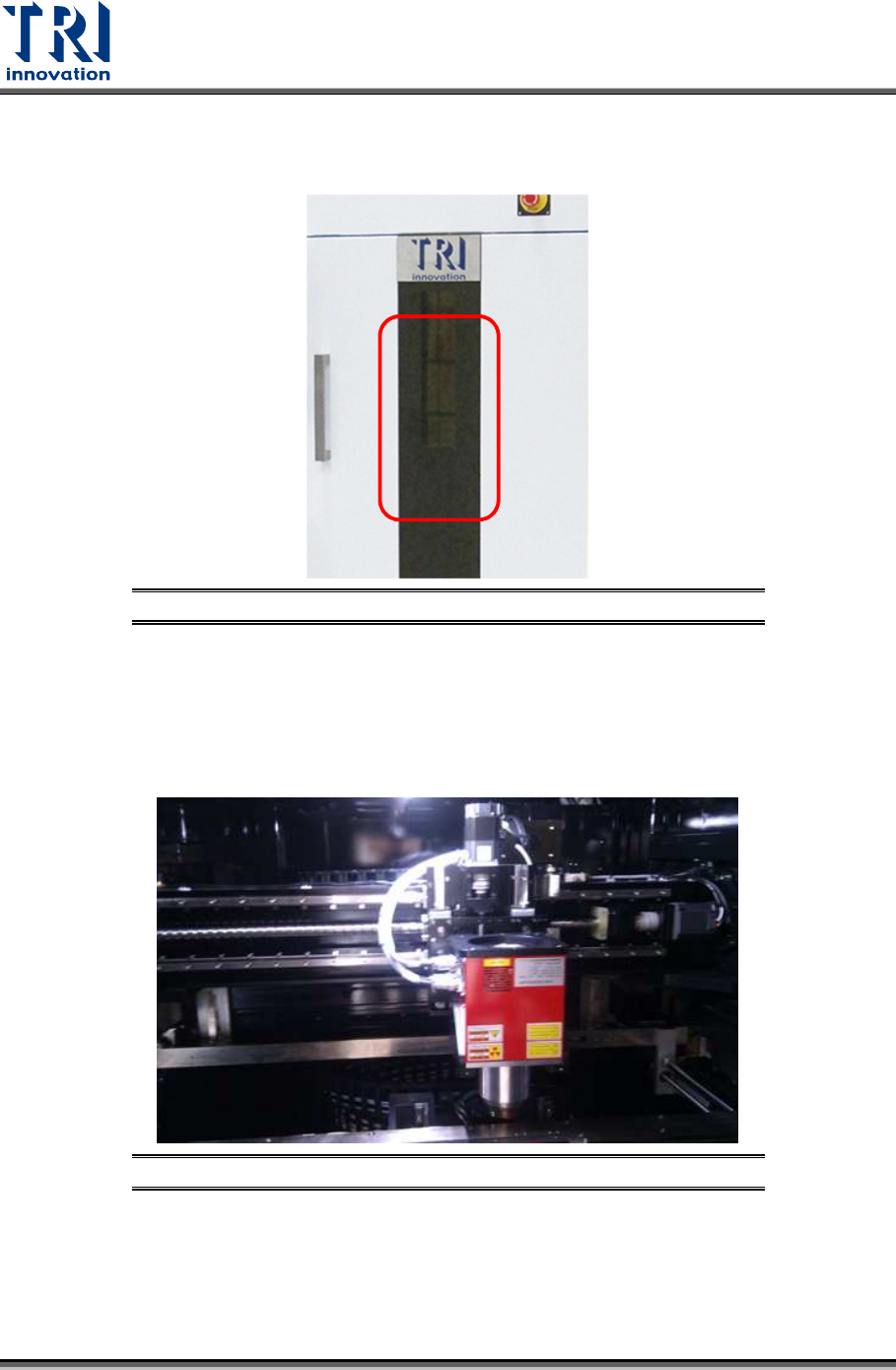
4.7 Clean Front Door Screen
Check if the lead glass window is clean; if not, use a soft cloth to clean it.
Figure 39: Front Window Checking and Cleaning
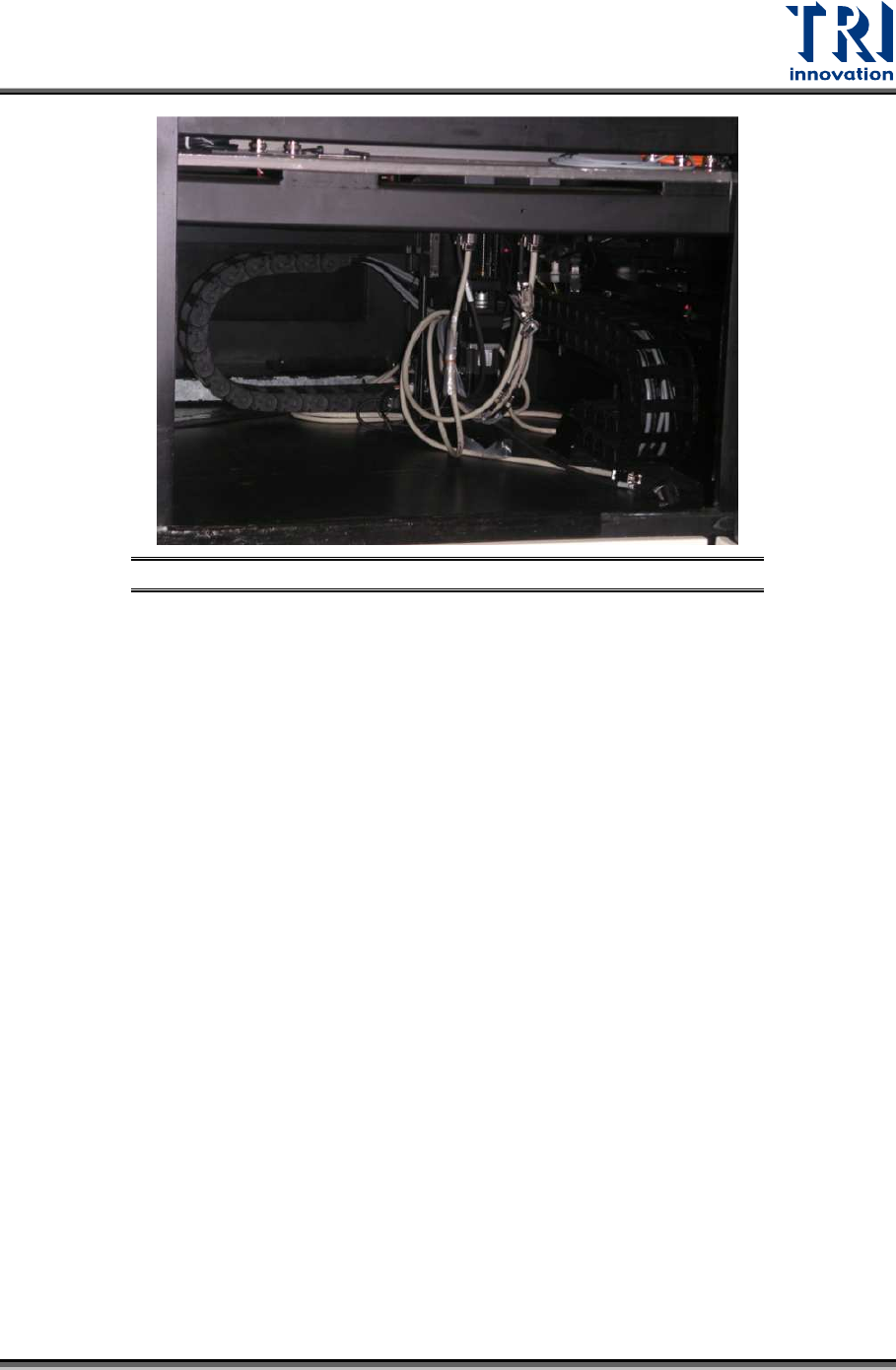
4.8 Clear Objects inside Machine
Confirm there is no foreign materials/objects or interference inside the system that will affect
inspections.
Figure 40: Inside Machine/X-ray Tube & Conveyor
Test Research, Inc.
TR7600 SIII Series User Guide – Maintenance 25
Figure 41: Inside Machine/Clearance
4.9 Check Environment
Check the environment and remove any hazardous material (for example, water and
exposed cable, etc.) form the machine. Check if the voltage and temperature are normal.