TR7600 SIII_Series_Maintenance_en_v_2_0_3.pdf - 第42页
Test Research, Inc. 32 TR7600 SI II Series User G uide – Maintenance 7 Q UA RTERL Y M A INTEN A NCE Warning: Except for the parts specifically mentioned, the power MUST b e t urned off during maintenance. Failure t o do …
Test Research, Inc.
TR7600 SIII Series User Guide – Maintenance 31
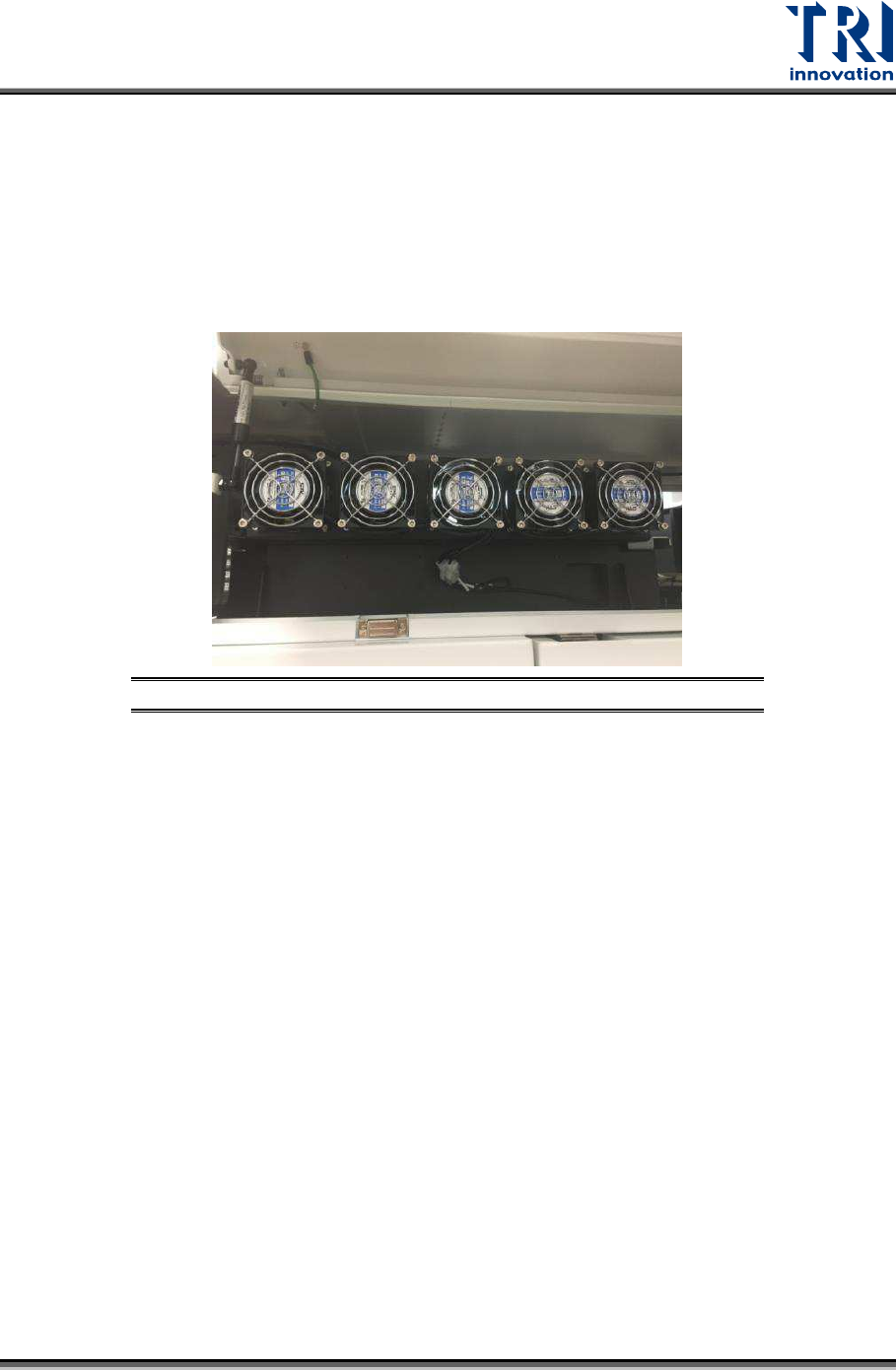
6.3 Clean Back Fans
Clean the dust on the back fans with a compressed air gun.
6.4 Clean Main PC Dust Filter and Fan
Use compressed air gun to clean dirt and dust on Main PC filter and fan in order to prevent
the computer from overheating.
Figure 51: Use Air Gun to Clean Dirt and Dust
6.5 Clean LCD Monitor
Use a clean soft cloth to wipe the LCD Monitor.
Test Research, Inc.
32 TR7600 SIII Series User Guide – Maintenance
7 Q
UARTERLY
M
AINTENANCE
Warning: Except for the parts specifically mentioned, the power
MUST be turned off during maintenance. Failure to do so may cause
mechanical or electrical damage.
Besides the daily, weekly and monthly maintenance activities, users also need to perform
maintenance activities discussed below during quarterly maintenance.
7.1 Clean and Lubricate X-Y Tables
NOTE: In order not to damage the mechanical units and to prolong the
lifespan of the mechanical units, use the grease pump and grease when
maintaining the ball screw and the linear guide way.
Before performing this operation, users must ensure that:
1) System’s power is turned off.
2) Emergency stop is enabled. This can ensure the safety of users when the power is
turned on again.
Tools
7.1.1
1) Screwdriver: about 10 cm length.
2) Soft Cleaning Cloth
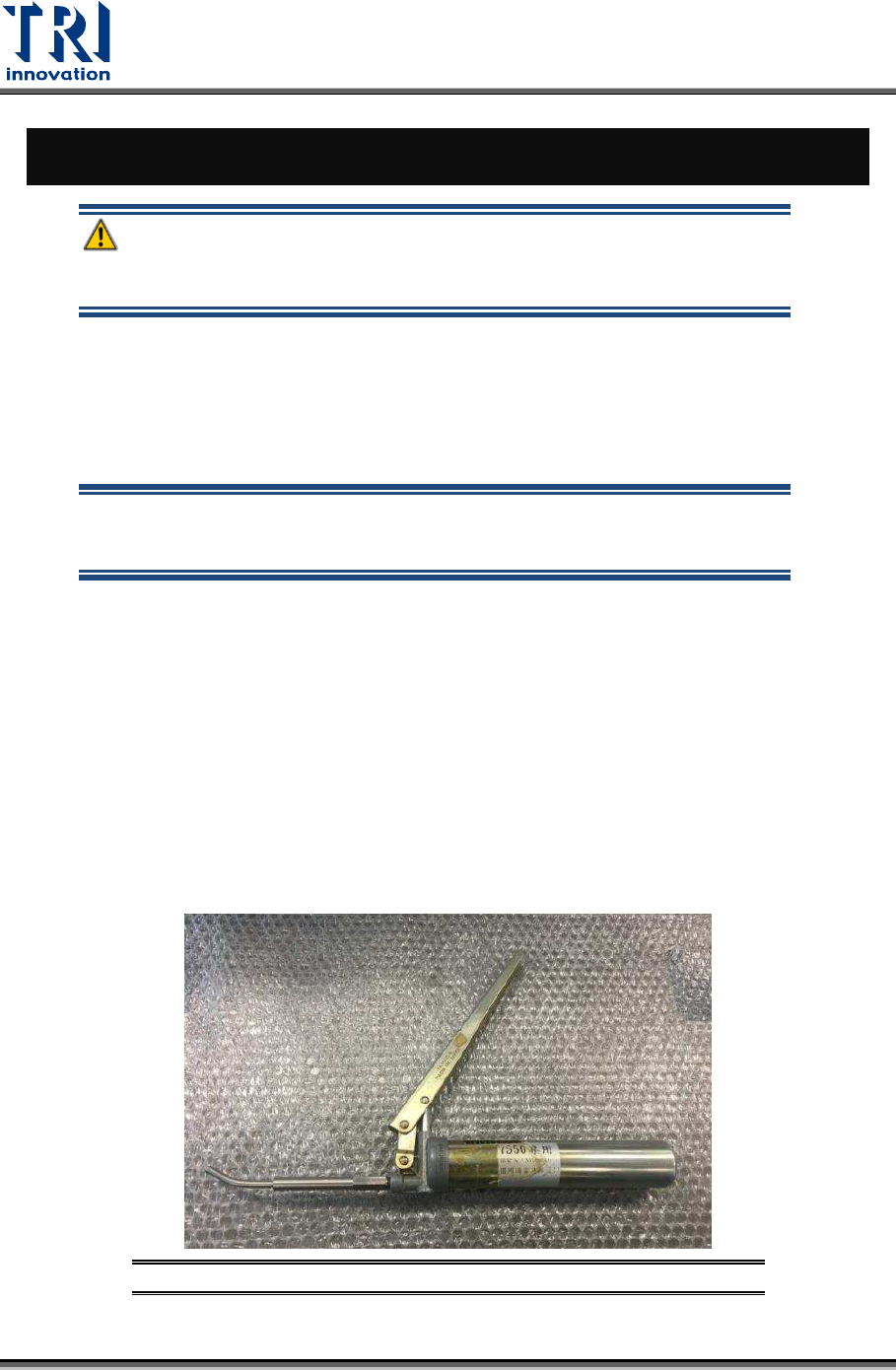
3) Grease Pump
Figure 52: Small Grease Pump
Test Research, Inc.
TR7600 SIII Series User Guide – Maintenance 33
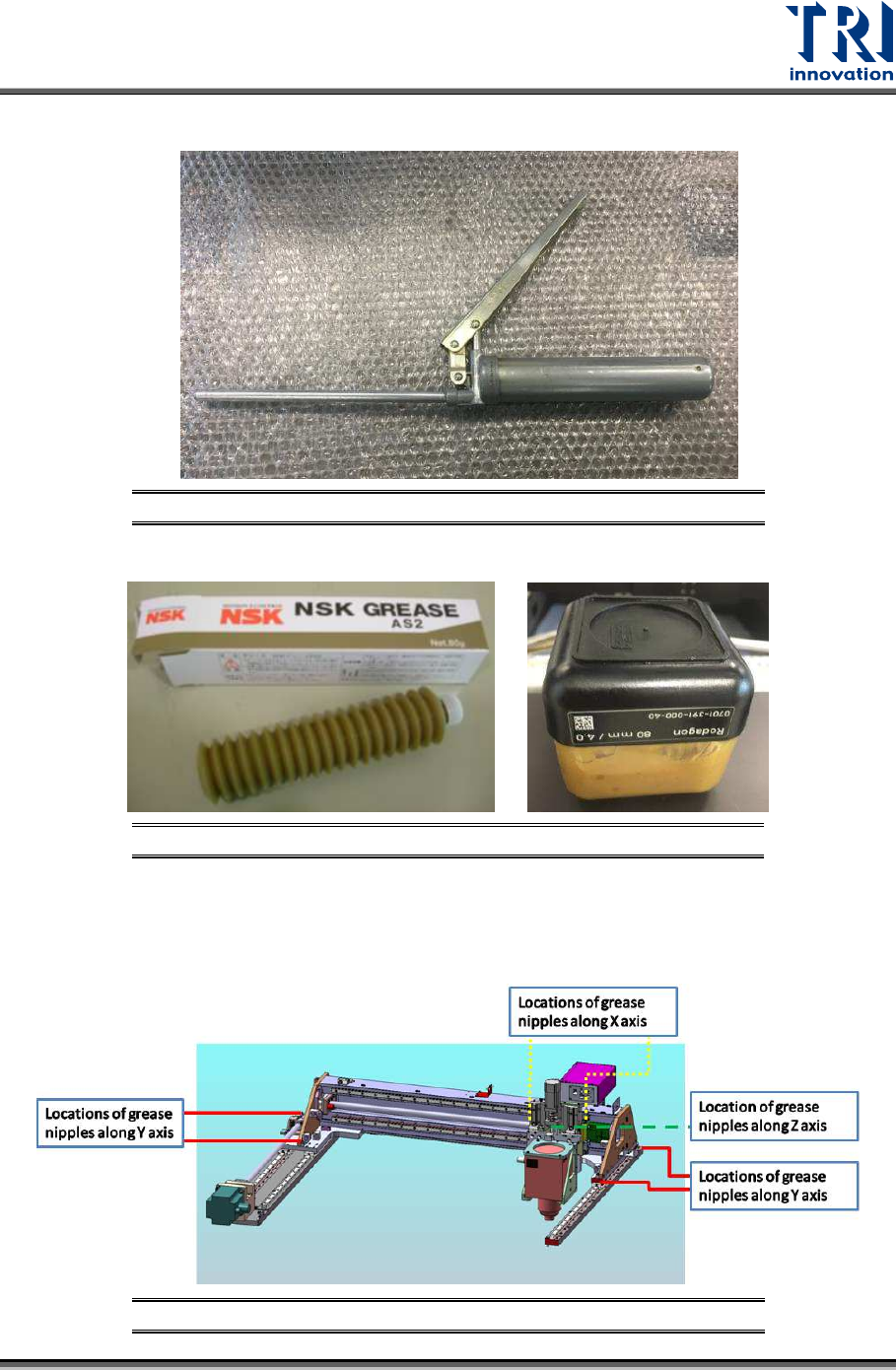
Figure 53: Large Grease Pump
4) Grease
Figure 54: Grease Example
Location of Grease Nipples 7.1.2
1) There are a total of 13 grease nipples on the upper X Y table.
Figure 55: Locations of grease nipples of the upper table