Portal_Manual_1.2.1_Rev_H-1.pdf - 第55页
Portal PVA Revisio n H ( 2018 ) 55 of 93 10.5 Standby Pos ition The end effector wi ll move to the standb y position when the h omi ng sequence is complete, all calibration procedures are co mplete , a part is finished b…
Portal
PVA
Revision H (2018)
54 of 93
10.4 Homing the Axes
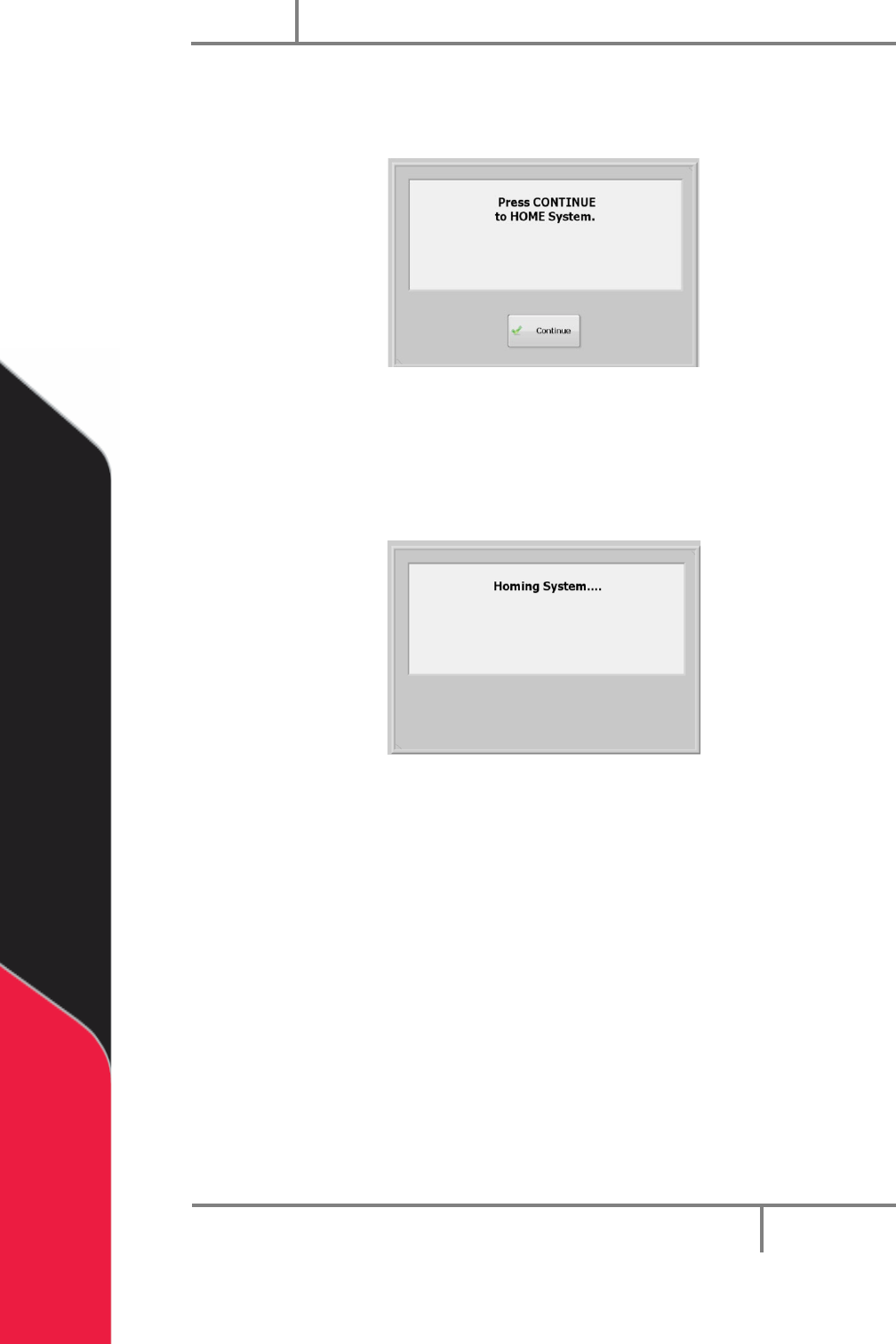
After the safety check is complete, the screen below is shown.
Figure 46: Home the System
1. Select “Continue” to home the system.
2. The axes home in the following order: Z, W (if installed), then X & Y
simultaneously.
Figure 47: System Homing Screen
Portal
PVA
Revision H (2018)
55 of 93
10.5 Standby Position
The end effector will move to the standby position when the homing sequence is
complete, all calibration procedures are complete, a part is finished being processed, or
if the machine is waiting for parts but it is not necessary to move to solvent or auto
purge. The standby position is a defined location, different from the home position.
Usually, the standby position is near the board stop to decrease travel during Auto
Cycle. The workcell always goes back to the standby position in Cycle Stop. If the
standby position needs to be changed, contact PVA.
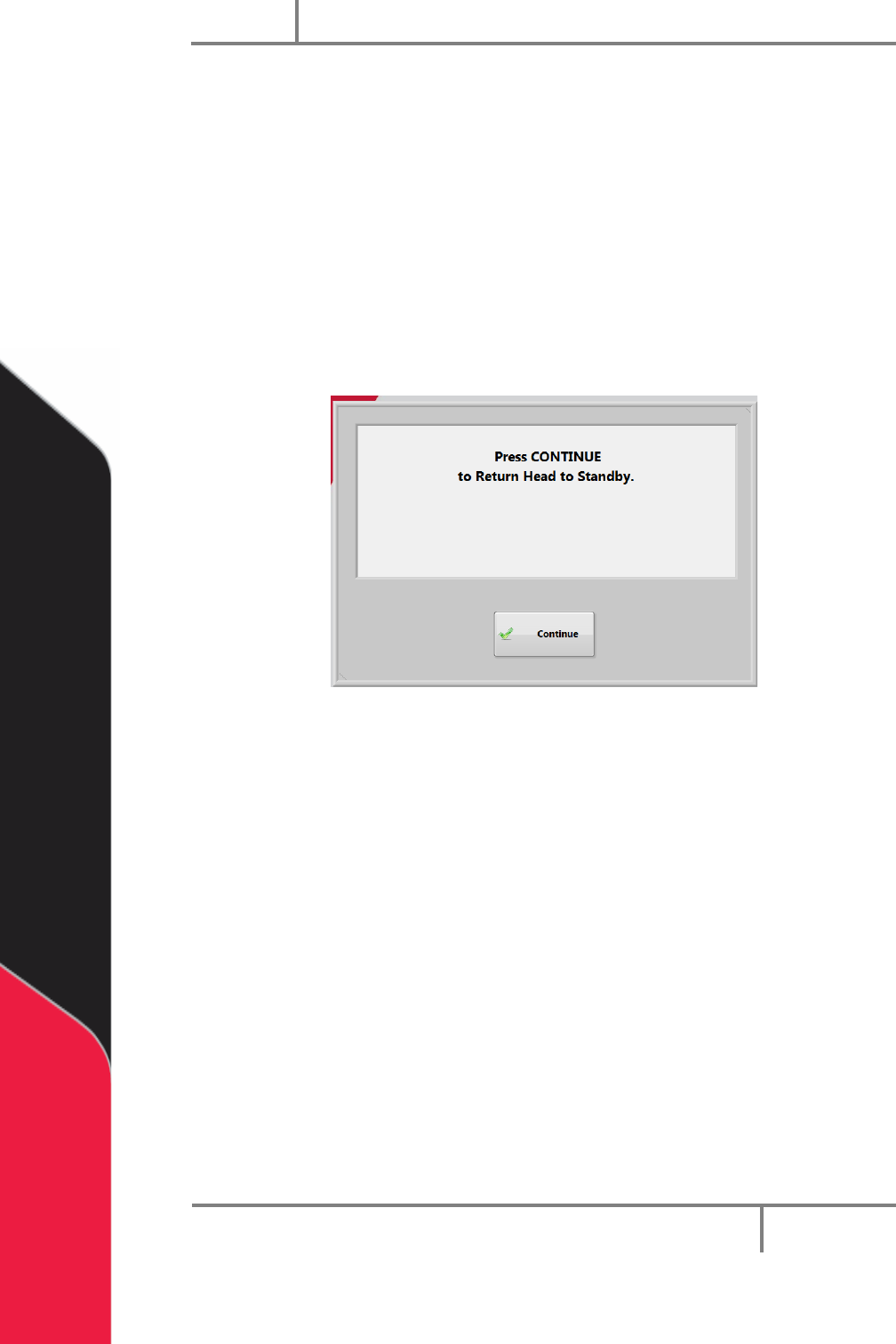
1. When Portal opens select “Continue” to return the heads to standby and go to
cycle stop mode.
Figure 48: Press Continue Portal Screen
10.6 Solvent Cups
Some workcells have solvent cups installed. When solvent cups are used, the auto purge
feature is overridden by the solvent cup routine. The Setup mode setting for frequency
has no effect but after the device leaves the solvent cups the purge duration is used.
The solvent cup location is different for each workcell but will be in the workcell
workspace. Solvent cups are used to keep the dispense/spray heads clean, if necessary.
• In Cycle Stop, the heads are in the solvent cups.
• In Manual mode, the heads will not go to the solvent cups until you exit Manual
mode.
• In Auto Cycle, the heads do the purge routine automatically. They return to the
solvent cups after a set period of inactivity.
To change the time delay before the heads enter the solvent cups in Auto Cycle, change
the value in the Sleep field under the “Cups” tab in Setup mode, refer to Section 8.2.
Portal
PVA
Revision H (2018)
56 of 93
10.7 Shut Down Procedure
If the machine is in cycle, wait for the cycle to finish and then return to Cycle Stop mode.
The machine must be in Cycle Stop mode to shut down.
NOTE: If your system needs to be flushed before it is shutdown, you must flush
the system before you shutdown Portal.
1. If you are in auto cycle wait for the cycle to finish.
2. Select the “Stop” button.
3. Close PathMaster.
4. Select “Quit” on the Portal interface, on the right side of the window.
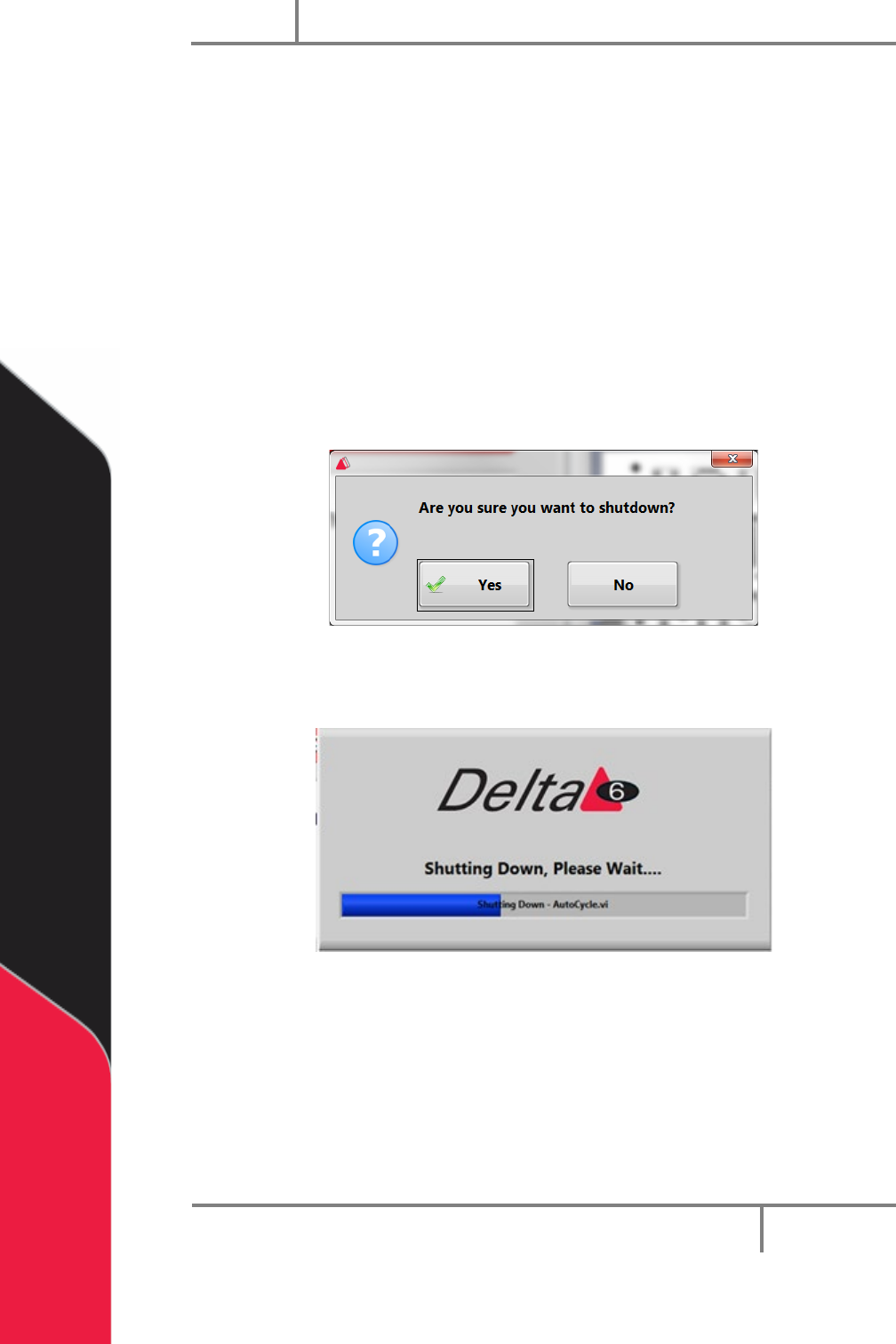
5. The screen below will be shown, select “Yes”.
Figure 49: Portal Shutdown Question
A screen will show that Portal is shutting down.
Figure 50: Portal Shutdown Screen
6. When Portal is closed the Portal Shell window will be shown. Select the
“Shutdown” button to shut down the attached PC.
7. To restart or log off select the green arrow on the Shutdown button and select
the For a list of ways to exit the Portal Shell screen without turning off the
computer, push the “F1” button on your keyboard. A window with shortcuts to
exit the Portal Shell will be shown.