Portal_Manual_1.2.1_Rev_H-1.pdf - 第83页
Portal PVA Revisio n H ( 2018 ) 83 of 93 16.6 Posi tio n Erro r Re cove ry Pro ce dure A position error occurs when the dif ference b etween the command ed positi on and the current position is more than the maximum allo…
Portal
PVA
Revision H (2018)
82 of 93
16.5 Run-Time Error Recovery Procedure
Run-time errors are generated during the operation of a program. This type of failure
should not occur during normal operation. The error type and program line number will
be displayed in the system messages window.
1. Find your error type.
2. Find the program line number.
3. Record info (error and line shown in the system messages window) and contact
PVA Technical support.
4. Select continue.
5. Do the startup/recovery procedure. Refer to Section 16.1.
6. Download the updated program and run it to see if the error was corrected.
NOTE: For more on error codes please refer to the Troubleshooting guide. For
more information on programming paths, refer to your PathMaster manual.
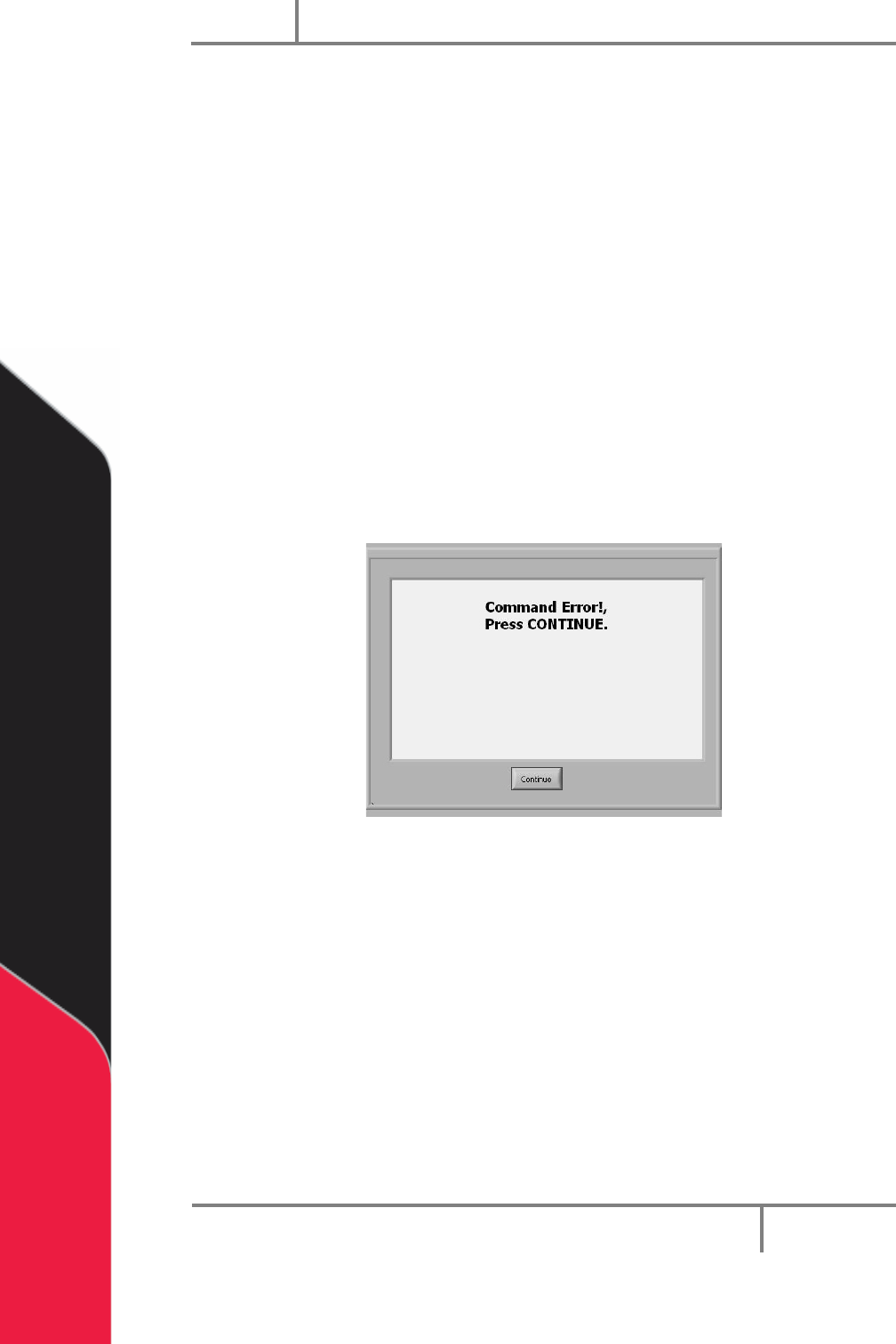
Figure 98: Command Error Example
Portal
PVA
Revision H (2018)
83 of 93
16.6 Position Error Recovery Procedure
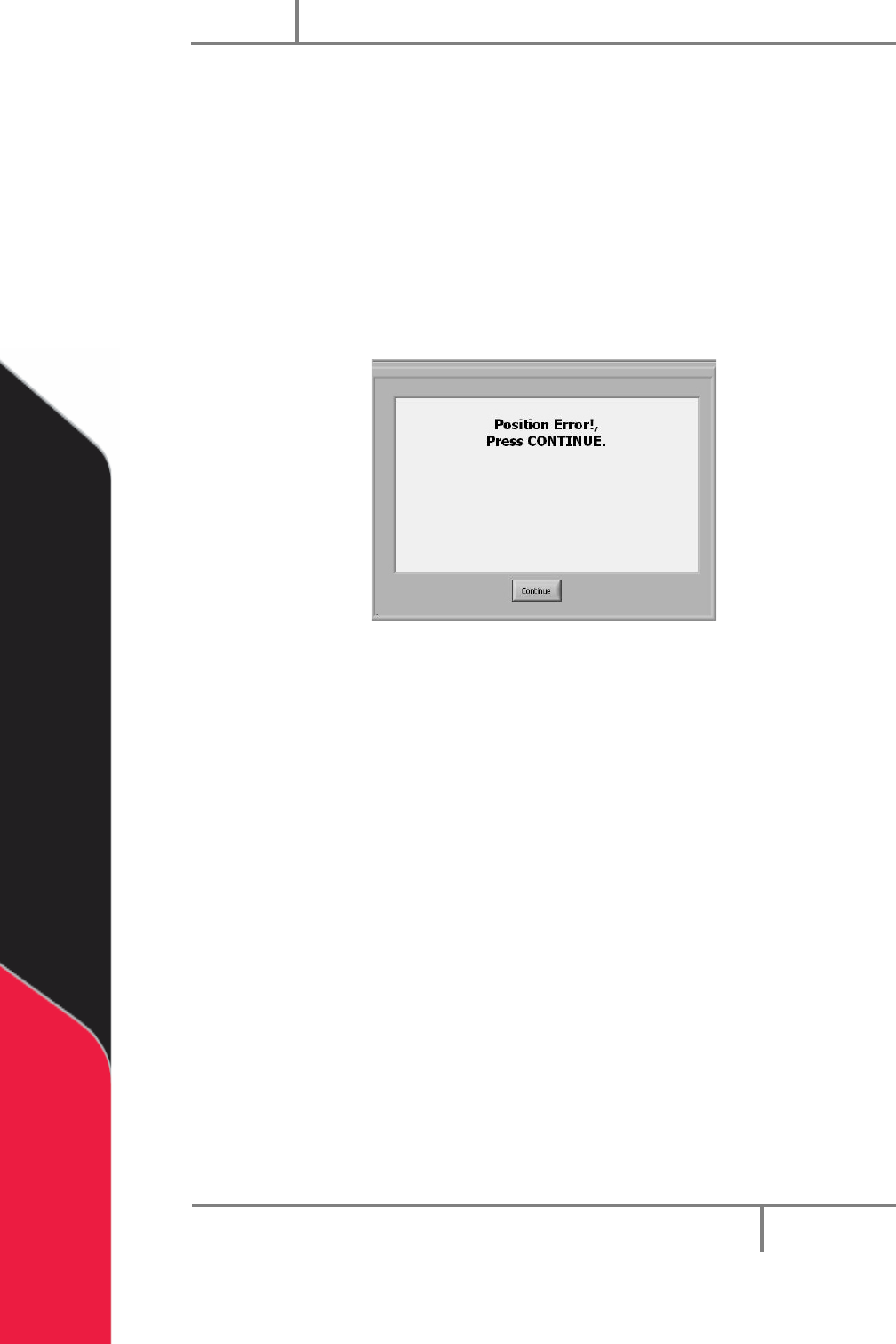
A position error occurs when the difference between the commanded position and the
current position is more than the maximum allowable error limit for an axis.
You can get an error limit if the dispense/spray head hits a hard stop in Manual mode, if
the speed or acceleration is set too high, or if the axes drives are not powered. Make
sure the “Emergency Stop” button is not engaged. The motor stop codes are shown in
the system messages window.
NOTE: Refer to Section 16.8 for more information on stop codes.
Figure 99: Position Error
To correct the position error, do the steps that follow:
1. Engage the “Emergency Stop” button.
2. Open the access door.
3. Move the dispense head to the center of the work area. The Z-axis has a brake.
Turn the Z-axis motor coupling by hand to move the dispense head as
necessary.
4. Close the access door.
5. Disengage the “Emergency Stop” button.
6. Select “Continue” to clear the error.
7. Do the startup procedure.
Portal
PVA
Revision H (2018)
84 of 93
16.7 Limit Error Recovery Procedure
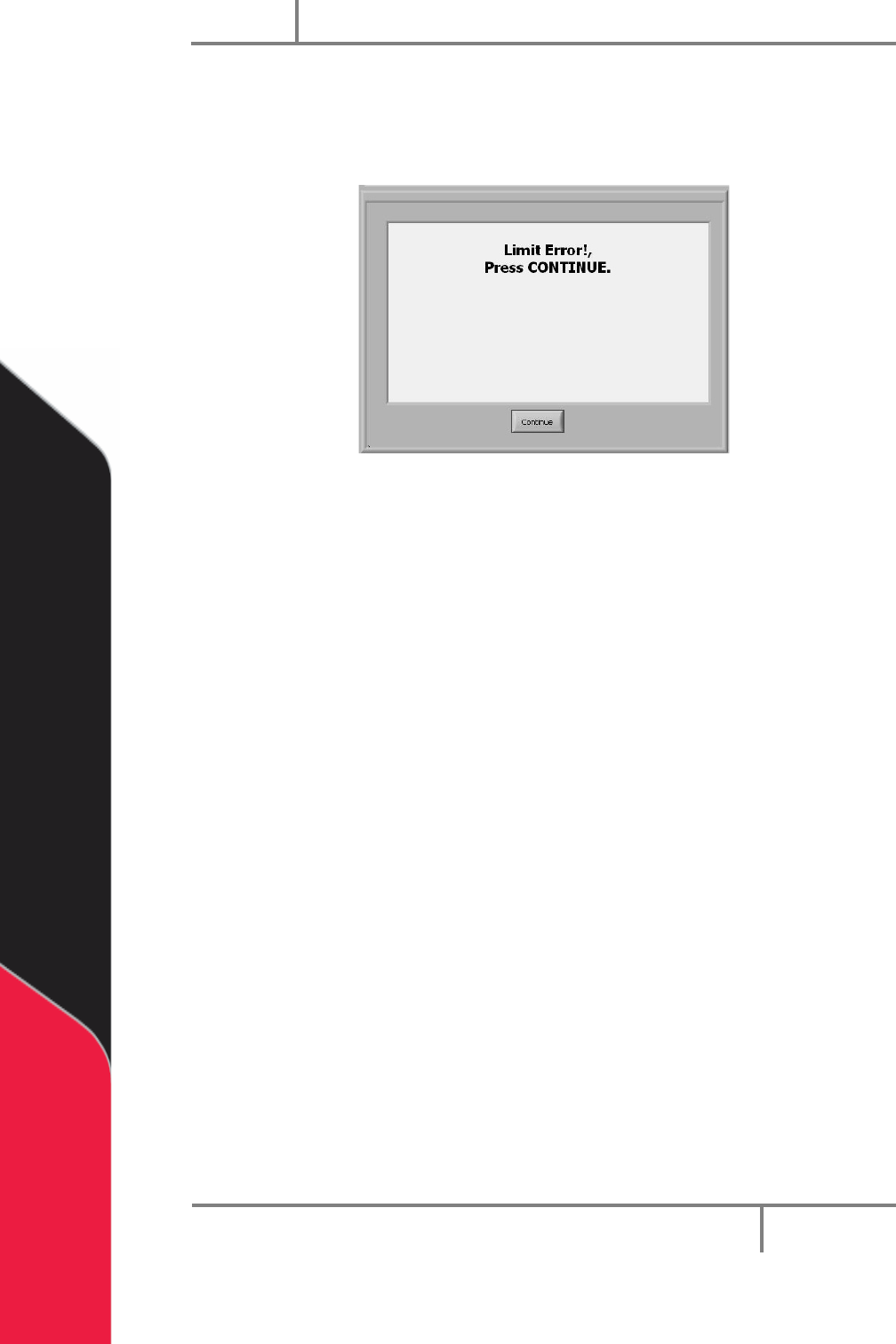
The machine encounters a limit error when the gantry exceeds the software or
hardware limits. The stop codes are shown in the system messages window.
Figure 100: Limit Error
1. Engage the “Emergency Stop” button.
2. Open the access door.
3. Move the dispense head to the center of the work area. The Z-axis has a brake.
Turn the motor coupling by hand to move the dispense head as necessary.
4. Close the access door.
5. Disengage the “Emergency Stop” button.
6. Select “Continue” to clear the error.
7. Do the startup procedure.