00195988-03_IM_SWS-Software-3.0_DE_EN.pdf - 第130页
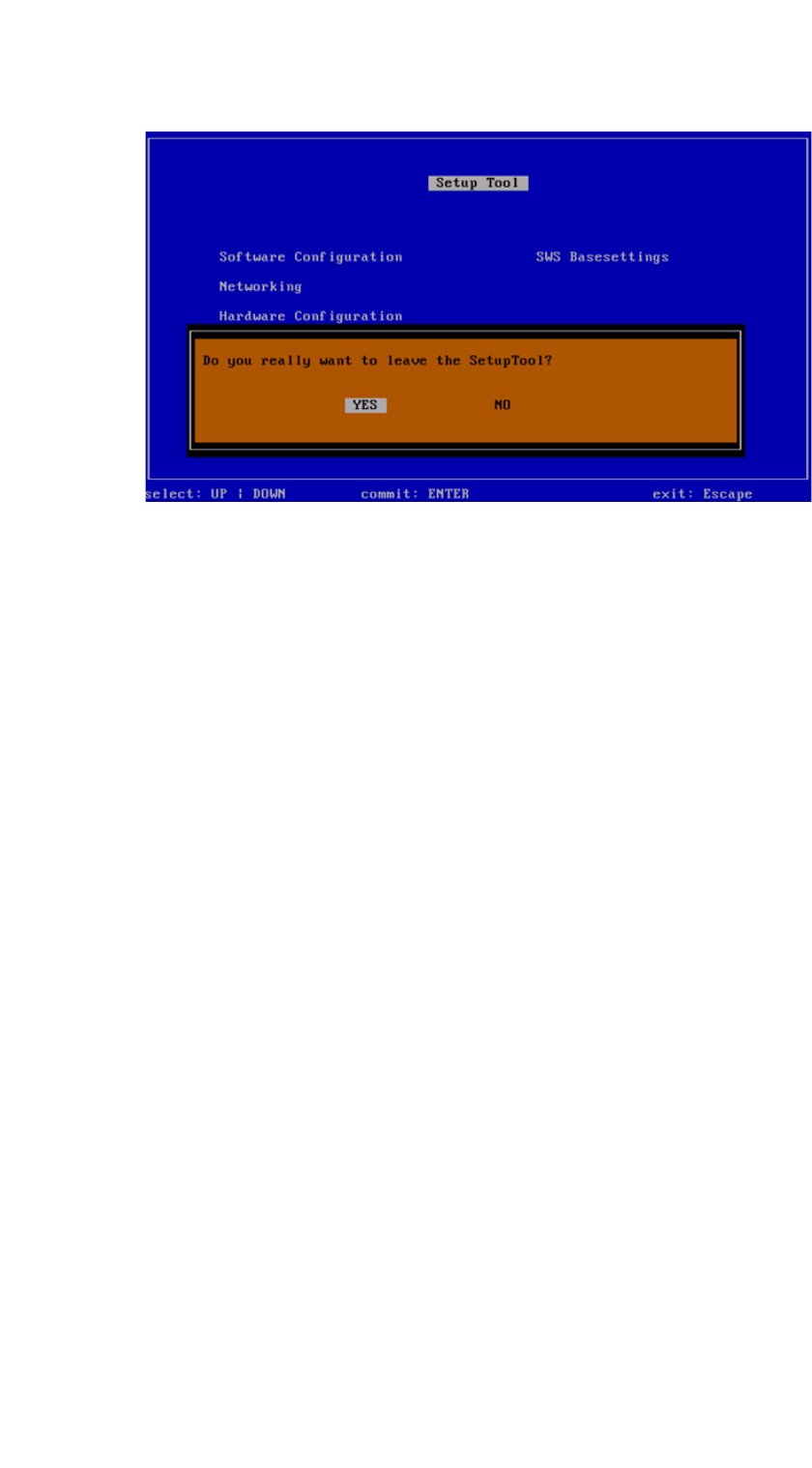
Installation Manual SIPLACE SWS Software 3.0 Edition 12/2014 130 3 Fig. 78 Notification: Exiting the setup tool Confirm YES with Enter . Restart th e application. See "Rest arting the application" on page 1…
Installation Manual SIPLACE SWS Software 3.0
Edition 12/2014
129
3
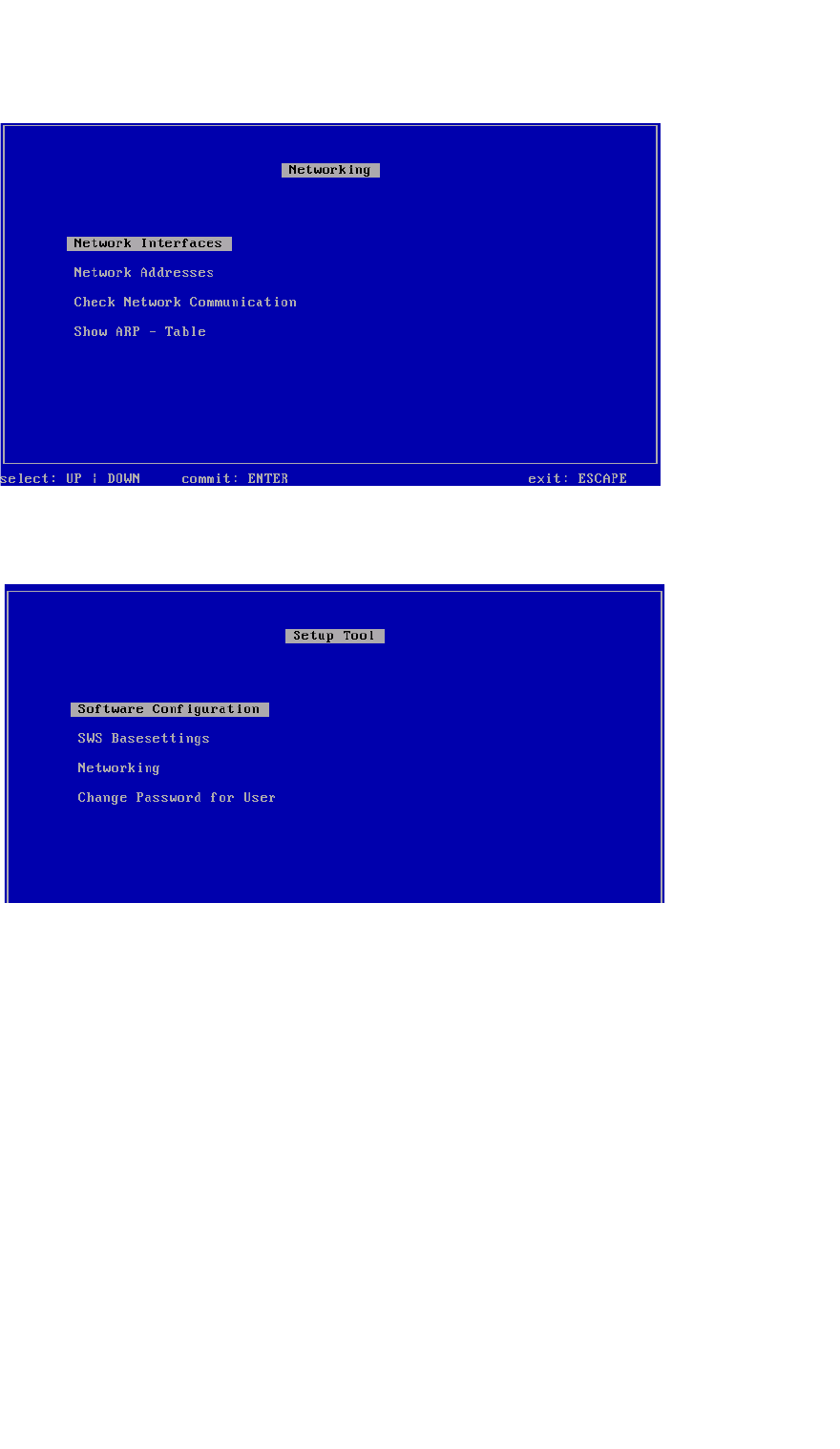
Fig. 76 Networking menu
Press ESC.
3
Fig. 77 Setup tool menu
Press ESC.
Installation Manual SIPLACE SWS Software 3.0
Edition 12/2014
131
3.4 Restarting the application
3
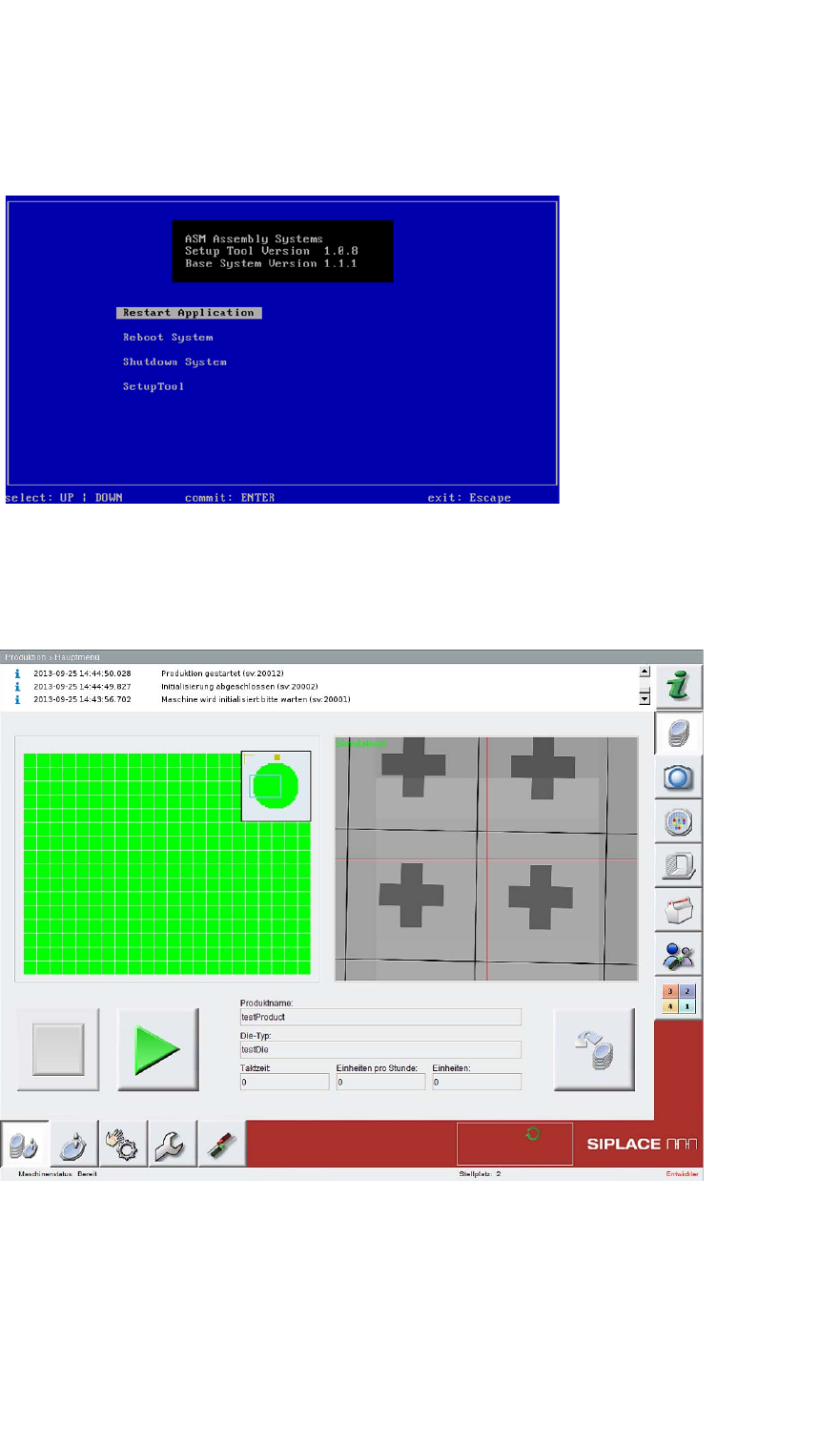
Fig. 79 Restarting the application
Confirm Restart Application with Enter.
– The SWS software will start.
3
Fig. 80 Start window for SWS software