00195988-03_IM_SWS-Software-3.0_DE_EN.pdf - 第135页
Installation Manual SIPLACE SWS Software 3.0 Edition 12/2014 135 3 Fig. 88 St art window S t art the SWS sof tware with the function Rest art Application . 3 3
Installation Manual SIPLACE SWS Software 3.0
Edition 12/2014
134
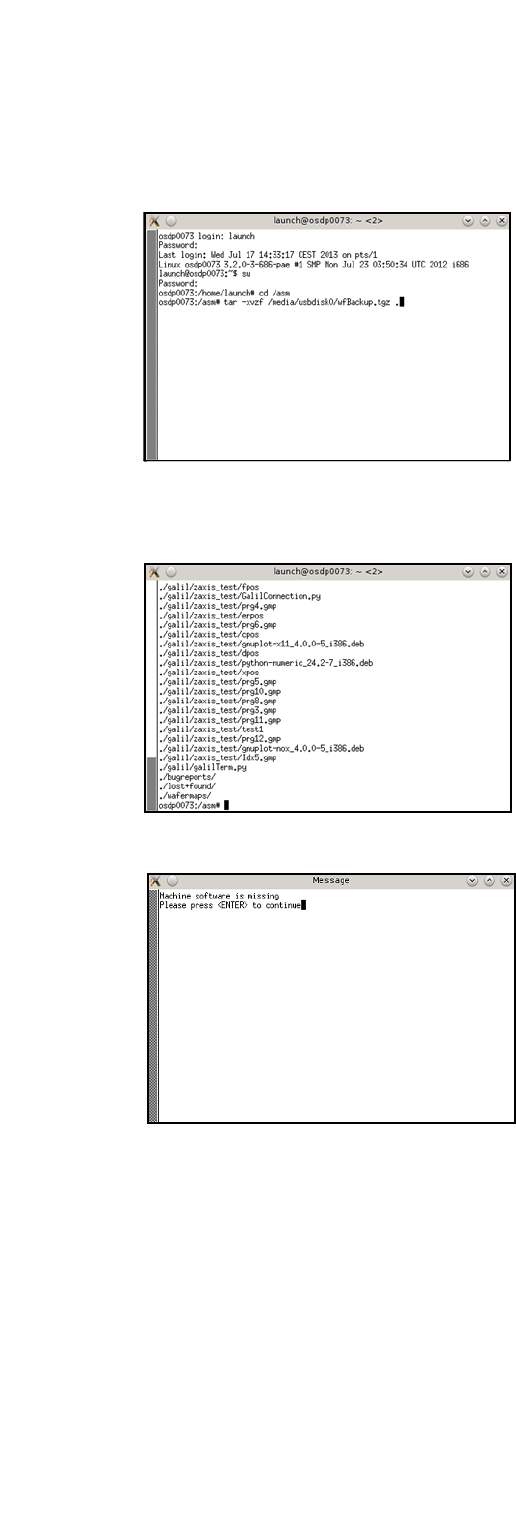
Then enter the following:
tar -xvzf /media/usbdisk0/wfBackup.tgz . 3
3
Fig. 85 Entry: tar -xvzf /media/usbdisk0/wfBackup.tgz .
– After the process has been executed, the following will appear on your screen:
3
Fig. 86 Screen after process execution
3
Fig. 87 Notification after rebooting
To start the software, select the software in the window shown and confirm with Enter.
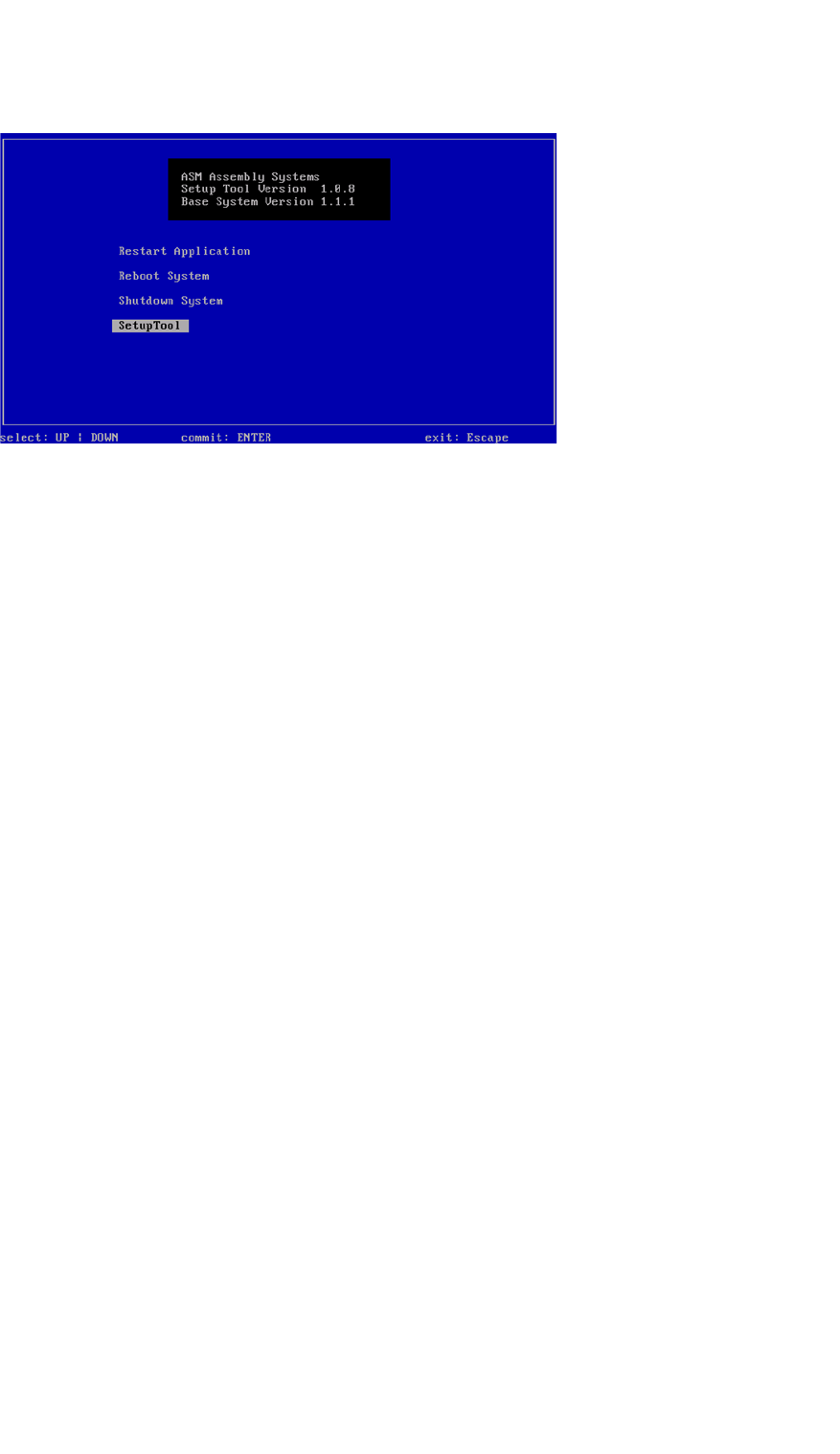
– The start window will open.
Installation Manual SIPLACE SWS Software 3.0
Edition 12/2014
135
3
Fig. 88 Start window
Start the SWS software with the function Restart Application.
3
3

Installation Manual SIPLACE SWS Software 3.0
Edition 12/2014
136