00195988-03_IM_SWS-Software-3.0_DE_EN.pdf - 第131页
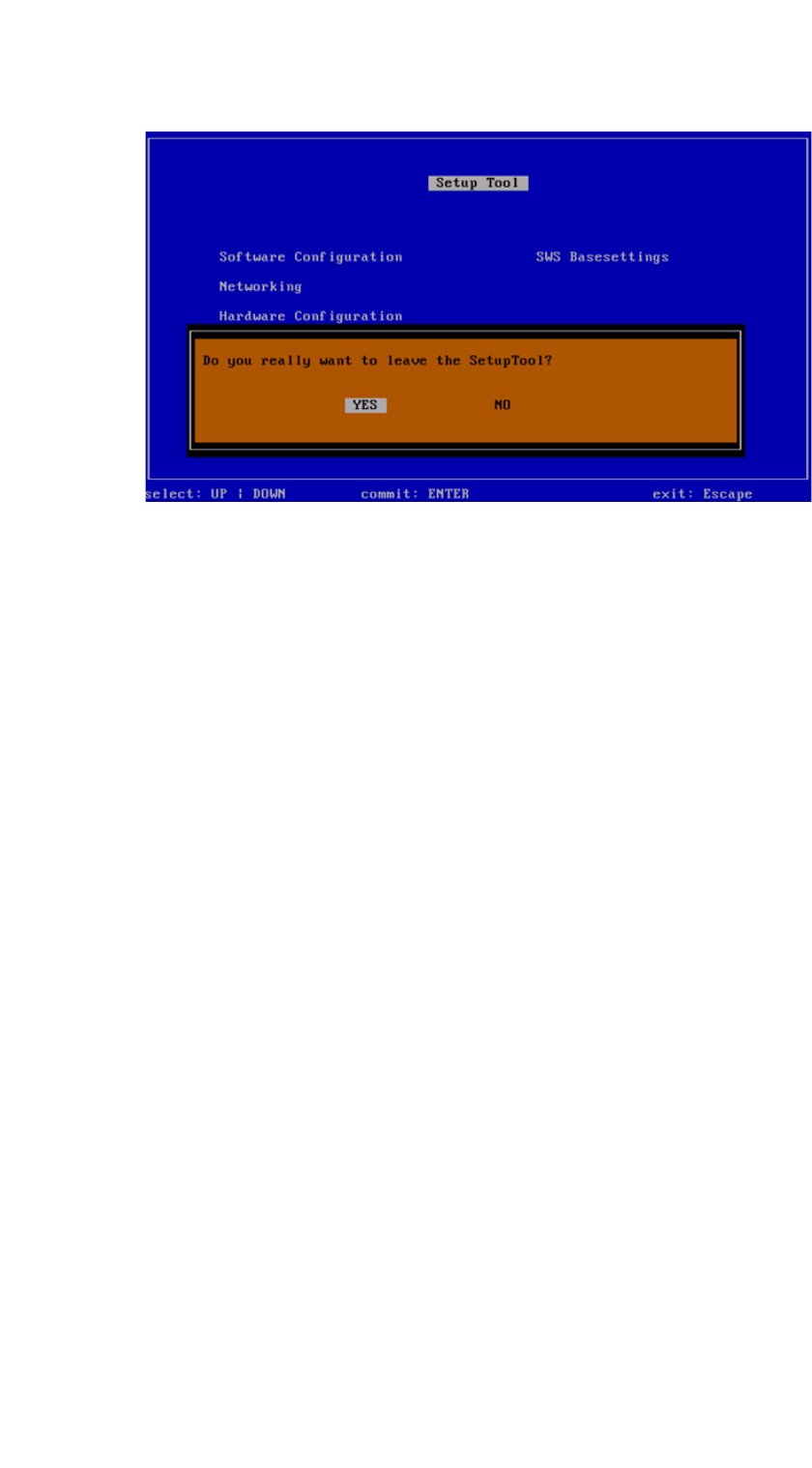
Installation Manual SIPLACE SWS Software 3.0 Edition 12/2014 131 3.4 Rest arting the application 3 Fig. 79 Restarting the application Confirm Rest art Application with Enter. – The SWS software will start. 3 Fig. 80 St…
Installation Manual SIPLACE SWS Software 3.0
Edition 12/2014
131
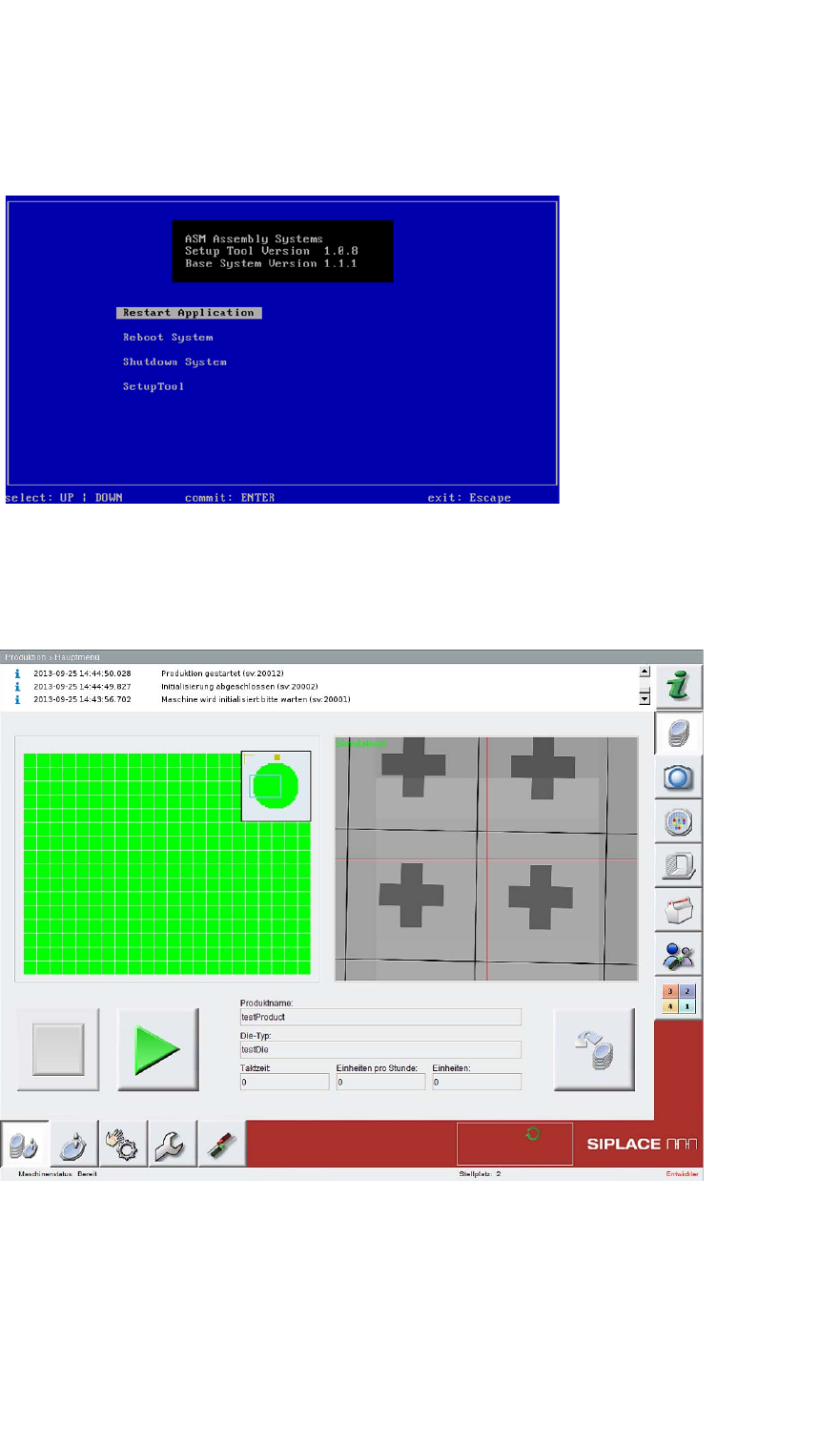
3.4 Restarting the application
3
Fig. 79 Restarting the application
Confirm Restart Application with Enter.
– The SWS software will start.
3
Fig. 80 Start window for SWS software
Installation Manual SIPLACE SWS Software 3.0
Edition 12/2014
132
3.5 Importing the backup
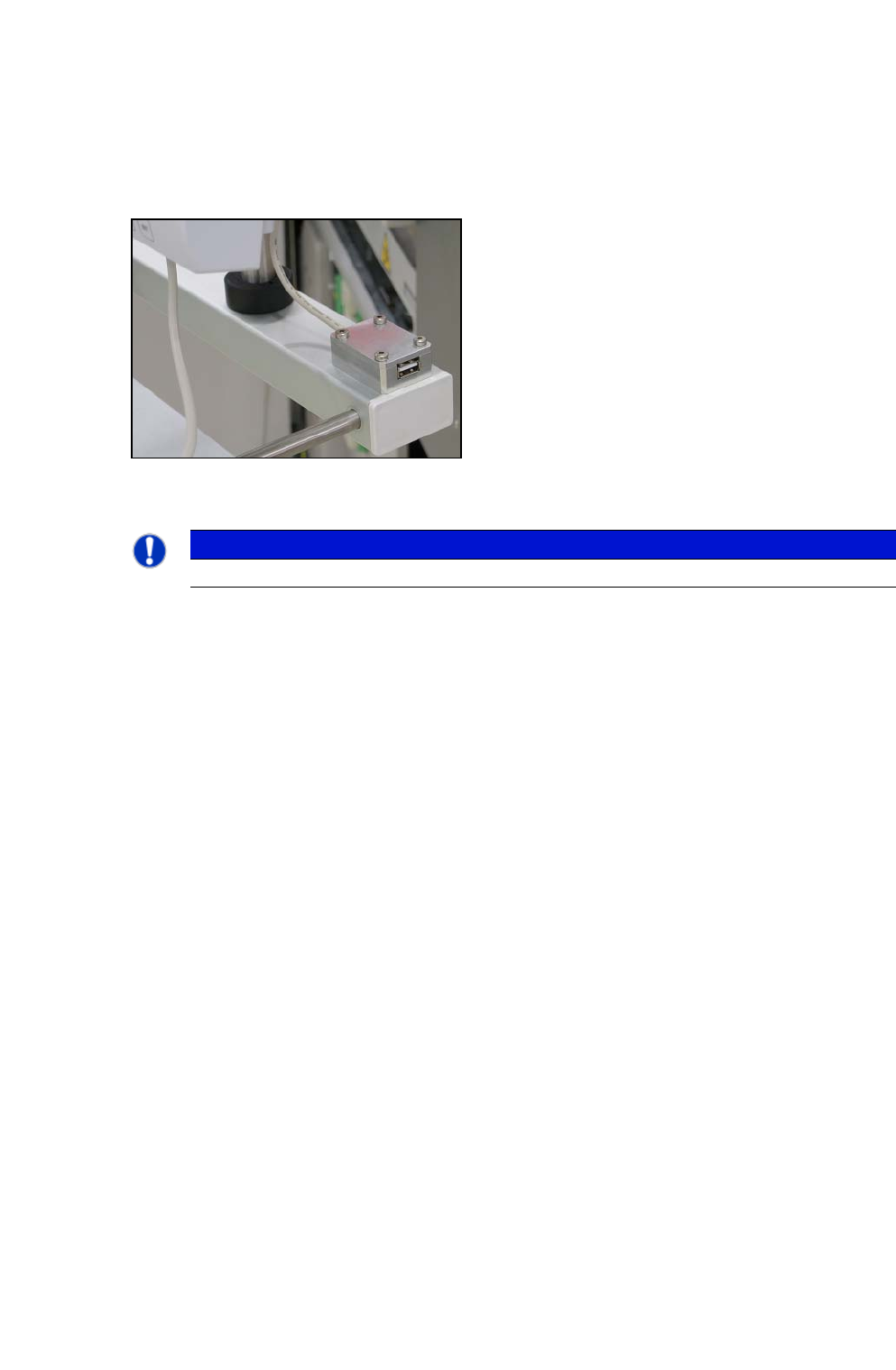
Connect a USB stick to the port provided on your computer.
3
Fig. 81 USB port on SWS monitor
3
3
PLEASE NOTE
To achieve the required effect, confirm each entry with Enter.