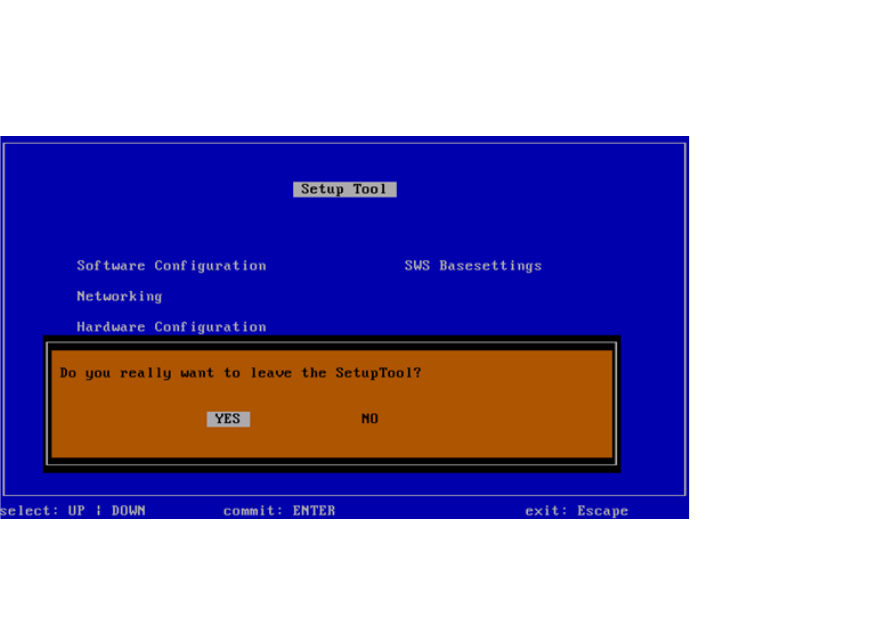
00195988-03_IM_SWS-Software-3.0_DE_EN.pdf - 第42页
Installationsanleitung / Installation Manual SIPLACE SWS Software 3.0 Ausgabe 12/2014 Edition 42 3 Abb. 60 Menü Networking Drücken Sie ESC. 3 Abb. 61 Menü des Setup T ools Drücken Sie ESC.
Installationsanleitung / Installation Manual SIPLACE SWS Software 3.0
Ausgabe 12/2014 Edition
41
3
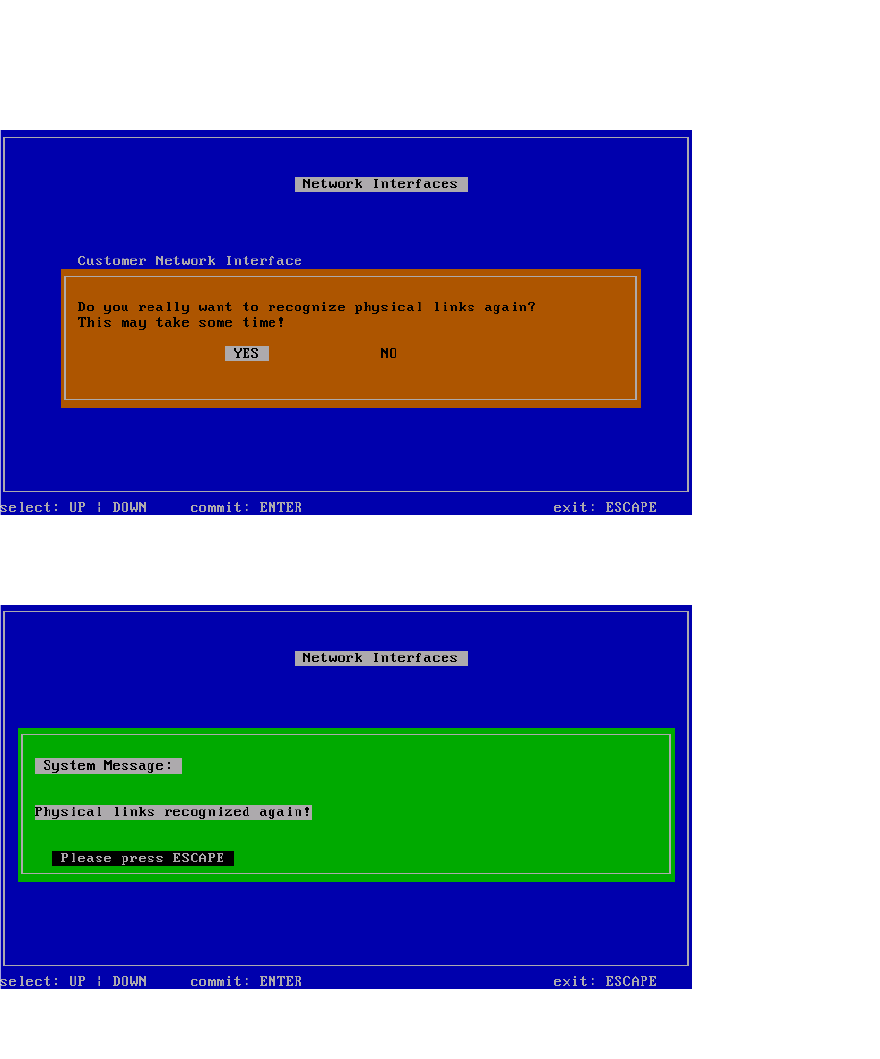
Abb. 58 Menü Recognize network interfaces - Meldung
Wählen Sie Yes und bestätigen Sie mit Enter.
3
Abb. 59 Menü Recognize network interfaces - Bestätigung
Drücken Sie ESC.
Installationsanleitung / Installation Manual SIPLACE SWS Software 3.0
Ausgabe 12/2014 Edition
42
3
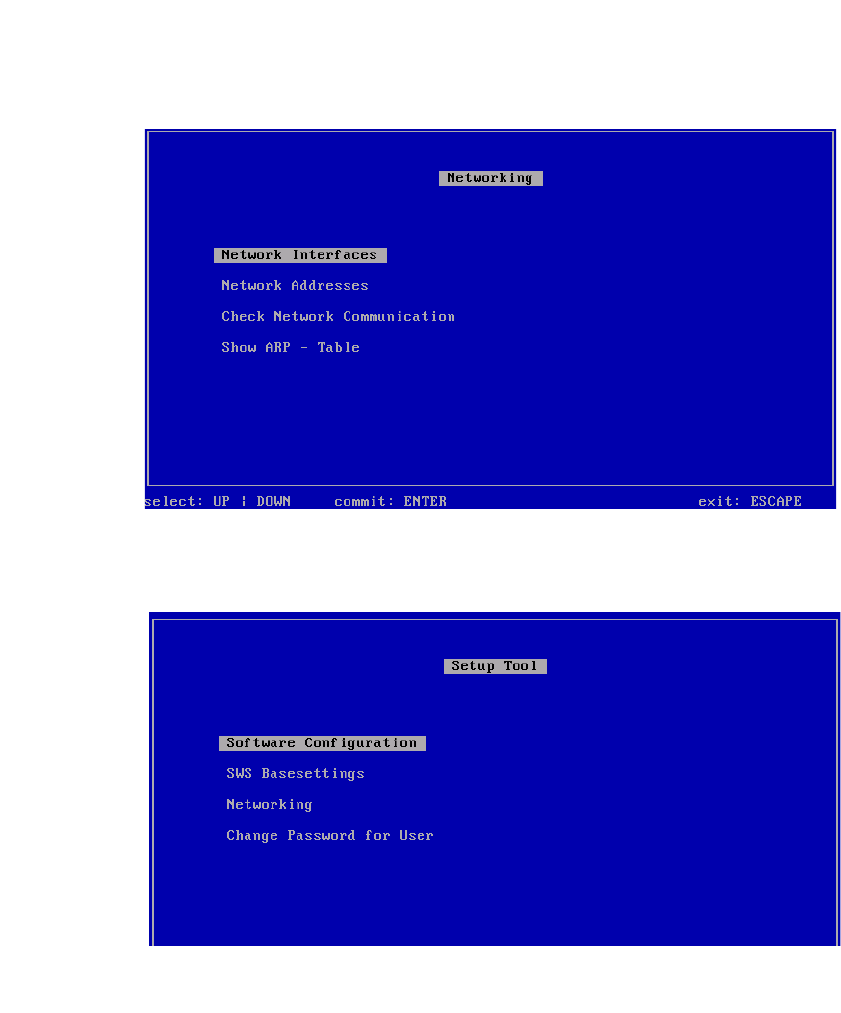
Abb. 60 Menü Networking
Drücken Sie ESC.
3
Abb. 61 Menü des Setup Tools
Drücken Sie ESC.