00195424-01.pdf - 第108页
5 D eins talla tion I nsta llati ons- und K on figur ati onsa nlei tung SIP LACE Expl ore r 5. 3 Rep air Au sga be 05 /200 7 D E 108 → Di e Wiederherstellung d es SIPLACE Explorer 2. 2 ist kom pl et t . 5 Ab b. 5 - 8 Re …
Installations- und Konfigurationsanleitung SIPLACE Explorer 5 Deinstallation
Ausgabe 05/2007 DE 5.3 Repair
107
5.3 Repair
5
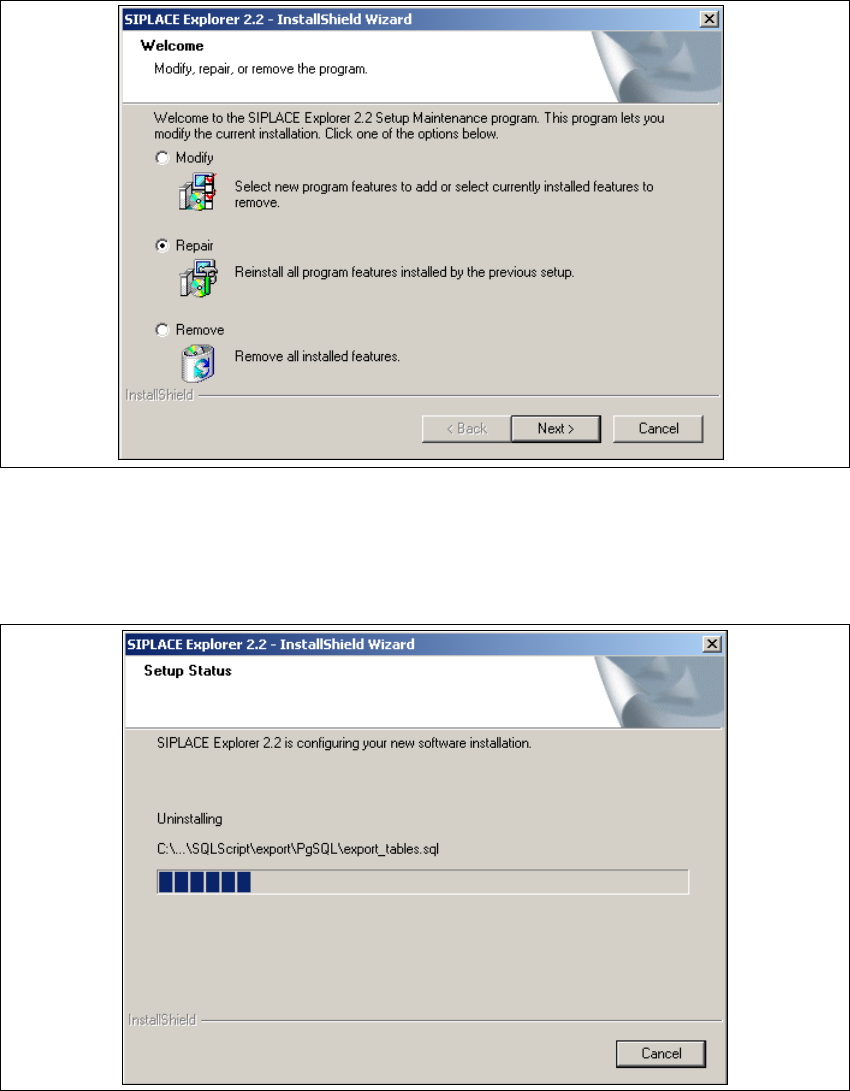
Abb. 5 - 6 SIPLACE Explorer 2.2 - Installshield-Assistent
→ Klicken Sie Repair (Wiederherstellen) an und klicken Sie auf Next (Weiter).
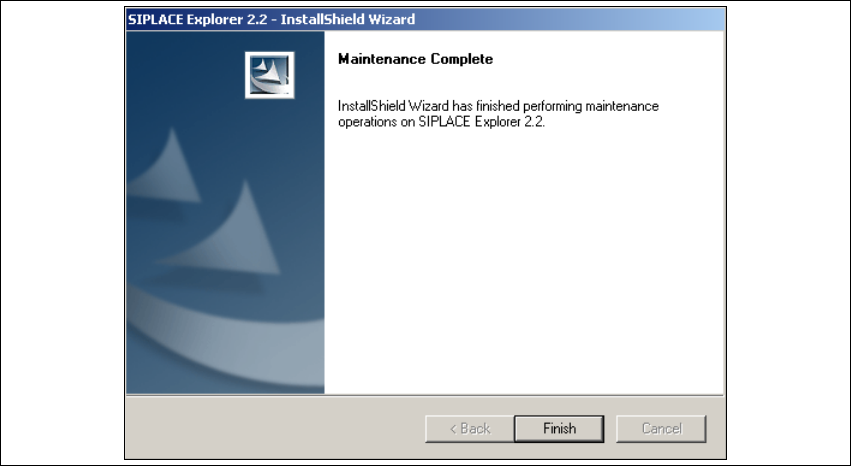
→ Der Wiederherstellungsvorgang wird durchgeführt. In dem Dialogfenster Setup Status sehen
Sie welche Komponenten deinstalliert bzw. installiert werden.
5
Abb. 5 - 7 SIPLACE Explorer 2.2 - Installshield-Assistent
5 Deinstallation Installations- und Konfigurationsanleitung SIPLACE Explorer
5.3 Repair Ausgabe 05/2007 DE
108
→ Die Wiederherstellung des SIPLACE Explorer 2.2 ist komplett.
5
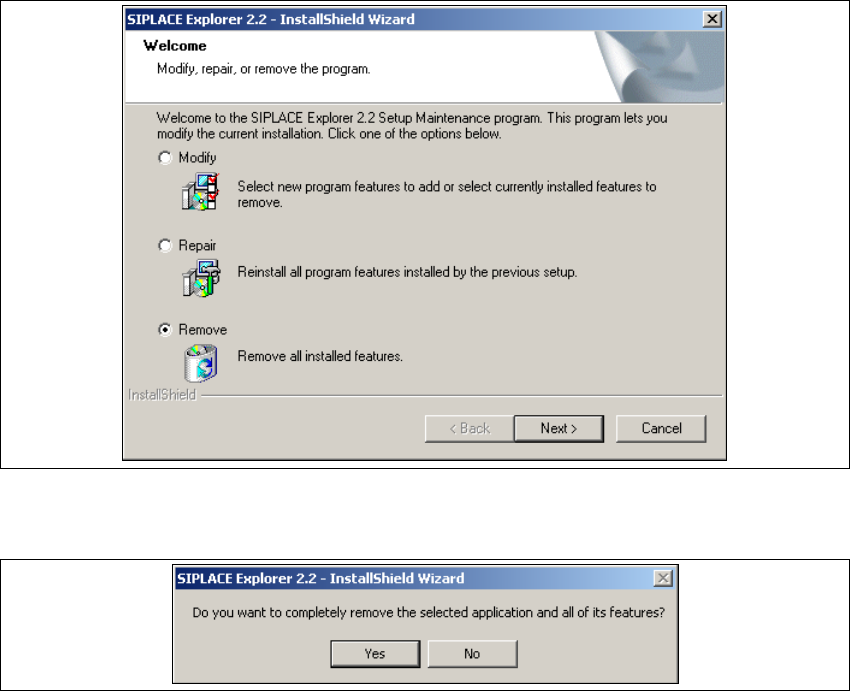
Abb. 5 - 8 Repair komplett
→ Klicken Sie Finish (Beenden). Der SIPLACE Explorer 2.2 - Installshield-Assistent wird
geschlossen.
Installations- und Konfigurationsanleitung SIPLACE Explorer 5 Deinstallation
Ausgabe 05/2007 DE 5.4 Remove
109
5.4 Remove
5
Abb. 5 - 9 SIPLACE Explorer 2.2 - Installshield-Assistent
→ Klicken Sie Remove (Entfernen) an und klicken Sie auf Next (Weiter).
5
Abb. 5 - 10 Frage zur Deinstallation: Datei löschen bestätigen
→ Bestätigen Sie, indem Sie Yes anklicken.