QP132三级参考手册.pdf.pdf - 第123页
10.1.6 Pallet Change Station Cover 1. The machine cover needs to be aligned with the pallet change station by the three (3) cover installation bolts when closed. 2. Adjust the door lock hook position. There should be no …
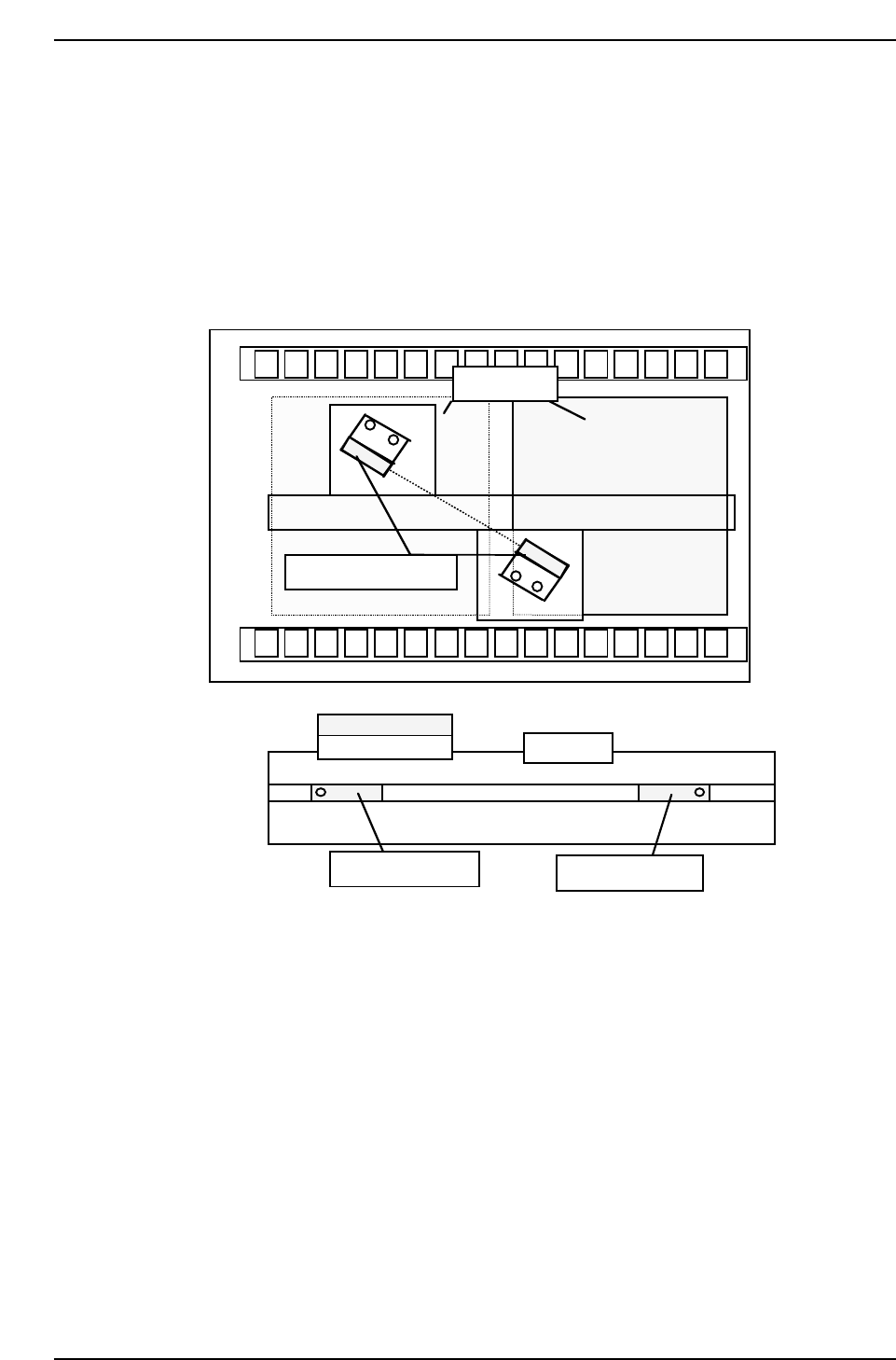
10.1.5 Pallet Detection Sensor
1. Adjust the sensor position to react against the pallet direction sensor no
matter where the pallet is at the station.
2. The sensor must react when the 8-inch pallet is placed on the change
station at the back end of the cylinder. If it is difficult to adjust, change
the pallet push-lever. In this case, ensure that there is no problem when
16-inch pallets are used.
QP132T10004
8-inch pallet
Cylinder
FWD end sensor
BWD end sensor
Pallet check sensor
Chapter 10 10.1 Pallet Change Station Adjustment
Edition 1.1 10-4 QP-132 Level 3 Tutorial
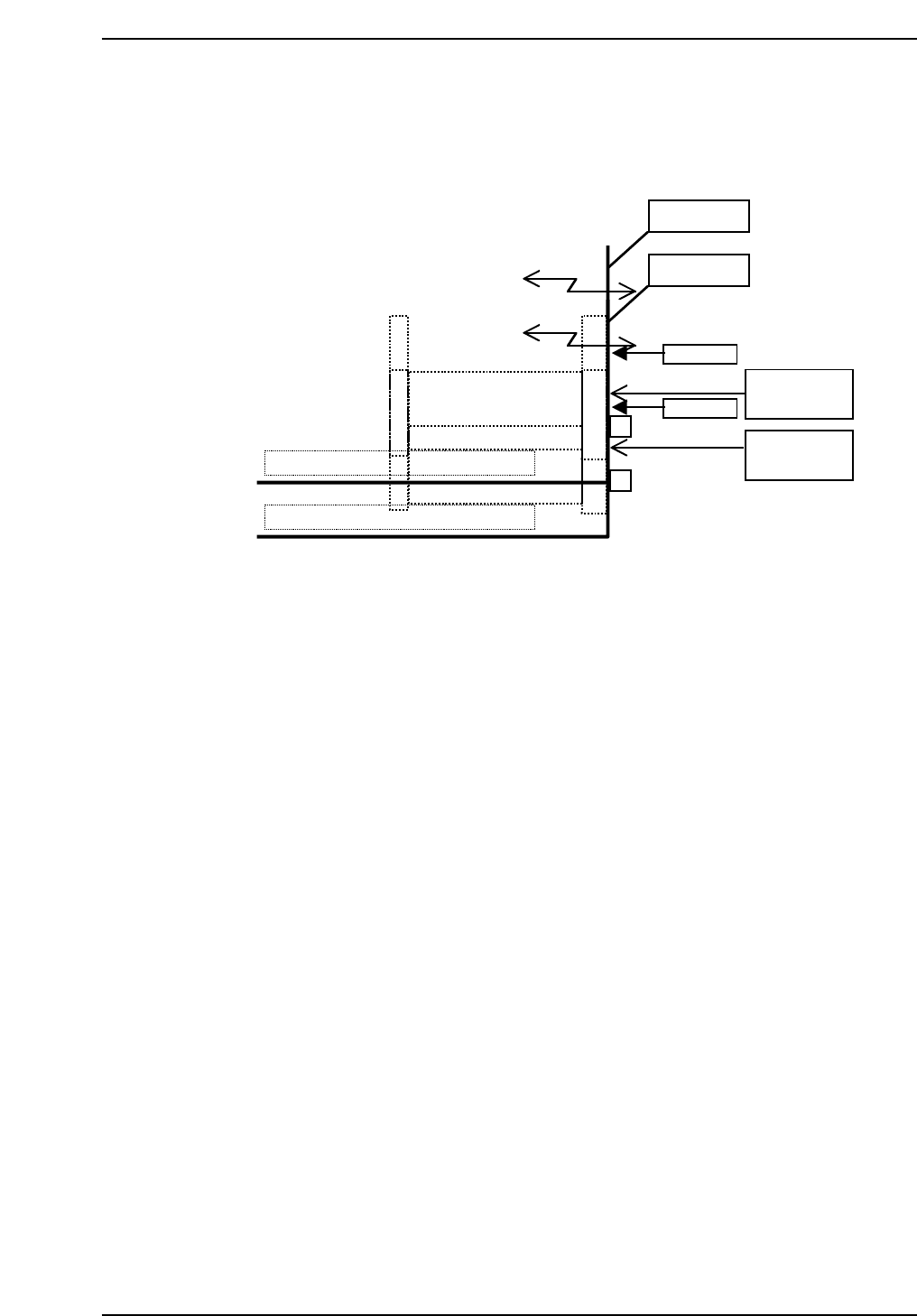
10.1.6 Pallet Change Station Cover
1. The machine cover needs to be aligned with the pallet change station by
the three (3) cover installation bolts when closed.
2. Adjust the door lock hook position. There should be no play when the
door is closed.
3. Also, check the dog position of the [Telemecanique] SW.
4. Grease up the LM guide, pallet shifting gear, and position the top cover.
10.1.7 Pallet Change Station Shutter
1. Set the speed controllers for Pallet change ascent and descent as follows.
UP : 2 turns from the fully closed position.
DOWN : 2 turns from the fully closed position.
10.1.8 Pallet Change Station Shutter Lower End
Stopper
1. Press [SET] → [MANUAL] → [I/O] → [STANDARD I/O] → [OUTPUT]
and turn on Y065F SHUTTER CLOSE to lower the shutter.
2. Adjust the cylinder stopper at the downward end when the change
station is closed. It is positioned 3 mm from the surface of the pallet
guide rail.
3. The upper end stopper is positioned 5 mm from the edge of the bracket.
QP132T10005
M/C cover
M/C cover
Flush!
Flush!
Pallet change
station cover
Pallet change
station cover
Chapter 10 10.1 Pallet Change Station Adjustment
Edition 1.1 10-5 QP-132 Level 3 Tutorial
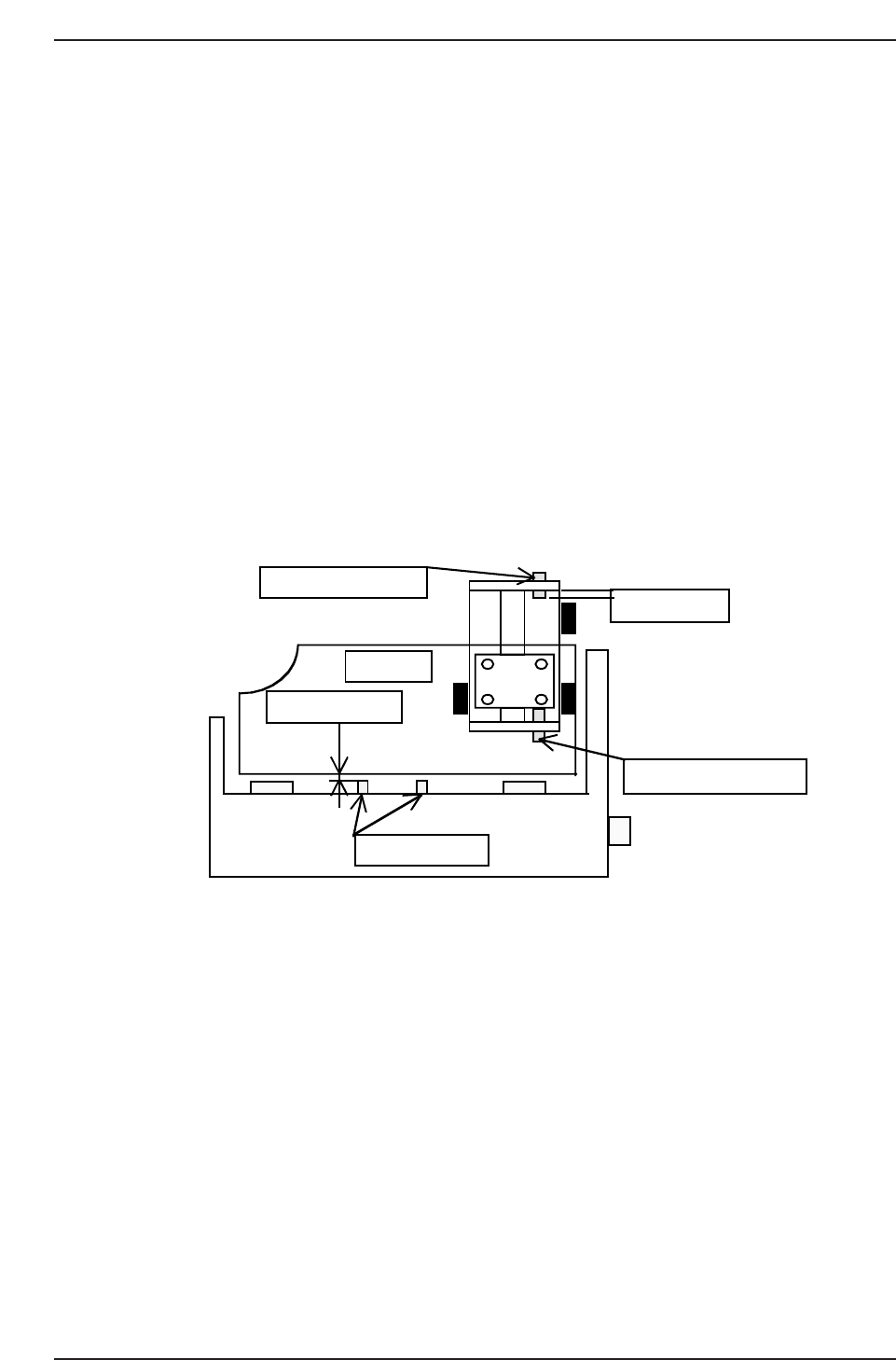
10.1.9 Pallet Change Station Forward and Backward
End Sensors
1. Press [SET] → [MANUAL] → [I/O] → [STANDARD I/O] → [OUTPUT]
and turn on Y06F SHUTTER CLOSE to lower the shutter.
2. Move the sensor and find the position where sensor turn OFF and ON.
3. Move the sensor 1 mm to ON side.
4. Turn on Y06E SHUTTER OPEN and adjust the sensor position.
Note: There are two downward end sensors. Both of them must come on.
10.1.10 Pallet Change Station Shutter
1. Reattach the acrylic cover. Be careful not to incline the cover at this time.
2. Check for any interference with the wiring tubes when moving the
shutter vertically.
3. Check for any interference with the shutter cover or wiring tubes when
opening or closing the station.
4. Manually check for any potential interference with the pallet.
QP132T10006
Upward end stopper
Approx. 5 mm
Shutter
Approx. 3 mm
Downward end stopper
Pallet guide rail
Chapter 10 10.1 Pallet Change Station Adjustment
Edition 1.1 10-6 QP-132 Level 3 Tutorial