00193688-04.pdf - 第15页
Ins t a llat ion and Con figu rat ion G uid e SI PLA CE Exp lo rer 2 Sys t e m Comp onen ts and Con f i gur ati ons Edi tio n 12/200 5 EN 2.1 Ov erv iew o f S ys tem Com pon ent s 15 The SIP LACE Explorer s erver softwar…
2 System Components and Configurations Installation and Configuration Guide SIPLACE Explorer
2.1 Overview of System Components Edition 12/2005 EN
14
2
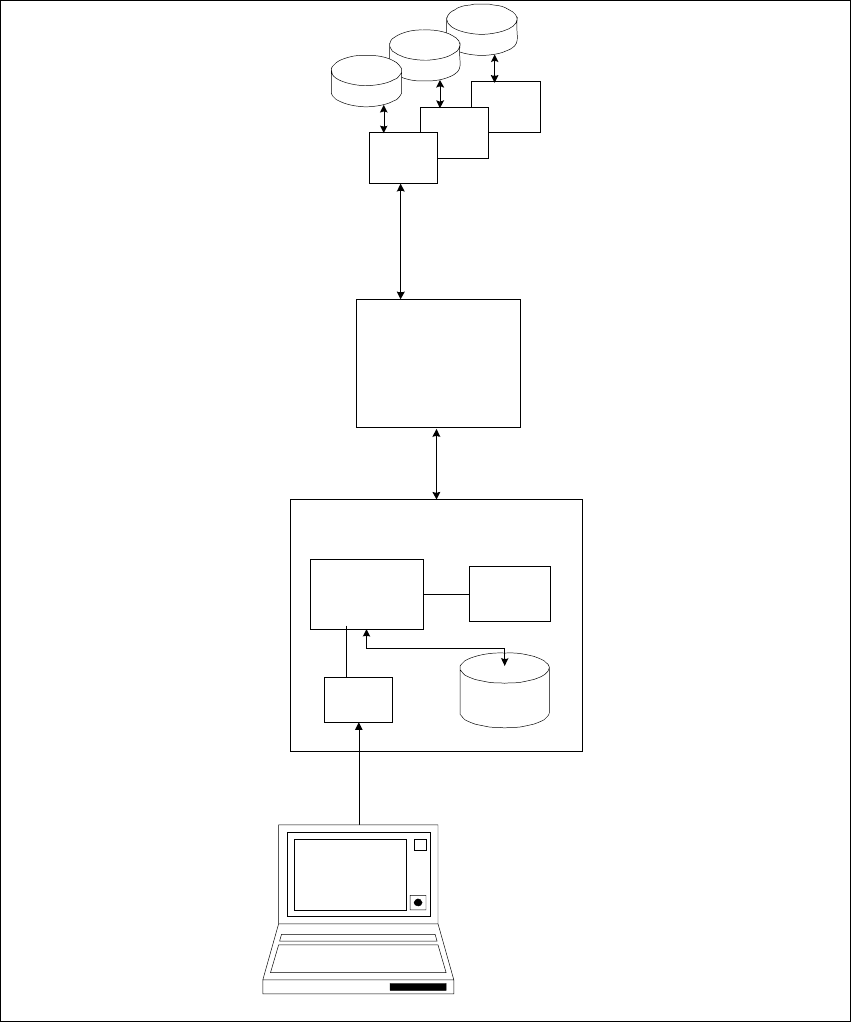
Fig. 2.1 - 2 SIPLACE Explorer factory architecture
System DB
System DB
Factory
website
Factory Host
Factory
DB
Factory
Configuration
utility
MS Excel
Reports
Web Client
SIPLACE Explorer
Application 1 ... 5
SIPLACE
Explorer Host
System DB
Installation and Configuration Guide SIPLACE Explorer 2 System Components and Configurations
Edition 12/2005 EN 2.1 Overview of System Components
15
The SIPLACE Explorer server software package includes various components and standalone
tools, corresponding to the installation option you have chosen.
2
"Runtime Environment":
– Archive Browser Utility
–Console
– Line Configuration
– Performance Analyzer
– SE Manager
– SE Security Manager
"Factory Configuration Utility"
"Development Environment":
– DB Service Utility
– Mail Configuration Utility
– Template Builder
– SE Developer Studio
– Line Configurator
– Equipment Editor
– System Database
– Application Logic
– Bean Factory
– User Manager
– Website Builder
– Event Report
2 System Components and Configurations Installation and Configuration Guide SIPLACE Explorer
2.1 Overview of System Components Edition 12/2005 EN
16
2.1.1 Runtime Environment
"Runtime Environment" is specially tailored to the execution requirements of line monitoring appli-
cations in the production environment of SIPLACE placement lines. Several "Development Envi-
ronment" tools are also required in the production environment and these are supported by
"Runtime Environment". "Runtime Environment" runs as a Windows NT service and is automati-
cally started when you boot your computer. Users can configure and execute SIPLACE Explorer
applications in Runtime Environment.
2
It is important that "Runtime Environment" is installed on a computer in the production area, to en-
able online monitoring of board production.
2
"Runtime Environment" facilitates the execution of multiple line monitoring applications and there-
fore allows several SIPLACE lines to be monitored at the same time. The start and stop times for
monitoring individual SIPLACE lines can be independently configured.
2
2.1.1.1 Archive Browser
The Archive Browser can recover data which has been saved in the SIPLACE Explorer archives.
You can then generate websites on which to view this archived data.
2
2.1.1.2 Console
The Console function can be used to call up various types of reports. The different reports e.g.
error reports, notification reports etc. will be made available for the specified period and according
to your selected report options.
2
2.1.1.3 Line Configuration
Line Configuration replaces the application wizards in SIPLACE Explorer V1.2 and is also de-
signed as a wizard. It is used to configure applications for simultaneous monitoring of multiple pro-
duction lines.
2
Line Configuration can be used to create connections between the line and the database and to
define line-database service work.
2
Another significant benefit is the import of line configurations from the OIS database. 2
2.1.1.4 Performance Analyzer
This Performance Analyzer tool can be used to evaluate the connection between the line and
SIPLACE Explorer. For example, users can view the number of events per minute or the waiting
time in ms. The tool always shows the most recent value and displays the highest value as a
"peak".
2
An overview of events can be presented for each piece of equipment in the line. 2