YS24X_Mainte_E.pdf - 第59页
2-1 2 Daily maintenance items Before beginning work In most cases, maintenance should be perfor med with the machine’ s power turned Off. However , some maintenance works are perfor med under emergency stop conditions wi…


2-1
2
Daily maintenance items
Before beginning work
In most cases, maintenance should be performed with the machine’s power turned Off.
However, some maintenance works are performed under emergency stop conditions with the machine’s power
turned on. In such cases, ensure adequate safety and press the emergency stop button before beginning the
maintenance.
The power is turned on during maintenance when moving axes or machine operation check are required
depending on the maintenance work while the machine’s power turned on.
In the case also, ensure adequate safety before beginning the maintenance.
Make sure that the following conditions are met when operating the machine.
n
Operating conditions
1. Supply air pressure is kept at correct pressure.
2. All safety covers are closed.
3. When the machine is equipped with exchange carriages, all exchange carriages are clamped.
4. Nozzles and other units are attached in place.
n
NOTE
The description "Cancel the emergency stop." is in the procedures of this manual. It means "releasing the emergency
stop and pressing the [Ready] button to turn the servo on".
2-2
2
Daily maintenance items
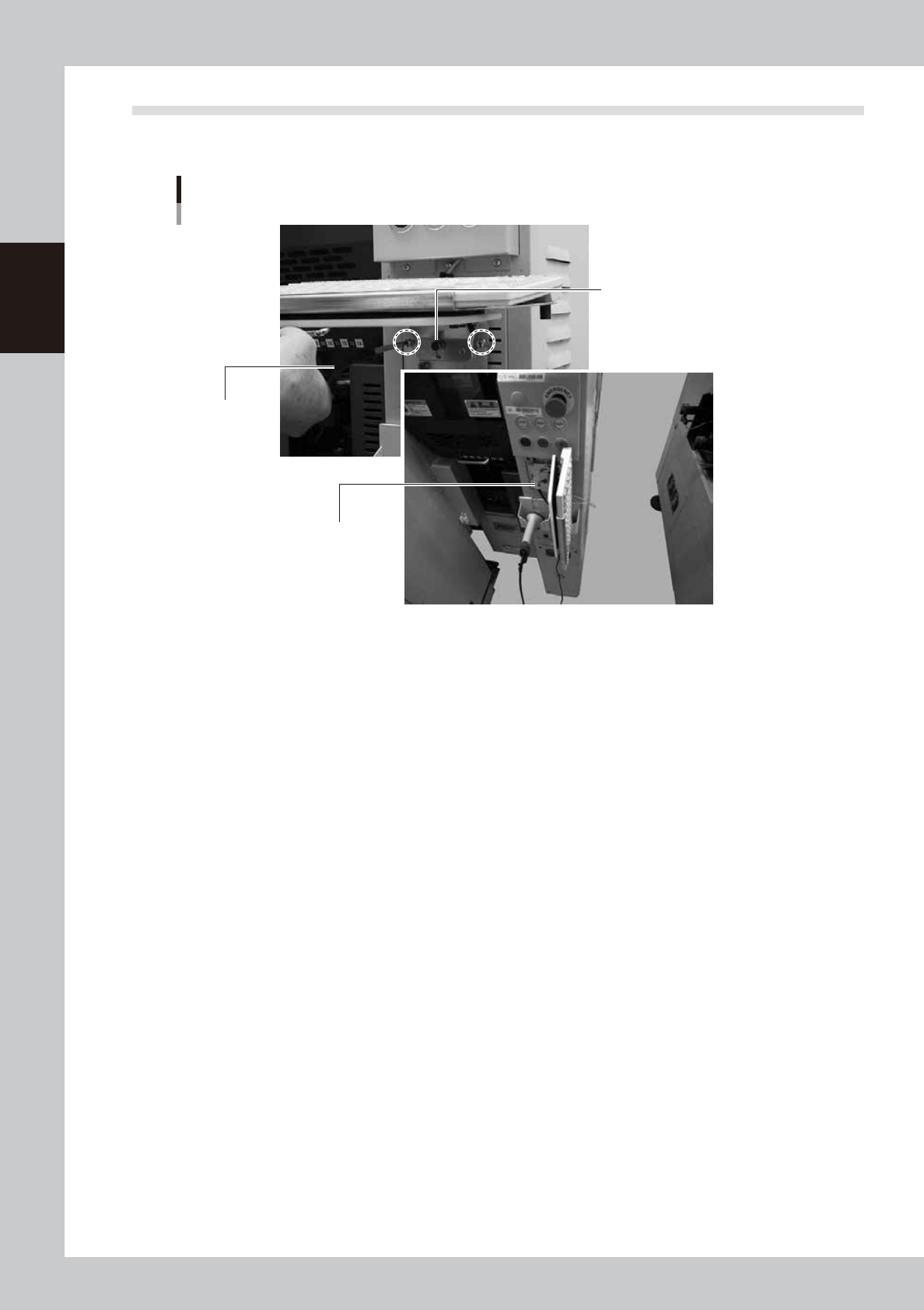
Storing the keyboard
In the case of machines equipped with a sATSII for YS24X, loosen the screws that hold the keyboard on the
rear side and store it vertically to ensure the space for maintenance.
Storing the keyboard
Phillips screwdriver
Push the keyboard to
place it on the hook.
Pull the keyboard and turn it to t
he
right around the pin.
53207-L4-00