00195366-01_InstallationManual_EDM_en.pdf - 第7页
Installation Manual SIPLACE EDM Edition 11/2006 The following sections discuss the system co mponents, their function and their communication channels in more detail. 2.5 EDM notifications The EDM notifications subsystem…
Installation Manual SIPLACE EDM Edition 11/2006
2.4 EDM clearing pool
The EDM clearing pool is the tool used by the data preparation engineer to examine the change
notifications from each of the lines in terms of their relevancy and, if necessary, integrate them into
the SIPLACE Pro master database. With the functionality already available in SIPLACE Pro,
individual objects of a certain type (components, component shapes, fiducials) can be compared
attribute-by-attribute, and changes can be applied at this low level. The clearing pool can be
installed independently of the EDM master service on a separate workstation computer.
EDM Line Server
EDM Master Server
EDM Master
Service
SPI
EDM
Clearingpool
DB
Clearing Pool
Application
Templates
EDM
configuration
EDM Notifications
EDM Line ServiceEDM Client
SPI
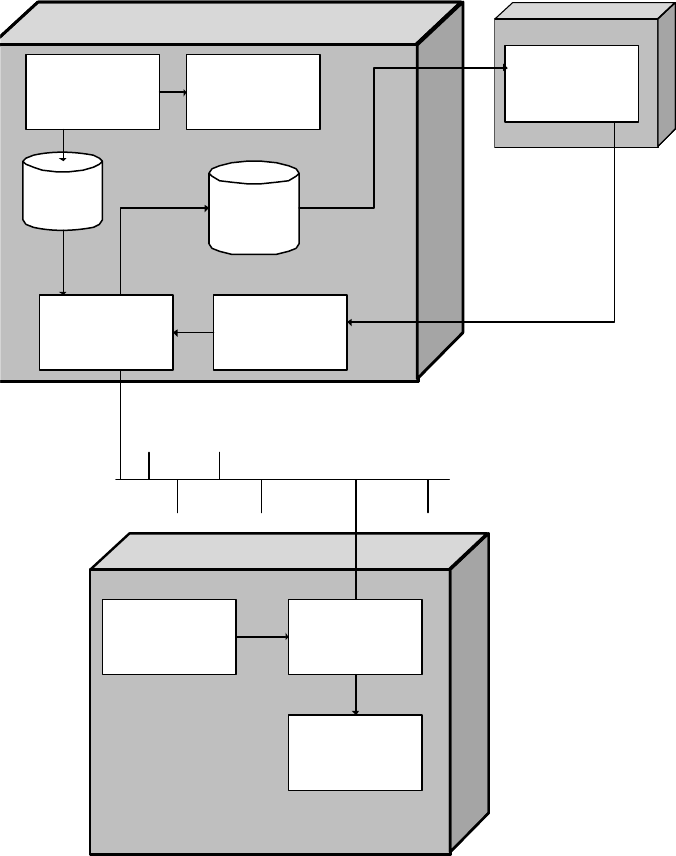
Figure 1 EDM system structure
6 of 66
Installation Manual SIPLACE EDM Edition 11/2006
The following sections discuss the system components, their function and their communication
channels in more detail.
2.5 EDM notifications
The EDM notifications subsystem converts the change notifications received from the lines into a
readable form and distributes these to the appropriate locations. The type of messages sent and the
recipients of the messages can be configured. This will be explained in more detail later on (see
5.4
EDM configuration and 5.5 Filter configuration).
2.6 EDM configuration
The EDM configuration is the central location for configuring the customized settings. There you will
find the functionality to
• create and administer application templates
• configure email notifications on incoming notifications
The configuration options and the user interface are described in section
5.4.1 EDM configuration
Application templates and 5.4.2 Email configuration.
2.7 EDM filter configuration
EDM filter configuration allows you to configure the EDM notifications. The configuration options and
the user interface are described in section 5.5, Filter configuration.
2.8 EDM line server
The EDM line service is the counterpart to the EDM master service. It monitors the changes made
by users to the local SIPLACE Pro database, documents the changes and sends them to the master
service for entry in the clearing pool.
7 of 66
Installation Manual SIPLACE EDM Edition 11/2006
2.9 EDM Tool
The EDM Tool is a utility under which the master server and line server run and which monitors the
status of the EDM services (master service and line service) and the integrity of the EDM
configuration files.
It also allows you to enter comments for new notifications. The EDM Tool is installed on the line
server.
Comments can also be entered on a computer other than the line server. To do this, the EDM Tool
must be installed on this computer and an entry in the configuration file of the line server must be
adapted accordingly (5.2.3.14 EDM tool endpoint).
8 of 66