00197197-02-IM SetupCenter 5.1.pdf - 第59页
Installation Setup Center Software Installation Installation Manual SIPLACE Setup Center 5.1 59 Setup Type – SIPLACE Setup Center GUI This setup type will install the GUI applic ation of SIP LACE Set up Center. It is use…
Installation
Software Installation Setup Center
58 Installation Manual SIPLACE Setup Center 5.1
Step 6
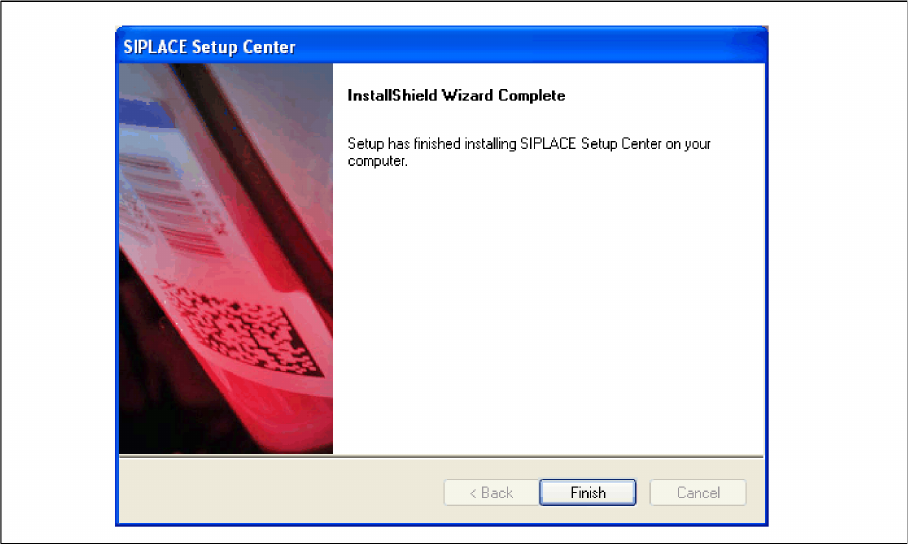
► The installation routine starts.
► The "Setup Complete" window appears if the installation has been completed successfully.
► Click Finish.
Installation
Setup Center Software Installation
Installation Manual SIPLACE Setup Center 5.1 59
Setup Type – SIPLACE Setup Center GUI
This setup type will install the GUI application of SIPLACE Setup Center. It is used to setup up a client
system while the database is located on a remote system.
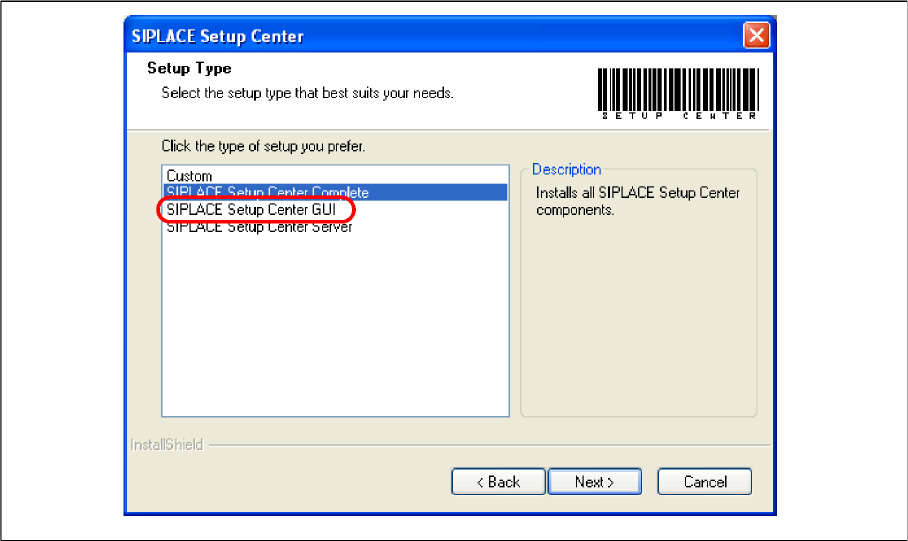
Step 1
► Run through the steps in chapter "General Settings".
► Select the SIPLACE Setup Center GUI setup type.
► Click Next.
Installation
Software Installation Setup Center
60 Installation Manual SIPLACE Setup Center 5.1
Step 2
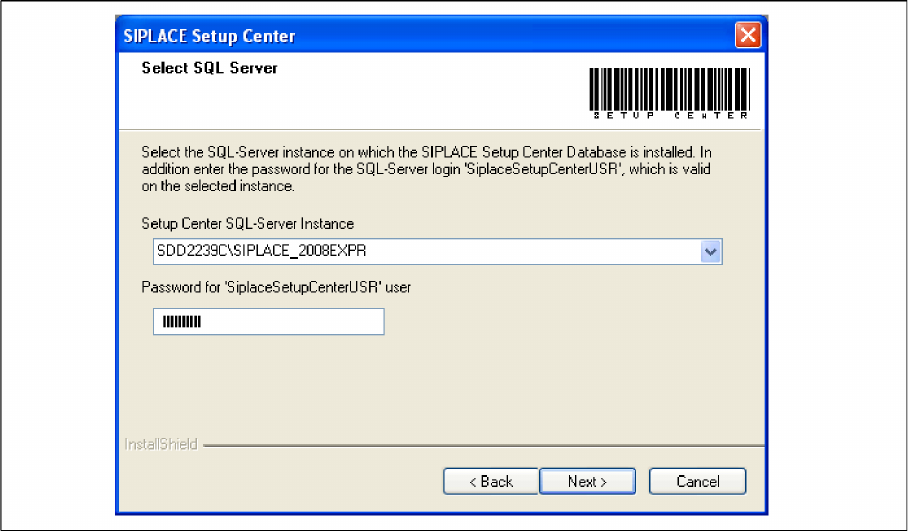
► Enter the information required to be connected with the SQL Server and database in the Select SQL-
Server dialog box.
► Choose your SQL Server Instance from the pull-down menu.
► Enter the Password for the SQL Server user "SiplaceSetupCenterUSR". The default password is al
-
ready entered.
► Click Next.