00197197-02-IM SetupCenter 5.1.pdf - 第62页
Installation Software Installation Setup Center 62 Installation Manual SIPLACE Setup Center 5.1 Step 4 ► The installation routine starts. ► The " Installation Complete " window appears if the installati on has …
Installation
Setup Center Software Installation
Installation Manual SIPLACE Setup Center 5.1 61
Step 3
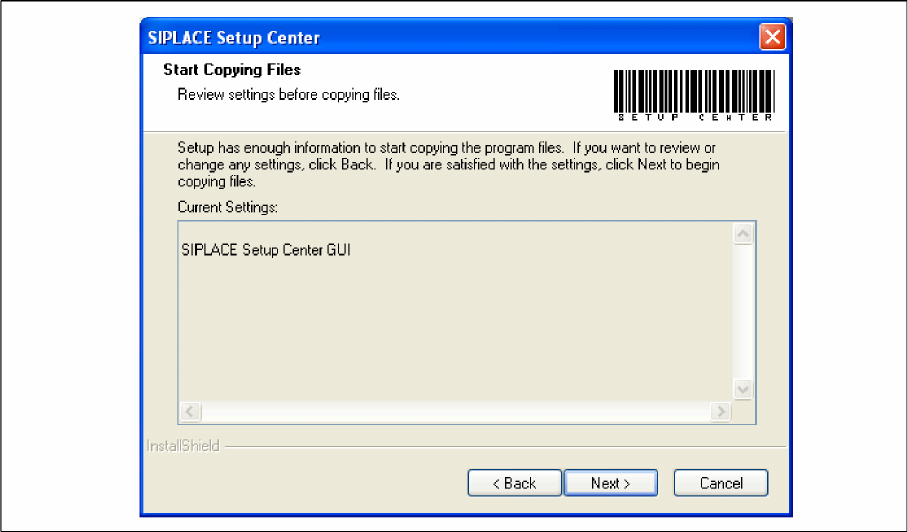
► The Start Copying Files dialog box gives you a chance to check the information again, which you
have entered during the previous steps.
► Click Next if you accept all the information entered so far.
► If you want to alter one or more details, click the Back button until you get back to the dialog box in
question.
► There, enter your changes and click Next to continue as usual.
Installation
Software Installation Setup Center
62 Installation Manual SIPLACE Setup Center 5.1
Step 4
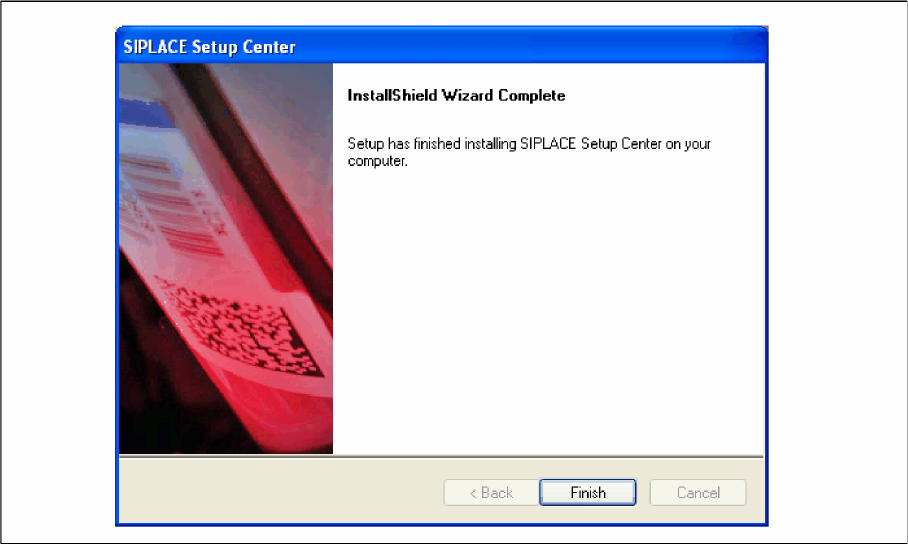
► The installation routine starts.
► The "Installation Complete" window appears if the installation has been completed successfully.
► Click Finish.
Installation
Setup Center Software Installation
Installation Manual SIPLACE Setup Center 5.1 63
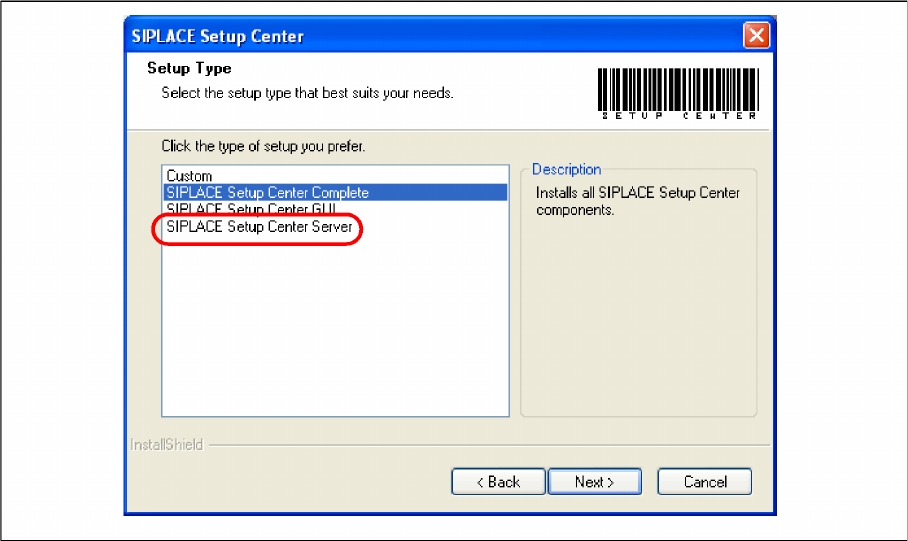
Setup Type – SIPLACE Setup Center Server
This setup type contains the database components of the SIPLACE Setup Center. Setup detects if SQL
Server has already been installed. Select this type to install the SIPLACE Setup Center database to a
SQL Server.
Step 1
► Run through the steps in chapter "General Settings".
► Select the SIPLACE Setup Center Database setup type.
► Click Next.