00197197-02-IM SetupCenter 5.1.pdf - 第63页
Installation Setup Center Software Installation Installation Manual SIPLACE Setup Center 5.1 63 Setup Type – SIPLACE Setup Center Server This setup type contains t he da tabase components of the SIPLACE Setup Center. S e…
Installation
Software Installation Setup Center
62 Installation Manual SIPLACE Setup Center 5.1
Step 4
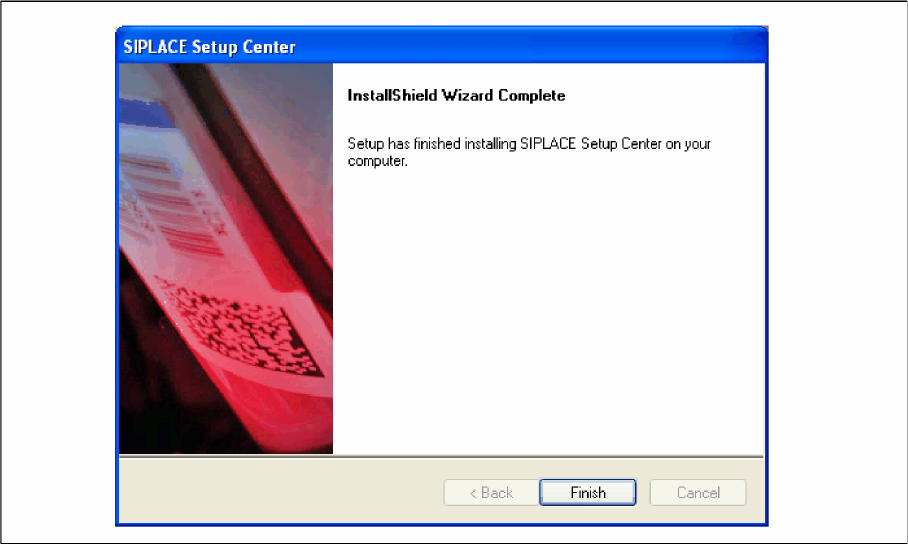
► The installation routine starts.
► The "Installation Complete" window appears if the installation has been completed successfully.
► Click Finish.
Installation
Setup Center Software Installation
Installation Manual SIPLACE Setup Center 5.1 63
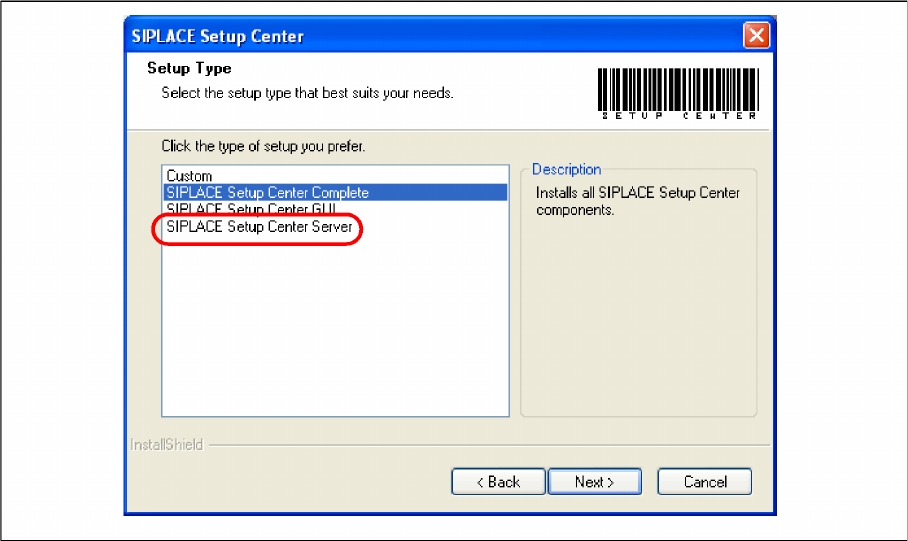
Setup Type – SIPLACE Setup Center Server
This setup type contains the database components of the SIPLACE Setup Center. Setup detects if SQL
Server has already been installed. Select this type to install the SIPLACE Setup Center database to a
SQL Server.
Step 1
► Run through the steps in chapter "General Settings".
► Select the SIPLACE Setup Center Database setup type.
► Click Next.
Installation
Software Installation Setup Center
64 Installation Manual SIPLACE Setup Center 5.1
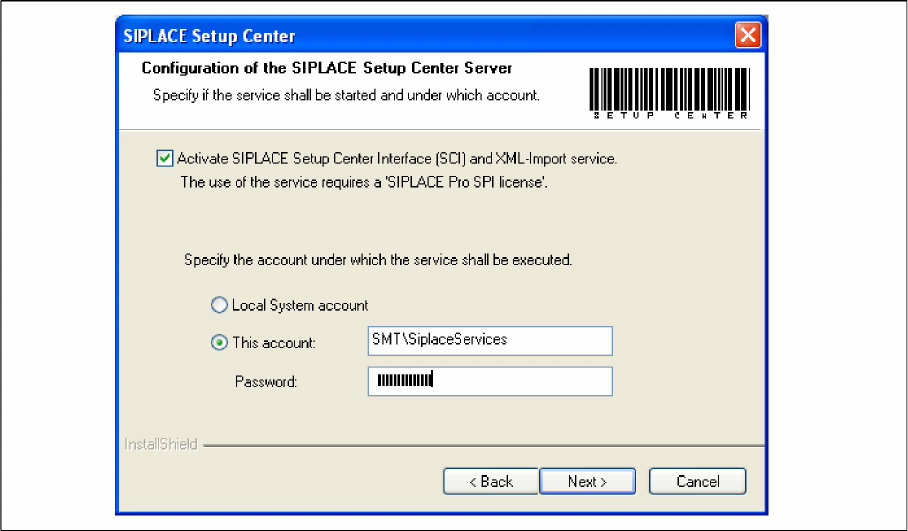
Step 2
► Tick the checkbox if the SIPLACE Setup Center Service is to be started.
► Select the account from which the Service is to be started (local system or a customer-specific ac
-
count).
► Click Next.