Eaton 9155 8-15 kVA.pdf - 第7页
UPS 8 – 15 kV A, 230V 50/60 Hz output User ’ s Guide 1 022403 Revision D 7 Chec k the information on the type designation label of the equipment to verify that the unit is of the correct type. The type designation label …
UPS 8 – 15 kVA, 230V 50/60 Hz output
User’s Guide
1022403
Revision D
6
2. Mechanical installation
The UPS and accessories are delivered on a specifically designed pallet that is easy to move
with a forklift or a pallet jack. Keep the UPS always in upright position and do not drop the
equipment. Do not either stack the pallets because of high-energy batteries involved and the
heavy weight
Delivery check
The UPS is delivered with the following items:
• Plastic bag containing:
Quick Installation Guide, paper format, multilingual (coming later)
User’s Guide, paper format, multilingual
User’s Guide, CD-ROM format, multilingual (coming later)
Residual voltage warning stickers
Software Suite, CD-ROM format, English language
RS-232 serial cable for the Software Suite
• Delivery documents
Unpacking and visual inspection
Check that there are no signs of shipping damages. The outside ’Tip&Tel’ indicator should be
intact if the equipment has been transported in the upright position.
Note!
A claim for shipping damage must be filed immediately and the carrier must be
informed within 7 days of receipt of the equipment. The packing materials should
be stored for further investigation.
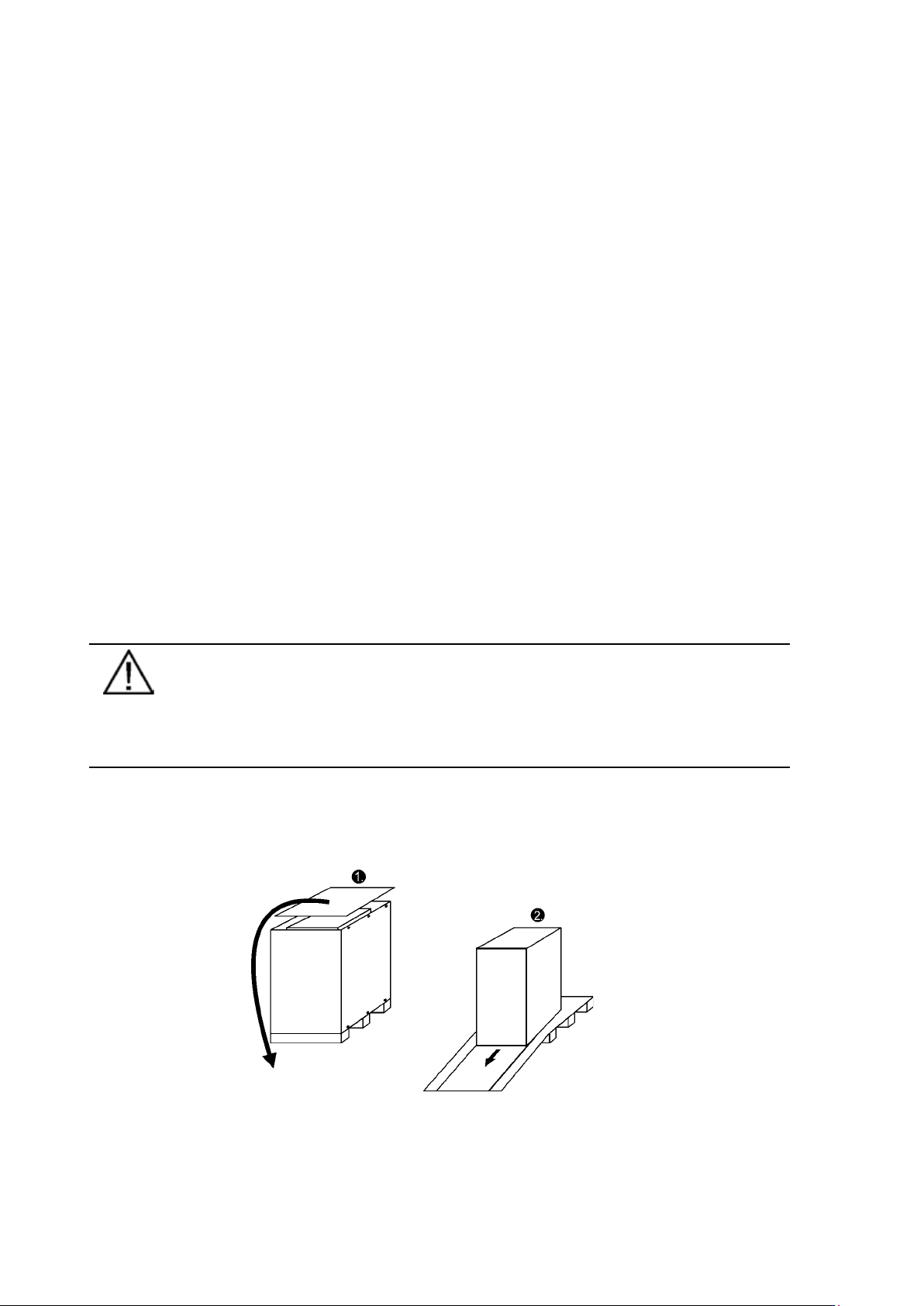
Unpack the equipment by removing the packing and shipping materials. Make a visual
inspection and check that the inside ‘Drop&Tell’ indicator is intact. Make sure that the floor
surface is solid and suitable for the wheeling and heavy weight, twist the levelling feets of the
unit to up position and remove the equipment from the pallet.
Figure1. Instructions for removing the equipment from the pallet.
UPS 8 – 15 kVA, 230V 50/60 Hz output
User’s Guide
1022403
Revision D
7
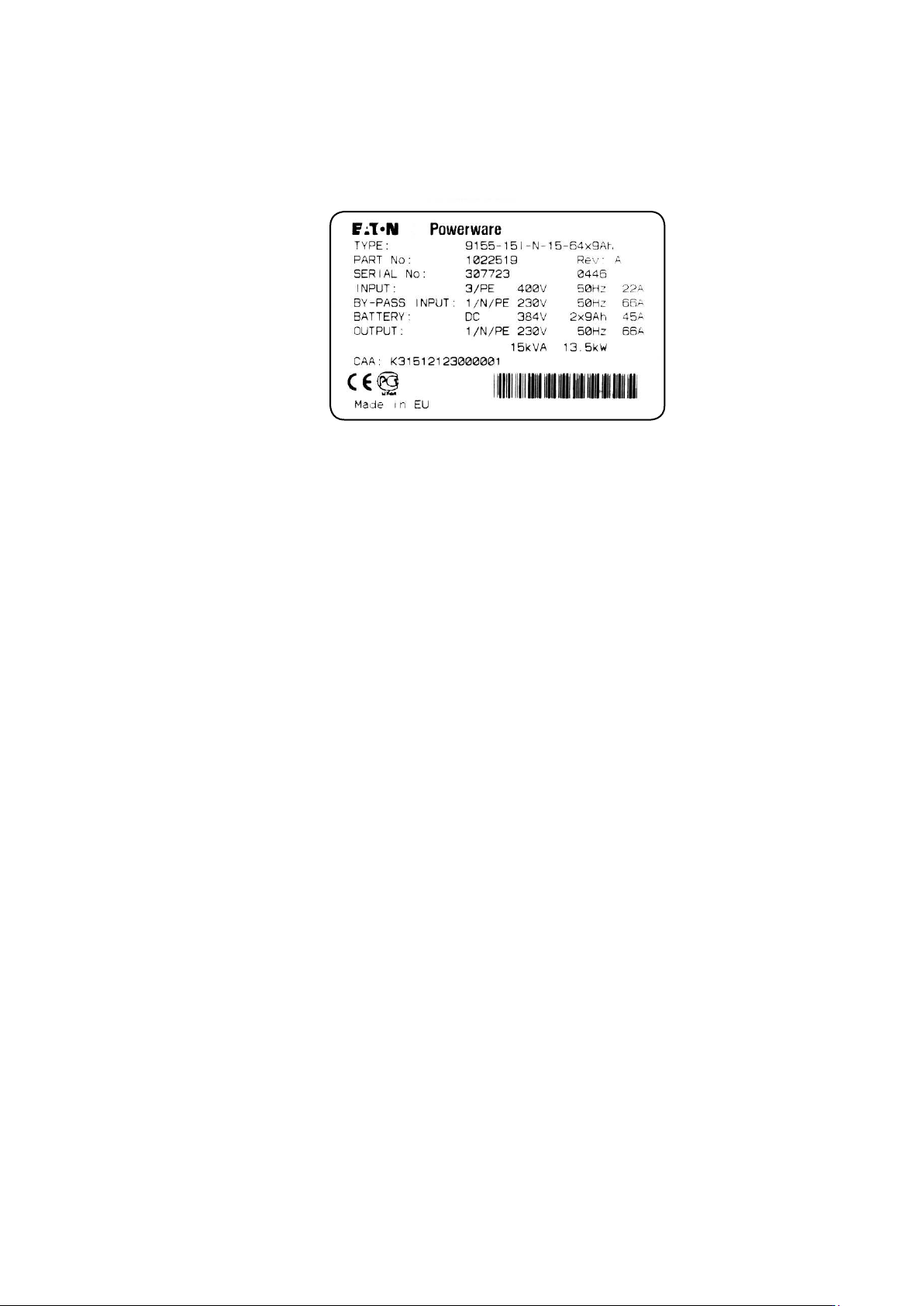
Check the information on the type designation label of the equipment to verify that the unit is of
the correct type. The type designation label includes ratings, a CE marking, a type code, a part
number and a serial number. The serial number is important when making inquiries. It allows
individual recognition of the equipment.
Figure 2. Type designation label.
UPS 8 – 15 kVA, 230V 50/60 Hz output
User’s Guide
1022403
Revision D
8
3. Planning before installation
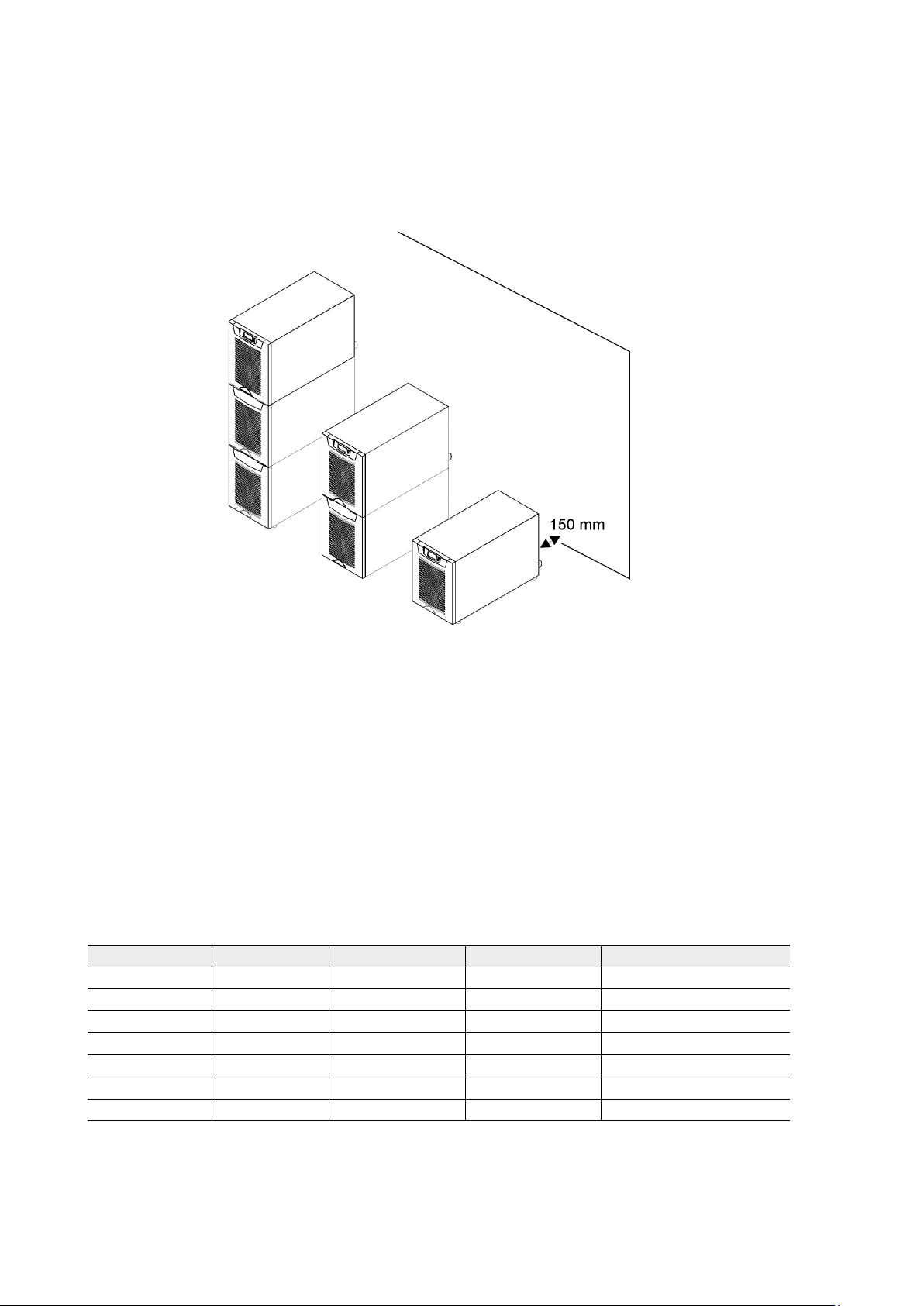
The equipment must be installed in upright position. The equipment requires space to front and
back to enable cooling airflow, service and maintenance. All cooling air enters at front and exits
at unit rear. The required min. clearance from unit rear to an obstruction is 150 mm.
Figure 3. Ventilation space around the equipment.
It is required to arrange ventilation of the UPS room. Sufficient amount of air cooling is needed
to keep the max. room temperature rise at desired level:
• Temperature rise of max. +5°C requires the airflow of 600 m
3
per 1 kW of losses.
• Temperature rise of max. +10°C requires the airflow of 300 m
3
per 1 kW of losses.
An ambient temperature of 15 to 25 Celsius degrees is recommended to achieve a long life of
the UPS and batteries. The cooling air entering the UPS must not exceed +40 °C. Avoid high
ambient temperature, moisture and humidity.
The floor material should be non-flammable and strong enough to support the heavy load. The
UPS has (4) leveling feet that should be used when finalising the installation. The diameter of a
single leveling foot is 1 inch (25.4 mm).
Table 4. The floor surface must tolerate these loading.
Equipment Weight Point Distributed Note
UPS+1BAT 155 kg 7.75 kg/cm
2
738 kg/m
2
Batteries installed.
UPS+2BAT 265 kg 13.25 kg/cm
2
1262 kg/m
2
Batteries installed.
UPS 50 kg 2.50 kg/cm
2
238 kg/m
2
No Batteries.
UPS+1BAT 65 kg 3.25 kg/cm
2
310 kg/m
2
No Batteries installed.
UPS+2BAT 80 kg 3.95 kg/cm
2
382 kg/m
2
No Batteries installed.
2BAT 195 kg 9.75 kg/cm
2
929 kg/m
2
Batteries installed.
3BAT 310 kg 15.50 kg/cm
2
1476 kg/m
2
Batteries installed.