00195488_Install_SQLExpress2005_manual.pdf - 第39页
Installation of SQL 2005 Express Edition 02/2011 US Fig. 3-43: Example of a log file → Click on “Next”. The following dialog is disp layed. Fig. 3-44: Additional information → Click on “Finish” to finish the installation…
Installation of SQL 2005 Express Edition 02/2011 US
The following dialog is displayed.
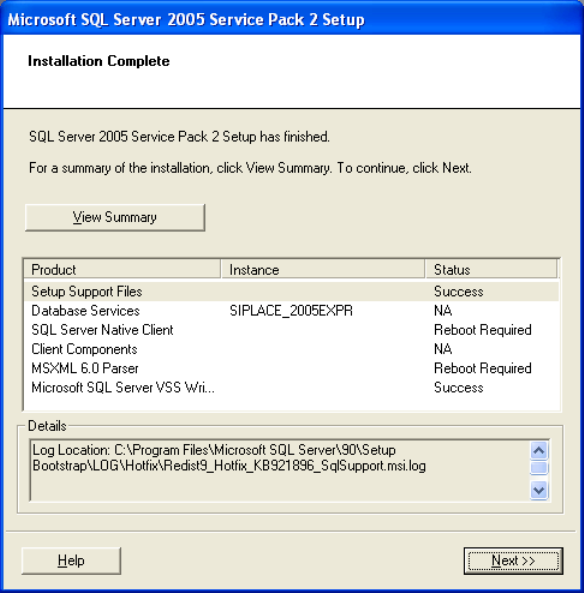
Fig. 3-42: Installation complete
→ Click on “View Summary” to display the log file with the installation information. The log file is
required to analyze errors. The log file is located on the following directory:
C:\Program Files\Microsoft SQL Server\90\Setup
Bootstrap\LOG\Hotfix\Redist9_Hotfix_KB921896_SqlSupport.msi.log
38 / 54
Installation of SQL 2005 Express Edition 02/2011 US
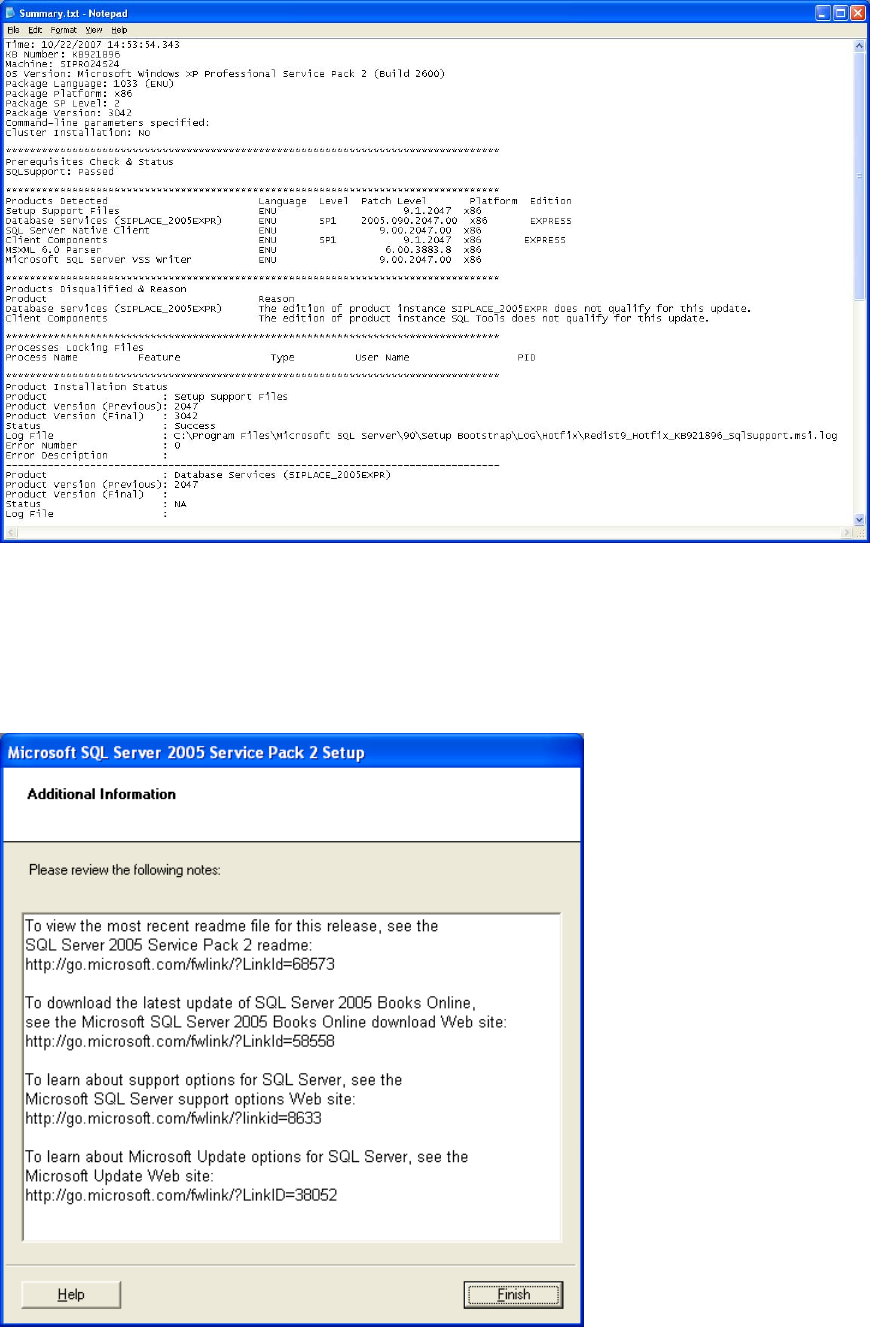
Fig. 3-43: Example of a log file
→ Click on “Next”.
The following dialog is displayed.
Fig. 3-44: Additional information
→ Click on “Finish” to finish the installation.
39 / 54
Installation of SQL 2005 Express Edition 02/2011 US
40 / 54
→ Reboot the computer before continuing.