00195488_Install_SQLExpress2005_manual.pdf - 第40页
Installation of SQL 2005 Express Edition 02/2011 US 40 / 54 → Reboot the computer before continui ng.
Installation of SQL 2005 Express Edition 02/2011 US
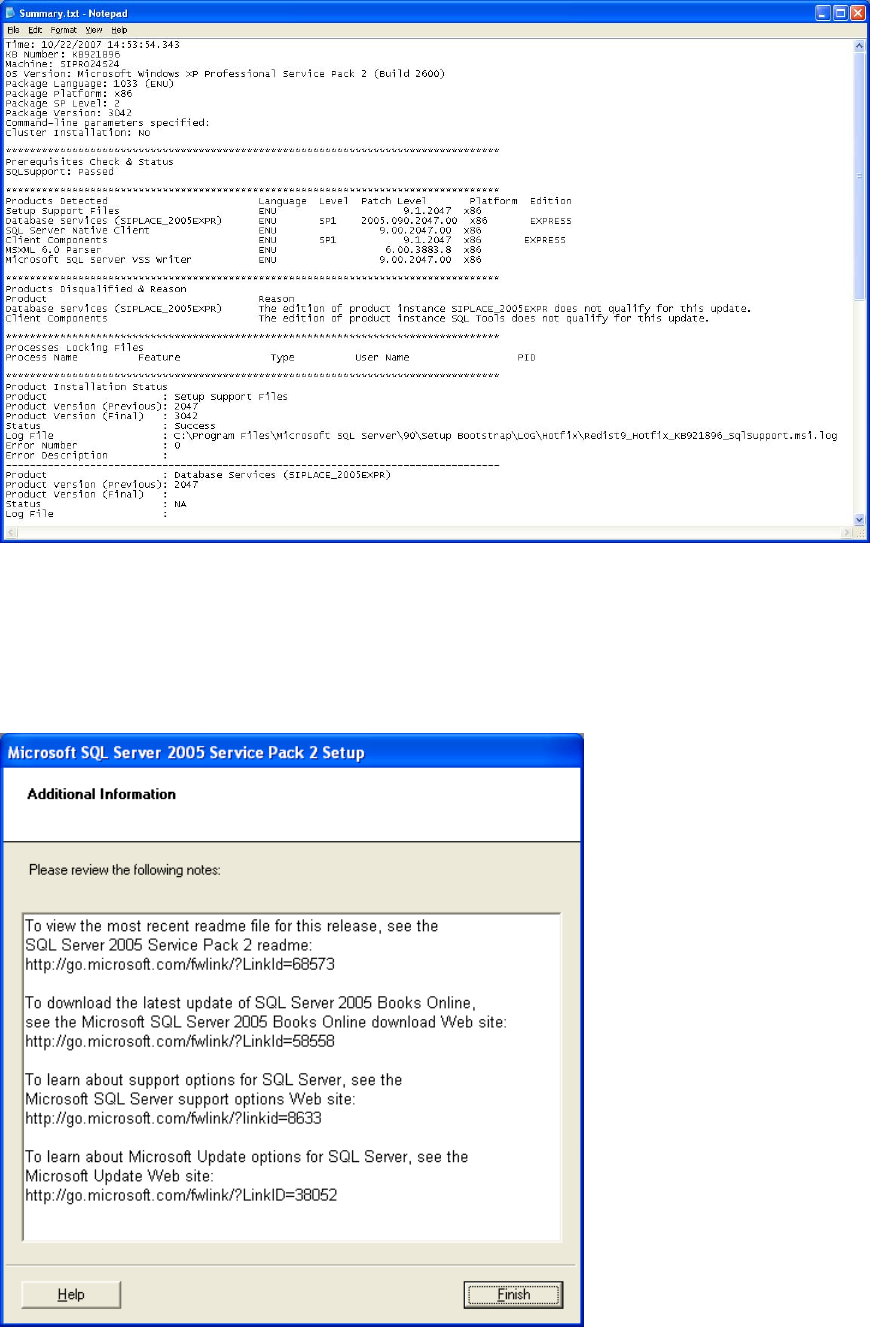
Fig. 3-43: Example of a log file
→ Click on “Next”.
The following dialog is displayed.
Fig. 3-44: Additional information
→ Click on “Finish” to finish the installation.
39 / 54
Installation of SQL 2005 Express Edition 02/2011 US
40 / 54
→ Reboot the computer before continuing.
Installation of SQL 2005 Express Edition 02/2011 US
3.4 After the installation
3.4.1 Optional SQL Server Management Studio Installation
After the installation of SQL 2005 Express, you may install the Management Studio for further
administration.
→ Insert the SIPLACE Net Support Media into your drive.
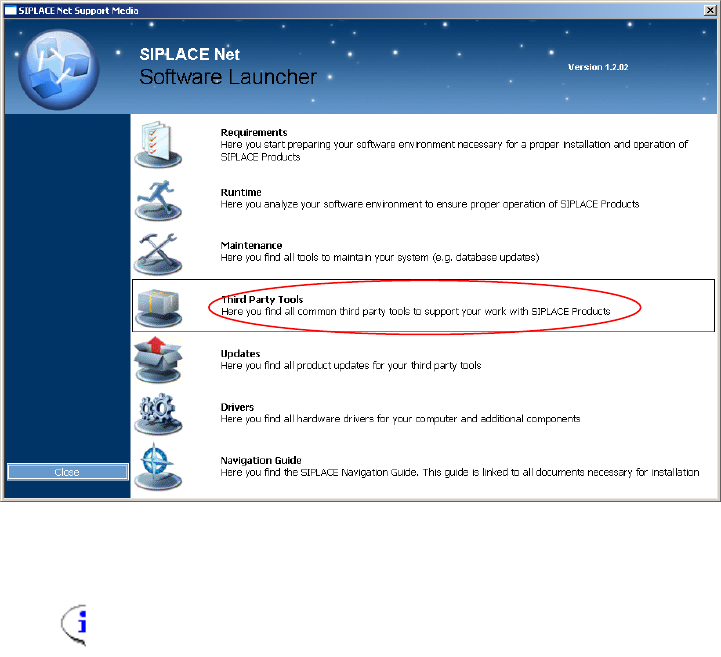
The following dialog appears:
Fig. 3-45: Support Media Software Launcher
Note:
If the dialog does not appear start your Windows Explorer, browse to the file
autorun.cmd on the DVD and doubleclick it.
→ Select “Third Party Tools”
41 / 54