00192216-01.pdf - 第56页
2 Retrofitting Instructions for Ceramic Substrate Centering Unit (O ptional) SIPLACE 80 S-20 / S-23HM/ F4 / F4-6 / F5 2.4 Sequence of Retrofitt ing 04/2000 Issue 56 Å T ip the com pressed air uni t back up and fas ten it…
SIPLACE 80 S-20 / S-23HM/ F4 / F4-6 / F5 2 Retrofitting Instructions for Ceramic Substrate Centering Unit (Optional)
04/2000 Issue 2.4 Sequence of Retrofitting
55
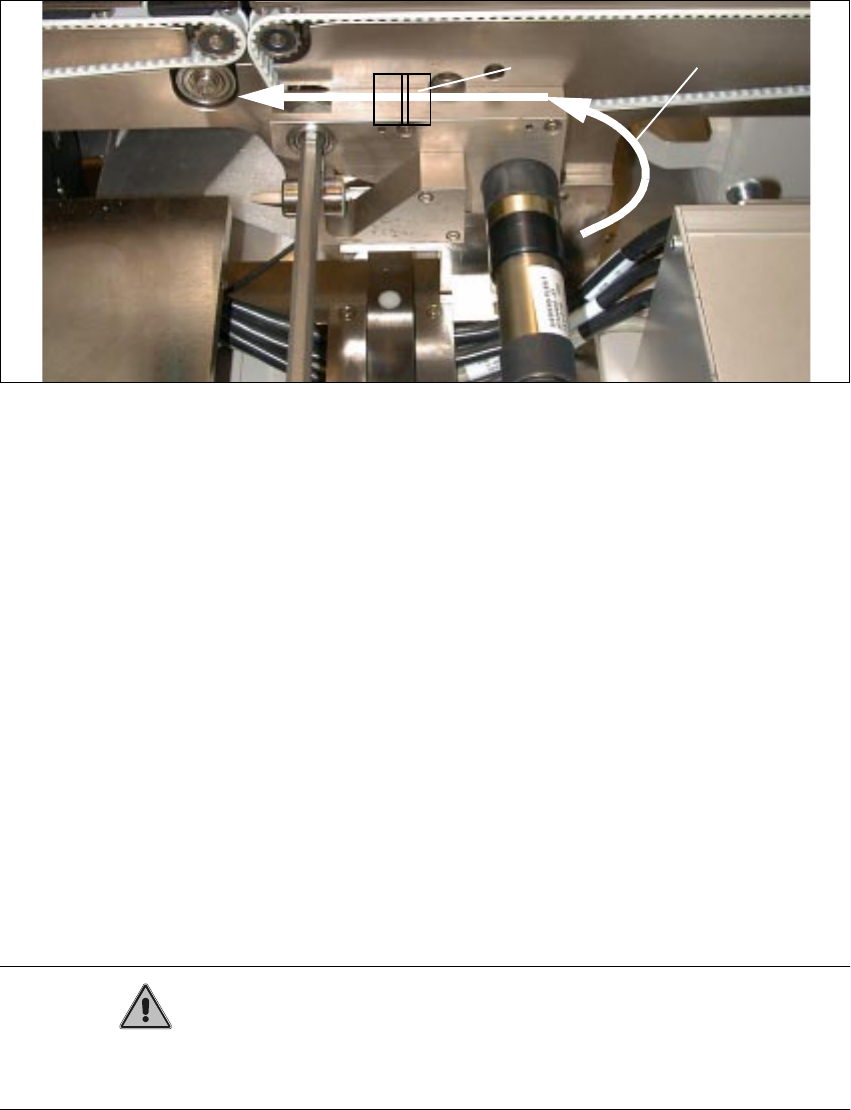
Fig. 2.4.6 Running and Fastening the Proximity Switch Cable and Pneumatic Hose
Key to Fig. 2.4.6:
1. Run proximity switch cable and pneumatic hose
2. Adhesive-type mounting pedestal and cable ties
Å Make the plug-and-socket connection of solenoid valve cable and proximity switch cable to
conversion PCB for PCB conveyor.
Allocation of the plug-and-socket connections (see also circuit diagrams and PCB layout in
Section 2.6):
– Ceramic substrate centering unit 1:
X 46 -> Proximity switch 1
X 48 -> Solenoid valve 1
– Ceramic substrate centering unit 2:
X 47 -> Proximity switch 2
X 49 -> Solenoid valve 2
CAUTION
The cables and the pneumatic hose have to be run such that they are not pinched when the lifting
plate moves up and they do not rub on the corners of the plate.
Å During the subsequent reassembly of the compressed air unit, make certain that you do not
pinch any cable or pneumatic hose.
2 Retrofitting Instructions for Ceramic Substrate Centering Unit (Optional) SIPLACE 80 S-20 / S-23HM/ F4 / F4-6 / F5
2.4 Sequence of Retrofitting 04/2000 Issue
56
Å Tip the compressed air unit back up and fasten it to the machine frame on the RH side with 2
socket hex head cap screws.
Å Fasten the cables to the pedestals with cable ties and stow the extra lengths of cable in the
cable pit.
Å To ascertain the unused length of proximity switch cable that is required, hold the centering
unit at approximately the point on the stationary conveyor side at which the centering unit
will eventually be installed.
Å Make certain that the plug-and-socket connections are not under tension.
Å Install the cover on the cable pit and the conveyor control.

SIPLACE 80 S-20 / S-23HM/ F4 / F4-6 / F5 2 Retrofitting Instructions for Ceramic Substrate Centering Unit (Optional)
04/2000 Issue 2.4 Sequence of Retrofitting
57
,QVWDOOLQJWKH6OLGH8QLWIRUWKH;'LUHFWLRQ5HWURILW.LW
Å Loosen the screws on the slide unit that fasten the body to the support rail (2 socket hex head
cap screws M4, see Fig. 2.4.7 -> 2, 3).
Å Lift off body with slide unit.
Å Use a 2.5 mm punch.
Drive the 2 parallel pins 3M5x10 DIN 6325 so far into the holes in the centering unit (see Fig.
2.4.7 -> 4) that they project about 4 mm on the bottom of the support rail.
-> The pins are not included in the retrofit kit (see Section 2.3.2) !
NOTE:The centering holes and the thread to fasten the slide unit are already including in the lifting
table plate.
Å Install the support rail with the centering pins into the lifting table plate and secure the screws
holding the support rail ((2 screws: M4 x 30, see Fig. 2.4.7 -> 5).
-> The screws are not included in the retrofit kit (see Section 2.3.2) !
Å Screw the body back on the support rail (2 socket hex head cap screws M4).
Å If you have not already done so, adjust the holder on the slide unit to the substrate size to be
processed thereafter (see Fig. 2.4.8).