00194547-03.pdf - 第138页
Installationsanleitung Stationssoftw are Version 601.02 SP1 Ausgabe 10/2005 56 von 83 Die Installation wird gestartet, es erscheint folgende Abfrage: >>> >>> -----No -----Yes 1. WARNING installation of …
Installationsanleitung Stationssoftware Version 601.02 SP1 Ausgabe 10/2005
55 von 83
→ Das Installationsprogramm startet.
→ Mit einer beliebigen Taste können sie fortfahren, mit <Esc> abbrechen.
Die Softwareversion und der Maschinentyp wird angezeigt.
→ Mit einer beliebigen Taste können sie fortfahren, mit <Esc> abbrechen.
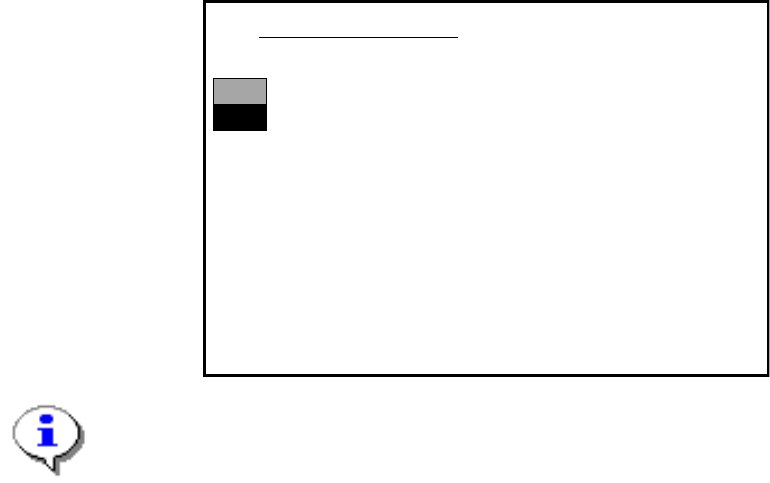
Es erscheint das Hauptmenü:
>>>
>>>
------------------Install Revision of SIPLACE Operating System
------------------Terminate SIPLACE Installation Program
Main Menue of SIPLACE Installation MCRM3 40x.xx
Use the [Up Arrow] [Down Arrow] [Pg Up] [Pg Dn] keys to move the highlight bar to select the
button you prefer.
Press [Enter] to activate your selection
Hinweis:
Wird ein Untermenü oder eine Funktion im Installationsprogramm angewählt, blinkt der Cursor
grau.
→ Wählen Sie die Funktion "Install Revision of SIPLACE Operating System" an und bestätigen
Sie mit <RETURN>.
Installationsanleitung Stationssoftware Version 601.02 SP1 Ausgabe 10/2005
56 von 83
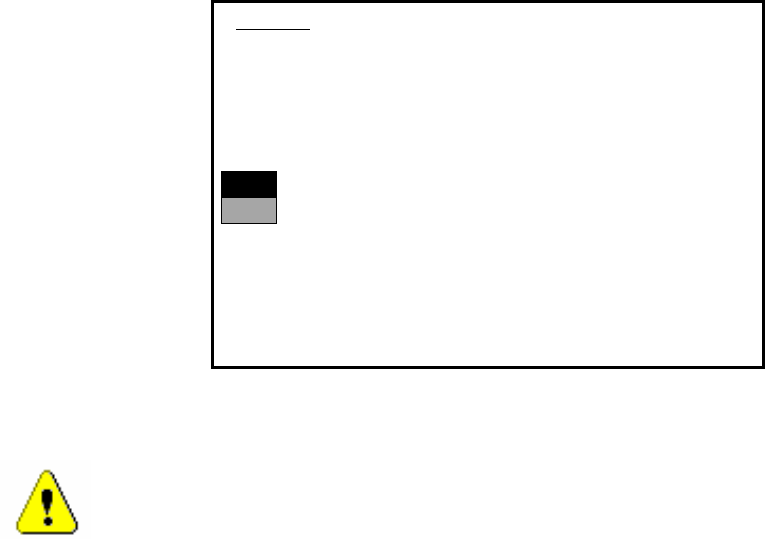
Die Installation wird gestartet, es erscheint folgende Abfrage:
>>>
>>>
-----No
-----Yes
1. WARNING
installation of SIPLACE operating system will only save files keeping machine data.
A
ll other files of user’s interrest have to be saved on floppy disc by user manually.
Otherwise these files will bedeleted.
Continue SIPLACE Installation Job?
Use the [Up Arrow] [Down Arrow] [Pg Up] [Pg Dn] keys to move the highlight bar to select the
button you prefer.
Press [Enter] to activate your selection
→ Wählen Sie mit den Cursortasten fortsetzen.
Warnung:
Es werden nur die Maschinendaten gesichert. Alle Benutzerdaten werden gelöscht. Sichern
Sie ggf. Ihre Benutzerdaten auf Diskette.
→ Bestätigen Sie Ihre Wahl mit <RETURN>.
Installationsanleitung Stationssoftware Version 601.02 SP1 Ausgabe 10/2005
57 von 83
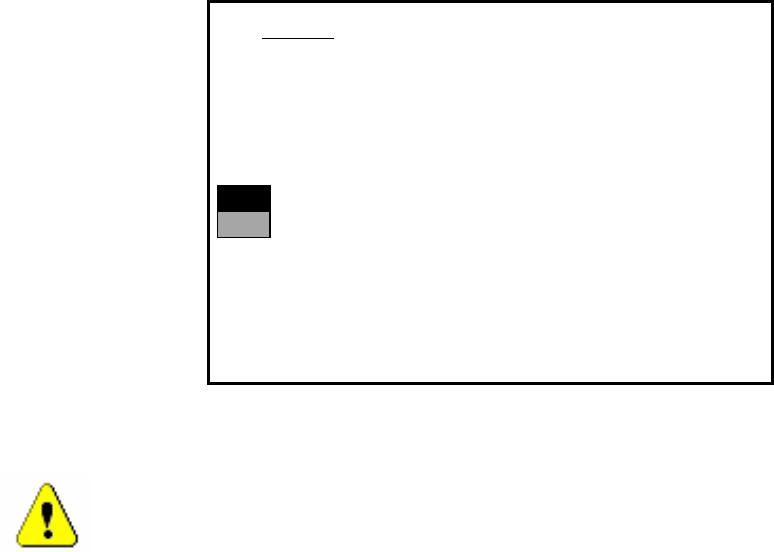
→ Falls Sie "Yes" gewählt haben, wird die Installation fortgesetzt und nachfolgende
Bildschirmanzeige erscheint.
>>>
>>>
-----No
-----Yes
2. WARNING
Partition “C:“ of your hard disc will be formatted:
⇒
all files will be deleted.
Continue SIPLACE Installation Job?
Use the [Up Arrow] [Down Arrow] [Pg Up] [Pg Dn] keys to move the highlight bar to select the
button you prefer.
Press [Enter] to activate your selection
→ Wählen Sie mit den Cursortasten, ob Sie fortsetzen ("Yes") oder abbrechen ("No") wollen.
Warnung:
Die Partition C: wird formatiert. Alle nicht gesicherten Daten werden nun gelöscht.
→ Bestätigen Sie Ihre Wahl mit <RETURN>, die Installation wird daraufhin fortgesetzt.
→ Sie werden nun aufgefordert, die Diskette MCRMOS Disk -1/2- in das Laufwerk einzulegen.
→ Nachdem beide Disketten installiert wurden, erscheint die Meldung "Installation finished".
Das Betriebssystem wurde komplett installiert.
→ Entnehmen Sie jetzt die Diskette aus dem Laufwerk und schalten Sie die Maschine aus und
anschließend wieder ein.