00194547-03.pdf - 第56页
Installation Manual Station Software Version 601.02 SP1 Edition 10/2005 56 of 82 The installation is started. The following query appears: >>> >>> -----No -----Yes 1. WARNING installat ion of SIPLACE op…
Installation Manual Station Software Version 601.02 SP1 Edition 10/2005
55 of 82
→ The installation program starts.
→ Press any key to continue or cancel with <Esc>.
The software version and the machine type are displayed.
→ Press any key to continue or cancel with <Esc>.
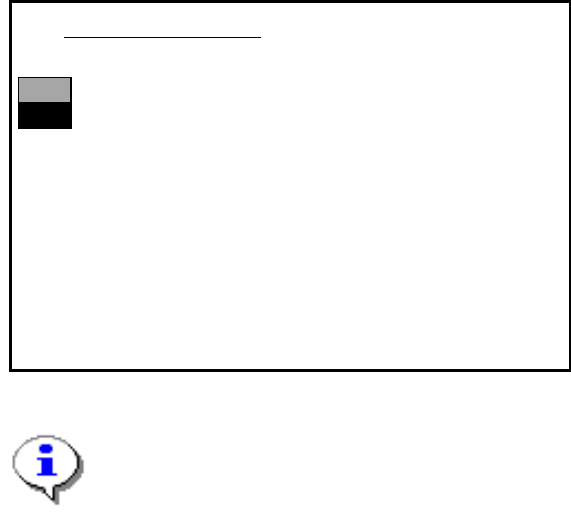
The main menu appears:
>>>
>>>
------------------Install Revision of SIPLACE Operating System
------------------
Terminate SIPLACE Installation Program
Main Menue of SIPLACE Installation MCRM3 40x.xx
Use the [Up Arrow] [Down Arrow] [Pg Up] [Pg Dn] keys to move the highlight bar to select the
button you prefer.
Press [Enter] to activate your selection
Note:
If a submenu or a function in the installation program is selected, the cursor flashes gray.
→ Select the function "Install Revision of SIPLACE Operating System" and confirm with
<RETURN>.
Installation Manual Station Software Version 601.02 SP1 Edition 10/2005
56 of 82
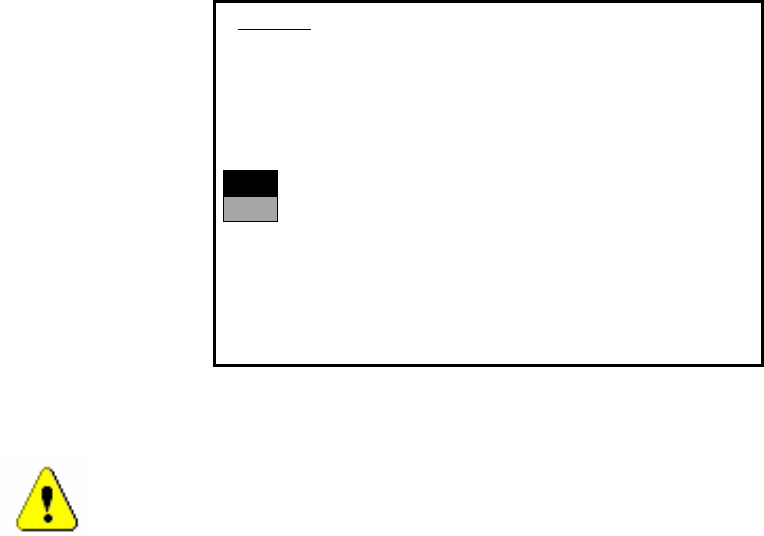
The installation is started. The following query appears:
>>>
>>>
-----No
-----Yes
1. WARNING
installation of SIPLACE operating system will only save files keeping machine data.
A
ll other files of user’s interrest have to be saved on floppy disc by user manually.
Otherwise these files will bedeleted.
Continue SIPLACE Installation Job?
Use the [Up Arrow] [Down Arrow] [Pg Up] [Pg Dn] keys to move the highlight bar to select the
button you prefer.
Press [Enter] to activate your selection
→ Use the cursor keys to select the option to continue.
Warning:
Only machine data is saved. All user data is deleted. If necessary, save your user data to
floppy.
→ Confirm your selection with <RETURN>.
Installation Manual Station Software Version 601.02 SP1 Edition 10/2005
57 of 82
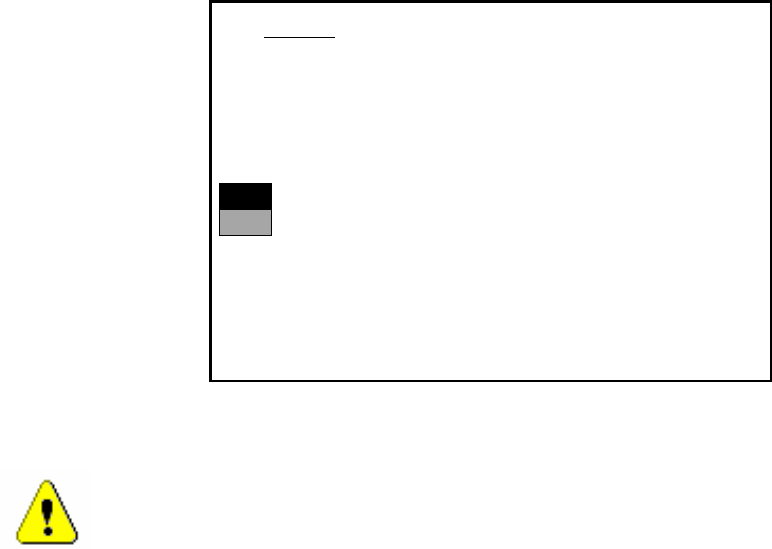
→ If you have selected “Yes“, the installation is continued and the following screen display appears.
>>>
>>>
-----No
-----Yes
2. WARNING
Partition “C:“ of your hard disc will be formatted:
⇒
all files will be deleted.
Continue SIPLACE Installation Job?
Use the [Up Arrow] [Down Arrow] [Pg Up] [Pg Dn] keys to move the highlight bar to select the
button you prefer.
Press [Enter] to activate your selection
→ Use the cursor keys to select whether to continue ("Yes") or cancel ("No").
Warning:
The C: partition will be formatted. All data which has not been saved will now be deleted.
→ Confirm your selection with <RETURN>. The installation is then continued.
→ You are now requested to insert the floppy MCRMOS Disk -1/2- into the drive.
→ After both floppies have been installed, the message "Installation finished" appears.
The operating system has been completely installed.
→ Now remove the floppy from the drive and switch the machine off and then on again.