00194547-03.pdf - 第57页
Installation Manual Station Software Version 601.02 SP1 Edition 10/2005 57 of 82 → If you have selected “Yes“, the installation is continued and the following screen display appears. >>> >>> -----N o --…
Installation Manual Station Software Version 601.02 SP1 Edition 10/2005
56 of 82
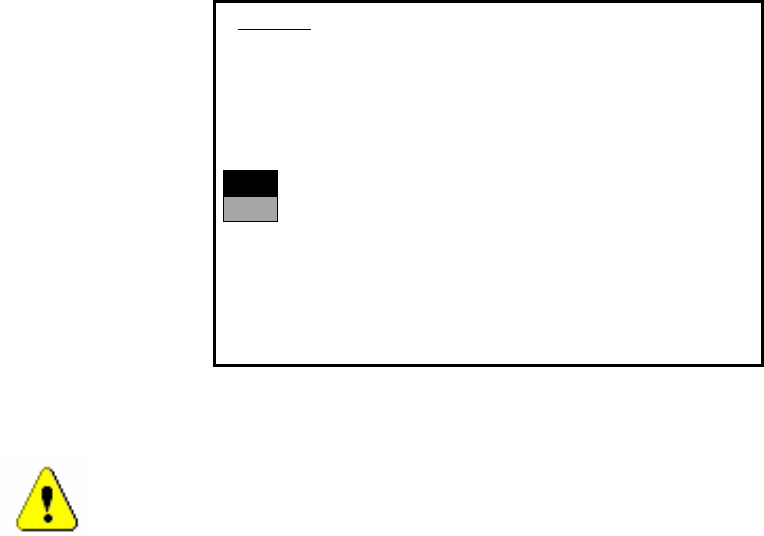
The installation is started. The following query appears:
>>>
>>>
-----No
-----Yes
1. WARNING
installation of SIPLACE operating system will only save files keeping machine data.
A
ll other files of user’s interrest have to be saved on floppy disc by user manually.
Otherwise these files will bedeleted.
Continue SIPLACE Installation Job?
Use the [Up Arrow] [Down Arrow] [Pg Up] [Pg Dn] keys to move the highlight bar to select the
button you prefer.
Press [Enter] to activate your selection
→ Use the cursor keys to select the option to continue.
Warning:
Only machine data is saved. All user data is deleted. If necessary, save your user data to
floppy.
→ Confirm your selection with <RETURN>.
Installation Manual Station Software Version 601.02 SP1 Edition 10/2005
57 of 82
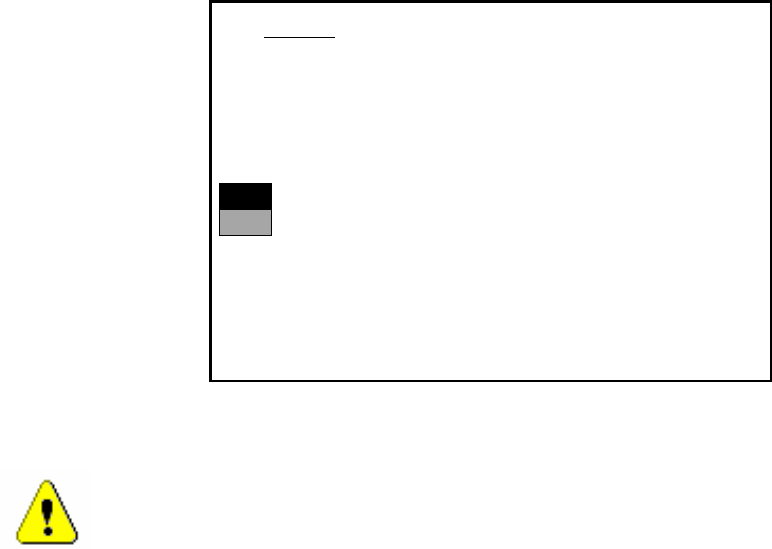
→ If you have selected “Yes“, the installation is continued and the following screen display appears.
>>>
>>>
-----No
-----Yes
2. WARNING
Partition “C:“ of your hard disc will be formatted:
⇒
all files will be deleted.
Continue SIPLACE Installation Job?
Use the [Up Arrow] [Down Arrow] [Pg Up] [Pg Dn] keys to move the highlight bar to select the
button you prefer.
Press [Enter] to activate your selection
→ Use the cursor keys to select whether to continue ("Yes") or cancel ("No").
Warning:
The C: partition will be formatted. All data which has not been saved will now be deleted.
→ Confirm your selection with <RETURN>. The installation is then continued.
→ You are now requested to insert the floppy MCRMOS Disk -1/2- into the drive.
→ After both floppies have been installed, the message "Installation finished" appears.
The operating system has been completely installed.
→ Now remove the floppy from the drive and switch the machine off and then on again.

Installation Manual Station Software Version 601.02 SP1 Edition 10/2005
58 of 82
4.5.4 Troubleshooting
→ If the installation program terminates prematurely due to an error, remove the floppy from the
drive and switch the machine off.
→ Insert floppy #1 into the drive and switch the machine on again.
→ Try installing the machine controller operating system again.
Note:
If the software can still not be installed on the second attempt, contact your Service center.
4.6 Manual installation of the machine controller software
If it is necessary to install the machine controller software after installation has been completed, do
so as follows:
→ Open the Start menu and select Programs Æ Siplace Æ MC Distributor. The installation is
started.
→ Follow the instructions on screen.