Operating Manual.pdf - 第34页
4022 591 960 62 Operating Manual 02.0 2 FCM Mu ltif lex 32 Current Pr ogram Selection 2. F ollow instructions. FIGURE 51 6.3 Check Nozzles FIGURE 52
4022 591 96062 Operating Manual
02.02 FCM Multiflex 31
Current Program Selection
CHAPTER 6 Current Program Selection
In case of an error, call for assistance.
6.1 General
1. Print the set-up list (out of production preparation software of SVS
Pro)and use it to:
- Check boards.
- Check components, feeder type and location (see 6.2 when SVS Pro is
used).
- Check nozzles (see 6.3 when SVS Pro is used).
6.2 Check components, feeder type and location
with SVS Pro
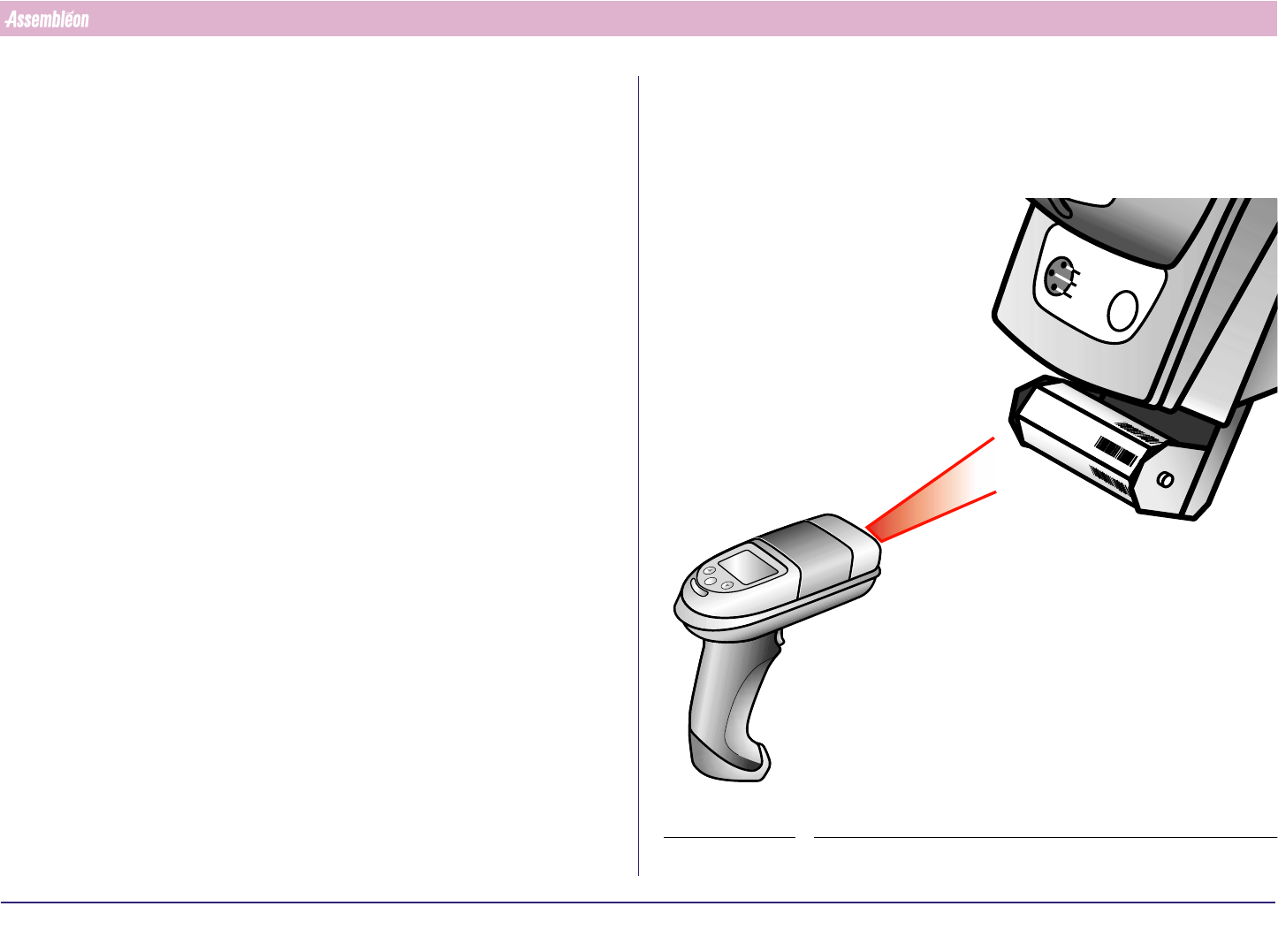
1. Scan the barcode ‘Rescan partnumbers’ (also recommended after shift-
change).
FIGURE 50
RESCAN PART
NUMBERS
PARDATA
CHANGING
B
A
T
T
. F
U
L
L
4022 591 96062 Operating Manual
02.02 FCM Multiflex 32
Current Program Selection
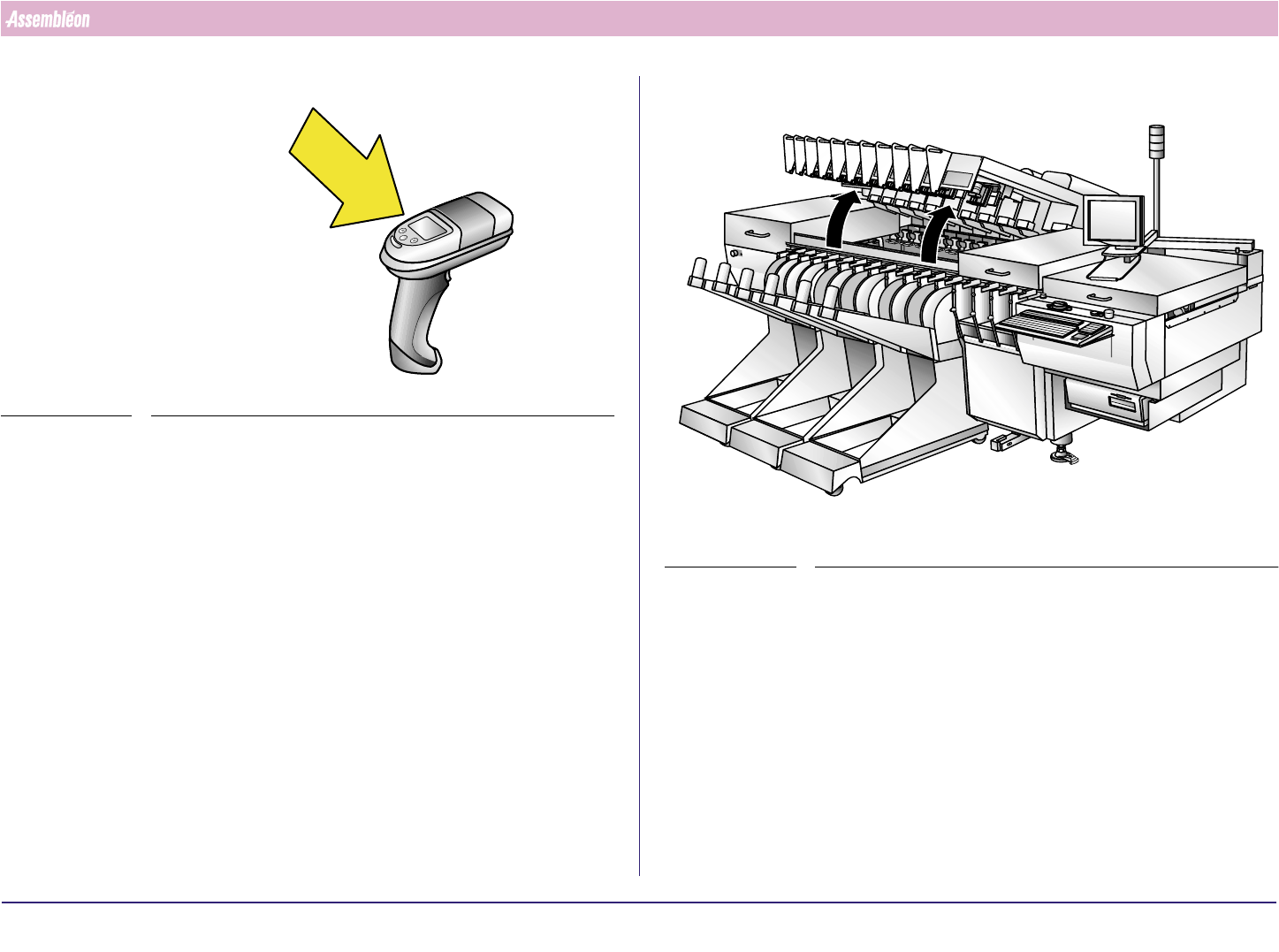
2. Follow instructions.
FIGURE 51
6.3 Check Nozzles
FIGURE 52
4022 591 96062 Operating Manual
02.02 FCM Multiflex 33
Current Program Selection
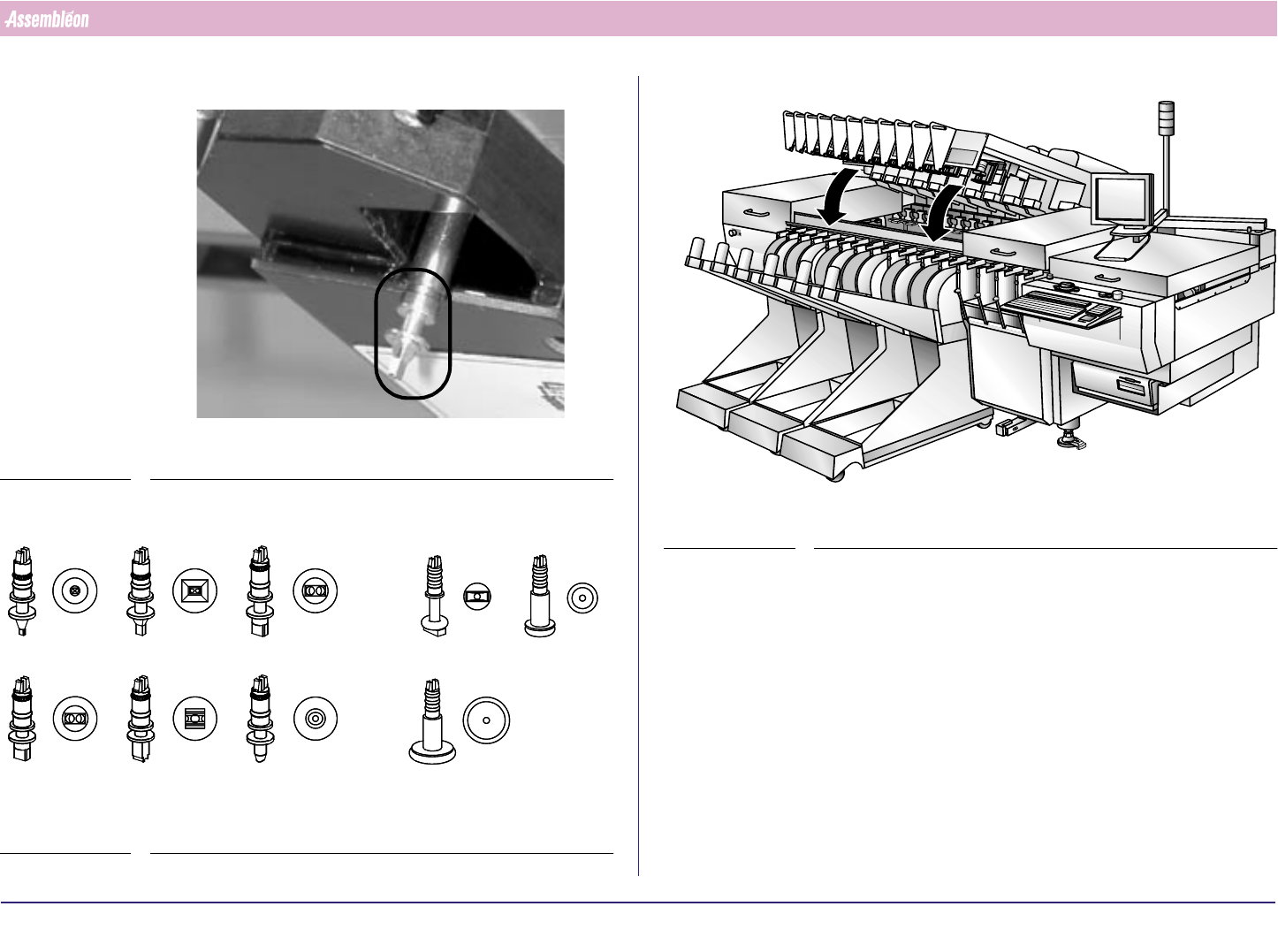
Check nozzle type on each placement module by set-up list.
FIGURE 53
FIGURE 54
PA 2747/00 PA 2747/20 PA 2747/30
PA 2747/40 PA 2747/50 PA 2747/60
PA 2748/10 PA 2748/20
PA 2748/30
FIGURE 55