'操作说明 Hotflow THREE_26_zh.pdf - 第505页
1 1. OPERA TION ENGLISH T ranslation of the original 48 451820.66.03_EN 2020-05-05 Setting options on the circuit board Button 1: UP Increase the accessed setpoint or parameter value Select the next parameter in the para…
Translation of the original ENGLISH 11. OPERATION
451820.66.03_EN
2020-05-05
47
11.3 RCB circuit board/display
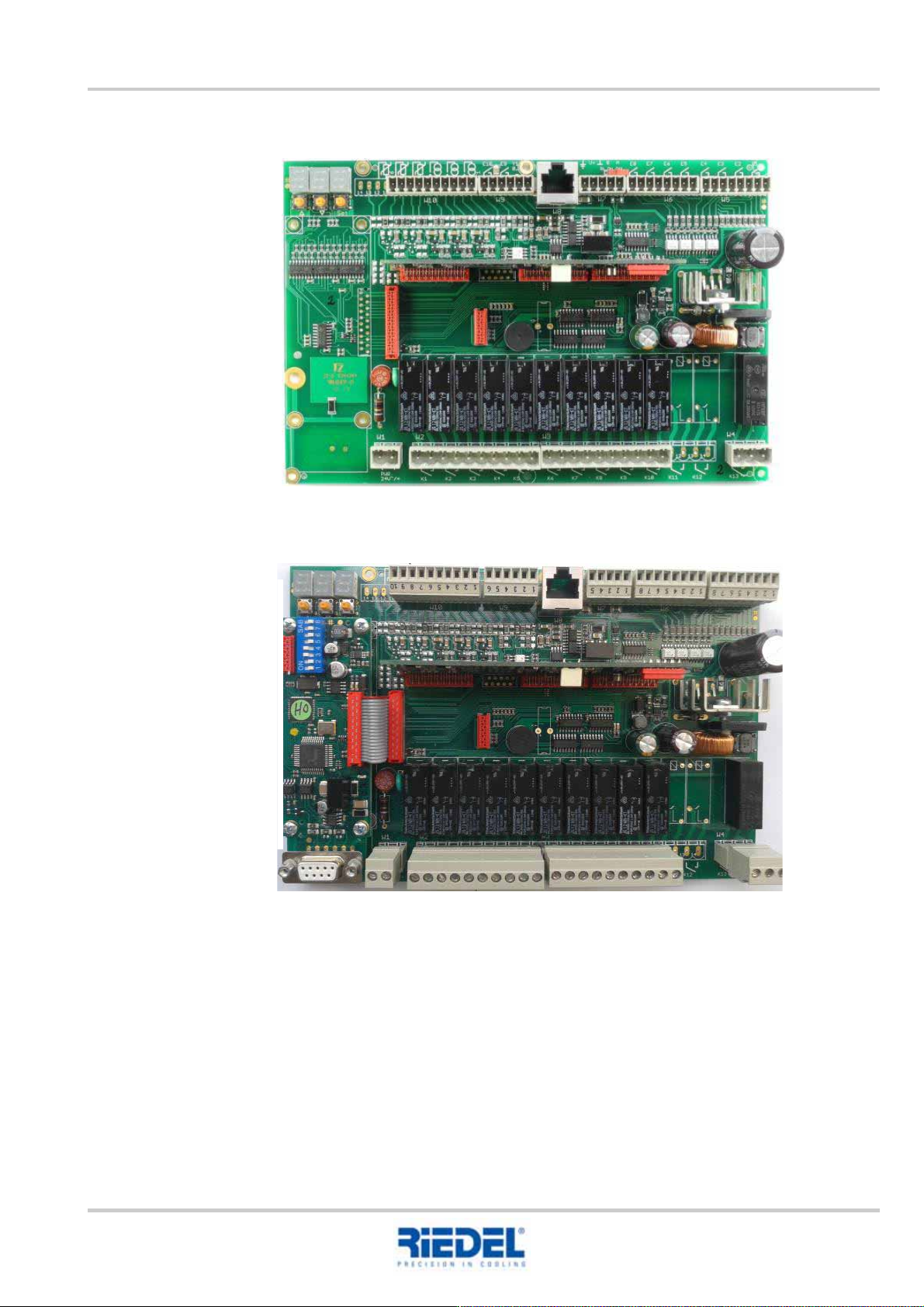
RCB – without Profibus
RCB – with Profibus

11. OPERATION ENGLISH Translation of the original
48
451820.66.03_EN
2020-05-05
Setting options on the circuit board
Button 1: UP
Increase the accessed setpoint or parameter value
Select the next parameter in the parameter list
Button 2: DOWN
Acknowledge the diagnostic message
Reduce the accessed setpoint or parameter value
Select the previous parameter in the parameter list
Button 3: SET
Access a target or parameter value
Set in conjunction with the UP or DOWN button
Unauthorised changes to the control parameters are prohibited since these can result in
dangerous alterations to the controller function.
1 2 3
Translation of the original ENGLISH 11. OPERATION
451820.66.03_EN
2020-05-05
49
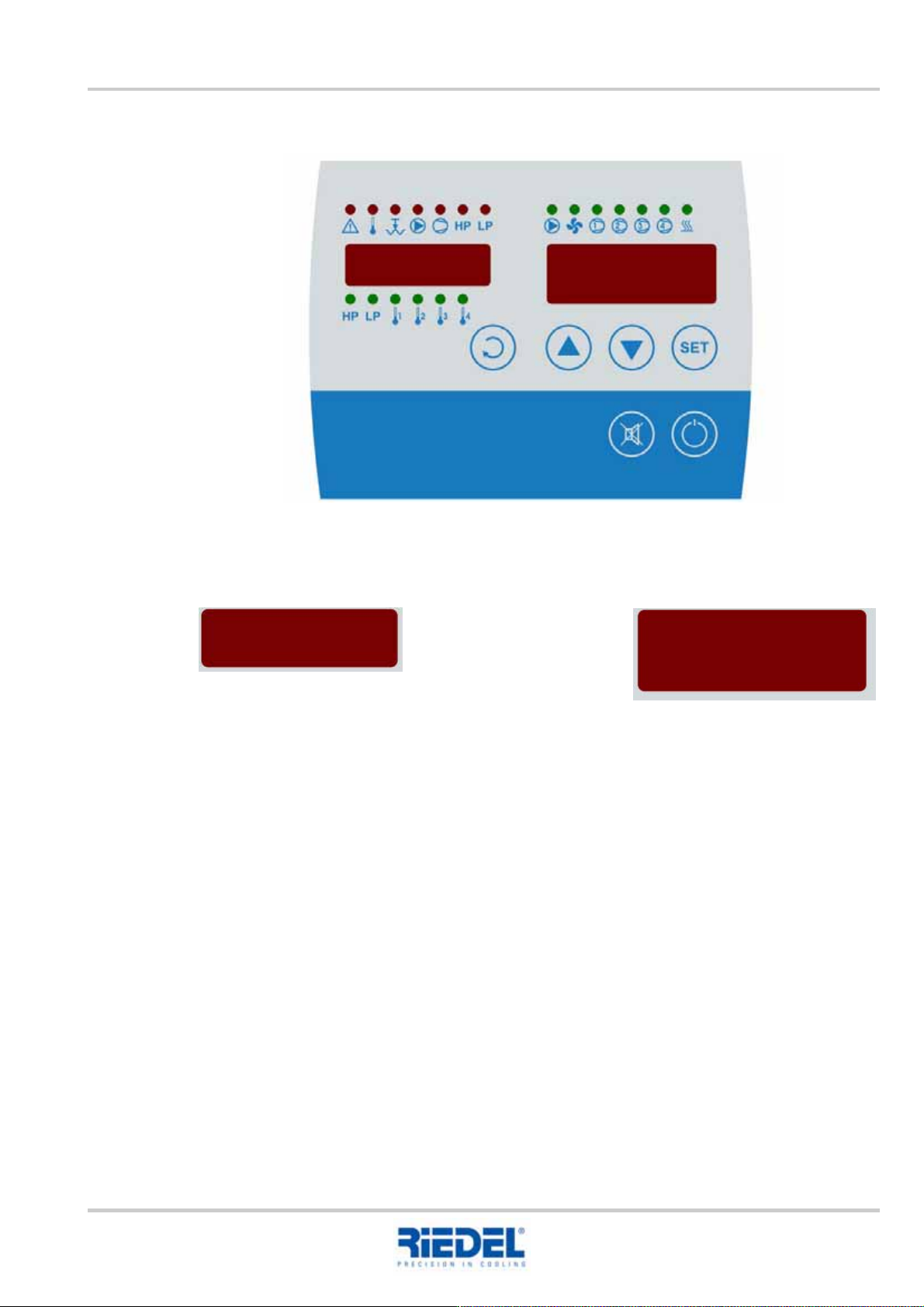
Operation with display
11.3.1 Displays
Setting the setpoint value
To configure the setpoint value, press the SET key as well as the UP or DOWN key.
Display 1: Various measured values Display 2: Main actual value
Set setpoint value