ASM_Guide To Adhesive Dot Dispensing_Stinger_en_0321_online.pdf - 第30页
2 STINGER, A GUIDE TO ADHESIVE DOT DISPENSING 2.3 SOFTWARE INTERFACE 30 GUIDE TO ADHESIVE DOT DISPENSING STINGER 03/2021 2.3.3.10 Machine Commands Panel In addition to the standard command button categories there are six…
2 STINGER, A GUIDE TO ADHESIVE DOT DISPENSING
2.3 SOFTWARE INTERFACE
GUIDE TO ADHESIVE DOT DISPENSING STINGER 03/2021 29
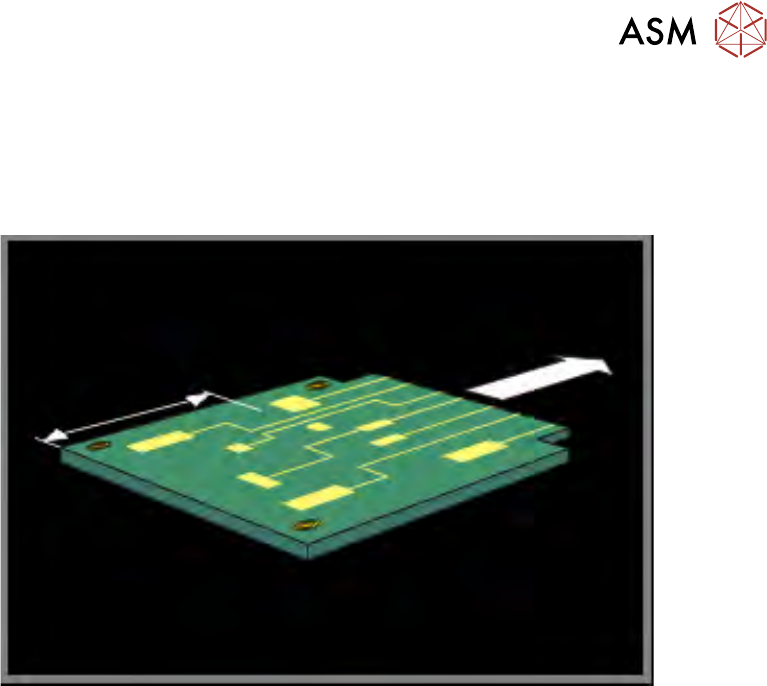
2.3.3.9 Calibration Point X/Calibration Point Y
Calibration Point X/Calibration Point Y, this parameter pair is used to set up the location where the
dispense nozzle is moved to, when calibrating the Z axis contact position. Stinger defaults to the
centre of the product or calibration board. Board warpage, for any product, must be within +/-1mm
of the calibrated contact position.
NOTE
See the section on Siting The Calibration Point, for details of where to set the calibration points for
irregularly shaped product profiles.
Calibration Point X describes the location on the product surface, in X, where Stinger calibration
is set.
Calibration Point Y describes the location on the product surface, in Y, where Stinger calibration
is set.
The calibration point chosen is critical to success, as the product upper surface may be warped;
see the Best Working Practices section of this manual for detail.
2 STINGER, A GUIDE TO ADHESIVE DOT DISPENSING
2.3 SOFTWARE INTERFACE
30 GUIDE TO ADHESIVE DOT DISPENSING STINGER 03/2021
2.3.3.10 Machine Commands Panel
In addition to the standard command button categories there are six additional commands for
Stinger.
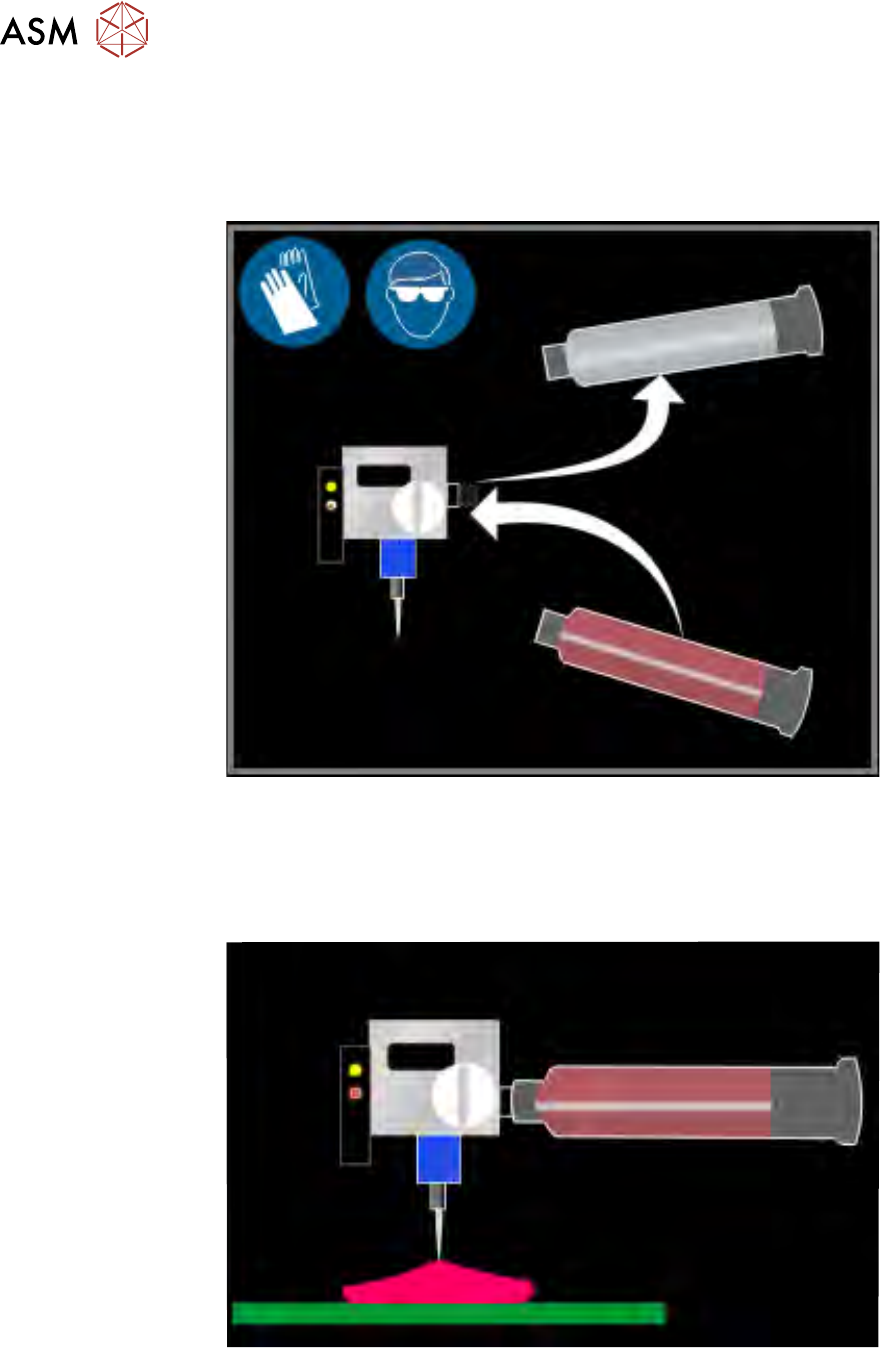
Maintain Stinger allows for the replenishment of the consumable.
Dispense Sweep provides an additional dispense, for example, to dispense on a pre-printed
product.
Purge Process is for dispensing adhesive for an indefinite amount of time, to allow for purging of
air pockets in the dispenser or to empty a dispense head of adhesive. If the purge station function-
ality is available, this functionality is not operable.
2 STINGER, A GUIDE TO ADHESIVE DOT DISPENSING
2.3 SOFTWARE INTERFACE
GUIDE TO ADHESIVE DOT DISPENSING STINGER 03/2021 31
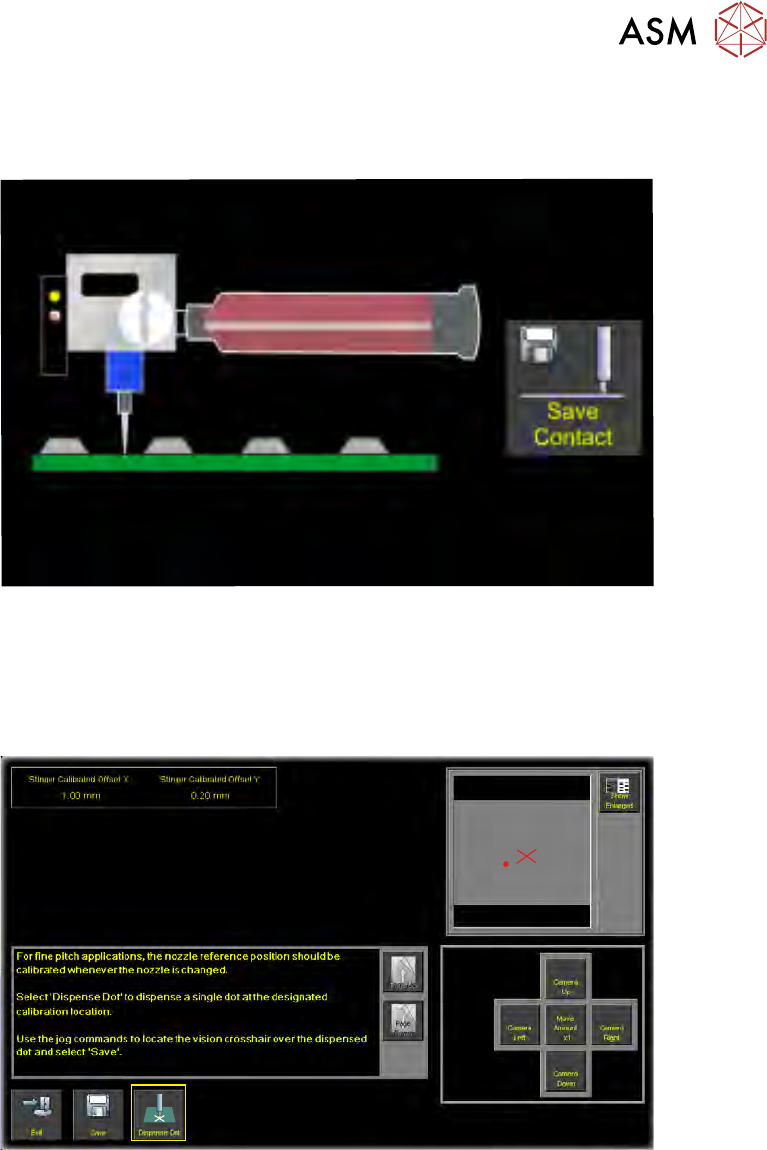
Manual Calibrate is used in conjunction with the step buttons to manually set heights for idle and
contact positions. A jog mode can be selected to control the step size; coarse is used to get the
needle into the general location, fine can be used to set the finite position.
When the contact position has been reached, select Save Contact before exiting the page.
Auto Calibrate employs the laser to provide automatic height calibration references. A board is
loaded into the printer and the height reference is made automatically.
Calibrate Nozzle Offset allows the user to program Stinger to dispense a single dot at a specified
calibration location; the location is displayed in the vision window.
1. The Stinger unit and the rising table are driven home.
2. The camera moves to the calibration location.
3. The rising table moves to vision height.
4. Select Dispense Dot. This places an adhesive dot in the field of view.