00198521-01_UM_LDU_E_EN.pdf - 第58页
4 Operation 4.17 Operating the control unit 58 User Manual SIPLACE Linear Dipping Unit E 12/2018 Performing a self-test ► Use the Up (1) or Down key (2) to select the operating mode P1 . ► Press and hold the Select (3…
4 Operation
4.17 Operating the control unit
User Manual SIPLACE Linear Dipping Unit E 12/2018 57
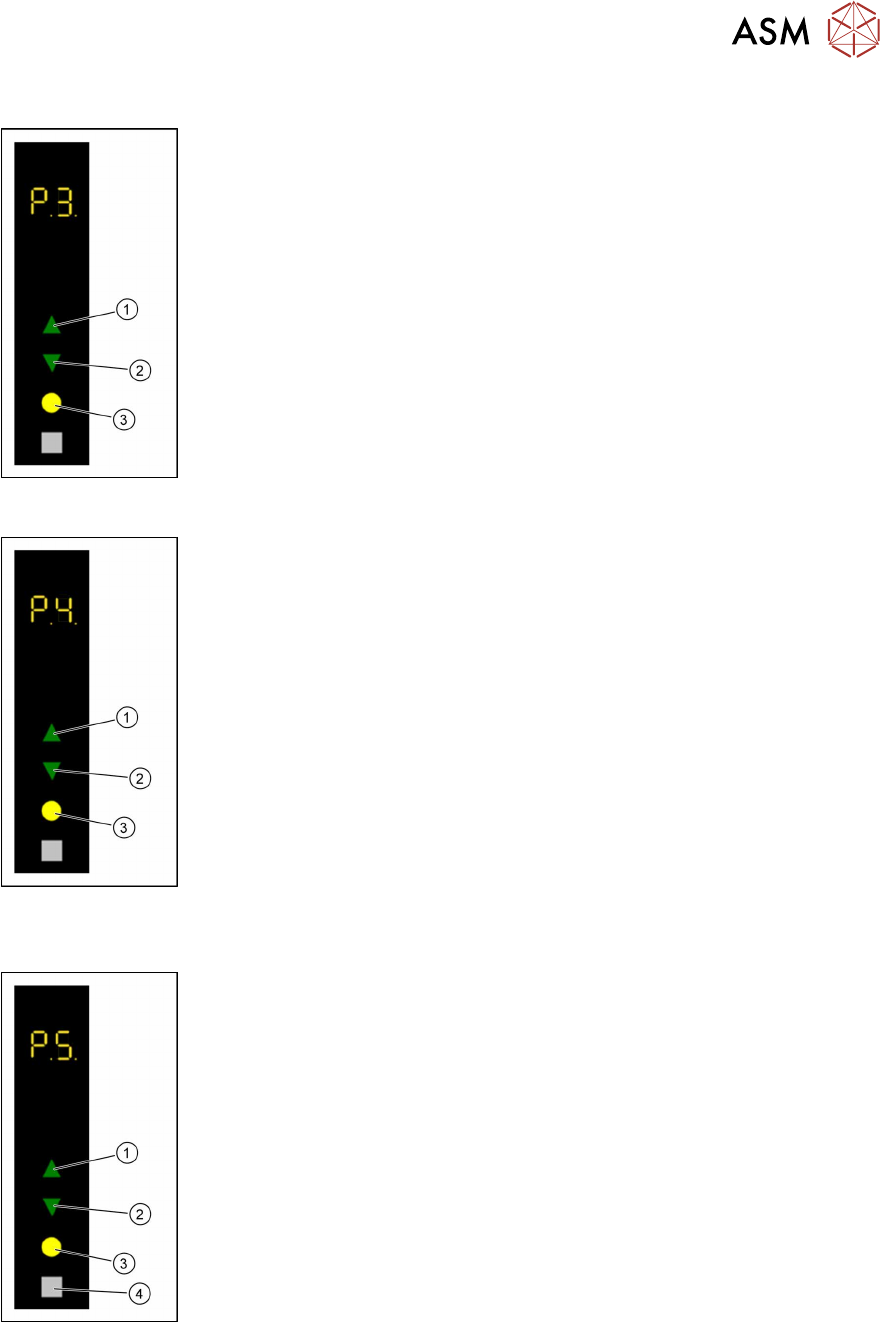
Adjusting the squeegee speed
► Use the Up (1) or Down key (2) to select the operating mode P2.
► Press and hold the Up key(1), to switch to the Advanced production
activity level.
► Use the Up (1) or Down key (2) to select the operating mode P3.
► Press the Select key (3).
► Press the Up (1) or Down key (2) to increase or decrease the value of
the squeegee speed.
The squeegee speed in mm / s is shown in the 7 segment display 3/4.
► Press the Select key (3) to save the value.
Starting a warm-up cycle
► Use the Up (1) or Down key (2) to select the operating mode P2.
► Press and hold the Up key(1), to switch to the Advanced production
activity level.
► Use the Up (1) or Down key (2) to select the operating mode P4.
► Press the Select key (3).
► Use the Up(1) or Down key(2) to select the desired number of squee-
gee cycles (1 – 50).
The number of squeegee cycles is shown in the 7 segment display 3/4.
► Press the Select key (3).
The LDU performs a corresponding number of squeegee cycles. The num-
ber of remaining squeegee cycles is shown in the 7 segment display 3/4.
► Press the Adjust key (4) to stop the process.
The number of remaining squeegee cycles is set to zero and the process will
be stopped after finishing the running squeegee cycle.
Setting the zero position of the dip plate
► Use the Up (1) or Down key (2) to select the operating mode P1.
► Press and hold theSelect(3) and Adjust (4) keys simultaneously to
switch to the Service activity level.
► Use the Up (1) or Down key (2) to select the operating mode P5.
► Press the Select button (3) to start the calibration.
► Use the Up (1) and Down keys (2) to move the dip plate until the park
plate and the dip plate are exactly level.
► Press the Select button (3) to save the zero position.
4 Operation
4.17 Operating the control unit
58 User Manual SIPLACE Linear Dipping Unit E 12/2018
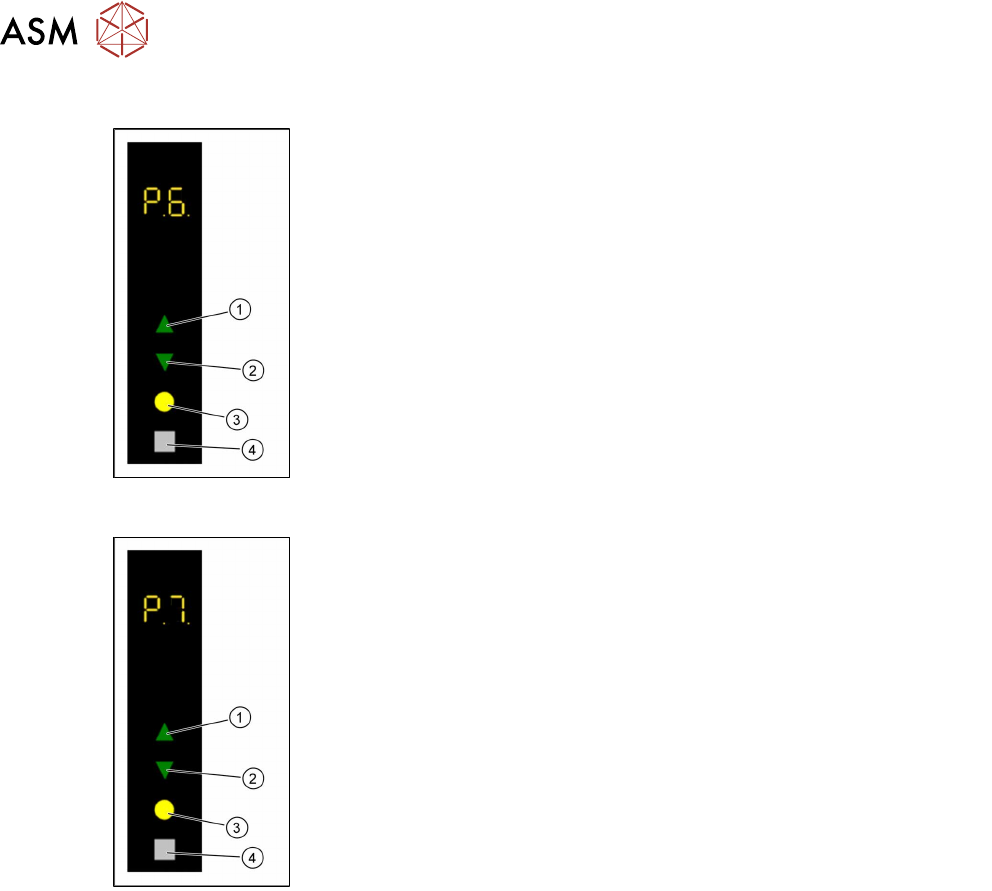
Performing a self-test
► Use the Up (1) or Down key (2) to select the operating mode P1.
► Press and hold theSelect(3) and Adjust (4) keys simultaneously to
switch to the Service activity level.
► Use the Up (1) or Down key (2) to select the operating mode P6.
► Press the Select key (3).
The LDU performs a self-test.
Calibrating the axes
► Use the Up (1) or Down key (2) to select the operating mode P1.
► Press and hold theSelect(3) and Adjust (4) keys simultaneously to
switch to the Service activity level.
► Use the Up (1) or Down key (2) to select the operating mode P7.
► Press and hold the Adjust key(4) until the digits 01 are shown in the 7
segment display 3/4.
► Press the Select key (3).
The LDU performs an axis calibration.
5 Cleaning
5.1 Cleaning agents and tools
User Manual SIPLACE Linear Dipping Unit E 12/2018 59
5 Cleaning
WARNING
Danger of crushing.
Service mode gives you access to all the movable parts of the LDU.
► Do NOT reach into the machine while it is running.
WARNING
Health risk.
The flux and cleaning agents used may contain substances which are hazardous to your
personal health.
► Wear your personal protective equipment (coat, glasses, mask, and gloves).
► Observe the safety data sheet of the relevant flux.
WARNING
Damage of the LDU by improper disassembly.
A disassembly of the LDU beyond the actions described in this chapter can lead to damage
and may only be handled by specially trained employees.
► Remove only those parts which have to be cleaned for proper operation of the LDU.
WARNING
Damage of the LDU by spilled cleaning agents.
The LDU moves during the cleaning process.
► Make sure that there are no cleaning agents or tools on the LDU.
5.1 Cleaning agents and tools
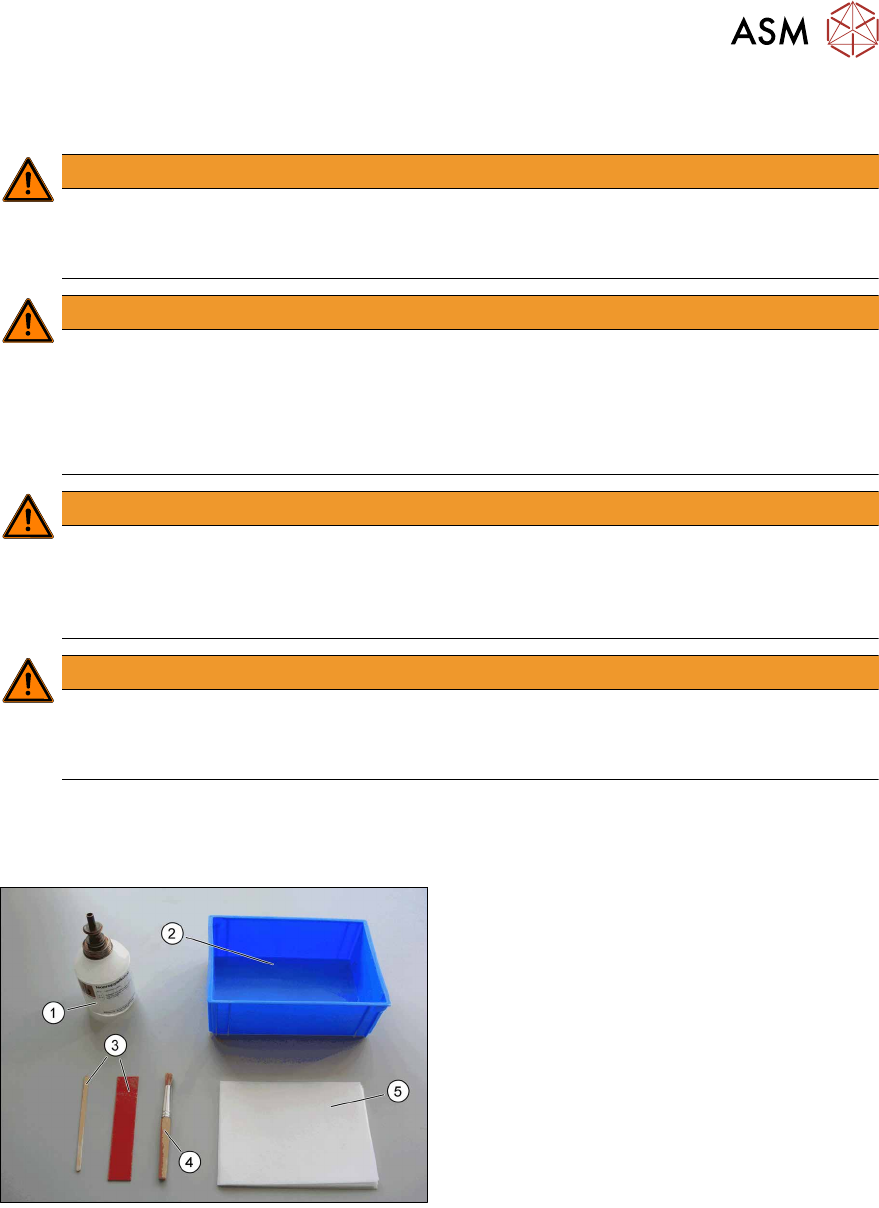
Suitable cleaning agents and tools are:
1. Ethanol, isopropyl and water
2. Tub or bowl for cleaning
3. Plastic or wooden scraper
4. Brush
5. Lint-free cleansing tissues