OM-1670-001_w.pdf - 第5页
2 OM-1670 101 1-001 • Identifying Alert Icons : This symbol mark represents danger or prompts warning. : This symbol mark represents prohibited operations. : This symbol mark represents forced operations or instructions.…
1
OM-1670
1011-001
Before Use
We are grateful to you for purchasing our products.
Before using this products, please read this instruction manual carefully to fully understand
the instructions and precautionary measures for safety purposes.
Always keep the instruction manual at hand.
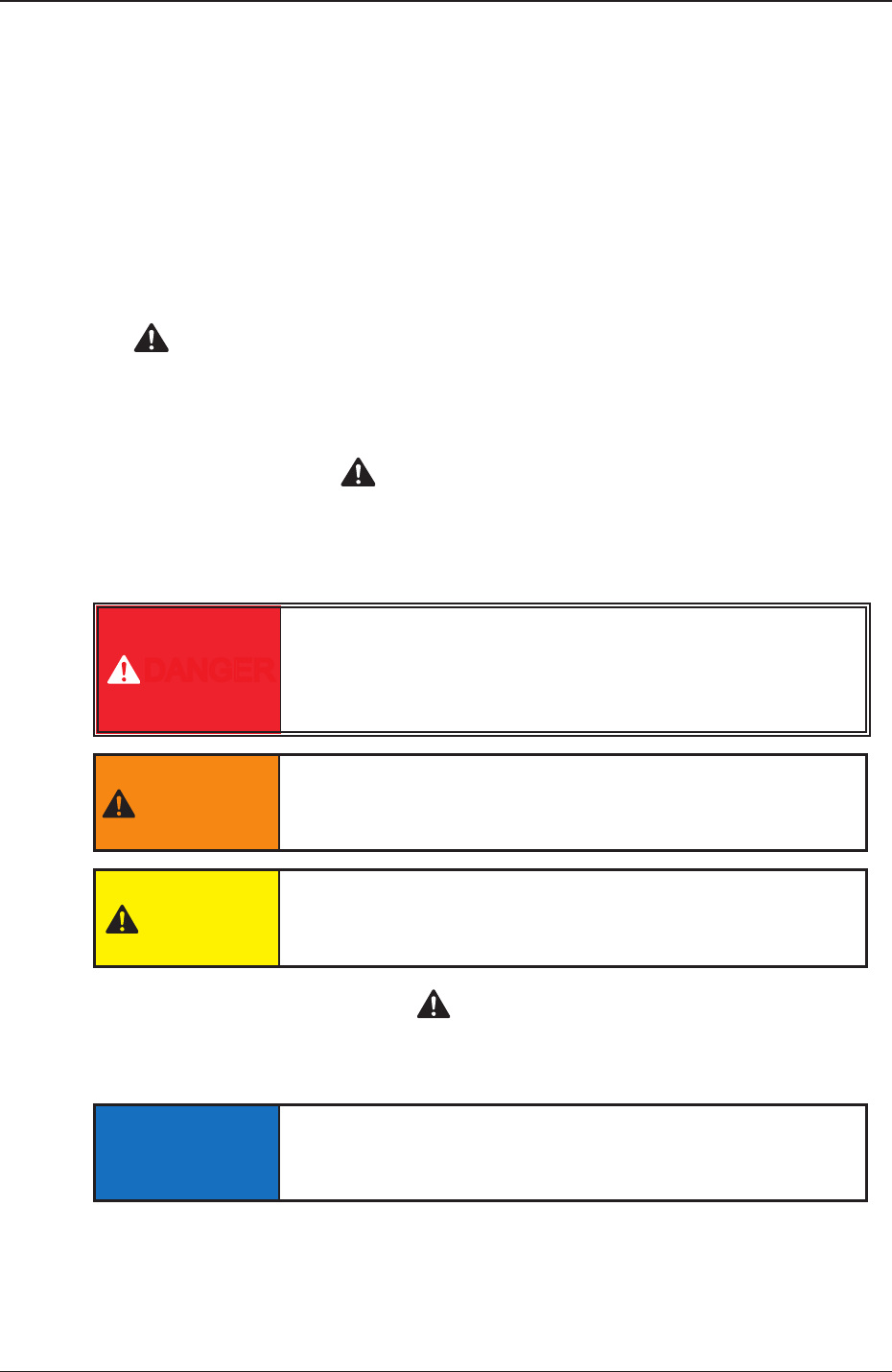
1. The safety precautions are expressed, using the combinations of safety alert symbols
"
" and headwords such as "DANGER", "WARNING", or "CAUTION" according
to the degree of danger.
Please fully understand the meaning of each precautionary item for safety purposes.
The safety alert symbols "
" are used to indicate a potential personal injury
hazard.
Please pay attention to all safety messages that follow the safety alert symbols to avoid any
possibility of injury or death.
DANGER
This indicates an imminently hazardous situation which,
if not avoided, will result in death or serious injury. This
signal word is limited to the most extreme situations.
WARNING
This indicates a potentially hazardous situation which, if
not avoided, could result in death or serious injury.
CAUTION
This indicates a potentially hazardous situation which, if
not avoided, may result in minor or moderate injury.
A precautionary item identied as "
CAUTION" may also lead the operator
to reach a serious result. To avert a serious result, please respect the described
cautions.
NOTICE
This indicates a potentially hazardous situation which, if
not avoided, may result in property damages.
2. Explained in this manual are only the items different from those in the instruction
manual of the main machine.
Please use the instruction manual of the main machine together with this manual.
2
OM-1670
1011-001
•
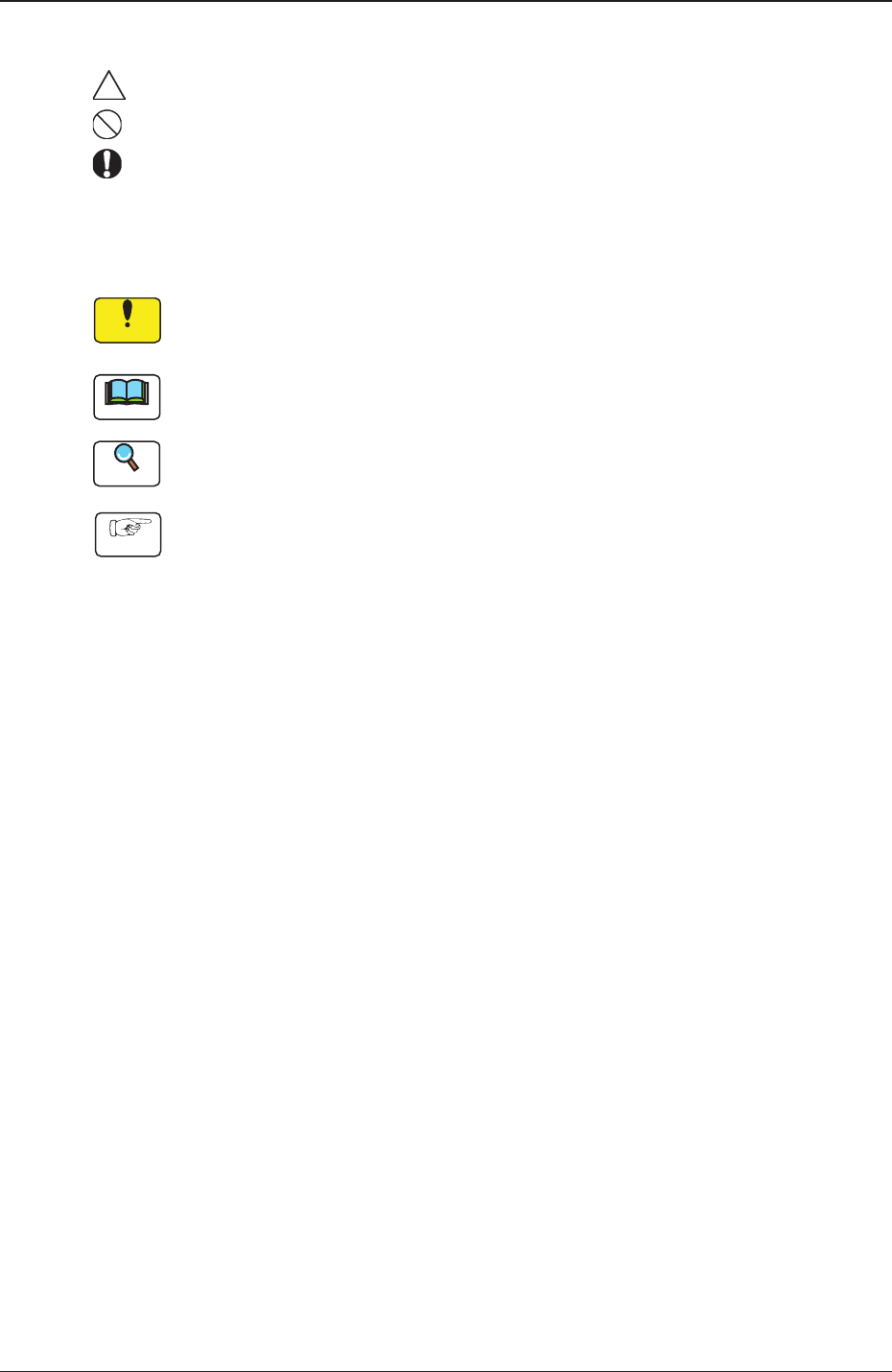
Identifying Alert Icons
: This symbol mark represents danger or prompts warning.
: This symbol mark represents prohibited operations.
: This symbol mark represents forced operations or instructions.
•
Identifying Icons in Manual
Notice
This icon shows an important precautionary or a regulatory item.
Note
This icon shows the descriptions for correct operations of the machine.
Reference
This icon shows the items to be referred to.
Procedure
This icon shows the operation procedures.

OM-1670
3
Contents
Page
1011-001
Before Use ............................................................................................ 1
Contents ............................................................................................. 3
1. Scope ............................................................................................. 4
2. Rought View of Machine ................................................................ 5
3. Nozzle Stocker for Multi-Functional Nozzle Setup Procedure ....... 6
4.
Pattern Program ............................................................................. 7
4.1 Nozzle Stk 1, 2 data ................................................................ 7
5. "NOZ.CHG." Window ..................................................................... 9
6. "Unit Change" Window ................................................................... 10
6.1 Nozzle Stocker ........................................................................ 10
7. "Unit Adj." Submenu ....................................................................... 11
7.1 "NOZ.CHNG." Window
........................................................... 11
8. Maintenance ................................................................................... 12
8.1 Precautionary Items before Maintenance ............................... 12
8.2 Preparation for Maintenance .................................................. 12
8.2.1 Preparation for Cleaning ................................................ 12
8.2.2 Preparation for Lubrication ............................................ 13
8.3 Maintenance Cheak List ......................................................... 15
8.3.1 Monthly Maintenance .................................................... 15
8.3.2 Quarterly Maintenance .................................................. 15
8.4 Maintenance Method .............................................................. 16
8.4.1 Understanding of Maintenance Items
on Each Section .......... 1
6
8.4.2 Nozzle Stocker for Multi-Functional Nozzle ................... 17
9. Troubleshooting .............................................................................. 19
9.1 Starting Guidance ................................................................... 19
9.2 Error IDs and Remedial Procedures ....................................... 19
10. Specications ................................................................................. 20