OM-1670-001_w.pdf - 第6页
OM-1670 3 Contents Page 101 1-001 Before Use ............................................................................................ 1 Contents .......................................................................…
2
OM-1670
1011-001
•
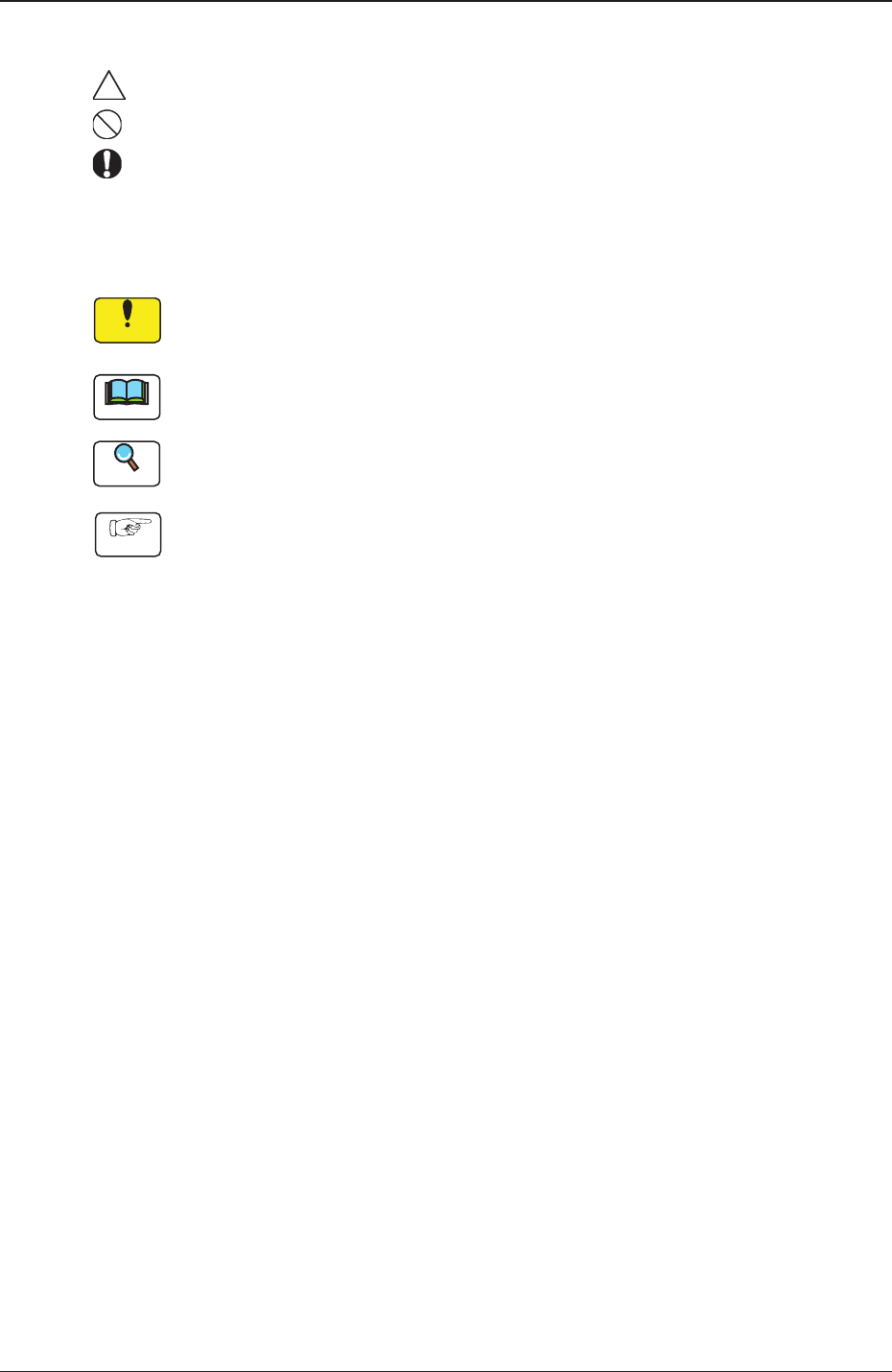
Identifying Alert Icons
: This symbol mark represents danger or prompts warning.
: This symbol mark represents prohibited operations.
: This symbol mark represents forced operations or instructions.
•
Identifying Icons in Manual
Notice
This icon shows an important precautionary or a regulatory item.
Note
This icon shows the descriptions for correct operations of the machine.
Reference
This icon shows the items to be referred to.
Procedure
This icon shows the operation procedures.

OM-1670
3
Contents
Page
1011-001
Before Use ............................................................................................ 1
Contents ............................................................................................. 3
1. Scope ............................................................................................. 4
2. Rought View of Machine ................................................................ 5
3. Nozzle Stocker for Multi-Functional Nozzle Setup Procedure ....... 6
4.
Pattern Program ............................................................................. 7
4.1 Nozzle Stk 1, 2 data ................................................................ 7
5. "NOZ.CHG." Window ..................................................................... 9
6. "Unit Change" Window ................................................................... 10
6.1 Nozzle Stocker ........................................................................ 10
7. "Unit Adj." Submenu ....................................................................... 11
7.1 "NOZ.CHNG." Window
........................................................... 11
8. Maintenance ................................................................................... 12
8.1 Precautionary Items before Maintenance ............................... 12
8.2 Preparation for Maintenance .................................................. 12
8.2.1 Preparation for Cleaning ................................................ 12
8.2.2 Preparation for Lubrication ............................................ 13
8.3 Maintenance Cheak List ......................................................... 15
8.3.1 Monthly Maintenance .................................................... 15
8.3.2 Quarterly Maintenance .................................................. 15
8.4 Maintenance Method .............................................................. 16
8.4.1 Understanding of Maintenance Items
on Each Section .......... 1
6
8.4.2 Nozzle Stocker for Multi-Functional Nozzle ................... 17
9. Troubleshooting .............................................................................. 19
9.1 Starting Guidance ................................................................... 19
9.2 Error IDs and Remedial Procedures ....................................... 19
10. Specications ................................................................................. 20

OM-1670
41011-001
1. Scope
1. Scope
This mechanism is used to house the multi-functional nozzles.
The placement head is moved to the position above the nozzle stocker according
to the pattern program and the selected nozzle is attached or removed.
Adding the nozzle stocker for multi-functional nozzle, on the unit base, enables
the operator to change the pattern program without any ofine setup.