YAMAHA errer code-a.pdf - 第24页
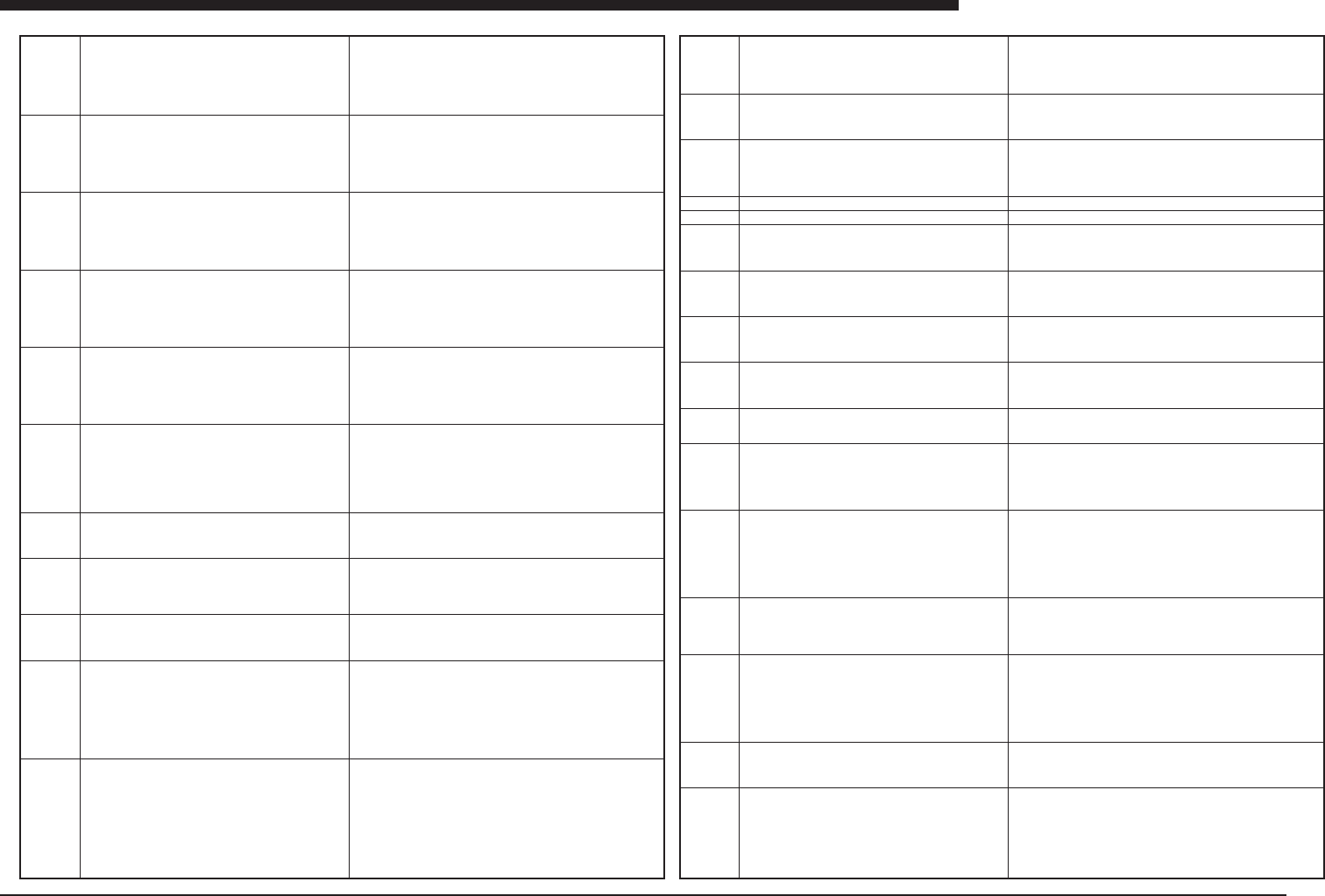
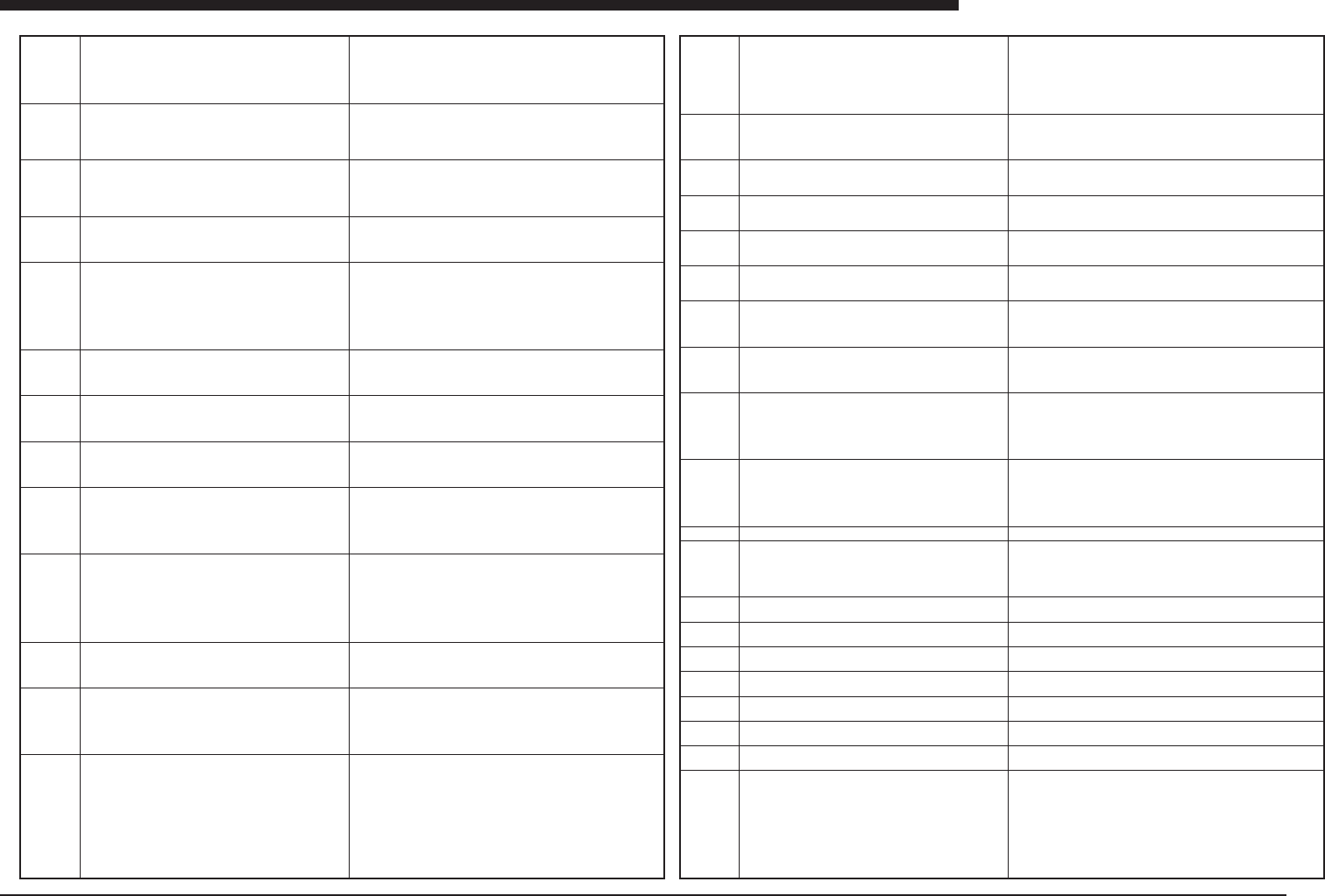
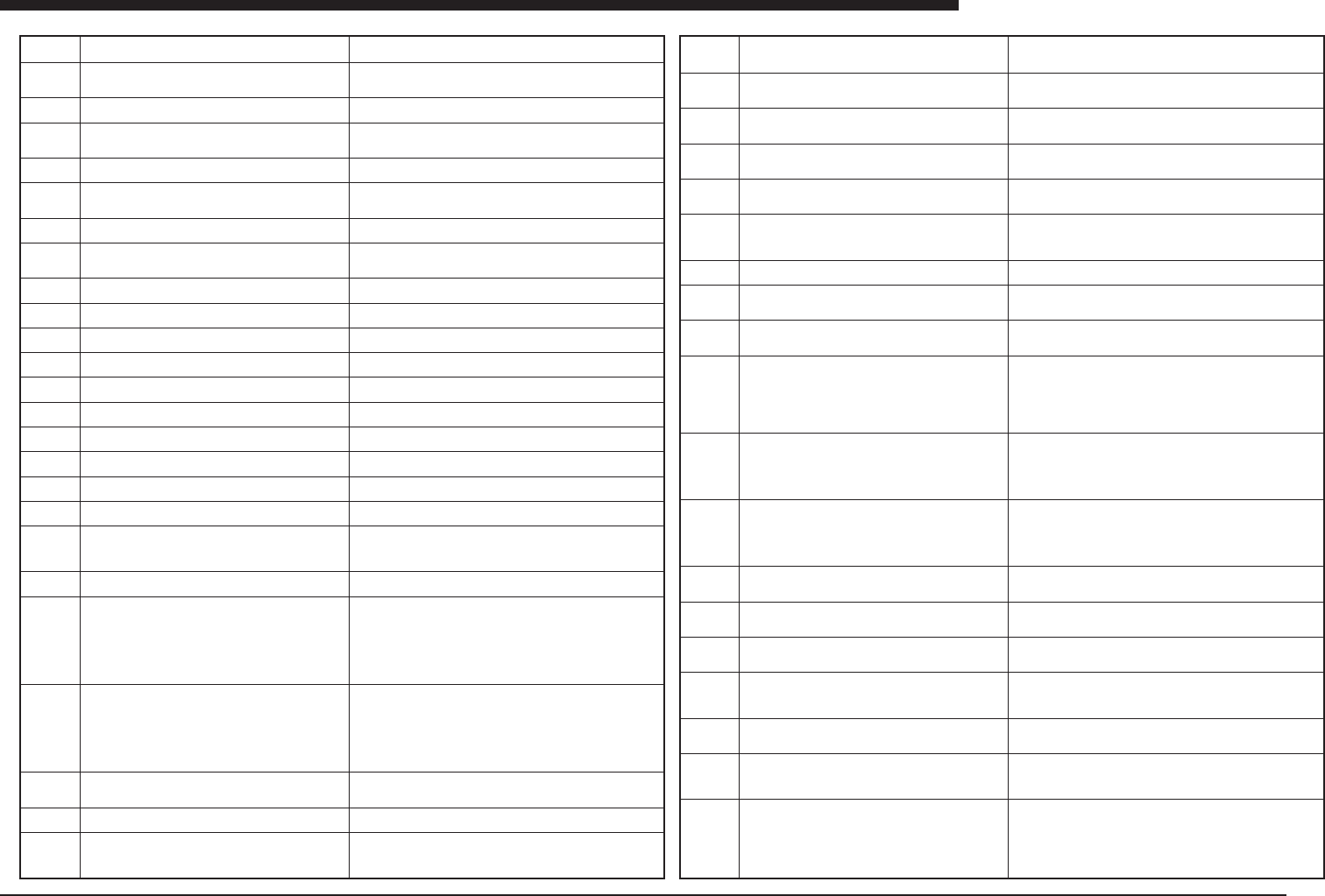
Ea - 24 ERROR MESSAGES LIST Ea Ea01506 Ea01507 Ea01508 Ea01509 Ea01510 Ea01600 Ea01601 Ea01602 Ea01603 Ea01604 Ea01605 Ea01606 Ea01607 PCB DA T A ERROR There is no pcb name in communication data. Or specified name is dif…
Ea -23
ERROR MESSAGES LIST
Ea
Ea01270
Ea01271
Ea01272
Ea01273
Ea01400
Ea01401
Ea01402
Ea01403
Ea01404
Ea01406
Ea01407
ASCII->VIOS Conversion error. The following error oc-
curs.
10:PCB Fiducial
If the detected string do not have any characters, this
error happens.
If any data do not fit with search keyword, also this error
happens.
ASCII->VIOS Conversion error. The following error oc-
curs.
11:BLOCK Fiducial
If the detected string do not have any characters, this
error happens.
If any data do not fit with search keyword, also this error
happens.
ASCII->VIOS Conversion error. The following error oc-
curs.
12:PCB Badmark
If the detected string do not have any characters, this
error happens.
If any data do not fit with search keyword, also this error
happens.
ASCII->VIOS Conversion error. The following error oc-
curs.
13:BLOCK Badmark
If the detected string do not have any characters, this
error happens.
If any data do not fit with search keyword, also this error
happens.
Specified machine number has a machine data and some
status files.
NUMBER: 1
NAME: SM112_NO1
TYPE: VIOS
Press [ENTER] key to setup them again.
Press [ESC] key to use them.
To create machine needs the backup disk made on the
machine. Please insert it to floppy drive. And then press
[ENTER] key.
NUMBER: 1
NAME: SM112_NO1
TYPE: VIOS
This procedure will copy some files from the backup disk
to hard disk. Press [ESC] key to abort.
Please wait a moment.
Machine data and some status files are being copied to
hard disk.
FILE CHECK ERROR
There aren't enough files on the backup disk. One of these
is displayed down. Press any key to abort.
FILE COPY ERROR
The files cannot be copied from the backup disk to hard
disk. One of these is displayed down.
Press any key to abort.
NOT READY ERROR
There is a machine information which isn't completed. If
you abort, this system deletes such machine. Press [EN-
TER] key to return command menu. To continue editing,
press [ESC] key. To complete the creation of machine,
please press [F8] key to load machine files.
DELETE MACHINE
NUMBER:
NAME:
TYPE:
Press the [ENTER] key to delete.
Press the [ESC] key to abort.
This command deletes all PCB data in the selected ma-
chine.
(Meaning)During ASCII’VIOS conversion, a string picked up fol-
lowing to the conversion font, is completely SPACE and do not
contains any other character. Or no data line suit to the search
conditions indicated in the conversion font.
(Cause)qIllegal source file for the conversion.wConversion font is
not for the source file.
(Remedy)qCorrect source file, or conversion font file.
(Meaning)During ASCII→VIOS conversion, a string picked up fol-
lowing to the conversion font, is completely SPACE and do not
contains any other character. Or no data line suit to the search
conditions indicated in the conversion font.
(Cause)qIllegal source file for the conversion.wConversion font
is not for the source file.
(Remedy)qCorrect source file, or conversion font file.
(Meaning)During ASCII→VIOS conversion, a string picked up fol-
lowing to the conversion font, is completely SPACE and do not
contains any other character. Or no data line suit to the search
conditions indicated in the conversion font.
(Cause)qIllegal source file for the conversion.wConversion font
is not for the source file.
(Remedy)qCorrect source file, or conversion font file.
(Meaning)During ASCII→VIOS conversion, a string picked up fol-
lowing to the conversion font, is completely SPACE and do not
contains any other character. Or no data line suit to the search
conditions indicated in the conversion font.
(Cause)qIllegal source file for the conversion.wConversion font
is not for the source file.
(Remedy)qCorrect source file, or conversion font file.
(meaning)A machine information file already exists for the machine
number being registered.
(cause)None
(remedy)To register the machine again, press the Enter key. To
use data which has already been registered without changing any-
thing, simply press the ESC key.
(meaning)This is a message indicating that a machine is being reg-
istered for the first time.
(cause)None
(remedy)Insert the backup disk created for the registered machine
in the disk drive and press the Enter key.
(meaning) Machine is currently being registered. This does not in-
dicate an error.
(cause) None
(remedy) Please wait.
(meaning)An error occurred when registering a machine.
(cause)The floppy disk used for the registration does not contain
enough of the necessary machine information files.
(remedy)Update the system data backup disk for that machine and
then try the registration again, using that disk.
(meaning)An error occurred when registering a machine.
(cause) The machine information files may have been destroyed.
(remedy) Update the system data backup disk for that machine
and then try the registration again, using that disk.
(meaning)There is a machine for which registration has not yet been
completed.
(cause)There is a machine for which the F8 key has not been
pressed on the machine registration screen to complete the regis-
tration.
(remedy)To register the machine, press the F8 key on the machine
registration screen and follow the displayed instructions to com-
plete the registration. Pressing the ESC key deletes the machine
without completing the registration.
(meaning) This cancels a machine registration. This is not an error.
(cause) None
(remedy) To abort the cancellation, press [ENTER]. To continue,
press [ESC].
Ea01408
Ea01409
Ea01411
Ea01412
Ea01413
Ea01414
Ea01418
Ea01470
Ea01471
Ea01472
Ea01500
Ea01501
Ea01502
Ea01503
Ea01504
Ea01505
DELETE LINE
NUMBER: 2
NAME: SM112&YVL80
Press [ENTER] key to delete. Press [ESC] key to abort.
Failed to read local badmark data from floppy disk. Please
check this.
(1)Inserted floppy disk.
(2) No available data in floppy disk.
You cannot select this mode, because no machine has
been registerd to YVOS2. It is necessary to register ma-
chine to YVOS2 in
[3/MAINTE/M]-[3/LINE_CONFIG]-[B1 SET MACHINE
INF.].
Fixed component not used.
This fixed component not used.
Now machine has been registered.
You check the Serial No. and M.type in
[3/MAINTE/M]-[1/OPTION CONFIG.].
If machine is HYPER type,
FILE COPY ERROR
There is no line recorded serial number. Your machine
may be old version. press any key to abort.
Ready to calibrate the PCB on digitizer.
Teach 2 position parallel to X axis, which Y coordinate of
2 position is same.
Teach 2 position parallel to X axis, which Y coordinate of
2 position is same.
Please teach 2nd position(P2).
CALIBARATION ERROR
Illegal XY data for calibration.
Please try calibration again.
FILETABLE READ ERROR
A file table cannot be read from a machine.
To read the file table, operation mode must be in
RUNNNING mode.
COMMUNICATION ERROR
Error cause may be one of the followings:
*Time out when sending
*Framing error
*Parity error
*Received data overrun
In case YVOS with digitizer on WINDOWS, COM1 and
COM2 are not available
CANSEL CODE RECIEVED
Cancel code (0x03) is received from machine.
PCBFILE OPEN ERROR
Pcb data file cannot be open for communication. Or sys-
tem cannot make temporary file for communication.
ABORT COMMUNICATION
Communication stopped due to the input of [ESC] key.
To send/receive PRODUCTION HISTORY, PCB data
should be already defined at receiving side.
ERROR CODE RECIEVED
Error code or illegal code was received from machine.
(meaning)The registered line is being deleted. This is not an error
message.
(cause)None
(remedy)To delete the line, press the Enter key. To cancel the op-
eration without deleting the machine, press the ESC key.
Please check floppy disk is already inserted or not. If floppy disk is
inserted normally, data format may be wrong. Check the data in
floppy disk
[Please register machine to YVOS2 in
[3/MAINTE/M]-[3/LINE_CONFIG]-[B1 SET MACHINE INF.].
Check the "Serial No." and "M.type" in
[3/MAINTE/M]-[1/OPTION CONFIG.].
If the machine is HYPER type, check the setting of
[1/OPTION CONFIG.].
(meaning)An error occurred when registering a machine.
(cause)The machine may be old version.
(remedy)Update the system data backup disk for that machine and
then try the registration again, using that disk.
(meaning) This calibrates in the X direction. This is not an error.
(cause) None
(remedy) Place digitizer cursor on PCB home position, and turn on
digitizer switch or press [F10] on keyboard.
(meaning) This enters second calibration point. This is not an error.
(cause) None
(remedy) Place digitizer cursor on PCB home position, and turn on
digitizer switch or press [F10] on keyboard.
(meaning) Calibration error
(cause) For calibration points (x1, y1) and (x2, y2), x1 >= x2
(remedy) Redo calibration.
(meaning) An error occurred when receiving the file table.
(cause) The machine is not in the automatic operation mode, or the
communications circuit was disturbed by noise or another problem
during reception of the file table.
(remedy) Change the machine to the automatic mode, or check the
communications circuit.
(meaning) Error occurred in RS232C communication.
(cause) Transmission time may have been exceeded, parity error
may have occurred, or overrun error may have occurred in data
being received.
(remedy) Machine and YVOS2 communication parameter settings
are not the same. Also check communication circuit connections.
(meaning)A cancel code was received from the machine.
(cause)During communication of an operation being carried out on
the machine, a code was received by the YVOS2 which interrupted
the communication.
(remedy)Execute the command again.
(meaning)The data file to be used in the communications could not
be opened.
(cause)The hard disk is full and the data file for the communica-
tions could not be created; or the data file to be transferred, such as
the PCB data file, has been destroyed, so that it was not possible to
create a data file for communications.
(remedy) Check the amount of space available on the hard disk,
and the data to be transferred.
(meaning) Communication was interrupted by use of [ESC] key.
(cause) [ESC] key was pressed during communication.
(remedy) Do not press [ESC] key during communication.
(meaning) An error code was received from the machine.
(cause) When an attempt was made to execute the communica-
tions command, the machine returned an error code indicating that
the command could not be executed.
(remedy) Follow the error message instructions from the machine
to eliminate the problem.
Ea -24
ERROR MESSAGES LIST
Ea
Ea01506
Ea01507
Ea01508
Ea01509
Ea01510
Ea01600
Ea01601
Ea01602
Ea01603
Ea01604
Ea01605
Ea01606
Ea01607
PCB DATA ERROR
There is no pcb name in communication data.
Or specified name is different from a name in the data.
DATA CONVERSION ERROR
The data could not be converted to the communication
format.
To send/receive PRODUCTION HISTORY, PCB data
should be already defined at receiving side.
SWITCH PCB ERROR
It cannot switch pcb data in machine by "@SWI" online
command.
CMU ERROR
Comunication error happens.
Please change communication line to next machine.
NAME: SM112_NO1
TYPE: VIOS
CMU PORT: COM1
If all OK, press [ENTER] key to continue.
AUTO DISTRIBUTION ERROR
Failed to open auto distribution information.
Machine YV112
AUTO DISTRIBUTION ERROR
Failed to read auto distribution information.
Machine YV112
(1)Check the alternate component.
AUTO DISTRIBUTION ERROR
Failed to write auto distribution information.
Machine YV112
AUTO DISTRIBUTION ERROR
No machine can handle the component shown below.
Machine YV112
Component 3
Check the component. (Tray Information, Alignment type,
Nozzle Type, Mount Position, Dump Way)
AUTO DISTRIBUTION MESSAGE
The pickup position of the component shown below is
TEACHING. Is this movable?Machine YV112
Component 3
Component Name R3216
[ESC] key to abort
Other key to continue
AUTO DISTRIBUTION ERROR
Aborted by command.
AUTO DISTRIBUTION MESSAGE
The number of mount and component data of the ma-
chine is so many that it may cause PCB data error.
Machine YV112
Auto distribution will be continued.
AUTO DISTRIBUTION MESSAGE
The component shown below is stick component. Teach
the pickup position of the component and set "No" for
"Use feeder opt." of the component data.
Machine YV112
Component 3
Component Name SOP16
(meaning)There is an error in the data being sent or received.
(cause) There is no PCB name in the data being sent or received;
or the specified PCB name is different from the one in the file.
(remedy) With VIOS data, update the file table With UFOS data,
make sure the file name and the PCB name specified in the file are
the same.
(meaning) Error occurred in converting data to ASCII file for com-
munication.
(cause) Data file being converted has possibly been destroyed.
(remedy) Recover data.
(meaning) The PCB being produced on the machine could not be
switched using online commands.
(cause) The machine is in the automatic operation mode.
(remedy) Stop the machine and reset it. Then use online commands
to switch the PCB being produced.
(meaning)Data communication was not possible.
(cause)There is a problem with the communications circuit.
(remedy)Check the communications function of the personal com-
puter that contains the communications circuit.
(meaning)Reconnect the communications cable to the machine
which will be used for the communications.
(cause)If the option settings for the YVOS2 indicate that the switch-
ing to the target machine is to be done manually this message
indicates that the switching should be done at this point.
(remedy) If it is not necessary to connect the communications cable,
set the YVOS2 option settings so that the communications circuit
is switched automatically.
(meaning) Failed to open the file for line data distribution.
(cause) Capacity shortage or defect of HDD.
(remedy) Move seldom-used PCB data to floppy to increase HDD
capacity. If the problem still happens, Contact the manufacturer.
(meaning) Failed to read the file for line data distribution.
(cause) Defect of HDD. Alternate component is used.
(remedy) Contact the manufacturer. Not use the alternate compo-
nent.
(meaning)Failed to write the file for line data distribution.
(cause) Capacity shortage or defect of HDD.
(remedy) Move seldom-used PCB data to floppy to increase HDD
capacity. If the problem still happens, Contact the manufacturer.
(meaning) No machine can handle the component.
(cause)In the case of tray component, the lack of tray changer can
cause this. Or Required Nozzle, mount position, AlignmentModule
setting can cause this.
(remedy) Remove those causes described above.
(meaning) The pickup position of the component is TEACHING.
Can the AUTO DISTRIBUTION move it?
(cause) The setting of "Use feeder opt." Of this component is "Yes"
although its position is TEACHING.
(remedy) If it is unmovable, press [Esc] key to abort and set "No"
for "Use feeder opt". Or press other key to continue.
(meaning) AUTO DISTRIBUTION was aborted by user's command.
Not an error message.
(cause)
(remedy)
(meaning)The number of mount and component data is so many
that it may cause data error in running mode.
(cause) Same as meaning.
(remedy) You had better move some data in 2/DATA/M 2/
DATA_GENERATOR A3 COMPONENT INF. But it can be OK even
if you don't modify data.
(meaning) You must teach the pickup position of the stick compo-
nent and set "No" for "Use feeder opt." in component data.
(cause) The setting of "Use feeder opt." Of the component is "Yes"
although it is stick component.
(remedy) Teach the pickup position at the machine and set "No" for
"Use feeder opt.".
Ea01617
Ea01620
Ea01760
Ea01761
Ea01770
Ea01771
Ea01780
Ea01781
Ea01790
Ea01791
Ea01900
Ea01903
Ea02000
Ea02001
Ea02002
Ea02003
Ea02004
Ea02005
Ea02006
Ea02100
AUTO DISTRIBUTION MESSAGE
The number of the feeder is so many that it may cause
some error.
Feeder group Pneumatic type
Feeder type 8mmTape
Auto distribution will be continued.
AUTO DISTRIBUTION ERROR
No machine can handle the component shown below.
Component 3
Check the feeder number of line.
FIXED COMPONENT BIT ERROR
Failed to read fixed component bit information.
Machine YV112
FIXED COMPONENT BIT ERROR
Failed to write fixed component bit information.
Machine YV112
FIXED COMPONENT MASK ERROR
Failed to read fixed component mask information.
FIXED COMPONENT MASK ERROR
Failed to write fixed component mask information.
Will you try cycle time estimation?
[ESC] : No
Others: Yes
Will you try line data distribution?
[ESC] : No
Others: Yes
Alternative component error
"Alignment Type" is not same as original one.
In Static Components, the component data of same name
are dealed with the alternative component.
Each alternative components need to same the above
condition.
Alternative component error
"Mount Action" is not same as original one.
In Static Components, the component data of same name
are dealed with the alternative component.
Each alternative components need to same the above
condition.
Could not receive start of code(@).
The machine can not respond to this command.
One of the following could cause this error:
- The machine is not in RUNNING mode.
- The machine is not under RESET condition.
Please recover and try again.
FILE TABLE ERROR
Failed to open the "file table" file.
FILE TABLE ERROR
Failed to read the "file table" file.
FILE TABLE ERROR
Failed to write the "file table" file.
FILE TABLE ERROR
Failed to seek the "file table" file.
FILE TABLE ERROR
The PCB number is out of limit.
FILE TABLE ERROR
The number of the record in "file table" file exceeds. limit.
FILE TABLE ERROR
Tried to write the record beyond the "file table" file end.
VIOS ->UFOS conversion error
The HYPER cannot use feeder type in this data. The fol-
lowing, the HYPER cannnot use feeder type.
BULK feeder
Tape A - D
etc.
(meaning) The number of the displayed feeder is so many that it
exceeds your possession and may cause some error.
(cause) Same as meaning.
(remedy) You had better move some data in 2/DATA/M 2/
DATA_GENERATOR
A3 COMPONENT INF. But it can be OK even if you don't modify
data.
(meaning) No machine can handle this components.
(cause) The number of feeder is lucked in line, so this component
can not move each machines.
(remedy) Remove those causes described above.
(meaning) Failed to read the file for fixed component bit.
(cause) Defect of HDD.
(remedy) Contact the manufacturer.
(meaning) Failed to write the file for fixed component bit.
(cause) Defect of HDD.
(remedy) Contact the manufacturer.
(meaning)Failed to read the file for fixed component mask.
(cause)Defect of HDD.
(remedy)Contact the manufacturer.
(meaning)Failed to write the file for fixed component mask.
(cause) Defect of HDD.
(remedy) Contact the manufacturer.
(meaning)Will you try cycletime estimation following to data gen-
eration. This is not an error.
(cause)
(remedy)
(meaning) Will you try data generation following to cycletime esti-
mation. This is not an error.
(cause)
(remedy)
(meaning) The Alignment Type used for alternative components is
not the same type that was used for the original components.
(cause) Same as above.
(remedy) The Alignment Type used for alternative components must
match the type that was used for the original components.
(meaning) The Mount Action used for alternative components is not
the same type that was used for the original components.
(cause) Same as above.
(remedy) The Mount Action used for alternative components must
match the type that was used for the original components.
No. 1900 corresponds to communication command error message.
Ea -25
ERROR MESSAGES LIST
Ea
Ea02150
Ea02151
Ea02152
Ea02153
Ea02154
Ea02155
Ea02156
Ea02157
Ea02158
Ea02159
Ea02160
Ea02161
Ea02170
Ea02171
Ea02172
Ea02173
Ea02174
Ea02175
Ea02176
Ea02177
Ea02200
Ea02201
Ea02210
Ea02211
Ea02220
TEXT -> VIOS conversion error
Mount data or machine data is not found.
TEXT -> VIOS conversion error
There is a character not data in mount data or mashine
data. ( TAB is impossible to be used, either. )
TEXT -> VIOS conversion error
Component data is not found.
TEXT -> VIOS conversion error
There is a character not data in component data. ( TAB is
impossible to be used, either. )
TEXT -> VIOS conversion error
Mark data is not found.
TEXT -> VIOS conversion error
There is a character not data in mark data. ( TAB is im-
possible to be used, either. )
TEXT -> VIOS conversion error
Pcb data or machine option or YVOS option is not found.
TEXT -> VIOS conversion error
There is a string not keyword in pcb data or machine
option or YVOS option.
TEXT -> VIOS conversion error
Production record data is not found.
TEXT -> VIOS conversion error
There is a wrong character in production record data.
TEXT -> VIOS conversion error
Error log data is not found.
TEXT -> VIOS conversion error
There is a wrong character in error log data.
VIOS -> TEXT conversion error
Mount data or machine data is not found.
VIOS -> TEXT conversion error
Component data or mark data is not found.
VIOS -> TEXT conversion error
Pcb data is not found.
VIOS -> TEXT conversion error
Machine option or YVOS option is not found.
VIOS -> TEXT conversion error
Production record data is not found.
VIOS -> TEXT conversion error Error log data is not found.
TEXT <-> VIOS conversion error
Not exist the destination directory. Now, May I make the
directory?
[Enter]: Yes
[Esc] : No
TEXT <-> VIOS conversion error
Not exist the destination directory. Cannot convert.
PCB TRANSFER ERROR
The PCB detected before transfer is not detected after
transfer. Maybe there is a PCB on the conveyor. Set the
PCB to its normal position manually.
Befere transfer for A table ***
After transfer on A table ***
Before transfer for B table ***
After transfer on B table ***
PCB TRANSFER ERROR
Unexpected PCB is on the conveyor. On the auto-run-
ning or the transfer, two pcbs are detected at the same
time.
A) At the entrance and the waiting position.
B) At the waiting position and the mounting position.
C) At the mounting position and the exit.
Error Detail No. ***
Controlling vision image
Please select control by arrow key, and hit [Enter] key. If
hitting [ESC] key, it finishes.
Controlling vision image
The controlling was canceled. Hit any key, please.
Saving vision image
Cannot save more. Too many files is stored. If saving,
delete unnessesary files.
Ea02221
Ea02222
Ea02223
Ea02224
Ea02225
Ea02226
Ea02227
Ea02228
Ea02229
Ea02230
Ea02231
Ea02232
Ea02240
E2241
E2242
E2243
Ea02244
Ea02245
Ea02246
Saving vision image: sel.tbl.num
Please select saving table number by [Ins.] or [Del.] key,
and hit [Enter] key. If hitting [ESC] key, it finishes.
Saving vision image: sel.hed.num
Please select saving head number by [Ins.] or [Del.] key,
and hit [Enter] key. If hitting [ESC] key, it finishes.
Saving vision image: sel.cam.num
Please select saving camera number by [Ins.] or [Del.]
key, and hit [Enter] key. If hitting [ESC] key, it finishes.
Saving vision image: selecting file form
Please select saving file form by arrow key, and hit [En-
ter] key. If hitting [ESC] key, it finishes.
Saving vision image: inputting file name
Please input saving file name, and hit [Enter] key. Don’t
input ext., please. If hitting [ESC] key, it finishes.
Saving vision image
The following file already exists. May I rewrite?
[Enter] : Yes
[ESC] : No (Finish)
Saving vision image
Saving now. Just a moment, please.
Saving vision image
Successfully saved. The following file was made in cur-
rent dir. Hit any key, please.
Saving vision image
Unsuccessfully saved. The file was not made. Hit any
key, please.
Saving vision image
Failed to open the file. The cause may be which the fol-
lowing.
• The file or HDD is destroyed.
• Too many files in the root dir.
• HDD full.
The file was not made. Hit any key, please.
Saving vision image
Failed to write data in the file.
The cause may be which the following.
• The file or HDD is destroyed.
• HDD lack.
The file was not made. Hit any key, please.
Saving vision image
Failed to get data. The cause may be which the follow-
ing. • Illegal buffer number.
• Image size is 0.
• Image size is too large.
The file was not made. Hit any key, please.
Loading vision image
No file in selected file form. It’ll finish loading. Hit any key,
please.
Loading vision image: sel.tbl.num
Please select loading table number by [Ins.] or [Del.] key,
and hit [Enter] key. If hitting [ESC] key, it finishes.
Loading vision image: sel.hed.num
Please select loading head number by [Ins.] or [Del.] key,
and hit [Enter] key. If hitting [ESC] key, it finishes.
Loading vision image: sel.cam.num
Please select loading camera number by [Ins.] or [Del.]
key, and hit [Enter] key.
If hitting [ESC] key, it finishes.
Loading vision image: selecting file form
Please select saving file form by arrow key, and hit [En-
ter] key. If hitting [ESC] key, it finishes.
Loading vision image: selecting file name
Please select saving file name by arrow key, and hit [En-
ter] key. Inputting file name is possible. If hitting [ESC]
key, it finishes.
Loading vision image
Now in selected table, head, camera stored image is
cleared. Are you ready?
[Enter] : Yes
[ESC] : No (Finish)