YAMAHA errer code-a.pdf - 第4页
Ea - 4 ERROR MESSAGES LIST Ea Ea00091 Ea00092 Ea00093 Ea00094 Ea00095 Ea00100 Ea00101 Ea00102 Ea00103 CO-PLANARITY CHECK LEAD DETECT ERROR A reflective object was detected at the start position of scanning. Please check …
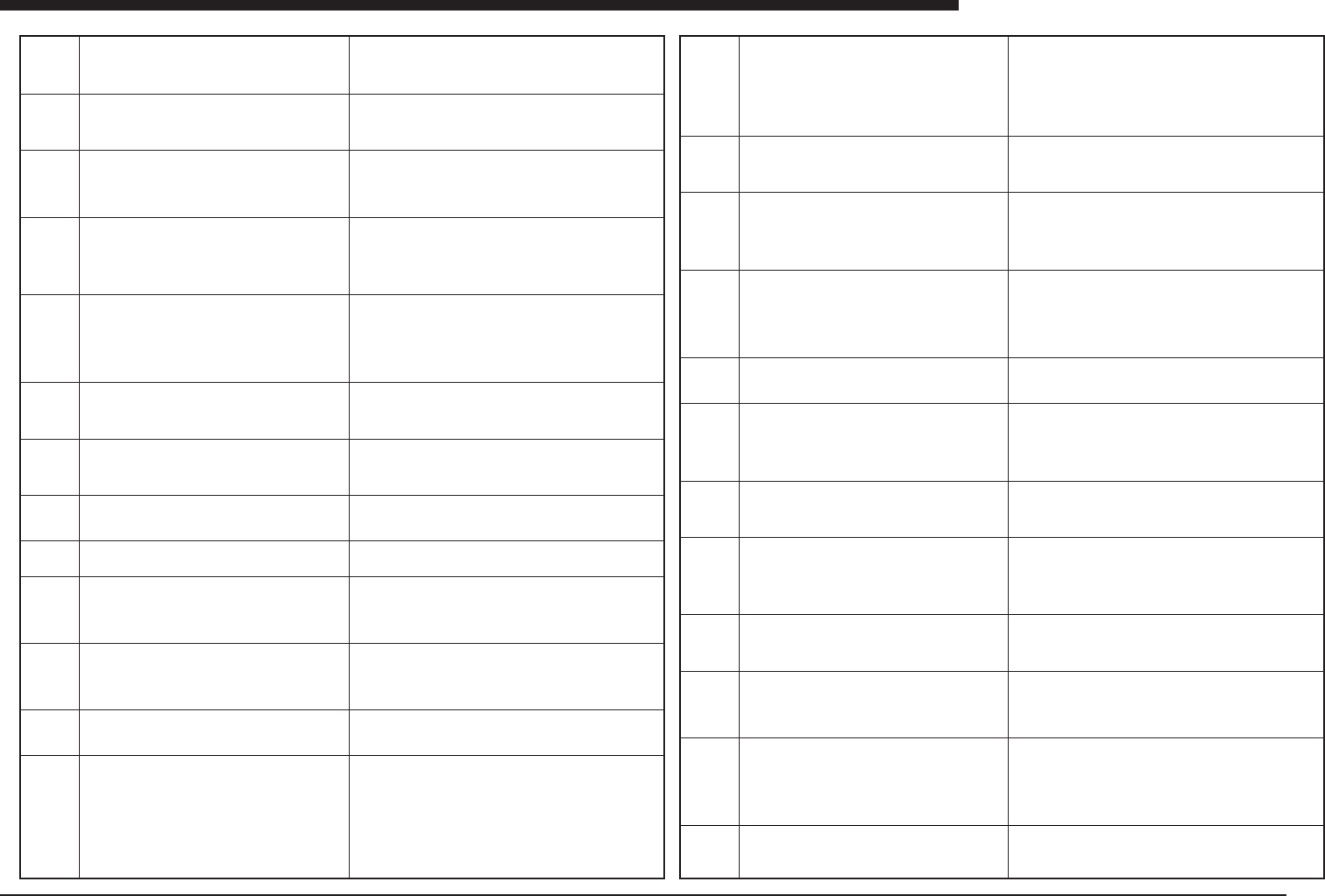
Ea -3
ERROR MESSAGES LIST
Ea
Ea00053
Ea00054
Ea00055
Ea00056
Ea00057
Ea00060
Ea00061
Ea00062
Ea00063
Ea00064
Ea00065
Ea00066
Ea00070
MARK DETECTION ERROR
A part of fiducial mark is located out of the specified search
area or the fiducial correction angle is too large.
MARK SHAPE ERROR
Failed to detect a fiducial mark of the specified shape
MARK AREA OR PERIMETER ERROR
The detected fiducial mark area or perimeter is out of
tolerance (Special)
MARK DETECTION ERROR
Failed to detect defined mark.
(MarkNO. )
Do you execute VISION-CURSOR-TEACHING by
manual?
[F10] key to execute
Any other key to abort
VISION-CURSOR-TEACHING
Please teach fiducial mark while looking VISION-MONI-
TOR by manual.
[ESC] : Abort
[ENTER] : Teaching
[Arrows] : Moving at TEACH-WINDOW
[SHIFT]+[Arrows] : Moving at TEACH-WINDOW
[TAB] : Changing at TEACH-WINDOW
Failed to RESET pick routine.
Pick routine did not stop correctly.
Retrying now.
Failed to RESET component vision routine.
Component vision routine did not stop correctly. Retrying
now.
Failed to RESET fiducial routine.
Fiducial routine did not stop correctly. Retrying now.
Failed to RESET mount routine.
Mount routine did not stop correctly.
Retrying now.
Failed to RESET LASER recognition routine.
LASER recognition routine didn't finish correctly.
Ready to Retry.
LASER TIMEOUT ERROR
Laser recognition rutine was interrupted by time out er-
ror. The rutine will be reset.Please run again.
Machines has been already reset condition now.
If you want to move machine's head to DUMP POSITION,
push the [TAB] key to execute.
If not, push the other key to cancel.
PCB TRANSFER ERROR
Unexpected PCB is on the conveyor.
(meaning)The mark is not located properly within the search area.
(cause)The PCB has not been positioned correctly, or a search
area has been specified which is too small.
(remedy)Make sure the PCB is securely fastened in place, and that
the search area is appropriate.
(meaning)A fiducial mark of the specified shape cannot be detected.
(cause)The shape has not been specified correctly, or the image
which has been read is not clear.
(remedy)Check the shape information and clean the surface of the
mark.
(meaning)The shape of the detected mark does not match the speci-
fied setting.
(cause)The shape of the mark has not been registered correctly, or
adjustment has not been done properly.
(remedy)Check the data for the mark and use supplementary ad-
justment to correct it.
(meaning) Error occurred in fiducial mark detection.
(cause) Mark surface is dirty, or data setting is incorrect.
(remedy) Clean mark surface with eraser or cloth, or use auxiliary
adjustment to check mark data. Alternatively, press [F10] key and
specify mark position directly.
(Meaning) This screen is displayed while vision cursor teaching is
in progress.
(meaning)An error occurred during the pickup operation.
(cause)The sensor is defective, or the solenoid valve is not operat-
ing correctly.
(remedy)Check the operation of the head and the value set for the
sensor reaction.
(meaning)An error occurred during recognition of the component.
(cause)Communication with the vision board could not be com-
pleted normally.
(remedy)Check to see how often the problem occurs, and contact
the manufacturer.
(meaning)Recognition of the fiducial mark could not be completed.
(cause)There is a problem with communication with the vision board.
(remedy)Check to see how often the problem occurs, and contact
the manufacturer.
(meaning)Mounting could not be completed.
(cause)The sensor is defective, or the solenoid valve is defective.
(remedy)Check the operation of the solenoid valve and sensor.
(meaning)Laser recognition could not be completed.
(cause)Communication with the laser recognition unit is not being
carried out properly.
(remedy)Replace the laser recognition unit, the laser recognition
board, or the I/O board. If the problem occurs frequently, contact
the manufacturer.
(meaning)Laser recognition could not be completed.
(cause)Communication with the laser recognition unit is not being
carried out properly.
(remedy)Replace the laser recognition unit, the laser recognition
board, or the I/O board. If the problem occurs frequently, contact
the manufacturer.
Machine is already reset condition. In case head is on the feeder or
manual tray feeder, so you want to move dumping position. Press
[TAB] key.
(meaning)The number of PCBs transported on the conveyor ex-
ceeds the rated number.
(cause)PCBs are being loaded although no PCB request signal
has been issued, or an irregular PCB has been detected.
(remedy)Adjust the position of the sensor at the exit end of the
loading conveyor, or the loading sensor on this machine or re-ad-
just the PCB detection sensor and the entrance stopper sensor.
Ea00071
Ea00072
Ea00073
Ea00074
Ea00075
Ea00076
Ea00077
Ea00078
Ea00079
Ea00080
Ea00081
Ea00082
PCB TRANSFER ERROR
The PCB detected before transfer is not detected after
transfer. Maybe there is the PCB on the edge of the mov-
ing conveyor. Set the PCB to its normal position manu-
ally.
Machine is unable to start running because the conveyor
width is not ready, The conveyor width will be changed
first. Misalignment of PUSH_UP PINS or PCB on con-
veyor may damage machine.
Assure safety and push the [ENTER] key.
PCB TRANSFER ERROR
PCB is detected on the edge of the moving conveyor. Set
the PCB to its normal position manually.
PCB FIXING ERROR
PCB trans-unit, locate-pin or push-up-unit does not re-
sponse to command.
DUMP STATION FULL
Dump station is filled with components. Please remove
the components manually from the dump station, then
start again.
COMPONENT COUNT STOP
Component counter reached to specified number. Fill the
components and run again.Component data
151
Feeder set position 21
Component data 152
Feeder set position 22
COMPONENT COUNT STOP
Component counter reached to specified number. Fill the
components and run again.
Component data 150
PCB TRANSFER ERROR
When the PCB was transferred to fixed conveyer of PCB
exit side, error happened for time over. Maybe the PCB
stopped between fixed conveyor and moving conveyor.
Or the PCB stopped in fixed conveyor of PCB exit side.
Set the PCB to its normal position manually.
PCB TRANSFER ERROR
The PCB was not able to exit from fixed conveyer of PCB
exit side. Maybe the PCB stopped on edge of fixed con-
veyer of PCB exit side. Set the PCB to its normal position
manually.
PCB TRANSFER ERROR
Moving conveyor can not move, because there is the PCB
on the edge of the moving conveyor. Set the PCB to its
normal position manually.
PCB TRANSFER ERROR
Fixed conveyor of PCB entrance side stopped for time
over. Check whether the PCB stops in fixed conveyor of
PCB entrance side.
PCB TRANSFER ERROR
PCBs are found both on entrance and entrance stopper.
Check whether more than 1 pcbs are conveyed to the
working position.
(meaning)The PCB which was detected prior to the beginning of
loading could not b confirmed after being loaded; a PCB which was
confirmed before unloading cannot be detected at the exit; or a PCB
which could not be confirmed before loading or unloading was con-
firmed after being loaded or unloaded.
(cause)
(remedy)Re-adjust the PCB detection sensor. If PCBs are not be-
ing transported correctly, adjust the conveyor unit and other related
parts, or adjust the PCB width data.
(meaning)This is a warning message which appears when the con-
veyor width is changed.
(cause)None
(remedy)Press any key.
(meaning)A PCB was detected by the danger alert sensor at the
connecting section of the moving conveyor.
(cause)This is to alert the operator that a PCB may be left on the
conveyor at the connecting section.
(remedy)If there is a PCB at the connecting section, remove it. If
there is none, the sensor may be malfunctioning. Use an I/O moni-
tor to check the sensor operation.
(meaning)The locating pin sensor or the pushup sensor on the PCB
transport unit does not respond correctly to the status of the sole-
noid.
(cause)The sensor position has not been adjusted correctly, or op-
eration is unstable because the speed controller has been tight-
ened too far.
(remedy)Check the operation of height-related sensors on the PCB
transport unit.
(meaning)The dump station is filled with discarded components.
(cause)The overflow sensor at the dump station has been activated.
(remedy)Remove all of the components discarded at the dump sta-
tion.
(meaning)During a test run, errors are still occurring after the speci-
fied number of test runs.
(cause)Pickup confirmation or another operation is unstable.
(remedy)Check the pickup operation, and use supplementary ad-
justment to check the status of recognition.
(meaning)During a test run, errors are still occurring after the speci-
fied number of test runs.
(cause)Pickup confirmation or another operation is unstable.
(remedy)Check the pickup operation, and use supplementary ad-
justment to check the status of recognition.
(meaning)When a PCB is being unloaded from the conveyor, the
PCB does not arrive at the exit sensor.
(cause) There are still PCBs left on the conveyor, or the conveyor
exit sensor was unable to detect the PCB.
(remedy)Adjust the conveyor and check that PCBs are being car-
ried smoothly to the exit. Also check the operation of the conveyor
exit sensor.
(meaning)A PCB could not be unloaded to the next process.
(cause)The conveyor exit sensor is continuing to detect a PCB.
(remedy)Adjust the conveyor exit sensor, or adjust the conveyor so
that PCBs arriving at the exit can be transported smoothly to the
next process.
(meaning)A PCB exists between Table A and Table B, preventing
the tables from being moved.
(cause)There is a PCB between Table A and Table B.
(remedy)Remove the PCB and adjust the conveyor so it moves
smoothly from Table A to Table B; or adjust the sensor at the con-
necting section of the conveyor.
(meaning)A PCB has been loaded with no problem but is not car-
ried as far as the standby position sensor.
(cause)The standby position sensor or the conveyor entrance sen-
sor is defective or the PCB has stopped somewhere along the en-
trance conveyor.
(remedy)Adjust the conveyor so that PCBs are carried smoothly.
Check the operation of the entrance sensor and the PCB standby
position sensor.
(meaning)PCBs are found both on entrance and entrance stopper.
(cause)More than 1 pcbs may be conveyed to the working position.
(remedy)Remove the PCB which is detected by entrance sensor.
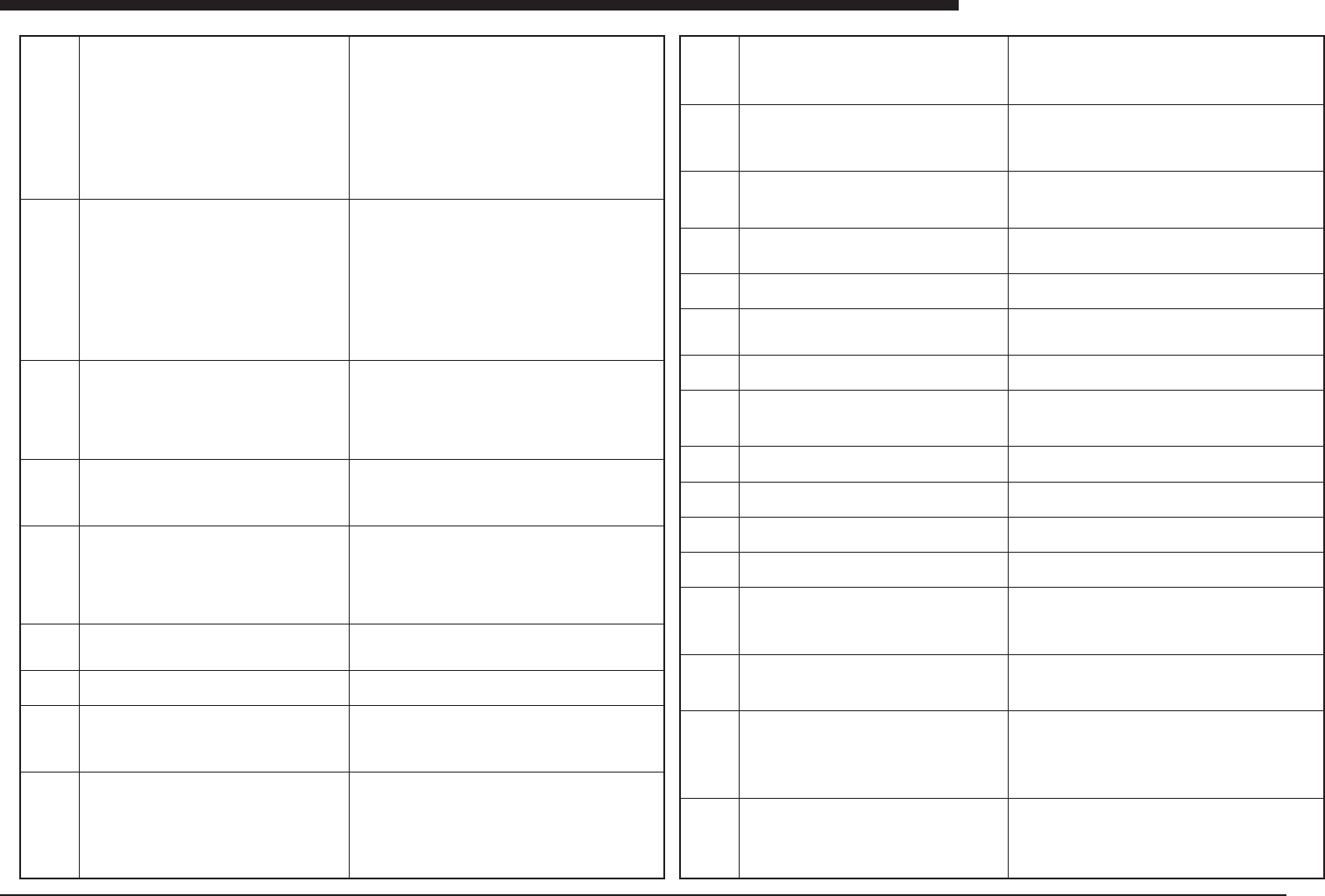
Ea -4
ERROR MESSAGES LIST
Ea
Ea00091
Ea00092
Ea00093
Ea00094
Ea00095
Ea00100
Ea00101
Ea00102
Ea00103
CO-PLANARITY CHECK LEAD DETECT ERROR
A reflective object was detected at the start position of
scanning. Please check Body Size in Component Info.
Mount data
Component data
Feeder set position
CO-PLANARITY CHECK LEAD DETECT ERROR
Failed to detect the end of edge on the last lead.
Please check Body Size in Component Info.
Mount data
Component data
Feeder set position
CO-PLANARITY CHECK LEAD NUMBER ERROR
Failed to detect the specified number of leads.
Mount data
Component data
Feeder set position
CO-PLANARITY CHECK LEAD GAP ERROR
The gap between the adjacent leads is out of the thresh-
old.
Mount data
Component data
Feeder set position
CO-PLANARITY CHECK LEAD CO-PLANARUTY ER-
ROR
Co-planarity level is out of the threshold.
Mount data
Component data
Feeder set position
EMERGENCY STOPPING FUNCTION
for safety is now active. Confirm Safety and push the
SERVO ON SWITCH to enable the machine. If you suc-
ceed, the RED-MESSAGE-LIGHT will be switched off.
Please make sure that the EMERGENCY STOP is ON.
When you wish to turn off the power, you have to make
sure that the EMERGENCY STOP is ON.
SEARCH FOR ORIGIN is not performed yet. Select
SEARCH ORIGIN first by using the COMMAND LISTS.
Ready to turn off Power.
A) System can be switched off now, or
B) Push any key to enter SLEEP mode.
Unsaved data in memory will be lost when the system is
switched off without this message being displayed.
(Meaning)Co-planarity checking function inspect a component along
to the rectangle shape which include the component size as its
inside, and it should not detect leads at the corner position of that
rectangle. Because co-planarity checking start and finish scanning
always at the corner position of that rectangle, if a lead is detected
at the start position or finish position, this error message appears
to inform the problem.
(Cause)qThe size definition of the component is wrong.wSome ob-
stacle so as bumper is at the corner position and had been
detected.eBecause some shape information so as number of leads
is not correct, and the camera recognition had reported wrong com-
ponent position on the pipet.
(Remedy)qCorrect size info..wIf the component is in the specifica-
tion, adjust the Co-Pl level in component info.eCorrect the shape
data.
(Meaning)Co-planarity checking function inspect a component along
to the rectangle shape which include the component size as its
inside, and it should not detect leads at the corner position of that
rectangle. Because co-planarity checking start and finish scanning
always at the corner position of that rectangle, if a lead is detected
at the start position or finish position, this error message appears
to inform the problem.
(Cause)qThe size definition of the component is wrong.wSome
obstacle so as bumper is at the corner position and had been
detected.eBecause some shape information so as number of leads
is not correct, and the camera recognition had reported wrong com-
ponent position on the pipet.
(Remedy)qCorrect size info..wIf the component is in the specifi-
cation, adjust the Co-Pl level in component info.eCorrect the shape
data.
(Meaning)The number of the leads detected by co-planarity check-
ing is different from the definition.
(Cause)qShape data in the component info. so as size, pitch, num-
ber of leads is wrong.wSome lead is off.eSome lead could not
detected by the laser scanning.
(Remedy)qCorrect the data in the SHAPE page.wDispose or re-
pair the component.eFirst, adjust the Co-Pl level in component
info. If the adjusting did not solve the problem, the lower surface of
the component is too dirty enough to be disposed or repaired.
(Meaning)The height of 2 neighbor leads in 1 side has too much
difference and is over the Co-Pl threshold.
(Cause)Some leads are damaged.
(Remedy)Dispose component, or repair the component, or use big-
ger value as Co-Pl threshold.
(Meaning)qA lead top is out of the tolerance in Co-Pl threshold
compare to the averaged line of the lead top in A side.wA lead top
is out of the tolerance in Co-Pl threshold compare to the averaged
surface of all leads of the component.
(Cause)A lead is damaged. Or the average height of all leads in A
side is out of the tolerance in Co-Pl threshold compare to the aver-
aged surface of all leads of the component.
(Remedy)Dispose component, or repair the component, or use big-
ger value as Co-Pl threshold.
(meaning)An emergency stop has occurred.
(cause)An emergency stop has occurred because of trouble with
the machine, or because the Emergency Stop button was pressed.
(remedy)Check safety factors and press the Ready button.
(meaning)This is not an error message.
(cause)None
(remedy)None
(meaning)The motor shaft has not completed its return to the origin
position.
(cause)A return to the origin position was not carried out after the
power supply was turned on.
(remedy)Use the command window to specify an origin position
return.
(meaning)This is not an error message.
(cause)None
(remedy)None
Ea00104
Ea00105
Ea00107
Ea00108
Ea00110
Ea00111
Ea00112
Ea00113
Ea00114
Ea00115
Ea00116
Ea00117
Ea00118
Ea00119
Ea00120
Ea00124
Be careful for Safety !!!
Machine axes will move to dump point.
[ENTER] : execute
[Others] : abort
Insert installation disk or upgrade disk to floppy drive,
and turn off the power, and turn on the power again.
This command had been disabled.
To install/upgrade software, start up [VIOS SOFTWARE
UTILITY] and execute next command.
2. Update of VIOS Soft
3. Installation of System Data
This command had been disabled.
To update system data backup, start up [VIOS SOFT-
WARE UTILITY] and execute next command.
4. Backup of System Data
RETURNING TO ORIGIN. PLEASE WAIT.....
Hit any key to RESET running, or..
Hit the [ESC] key not to RESET.
Now reading data.
Please wait a moment....
PCB DATA ERROR
No PCB selected.
This command is not (yet) available.
COMMAND ERROR
Now writing data.
Please wait a moment....
RESET is now active.
Please wait a moment....
Initializing All Production History
Please wait a moment....
Release the EMERGENCY switch and push the READY
key to activate the servo for searching the origin.
This command is not available when the machine is run-
ning. Please stop the machine first.
=== Now head vacuum is ON.===
After resetting, vacuum power will be OFF. If component
is on head, it is dangerous to drop component on that
spot independent of dumping way defined in Component
Information.
In case you don't want to drop it, push EMG-BOTTOM
and check safety, and please remove it.
This command is not available if machine is not reset.
Please reset the machine first.
(meaning)This is an axis movement warning message which ap-
pears when a component is discarded while the power supply is off,
or under other circumstances.
(cause)None
(remedy)To move the axis, press the Enter key. If the axis cannot be
moved because it is dangerous, press any other key.
(meaning)In order to upgrade the software, this indicates that the
Install disk or Upgrade disk should be inserted and the power sup-
ply turned off and then on again.
(cause)None
(remedy)With the disk inserted, turn the power supply off and then
on again.
(meaning)This command has been disable.
(cause)This command has been deleted.
(remedy)Use command of [VIOS SOFTWARE UTILITY]
(meaning)This command has been disable.
(cause)This command has been deleted.
(remedy)Use command of [VIOS SOFTWARE UTILITY]
(meaning)Return to origin position is in progress.
(cause)None
(remedy)None
(meaning)This is a confirmation message asking whether it is all
right to reset the system.
(cause)None
(remedy)To avoid a reset, press the ESC key.
(meaning)The system is waiting for the data reading process to end.
(cause)None
(remedy)Please wait.
(meaning)An attempt was made to run the system without specify-
ing a PCB name.
(cause)No PCB name has been specified.
(remedy)Specify the name of the PCB when the PCB being manu-
factured is switched.
(meaning)This command cannot be used.
(cause)A command was issued which cannot be used.
(remedy)Do not use this command.
(meaning)Data writing is in progress.
(cause)None
(remedy)Wait until the data writing process has been completed.
(meaning)A reset is in progress.
(cause)None
(remedy)Wait until the reset has been completed.
(meaning)The production history information is being initialized.
(cause)None
(remedy)Wait until the process has been completed.
(meaning)A return to the origin position cannot be executed be-
cause an emergency stop has occurred.
(cause)An attempt was made to execute a return to the origin posi-
tion during an emergency stop.
(remedy)Cancel the emergency stop and then select the return to
origin position command again.
(meaning)This command cannot be executed while the machine is
in operation.
(cause)A command was selected which cannot be executed during
automatic operation.
(remedy)Stop the machine before executing the command.
(meaning)A component had been picked up by the head when an
attempt was made to reset, so there is a possibility of the compo-
nent being dropped after the reset.
(cause)An attempt was made to reset with a component still on the
nozzle. An attempt was made to reset with the pickup valve of the
head still on.
(remedy)If a component has been picked up, release it before press-
ing the key.
(meaning)This command cannot be executed unless a reset has
been carried out.
(cause)A command was selected which cannot be executed with-
out carrying out a reset first.
(remedy)Carry out a reset before executing this command.
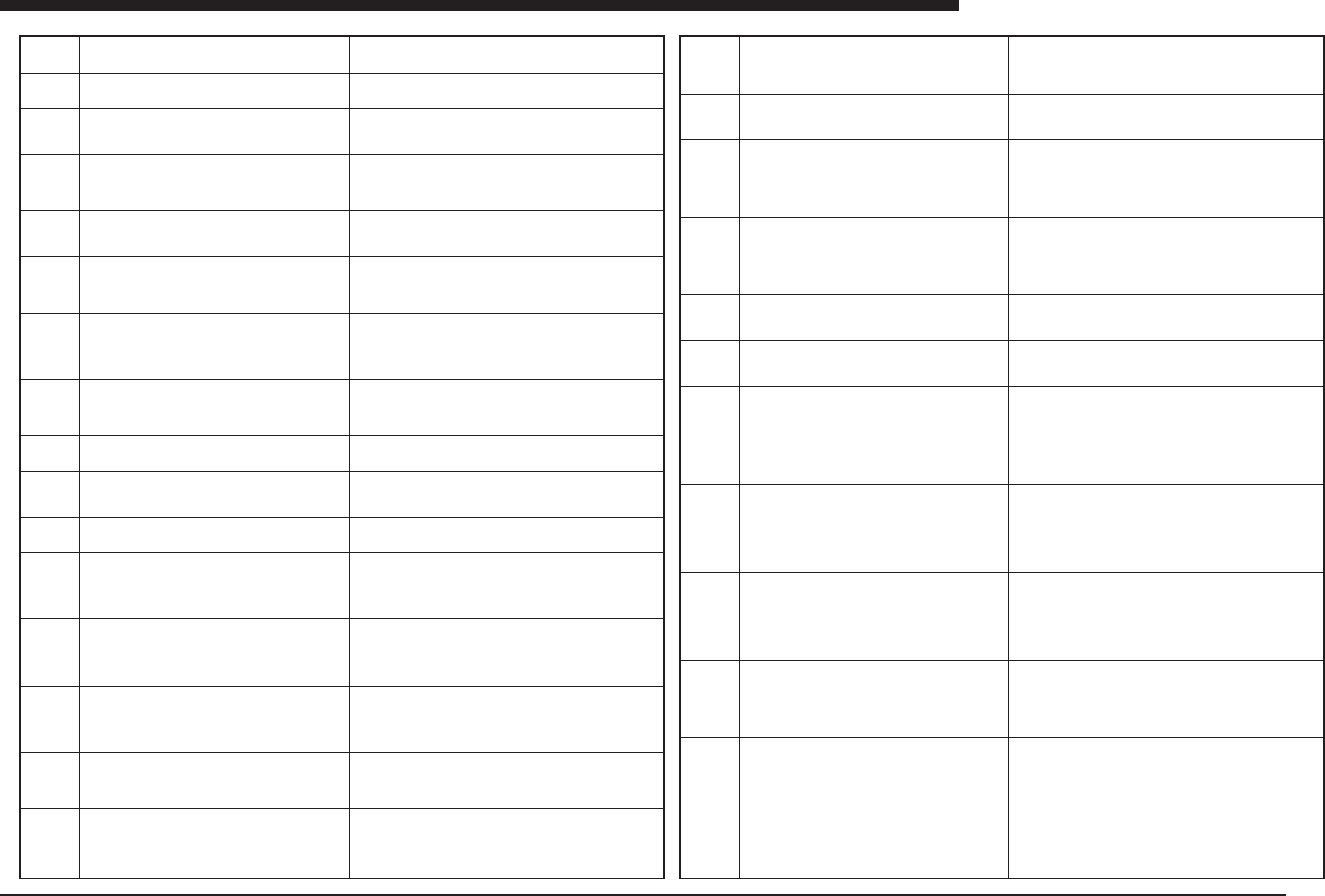
Ea -5
ERROR MESSAGES LIST
Ea
Ea00126
Ea00127
Ea00130
Ea00131
Ea00132
Ea00133
Ea00134
Ea00135
Ea00136
Ea00137
Ea00138
Ea00139
Ea00140
Ea00141
Ea00142
Ea00143
Initializing PCB counter.
Please wait a moment....
Changing Production Schedule
Please wait a moment....
PCB DATA ERROR
Failed to read data.
PCB DATA ERROR
No component data available for the mount data.
Mount data 765
PCB DATA ERROR
No fiducial data available for the mount point fiducial.
Mount data 765
Fiducial data 1
E0133
PCB DATA ERROR
Illegal head number.
Mount data 765
Head number 2
PCB DATA ERROR
It is illegal setting of badmark function that only using
PCB badmark. PCB badmark is useful to judge existence
of BLOCK or LOCAL badmark. So, you have to use PCB
badmark function with using BLOCK badmark or LOCAL
badmark.
PCB DATA ERROR
No mark data available for the mount point fiducial.
Mount data 765
Fiducial data 1
Mark data 1
PCB DATA ERROR
No mark data available for the PCB fiducial.
Mark data 1
PCB DATA ERROR
No mark data available for the BLOCK fiducial.
Mark data 1
PCB DATA ERROR
No mark data available for the PCB or BLOCK badmark.
Mark data 1
PCB DATA ERROR
Illegal feeder set number or feeder type.
Mount data 765
Component data 150
PCB DATA ERROR
Illegal feeder type.
Mount data 765
Component data 150
PCB DATA ERROR
Mount position is outside moving area.
Mount data 765
Axes X1
PCB DATA ERROR
Fiducial position is outside moving area.
Mount data 765
Fiducial data 1
Axes X1
PCB DATA ERROR
PCB fiducial position is outside moving area.
Axes X1
(meaning)The PCB counter is being initialized.
(cause)None
(remedy)Wait until the initialization has been completed.
(meaning)The PCB counter is being changed.
(cause)None
(remedy)Wait until the process has been completed.
(meaning)An error occurred when reading the PCB data.
(cause)A PCB with an asterisk (*) was selected, or the PCB data
has been destroyed.
(remedy)
(meaning)The component specified in the mounting data does not
exist.
(cause)The component data for the component being used is not
the PCB data.
(remedy)Create the component data specified by the mounting data.
(meaning)Fiducial data does not exist.
(cause)The fiducial data specified by the mounting data does not
exist.
(remedy)Create the data for the fiducial coordinates.
(meaning)The specified head number cannot be accommodated.
(cause)A head number has been specified which is not correct.
(remedy)Change the head number to the correct one
.
(meaning)The PCB data is only using PCB badmark.
(cause) The PCB data is only using PCB badmark.
(remedy)Change PCB data to use other badmark, or not to use
PCB badmark.
(meaning)No data exists for the specified fiducial mark.
(cause)No mark data exists.
(remedy)Create the specified mark data.
(meaning)The mark data for the specified fiducial does not exist.
(cause)No mark data exists.
(remedy)Create the mark data.
(meaning)No mark data exists that corresponds to the block fidu-
cial.
(cause)The specified mark data does not exist.
(remedy)Create the specified mark data.
(meaning) No mark data exists that corresponds to the bad mark.
(cause)The specified mark data does not exist.
(remedy)Create the specified mark data.
(meaning)A feeder setting position has been specified which is not
correct, or a feeder is interfering with operation.
(cause)A feeder has been set in a position which interferes with the
adjacent feeder, or the feeder setting is erroneous.
(remedy)Check the feeder setting number or the type of feeder,
and change it to the correct one.
(meaning)The feeder type specified in the fixed component infor-
mation is different from that specified in the PCB data.
(cause)The feeder type specified in the fixed component informa-
tion does not match that specified in the PCB data.
(remedy)Make sure the feeder type specified in the fixed compo-
nent information matches that specified in the PCB data.
(meaning)The mounting position interferes with the soft limit.
(cause)An incorrect value has been entered for the mounting posi-
tion, or an attempt was made to mount components with a head
that does not reach far enough.
(remedy)Check the mounting position data. Use a head which ex-
tends far enough to reach the mounting position.
(meaning)The fiducial mark position interferes with the soft limit.
(cause)There is something wrong with the data that has been en-
tered for the fiducial mark coordinates.
(remedy)Correct the fiducial mark coordinates.
(meaning)The coordinates of the PCB fiducial mark are not within
the soft limit.
(cause)An incorrect value has been entered for the fiducial mark
coordinates.
(remedy)Check the fiducial mark coordinate data.
Ea00144
Ea00145
Ea00146
Ea00147
Ea00148
Ea00149
Ea00150
Ea00151
Ea00152
Ea00153
Ea00154
PCB DATA ERROR
BLOCK fiducial position is outside moving area.
Axes X1
PCB DATA ERROR
Bad mark position is outside moving area.
Axes X1
PCB DATA ERROR
Pickup position is outside moving area.
Mount data 765
Component data 150
Axes X1
PCB DATA ERROR
Illegal head-component combination.
Mount data 765
Component data 150
Head number 2
Checking PCB and BLOCK fiducial data.
Please wait a moment......
Block number
Checking mount data.
Please wait a moment.......
Mount data
Block number
PCB DATA ERROR
Illegal component shape data or component data is not
defined.
Component data 150
If this component is "FixCmpRef.", execute "FIXED COMP.
MATCH" in "DATA_GENERATOR". Input the "Alignment
Type" of "Component Inf.".
If execute the "AUTO DISTRIBUTION", execute the
opitmization of each machine.
Current nozzles on heads are different from the nozzles
necessary for this PCB.A TABLE:[Upper = Head No.,
Lower = Nozzle Type]
Head 1 2 3 4 5 6 7 8 9 10 11 12 13 14 15 16
Nzl. 1 1 1 2 2 2 2 2 2 2 2 3 3 4 4 5
B TABLE:[Upper = Head No., Lower = Nozzle Type]
Head 1 2 3 4 5 6 7 8 9 10 11 12 13 14 15 16
Nzl. 1 1 1 2 2 2 2 2 2 2 2 3 3 4 4 5
Please check each heads equipped with nozzles as
shown below.
A TABLE:[Upper = Head No., Lower = Nozzle Type]
Head 1 2 3 4 5 6 7 8 9 10 11 12 13 14 15 16
Nzl. 1 1 1 2 2 2 2 2 2 2 2 3 3 4 4 5
B TABLE:[Upper = Head No., Lower = Nozzle Type]
Head 1 2 3 4 5 6 7 8 9 10 11 12 13 14 15 16
Nzl. 1 1 1 2 2 2 2 2 2 2 2 3 3 4 4 5
PCB DATA ERROR
Setting of the alignment module is not correct.
One of the following could cause this error:
- Alignment module is not specified
- Alignment module is not equipped.
- Alignment module cannot handle this component.
Component data 150
PCB DATA ERROR
The nozzle for the head specified in the mount data is
already assigned to other component type. The compo-
nent cannot be handled by this nozzle.
Mount data 765
Component data 150
(meaning)The block fiducial position is not within the soft limit.
(cause)An incorrect value has been entered for the block fiducial
mark coordinates, or for the block repeat values.
(remedy)Check the data for the block fiducial coordinates and the
block repeat coordinates.
(meaning)The bad mark coordinates are not within the soft limit.
(cause)An incorrect value has been entered for the bad mark coor-
dinates.
(remedy)Check the bad mark coordinate position.
(meaning)The pickup position is not within the soft limit.
(cause)A head number has been selected which cannot be used
for picking up components, or the teaching function has been se-
lected and an incorrect value has been entered for the coordinates.
(remedy)Check to make sure the head number can be used for
pickup, and if the teaching function is being used, check the coordi-
nates.
(meaning)The head being used cannot be used to pick up compo-
nents.
(cause)A head has been specified to pick up components with which
a different nozzle is already being used, or a nozzle which can be
used to pick up the components has not been attached to the head.
(remedy)Go back to the editing screen and change the head num-
ber.
(meaning)This is not an error message; the PCB fiducial and block
fiducial data are being checked.
(cause)None
(remedy)Wait until the check has been completed.
(meaning)The mounting data is being checked. This is not an error
message.
(cause)None
(remedy)Wait until the check has been completed.
(meaning)The settings for the component shape information are
not correct, or the component data itself has not been specified.
(cause)The component shape information has not been specified
correctly, or the component data has not been defined.
(remedy)Go back to the editing screen and see if the component
data has been are correct. If using FixCmpRef.", execute "FIXED
COMP.MATCH". If executing "AUTO DISTRIBUTION", the number
of component is different. Execute the optimization of each ma-
chine.
(meaning)The nozzles which are currently attached are not the right
combination for the PCB about to be manufactured.
(cause)The wrong combination of nozzles was used when the setup
was changed.
(remedy)Attach the correct nozzles, following the instructions on
the display.
(meaning)This is the display showing the nozzle settings required
for the PCB about to be manufactured. It is not an error message.
(cause)None
(remedy)Check to make sure the nozzles which have been speci-
fied match those displayed before starting production.
(meaning)The settings for the recognition unit are not correct.
(cause)The recognition unit has not been specified in the compo-
nent data; a recognition unit which does not actually exist has been
specified in the component data; or the component is one which
cannot be recognized with the specified recognition unit.
(remedy)Go back to the editing screen and specify the correct rec-
ognition unit.
(meaning)The head specified in the mounting data is already being
used with different nozzles for other components, and nozzles can-
not be specified for picking up the currently specified components.
(cause)An attempt was made to use the same head to pick up com-
ponents which require different nozzles.
(remedy)Go back to the editing screen and change the head num-
ber.