00196376-0102_UM S-Feeder_EN.pdf - 第92页
Dip M odule Cleaning the DIP Module Data Input at Station Computer 92 User Manual SIPLACE S-Feeder ► Fit the squeegee and sp acer again, if dismantled. ► Screw the side sections back into place. ► Place the DIP module ba…
Dip Module
Data Input at Station Computer Cleaning the DIP Module
User Manual SIPLACE S-Feeder 91
5.10 Cleaning the DIP Module
Normal cleaning of the DIP plate e.g. when the flux is refilled, should be adequate.
If the plate contents should overflow (due to excess refilling) the edge of the plate, you will need to clean
the edge and underside of the plate.
►Remove the DIP module from the changeover table.
Place it down so that you can easily access the front part.
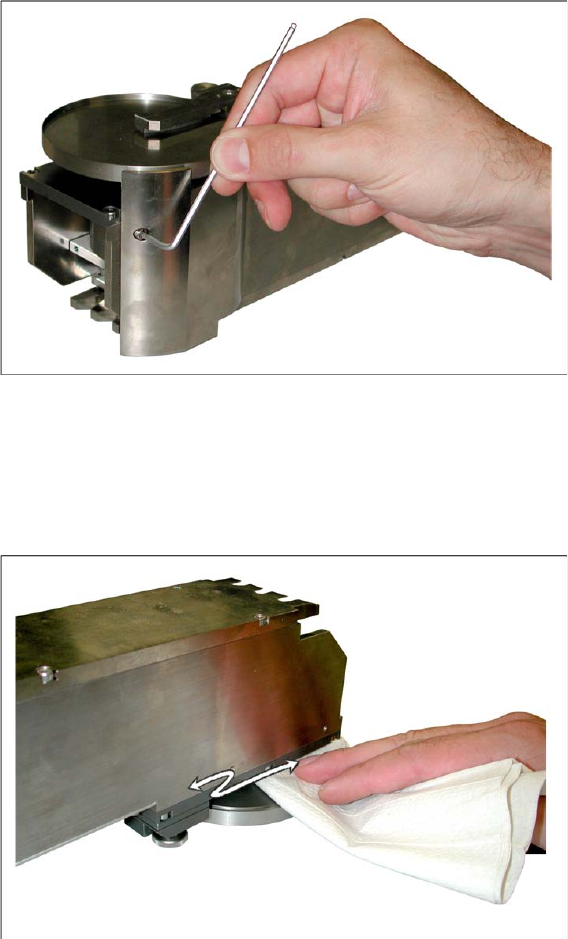
►Remove the side cover from the DIP plate (two screws per side).
►In the event of heavy contamination, the squeegee and spacer can also be dismantled. However, this
should not normally be necessary.
►Place the DIP module down carefully on its top.
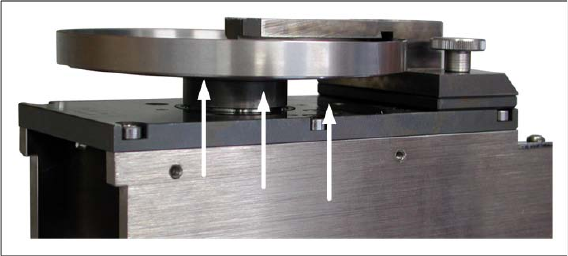
►Clean the underside of the DIP plate using a lint-free cloth and the cleaning agent recommended by
the manufacturer of the flux medium used.
►Check whether the whole area under the DIP plate is free of residual flux. If not, remove any remain-
ing residues.
Dip Module
Cleaning the DIP Module Data Input at Station Computer
92 User Manual SIPLACE S-Feeder
►Fit the squeegee and spacer again, if dismantled.
►Screw the side sections back into place.
►Place the DIP module back onto the changeover table.
Accessories
Tape Splice Tool for SMD Tape Connections
User Manual SIPLACE S-Feeder 93
6 Accessories
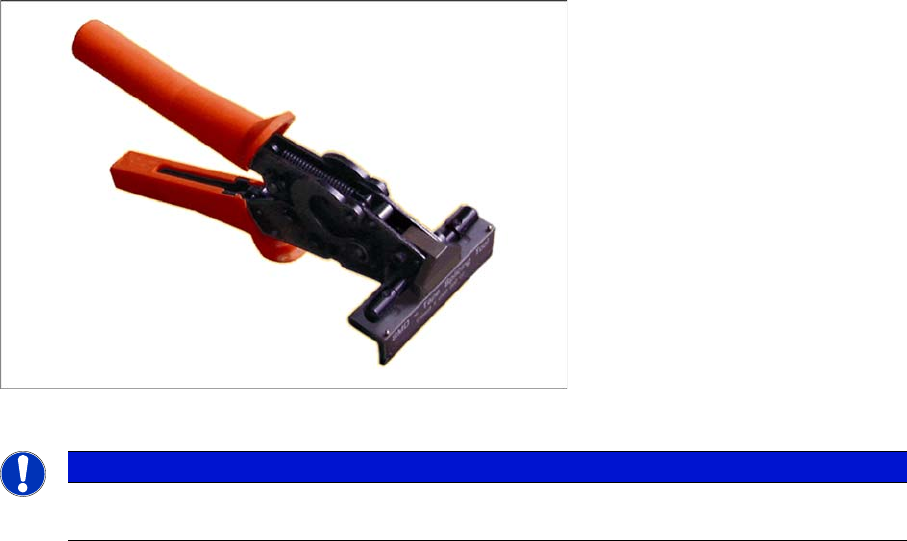
6.1 Tape Splice Tool for SMD Tape Connections
Item No. 02102987-xx
NOTICE
A description of how to splice tapes is also available as a poster for your production site:
Job Poster "
Splicing tapes
", Item No. 00192460-xx