00197283-02_IM_LED_Pairing_V2_1_EN.pdf - 第27页
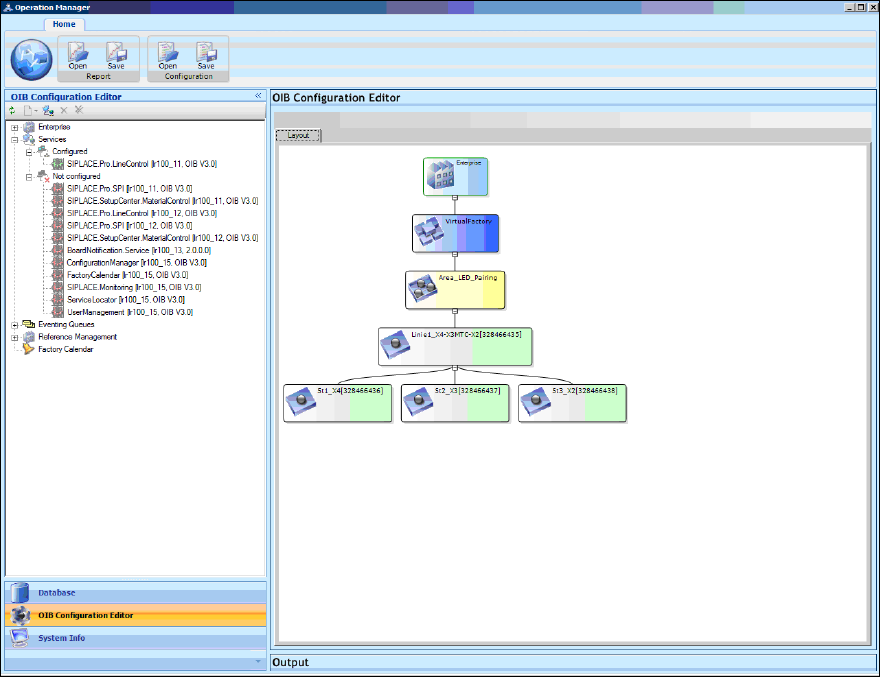
LED Pair ing / Ins tallatio n Manua l 05/2014 Edit ion 27 In the Layo ut t ab t o the r ight al l assig ned lines are d ispla yed for the area. Figure 8-5 : Assi gned lines ► Configure the rem aining require d serv ices …
LED Pairing / Installation Manual 05/2014 Edition
26
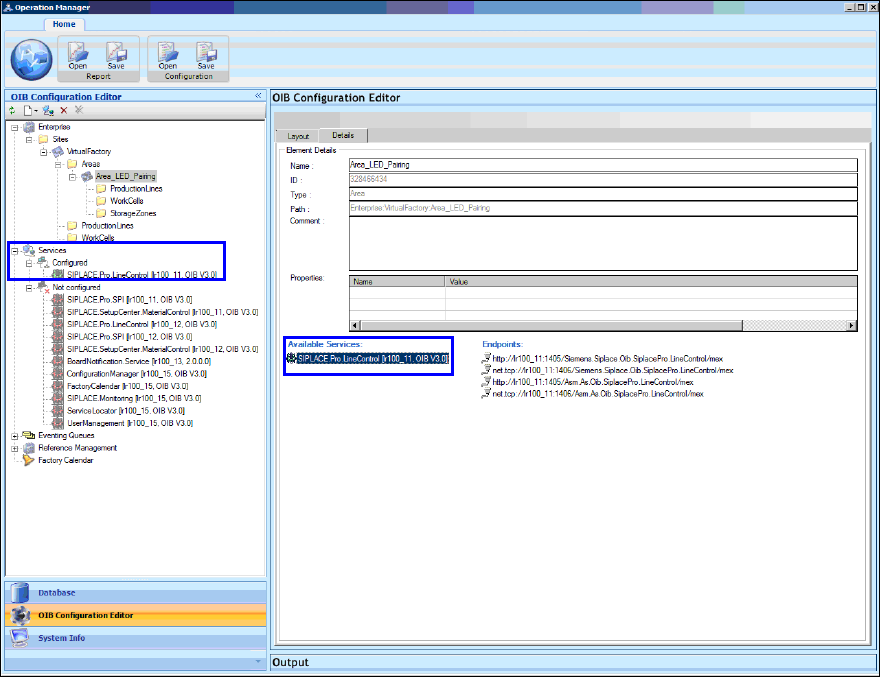
In the following window the SIPLACE Pro Line Control service appears as a configured service.
Figure 8-4: SIPLACE Pro Line Control configured
► Click the Refresh button.
All available lines are then automatically assigned to the Area_LED_Pairing area.
LED Pairing / Installation Manual 05/2014 Edition
28
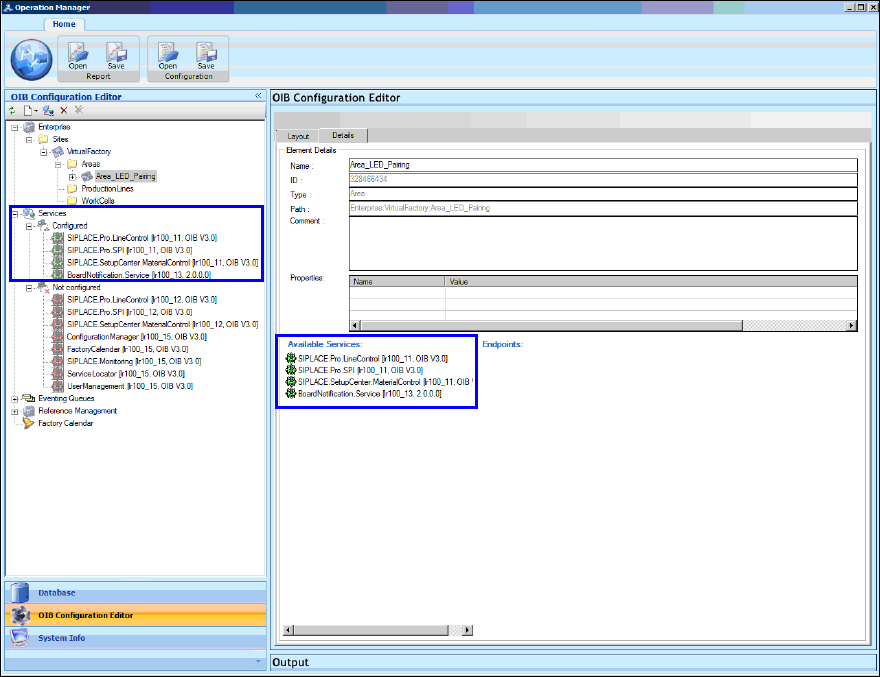
In the following window they appear as configured services.
Figure 8-6: Configured services
► Install the SIPLACE LED Pairing Controller as described in chapter 5.
After installation, the SIPLACE LED Pairing Controller appears as an un-configured service in the
OIB Operation Manager.
► Configure the SIPLACE LED Pairing Controller service in the same way as displayed in Figure
8-3.