DeltaTherm_IR_REV_B-1.pdf - 第16页
Delt aTherm IR Cure Modul e Revision B / February 2020 Page 16 of 41 Machi ne S afet y Che ck When the m achine is s tarted, it must i n itialize. A fter it h as initializ e d successfully, the operator interf ace shows …
DeltaTherm IR Cure Module
Revision B / February 2020
Page 15 of 41
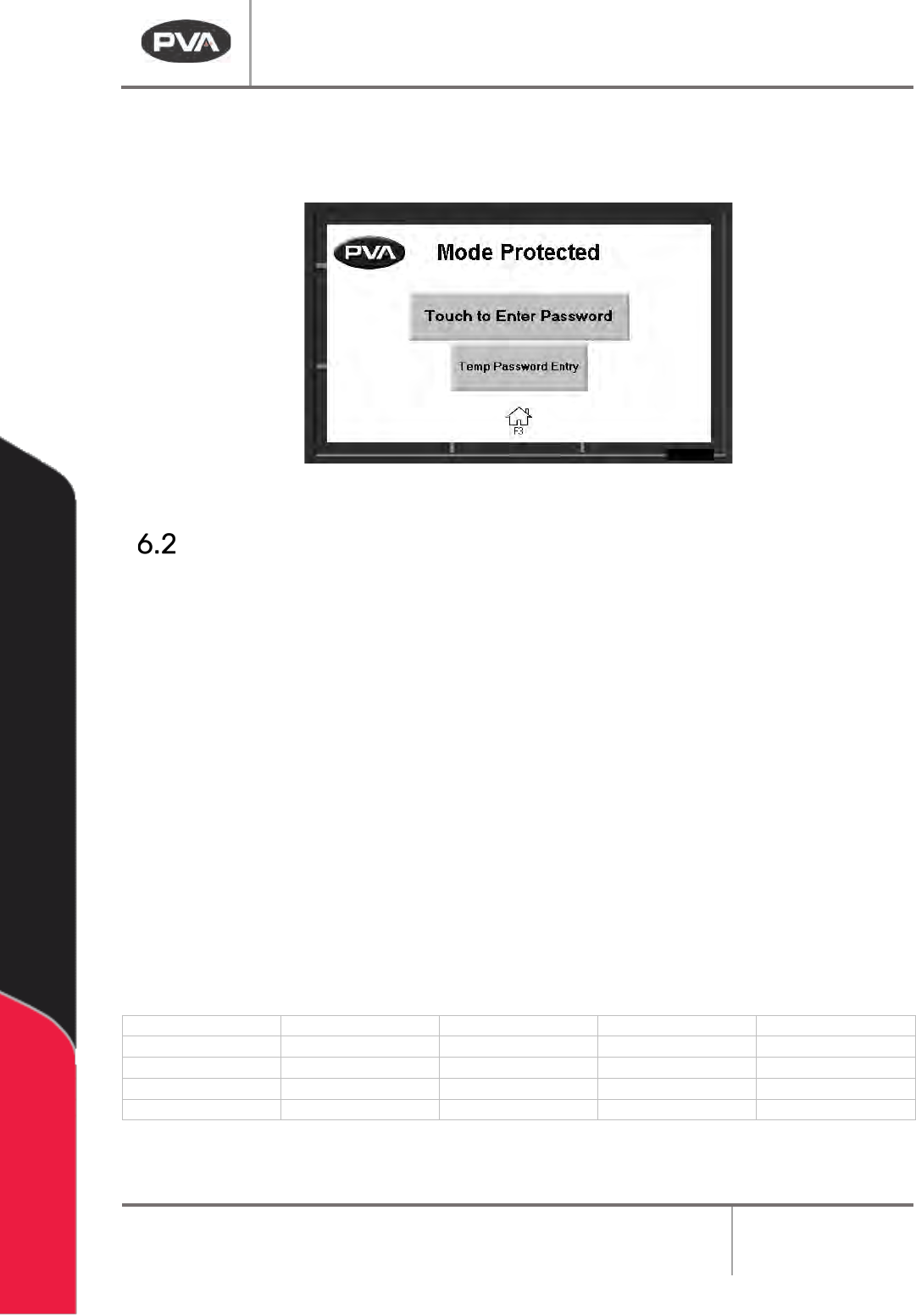
5. Enter your password as necessary, if in protected mode.
6. Operate the system as necessary.
Figure 7: Enter Password
Light Tower Operation
Three stacked indicator lights and a buzzer are used to show the machine status. The
lights are green, amber, and red. The buzzer is below the green light. The lights are visible
from all sides of the machine. The indicators operate as follows:
• The green light is on when the machine is in Auto Cycle and operates within
specified parameters. It is off at all other times.
• The amber light is on when the machine is in Auto Cycle but the specified
parameters have not been reached. It is off at all other times.
• The red light is on steady when the machine is not in Auto Cycle due to operator
intervention. It flashes when the machine is in cycle, but the cycle is stopped
because of a machine problem. It is off at all other times.
• The buzzer cycles when the red light flashes with machine errors. It also cycles
briefly when a board is at the end of the machine and must be unloaded (if the
offload alert option is selected in the Setup mode).
State
Red
Amber
Green
Buzzer
Cycle Stop
ON
OFF
OFF
OFF
Auto Cycle
OFF
ON
OFF
OFF
In Cycle
OFF
OFF
ON
OFF
Machine Error
FLASH
OFF
OFF
FLASH
Figure 8: Light Tower & Buzzer Status
DeltaTherm IR Cure Module
Revision B / February 2020
Page 16 of 41
Machine Safety Check
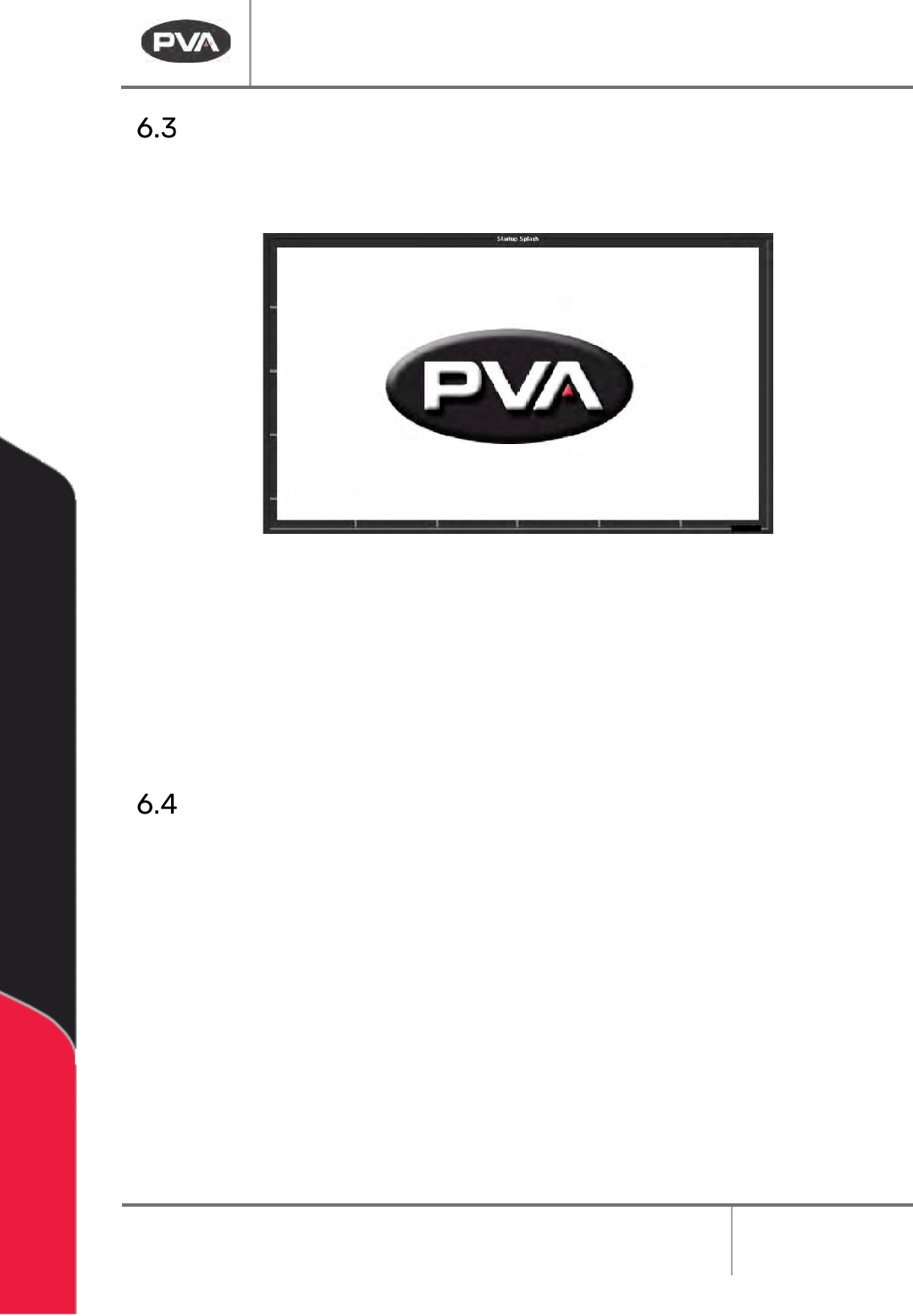
When the machine is started, it must initialize. After it has initialized successfully, the
operator interface shows the following screen:
Figure 9: PVA Screen
The machine safety check ensures that the DeltaTherm IR Cure Module safety devices
(emergency stop, door interlocks, etc.) operate correctly. For the startup procedure, the
operator must start and complete the safety check successfully. After you start the safety
check, you must activate and deactivate the safety devices. Some safety checks are timed
and will cause a failure if the action is not done in the set time.
Shutdown Procedure
Do the following procedure to shut down the cure module.
1. Wait for all boards to clear the cure module.
2. Press Auto Stop on the OIT. Wait for the PVA screen to appear.
3. Wait one minute for the module to cool. The exhaust fan will be on.
4. Turn the main power switch to OFF.
5. Make sure you remove all parts before you shut down the cure module.
CAUTION: If you plan to perform maintenance during the shutdown, be sure to lock
out and tag the machine.
DeltaTherm IR Cure Module
Revision B / February 2020
Page 17 of 41
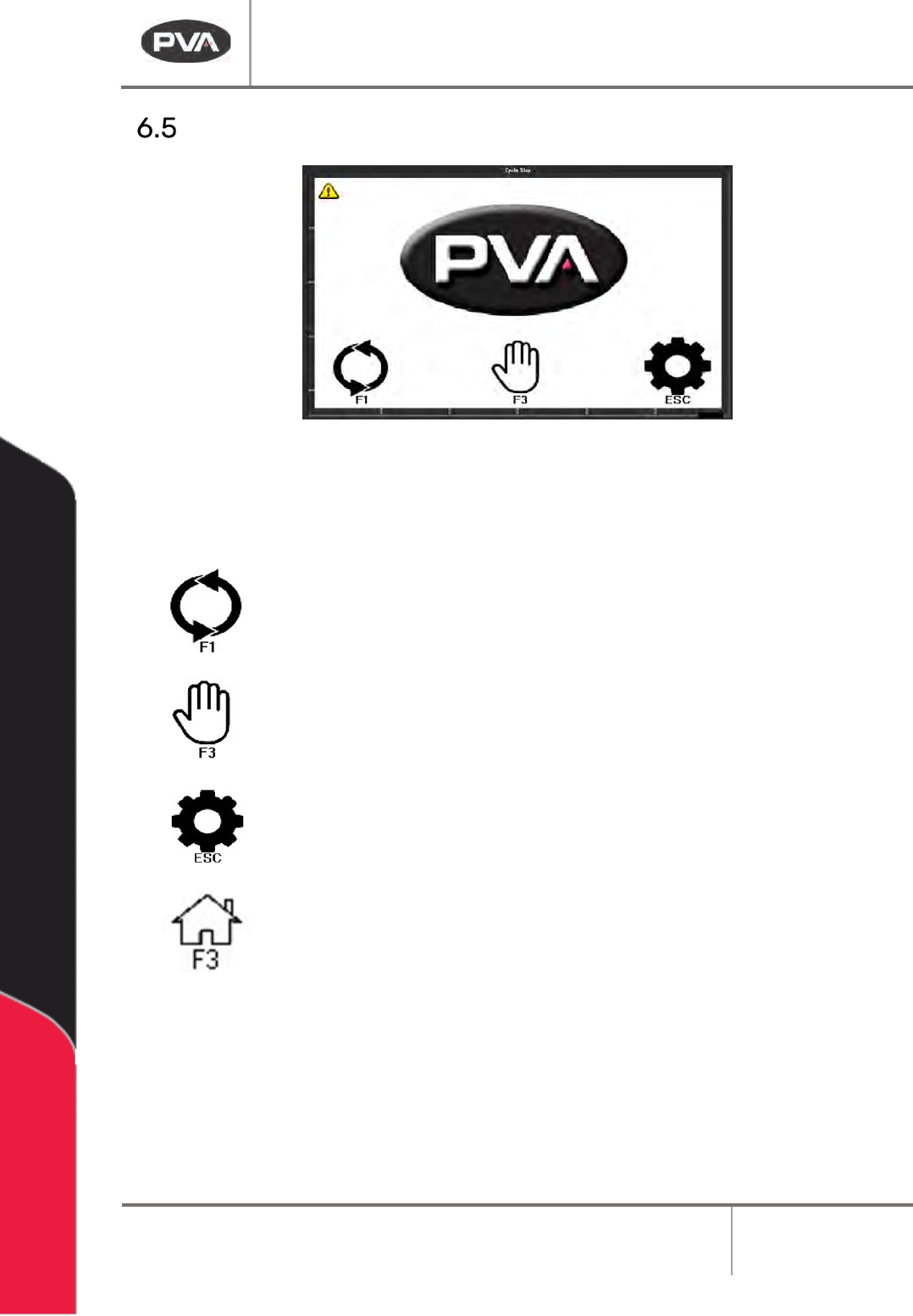
Cycle Stop
Figure 10: Cycle Stop
Options in Cycle Stop are: Auto Cycle, Manual, and Setup.
Select “F1” or the auto cycle icon to operate the module in Auto Cycle.
Select “F3” or the manual icon to operate the module in Manual mode.
Select “ESC” or the settings icon to go to Setup mode and view or
change the operating parameters of the module.
Select the Home icon or “F3” from any mode to return to Cycle Stop.