FRITSCH Pick and Place machine.pdf - 第21页
21 Autom. ducial reco gnition T o set up an assembly , r efer ence marks such as cr osses, cir cles, rhombi etc. can be read in automatically . The camera captur es the exact position of the cir cuit boar d befor e the …
20
Remote Support
Remote access to your machine by our technicians is
possible using the service kit, after having your approval.
This connects us directly into your placeALL
®
and the
installed software to rapidly provide an overview of the
machine’s status if any questions occur.
User management
The user administration makes it possible to assign
different rights to different users. The person who is
able to edit programs or update component libraries
can be dened, and other users can be locked out
of these functions. These rights can be easily edited
by clicking on the different production steps in the
software.
Monitoring the placement process
To inform the user of the current status of the Pick & Place
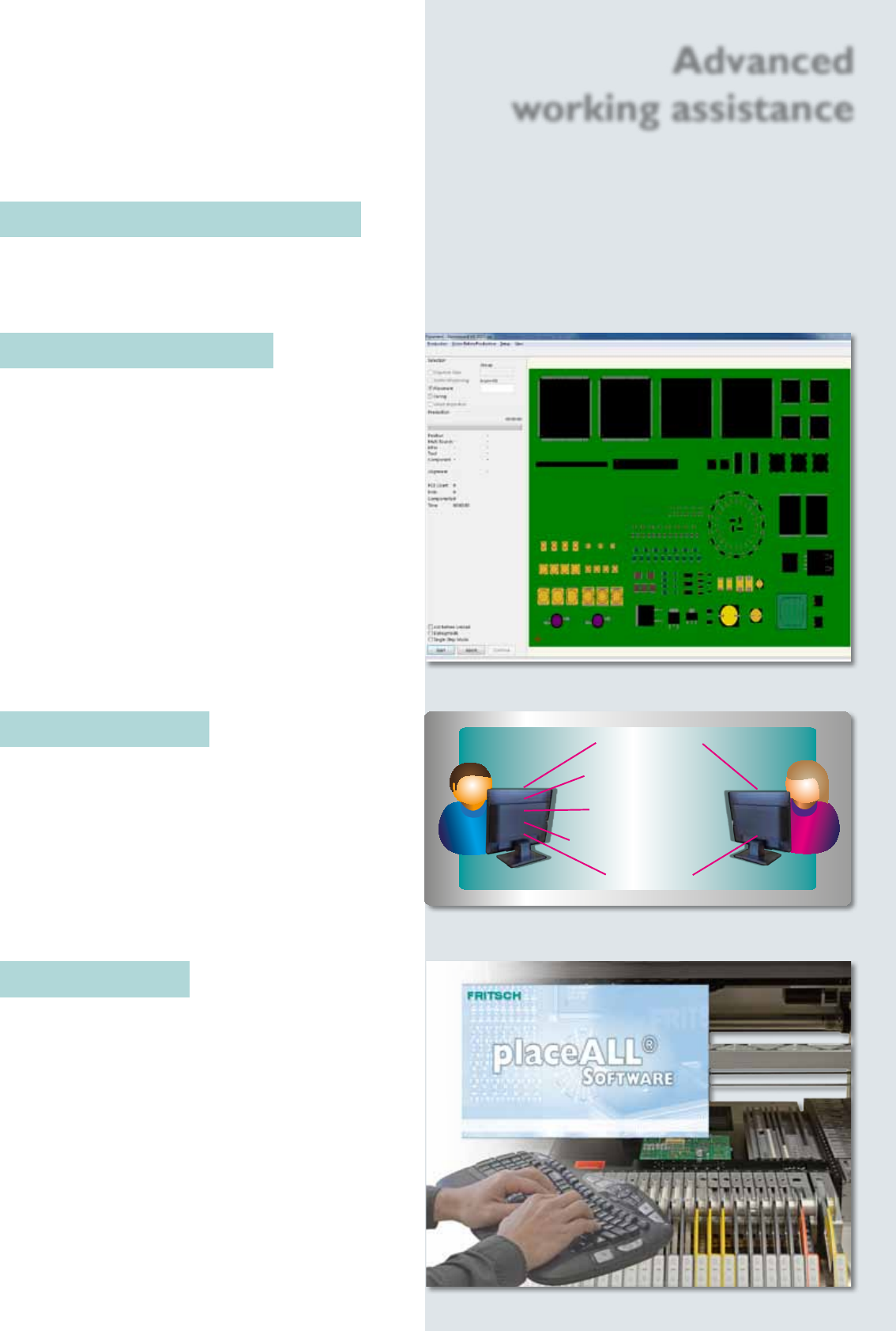
process, the circuit board is shown on the monitor. It
displays virtual components one-to-one with the real
assembly.
Automatic setup control
The automatic setup control shows the result be fore
the real assembly process starts.
The image of a PCB can be used as model. Therefore
it is possible to control fast and easy the result of
assembling.
Components are single or grouped deactivated or
deleted. The editor possibilities like moving or rotating
complete the automatic setup control to a very useful
tool. While the Pick & Place process the virtual plan is
displayed to control the real advancement of assembling.
Admin User
Start placement
Congurate project
Calibrate machine
Edit/create comp. model
Load project
Advanced
working assistance
21
Autom. ducial recognition
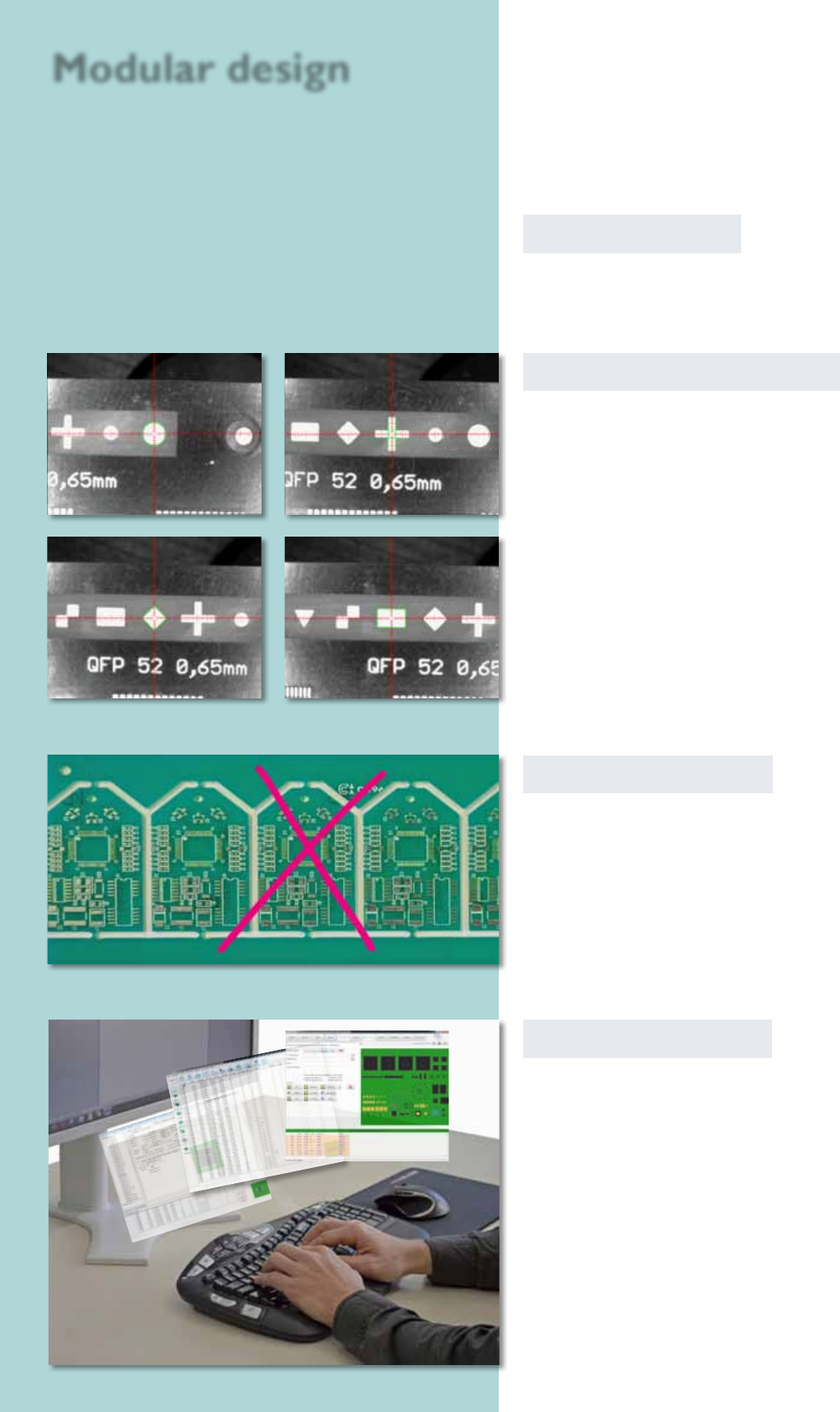
To set up an assembly, reference marks such as crosses,
circles, rhombi etc. can be read in automatically. The
camera captures the exact position of the circuit board
before the assembly begins.
Software modules
All described software modules can be retted to
your software on demand.
circle
cross
rhomb rectangle
Badmark recognition
The recognition is searching automatically for a mark on
a dened position wether the PCB should by signed as
bad and shouldn‘t be assembled. The sign is identied in
cause of its brightness. Light or dark marks (made with
labels, pens or ink pints) can be recognized.
Ofine programming
With this CAD conversion, assembly and dispense data
as well as the whole libraries can be edited at a separate
workstation. The processed data can be transmitted to
the Pick & Place machine afterwards.
Modular design
22
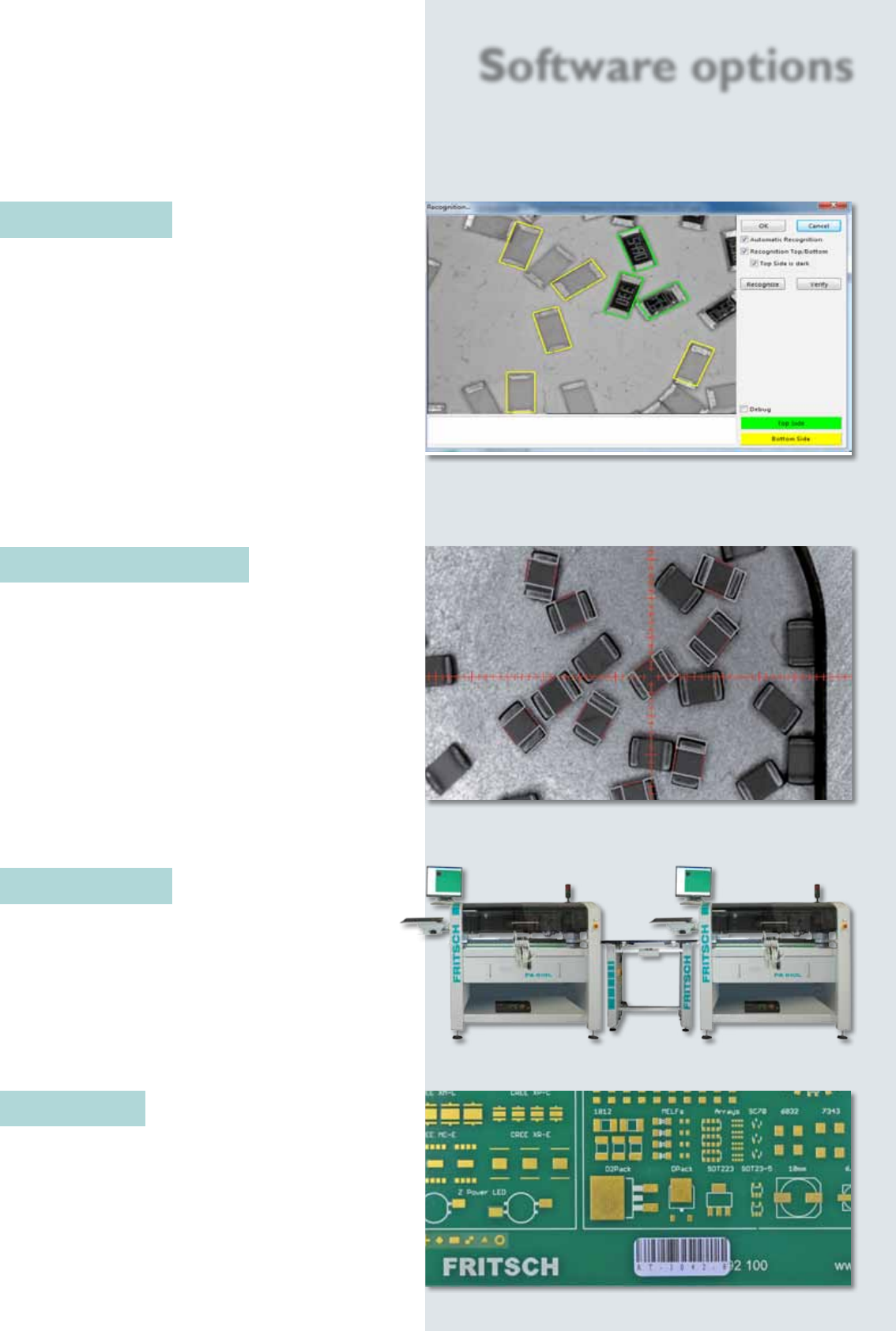
PAsmartBULK
This module offers an automatic search for bulk goods
components and the integrated component turning
station even fully automatically turns parts that are the
wrong way up.
The automatic component search alleviates and
accelerates the production of the smallest series and
prototypes considerably. The software automatically
scans with the head camera for the required compo-
nents prior to each assembly. In doing so, it even takes
into consideration the component size in case a wrong
component happens to be in the tray.
Software options
PALoose Components
The placeALL
®
range offers by standard a procedure
for manual picking of single components to create the
assembling of loose components effective and safe.
The machine isn‘t only able to pick single components
from a feeder. It features also the possibility to mark
any components before starting the assembling. This
enables the user to begin an automatic assembling
after designing.
The optional smartBULK feature recognizes auto-
matically the loose components in the container. This
quickens the assembling signicant.
PALineControl
This unit processes the division of the assembly data
on multiple machines in a line. This ensures a balanced
loading, and the whole production line is monitored.
PAPCBScan
Existing assembling and dispensing programs can be
requested by scanning the code on the PCB.