cp642规格书.pdf - 第23页
9. Options 9.1 Installation of Optional Parts and Functions The options listed below are categorized into three groups. Category A Factory installed (installed by Fuji prior to shipping) Category B Site installed (instal…
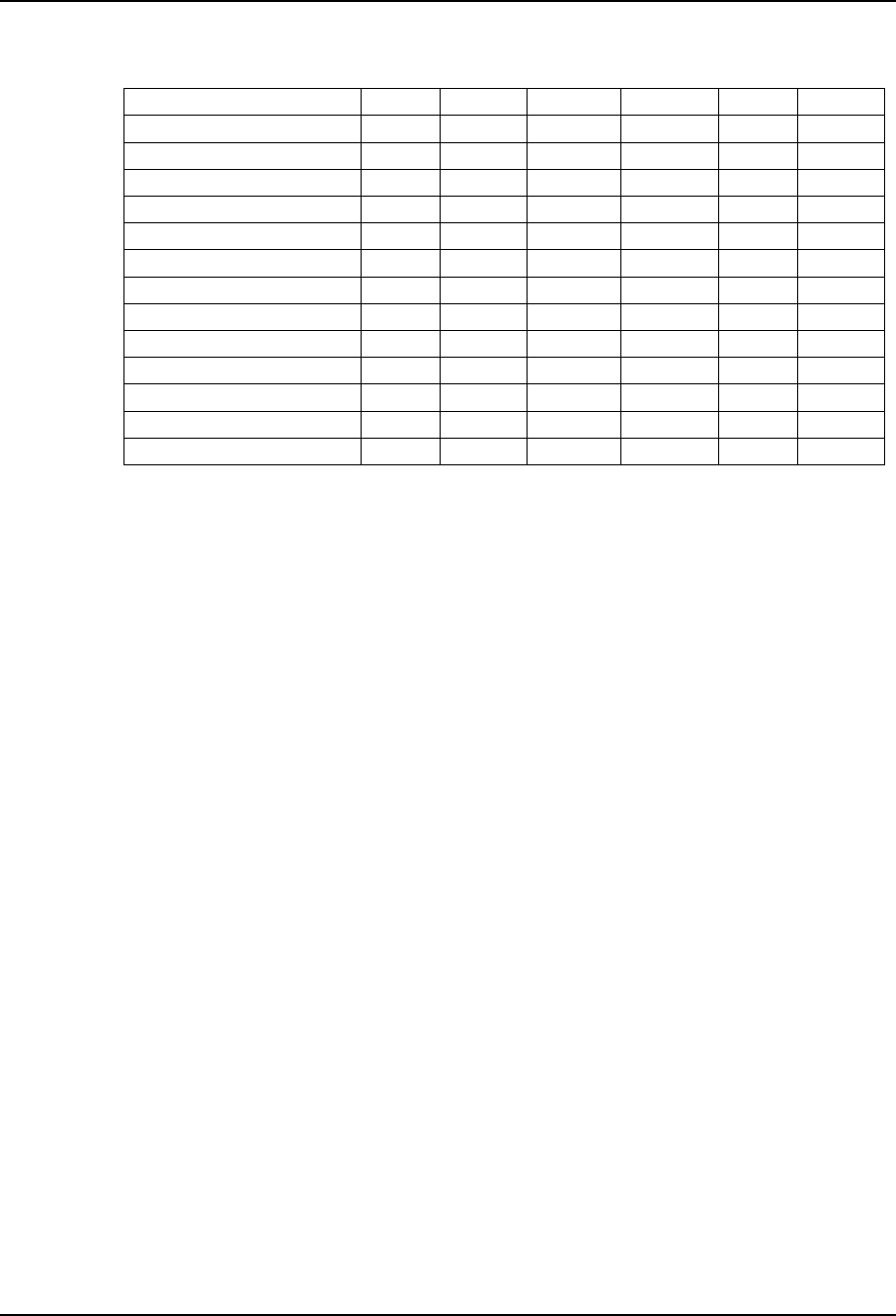
8.2 Signal Tower
Notes:
(1) The signal tower lighting condition settings are made in Proper data.
(2) The blue light is replaced by a green light on IEC-compatible machines.
Machine Status
Automatic Operation
Board Loading
Board Waiting
Command Waiting
Parts Out
M/C Stop Due To Parts Out
M/C Stop Due To Error
Statistical Warning
Operator Call During Changeover
Vision Processing Error
Ready Mode
Changeover In Process
M/C Stop Due To Production Count Up
Blue(steady)
√
√
√
√
Blue(flashing)
√
√
√
√
Yellow(steady)
√
√
Yellow(flashing)
√
√
√
Red(steady)
√
Red(flashing)
√
– 19 – CP-642(E) Specifications
1.0
8. Machine Control System

9. Options
9.1 Installation of Optional Parts and Functions
The options listed below are categorized into three groups.
Category A Factory installed (installed by Fuji prior to shipping)
Category B Site installed (installed on-site by Fuji)
Category C User installed (installed by the customer)
• Reference pin unit A or B
• Reference pins C
• Backup pins C
• Vacuum-type backup pins A or B
• Additional nozzles C
• Tape feeders C
• Handy terminal C
• Board-flow direction A
• Roller-guided conveyor A
• Tri-color signal tower A
• HELPS A
• F4G C
• Others
9.2 Further Information
9.2.1 Reference Pin Unit
(1) The CP642/CP-642(E) comes equipped with a fiducial mark camera that
reads fiducial marks to ascertain a board's position. Board-holding units for
use with reference pins are available as an option.
(2) Reference pin units can be used together with fiducial marks.
(3) The reference pin unit does not include reference pins. The reference pins
must be ordered using the customer specification form.
– 20 – CP-642(E) Specifications
1.0

9.2.2 Reference Pins
The following reference pins are available. Please specify the quantity and size
in your order.
• ø3.0 round or diamond shaped
• ø4.0 round or diamond shaped
9.2.3 Backup Pins
Order backup pins as needed
9.2.4 Vacuum Style Backup Pins
6 pins are used. Use of the vacuum backup pins increases board loading time by
one second compared to standard backup pins. However, this may vary
depending on the specified table mode.
Loading Speed Mode Time(sec)
Hi 5.0
Mid 5.5
Low 6.0
9.2.5 Additional Nozzles
Order additional nozzles as needed.
9.2.6 Part Supply Feeders
8, 12, 16, 24 and 32 mm feeders are available. Note requirements in your order.
9.2.7 Handy Terminal
(1) Permits the operator to conveniently enter and view data normally
displayed on the control CRT during device checks.
(2) Eliminate errors when replacing reels by allowing device checks via the
attached pen-type barcode reader.
9.2.8 Board-flow Direction
(1) Provides support for right to left board flow.
9.2.9 Roller-Guided Conveyor
(1) This unit enhances board transport performance by incorporating rollers
under the PCB transport conveyor belt.
(2) The maximum weight allowable is 1 to 2 kg including the transport pallet.
– 21 – CP-642(E) Specifications
2.0
9. Options