SME_DB_Feeder_User_Guide(Eng_Ver1.5) (1).pdf - 第56页
2-30 SM-Series SME DB Tape Feeder User's Manual Error The letter ‘E’ and figures blink in turn. The figure refers to the type of error . E0: Occurred overcurrent more than 1.7A Cause of motor failure or cable da…
2-29
Operation of the Feeder
Note How to set the alarm against communication disconnection of a
feeder in a Non - IT machine.
It is possible to change the setup as to whether the corresponding
function will be used or not once the feeder is installed in the feeder
base by moving the clamp lever up while pressing the P button of the
feeder switch.
12~88mm Tape Feeder State Indication Lamp
Device Net Error Magenta LED
blinking
The feeder is installed in a Non - IT
machine.
Press the home button to finish
homing and perform production
when the status LED color is
changed to purple.
Communication disconnection
occurred when the IT machine is
using the feeder.
Rerun the IT - Feeder program.
Not Homing Blue The function to warn against
communication disconnection is
not used when a Non - IT machine
is using the feeder.
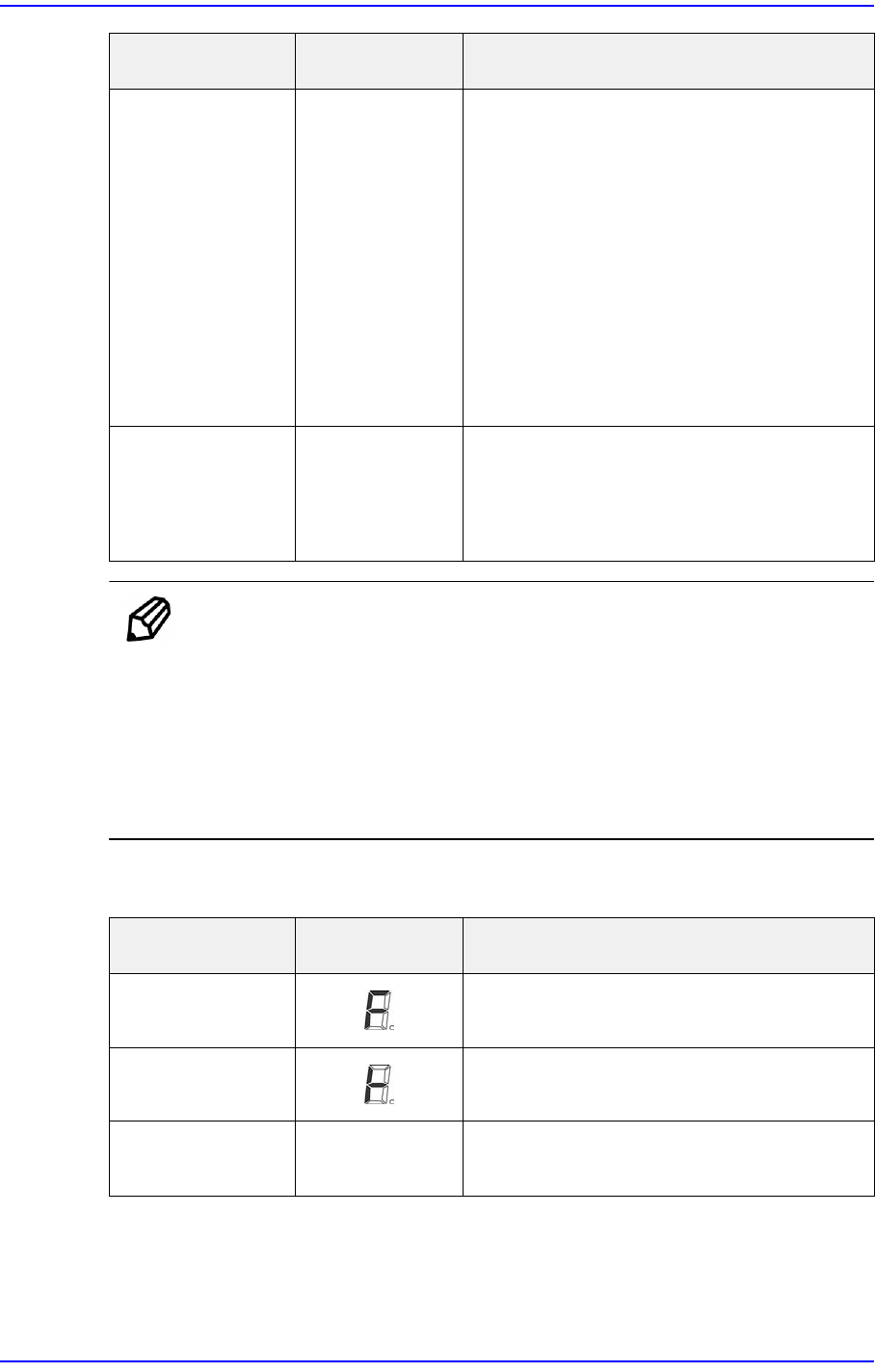
Feeder State LED Display State Explanation
Feeding Under feeding
Splicing Mode Splicing tape detected
Normal (Ready) Number
indicated
Normal operation
Feeder State LED Display State Explanation
2-30
SM-Series SME DB Tape Feeder User's Manual
Error The letter ‘E’
and figures blink
in turn.
The figure refers
to the type of
error.
E0: Occurred overcurrent more
than 1.7A
Cause of motor failure or cable
damage.
Contact our C/S company.
E1: Origin Sensor Error
Check for motor rotation
Check for foreign materials on
the sensor
Perform homing by force by
pressing the function key
E2: Automatic initialization error
Reinstall the tape in the tape
feeder
Defective vinyl tape discharge
E3 / E4: Service Mode
Contact our C/S company.
E6: Pitch Counter Error
Check for motor rotation
Overload occurred caused by a
part jamming between the tape
guide and sprocket
Check for foreign materials on
the sensor
H: Not Homing
Press the Home button to
perform homing
C: Disconnection of communication
with IT system
Check whether the ITS
program has been executed
Check whether the probe pin
has been damaged. If
damaged, replaced the probe
pin
Feeder State LED Display State Explanation
2-31
Operation of the Feeder
Caution Unauthorized modification of internal parameters may lead
to malfunction of the feeder and damage to its components.
We do not provide warranty for problems that occur due to
unauthorized modification of internal parameters.
Homing - ETC Home Button All errors except for the E0 error
are reset along with the homing
movement.
Feeder State LED Display State Explanation